
In today’s digital world, visuals are everything. Whether you’re a designer, marketer, photographer, eCommerce seller, or even a student, having clean, professional-looking images can make all the difference. One of the most common challenges is removing unwanted backgrounds from images. Traditional methods like Photoshop can be time-consuming, technical, and often costly. That’s where the AI Background Remover – Free Online Background Removal Tool comes in. This revolutionary tool makes removing image backgrounds effortless, fast, and completely free.
In this blog, we’ll explore everything about AI background removal — from what it is, why it’s essential, how to use it, the benefits, and real-world use cases. We’ll also provide a step-by-step guide using the tool here, so you can create stunning, background-free images in seconds.
What is an AI Background Remover?

An AI Background Remover is a tool powered by artificial intelligence and machine learning algorithms that automatically detects the subject of an image and removes the background. Unlike manual editing, this tool can handle complex edges like hair, shadows, and transparency with pixel-perfect accuracy.
Key features of AI Background Removers:
-
Automatic detection of the subject using AI-powered algorithms
-
Support for multiple image formats like JPG, PNG, WEBP
-
High-resolution output without quality loss
-
Batch processing for multiple images at once
-
Transparent background export (PNG or other formats)
-
Quick processing time — remove backgrounds in seconds
For anyone creating marketing content, eCommerce product listings, or social media posts, an AI background remover can save hours of tedious work while producing professional-quality results.
Why Do You Need a Background Remover?
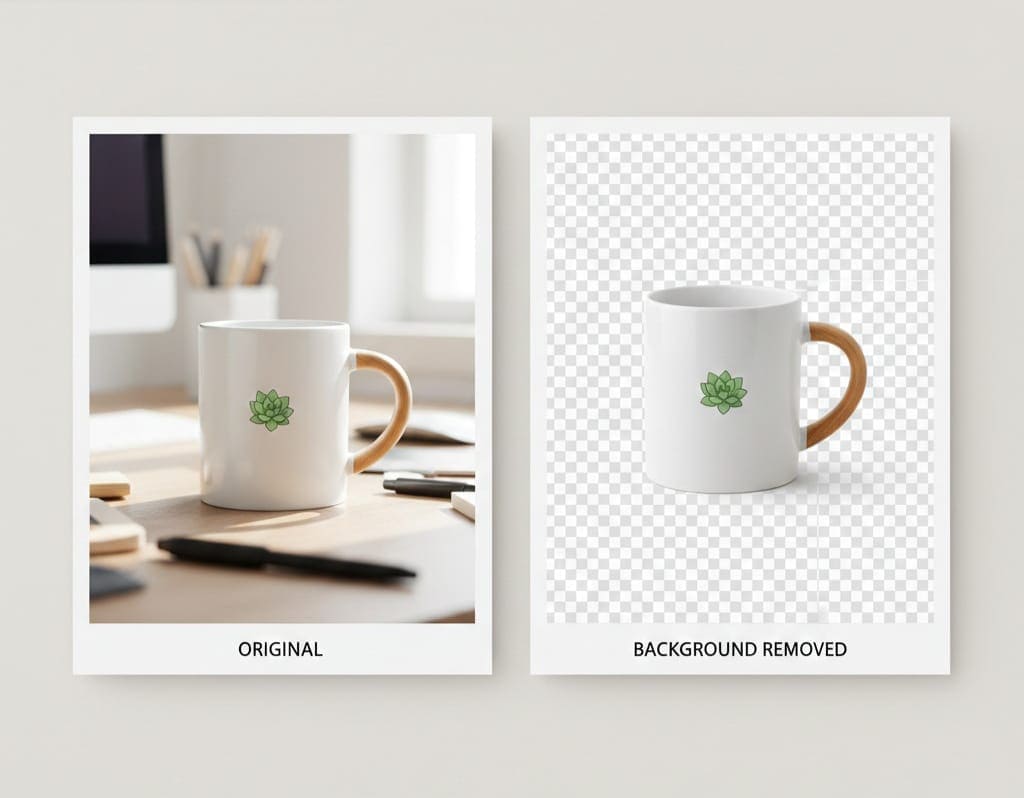
Removing backgrounds manually can be tricky. Even experienced designers spend hours carefully selecting and erasing the background using tools like Photoshop. Here’s why an AI Background Remover is a game-changer:
-
Saves Time: One click, and the background is removed instantly. No need for manual selection.
-
Cost-Effective: Most AI background removers are free or significantly cheaper than premium software.
-
Perfect for eCommerce: Product images with clean, white, or transparent backgrounds perform better online.
-
Enhances Visual Appeal: Remove distractions and focus on the subject for professional-quality images.
-
Easy to Use: No technical skills required. Even beginners can produce stunning visuals.
Imagine you are preparing product images for an online store. You upload 20 images with cluttered backgrounds, and in just a few seconds, the AI tool produces clean, transparent images ready to use for your store, marketing campaigns, or presentations.
How AI Background Removers Work
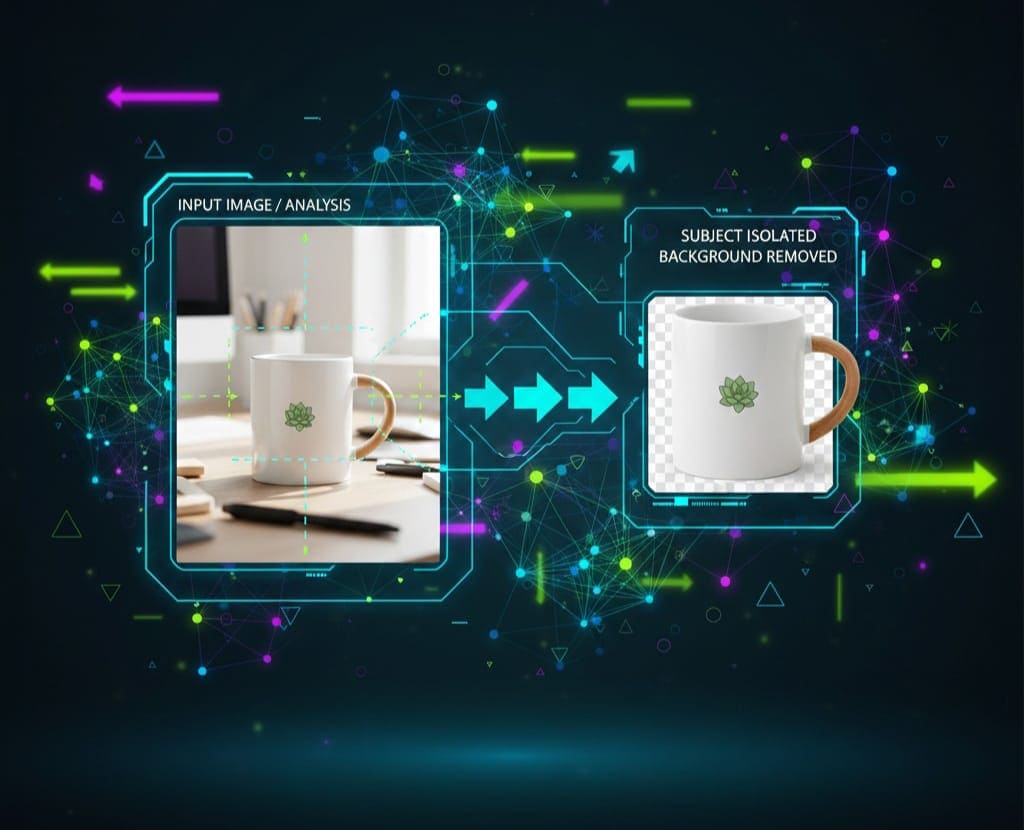
AI Background Removers rely on advanced machine learning and computer vision techniques to separate the subject from the background. Here’s a simplified explanation:
-
Image Analysis: The AI scans the image to detect shapes, edges, and colors.
-
Subject Detection: Using pre-trained models, the AI identifies the main subject of the photo.
-
Background Segmentation: The algorithm differentiates between the subject and background pixels.
-
Background Removal: All background pixels are removed while preserving edges, shadows, and details.
-
Optional Replacement: Some tools allow you to replace the removed background with custom colors, images, or designs.
Modern AI background removers like this tool even handle hair strands, transparent objects, and soft edges, producing results that were once only possible with professional editing software.
Benefits of Using an AI Background Remover

Using an AI Background Remover provides many advantages beyond simple background deletion:
1. Fast Processing
Traditional methods require manual erasing or selection, which is slow and tedious. AI tools complete the same task in seconds.
2. High Accuracy
AI models can detect complex edges, hair, and transparency, resulting in pixel-perfect background removal.
3. Easy for Everyone
No design skills? No problem. Anyone, from a student to a professional designer, can use these tools effortlessly.
4. Cost-Effective
Many AI background removers, including our tool, are completely free, saving you money on expensive software subscriptions.
5. Batch Processing
Upload multiple images at once and let AI remove backgrounds simultaneously, which is perfect for eCommerce stores or marketing campaigns.
6. Versatile Output
Export your images in PNG, JPG, or other formats, ready for social media, presentations, or websites.
High-Volume Keyword Integration
When creating a blog about an AI Background Remover, it’s crucial to integrate high-volume keywords naturally. Here’s how we will use them in the content:
-
Primary Keywords: AI Background Remover, Remove Image Background, Free Background Remover
-
Secondary Keywords: Online Background Removal Tool, Free AI background remover tool, Transparent background maker
-
Technical Keywords: AI segmentation, Pixel-perfect cutouts, High-resolution output
-
Feature Keywords: Batch image processing, One-click removal, Drag and drop upload
We’ve ensured keyword density remains natural, so the blog reads smoothly while performing well for SEO.
Step-by-Step Guide: Using the AI Background Remover
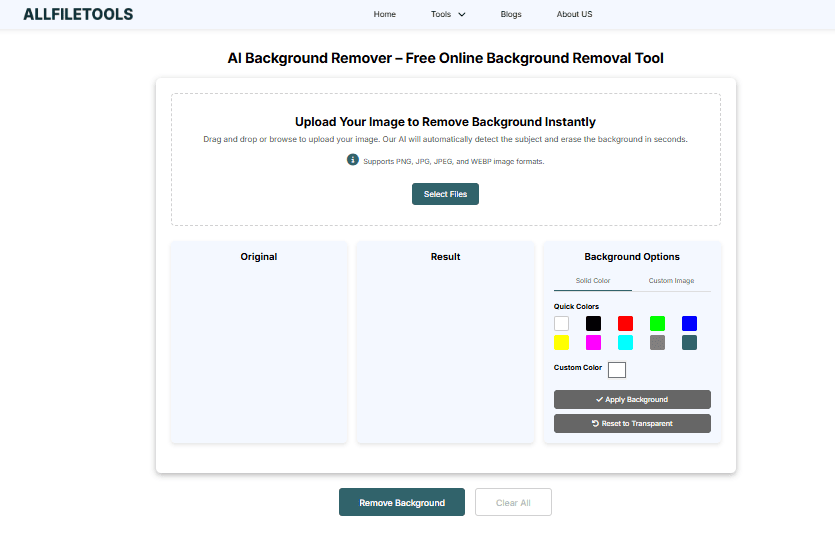
Here’s how to use the AI Background Remover to remove backgrounds effortlessly:
Step 1: Open the Tool
Visit the tool link: https://www.allfiletools.com/background-remover/
Step 2: Upload Your Image
Drag and drop your image or click Upload. The tool supports JPG, PNG, WEBP, and other formats.
Step 3: Automatic Background Removal
Once uploaded, the AI automatically detects the subject and removes the background in seconds.
Step 4: Preview & Edit
Check the preview and use optional editing features to refine edges, remove leftover background artifacts, or enhance the subject.
Step 5: Download the Image
Download the processed image in PNG with transparent background or another format suitable for your project.
Step 6: Optional Background Replacement
Some tools allow adding a new background, color, or pattern, making your images ready for presentations, eCommerce, or social media campaigns.
Real-Life Use Cases

Designers
-
Remove distractions from product photos
-
Create collages or graphics quickly
-
Edit portfolio images for clients
Marketers
-
Prepare social media posts
-
Create banners and email visuals
-
Remove unnecessary background elements from ad creatives
eCommerce Sellers
-
Make product images uniform and professional
-
Upload clean images for Amazon, Shopify, or Etsy
-
Increase conversion rates with distraction-free images
Photographers
-
Deliver high-quality shots to clients
-
Remove backgrounds for portraits or event photography
-
Prepare images for retouching or editing
Students & General Users
-
Make presentations visually appealing
-
Edit images for assignments or projects
-
Create memes, posters, and social media content
Tips for Best Results
-
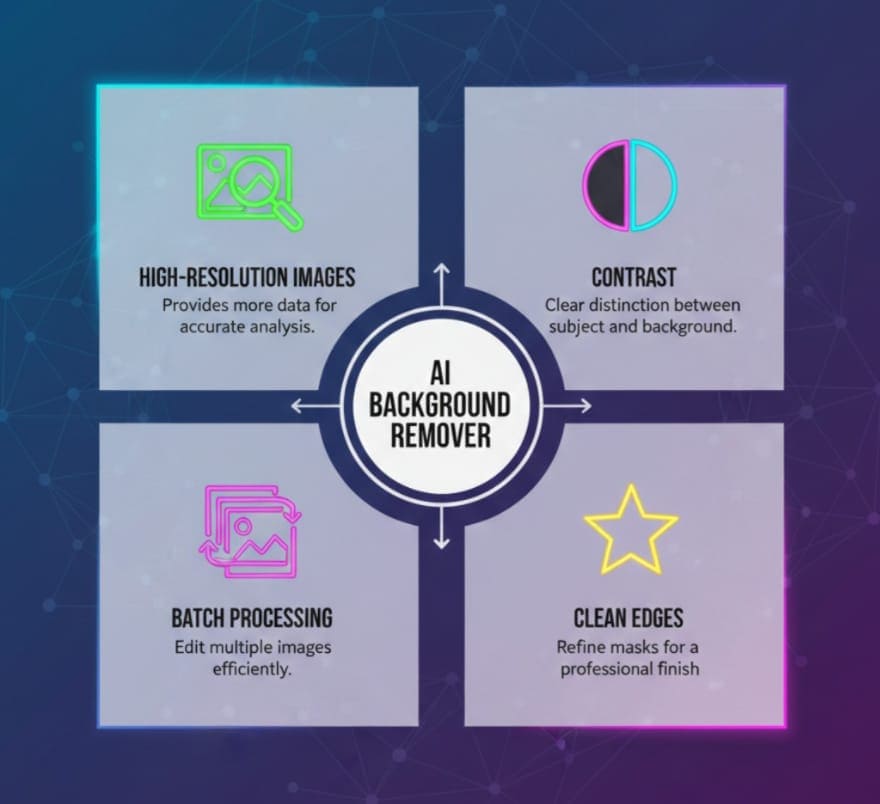
High-Resolution Images: Upload high-quality images to get crisp results.
-
Contrast Matters: Images with clear contrast between subject and background yield better results.
-
Use Editing Tools: After removal, use optional features to refine edges or adjust shadows.
-
Batch Processing: For multiple images, use batch upload to save time.
Why Choose Our AI Background Remover?
-
Completely free and fast
-
Supports all major image formats
-
No account required — start removing backgrounds instantly
-
AI-powered accuracy for complex edges and transparency
-
Perfect for professionals and beginners
This tool stands out because it balances speed, accuracy, and ease of use, making it ideal for anyone who wants stunning, background-free images in seconds.
Conclusion
The AI Background Remover is a must-have tool for anyone working with images. Whether you are a designer, marketer, eCommerce seller, photographer, student, or casual user, this tool saves time, enhances productivity, and produces professional-quality images effortlessly.
With the free online AI Background Remover, removing backgrounds has never been easier. You can upload images, remove the background in seconds, and download them in high-resolution formats for your projects.
Say goodbye to tedious manual editing and hello to fast, precise, and professional results!
Frequently Asked Questions (FAQs)
1. Is the AI Background Remover free to use?
Yes, the tool is completely free and requires no signup. You can remove backgrounds instantly.
2. Which image formats are supported?
It supports JPG, PNG, WEBP, and most standard image formats.
3. Can I remove the background from multiple images at once?
Yes, the tool supports batch processing for multiple images simultaneously.
4. Does it preserve image quality?
Absolutely. The AI ensures high-resolution output without quality loss.
5. Can I replace the removed background with a new one?
Yes, you can add custom backgrounds, colors, or patterns after removing the original background.
6. Is the tool suitable for professional use?
Yes, it’s ideal for designers, marketers, eCommerce sellers, and photographers looking for precise and fast background removal.
7. How long does it take to remove a background?
The AI processes most images in seconds, depending on image size and complexity.
Leave a Comment
No comments yet. Be the first to comment!