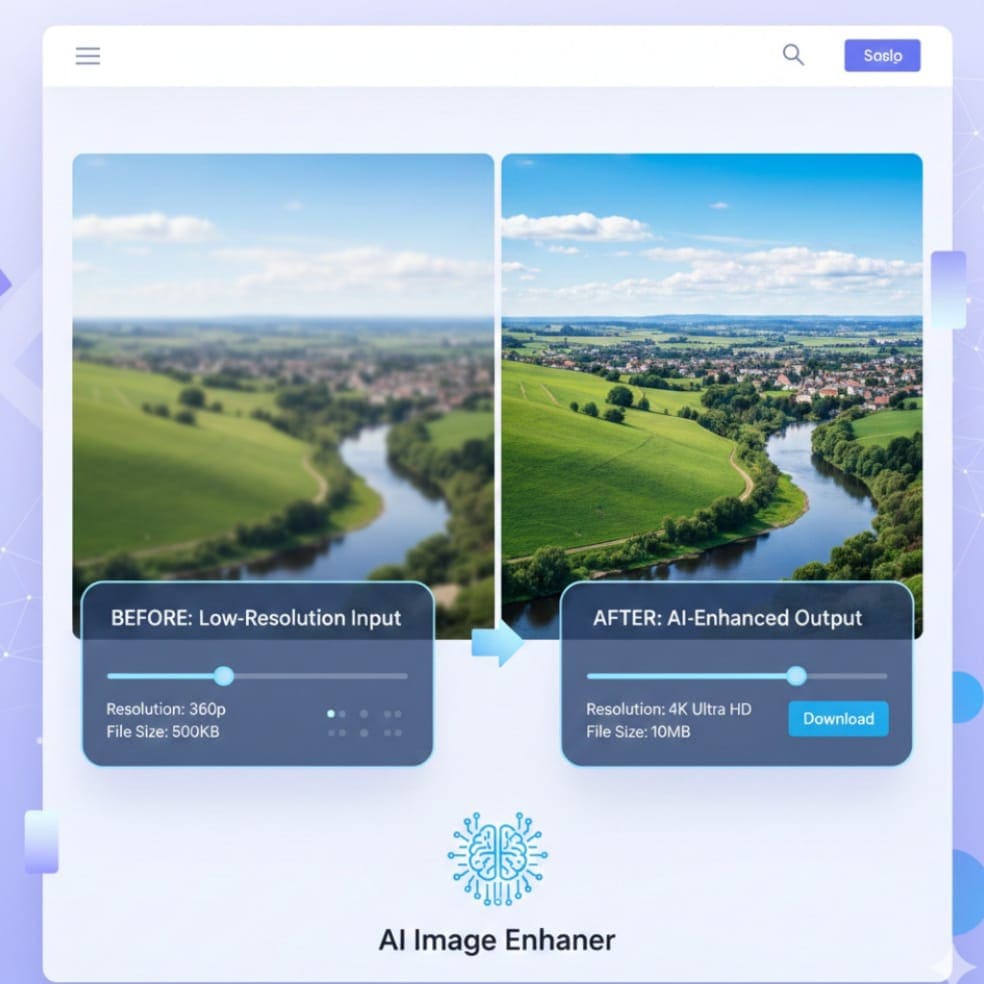
In today’s digital era, images are everywhere—on websites, social media, eCommerce platforms, and personal projects. The quality of these images can make or break user experience, sales, and engagement. Blurry photos, low-resolution images, and noise can negatively impact the professional appearance of your content. Fortunately, AI-powered tools like AI Image Enhancer & Photo Quality Upscaler are changing the game. These tools allow users to instantly enhance image clarity, sharpen details, and upscale photos without losing quality—all online, free, and fast.
Whether you’re a designer looking to polish a portfolio, an eCommerce seller aiming for high-quality product images, or a photographer needing to enhance your shots, this tool can save time and deliver professional results effortlessly. In this blog, we will dive deep into the features, benefits, practical use cases, and technical aspects of AI image enhancement and upscaling, ensuring you get a complete understanding of this powerful online tool.
Why Image Quality Matters
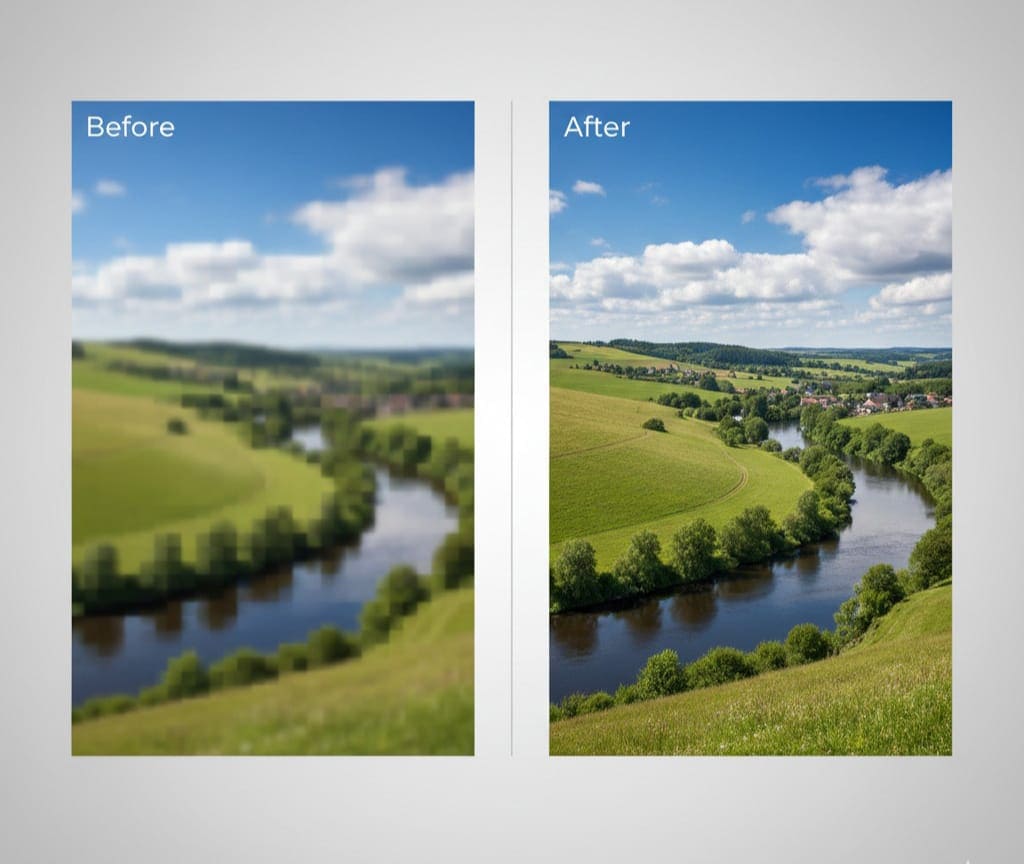
High-quality images serve multiple purposes:
-
First Impressions: Clear, professional images immediately capture attention.
-
Conversion Rates: eCommerce product images with better clarity often increase sales.
-
Content Engagement: Social media posts with sharp visuals get higher engagement.
-
Professional Branding: High-resolution visuals reinforce brand credibility.
-
Print and Marketing: For brochures, posters, or banners, poor-quality images can look unprofessional.
Poor-quality images can negatively affect SEO rankings, bounce rates, and overall user satisfaction. Enhancing images manually using traditional software can be time-consuming, complex, and requires technical skills. AI-powered image enhancers make this process simple, automatic, and scalable.
What is AI Image Enhancer & Photo Quality Upscaler?
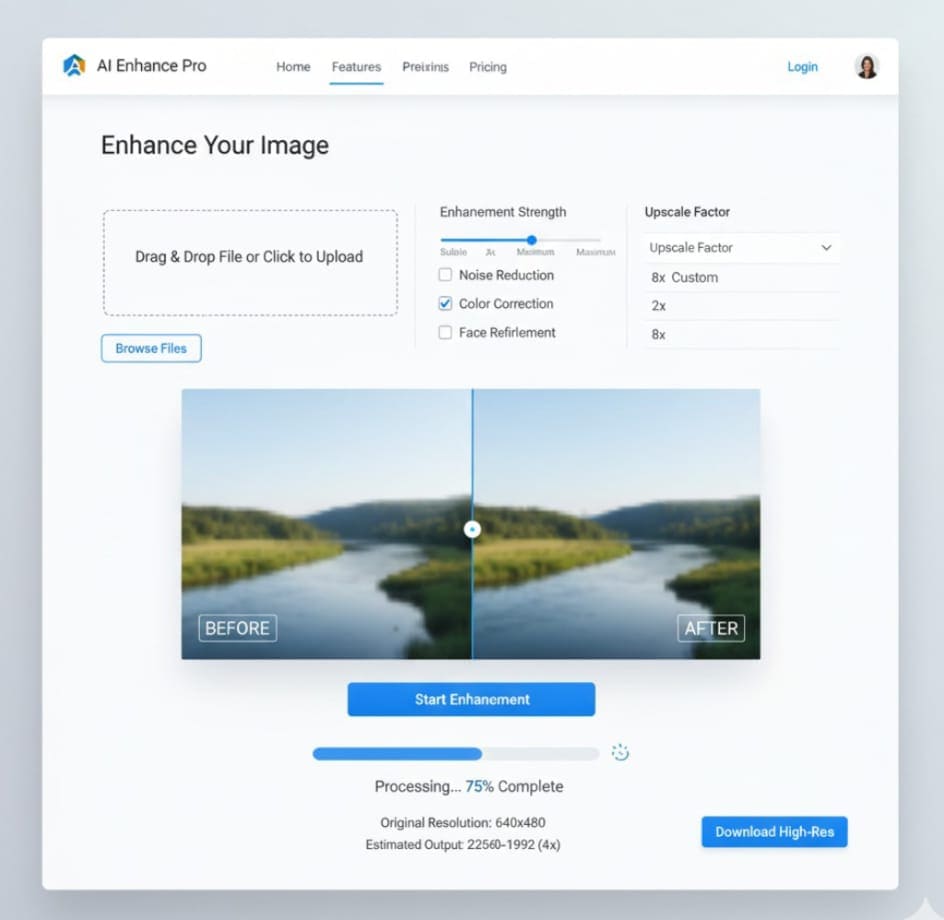
AI Image Enhancer & Photo Quality Upscaler is an online tool designed to automatically improve image resolution, remove noise, sharpen details, and upscale photos for various purposes. Powered by advanced AI algorithms, this tool analyzes every pixel, identifies areas of blur or low-quality detail, and reconstructs the image in a way that preserves natural textures and colors.
Key Capabilities:
-
Resolution Enhancement: Instantly upscale images to higher resolutions (HD, 4K, and beyond).
-
Noise Reduction: Remove graininess and noise, making photos cleaner.
-
Sharpening: Enhance details like edges, text, and textures for professional clarity.
-
Color & Contrast Improvement: Automatically adjust tones for balanced, vivid images.
-
Batch Processing: Upload multiple images for bulk enhancement (ideal for eCommerce or designers).
Tool Link: AI Image Enhancer & Photo Quality Upscaler
How Does AI Image Enhancement Work?
AI image enhancement combines deep learning, computer vision, and image processing techniques. Here’s a simplified explanation of the process:
-
Image Analysis: The AI scans the image to identify blur, noise, low-resolution regions, and missing details.
-
Pixel Reconstruction: Using trained neural networks, it predicts how the missing or blurry pixels should look.
-
Upscaling: The image is resized while preserving sharpness and clarity.
-
Noise Reduction & Sharpening: Unwanted artifacts are removed, edges are enhanced, and textures are restored.
-
Final Output: The tool produces a high-quality image with enhanced details, better colors, and higher resolution.
Unlike traditional methods, AI enhancement does not simply stretch pixels—it intelligently reconstructs details, making the output look natural and professional.
Features That Make This Tool Stand Out
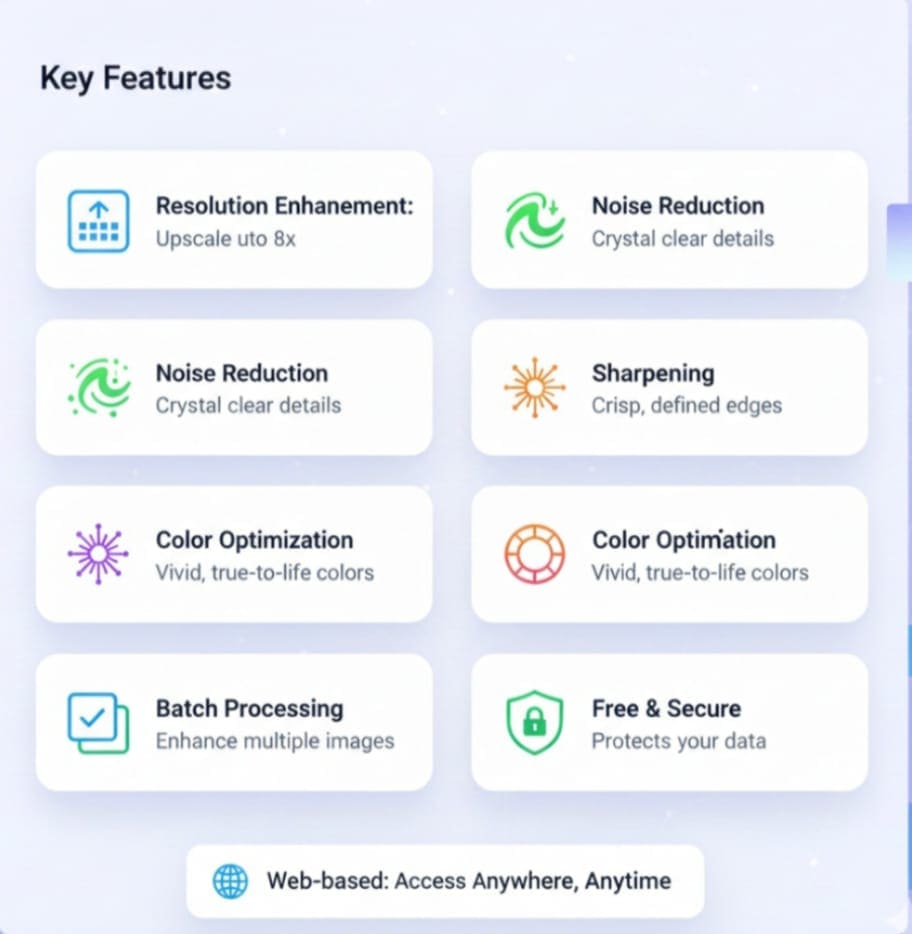
AI Image Enhancer & Photo Quality Upscaler offers unique features tailored for different users:
1. One-Click Enhancement
No technical skills are required. Simply upload an image, click “Enhance,” and get high-quality results in seconds. This is especially helpful for marketers, social media managers, and content creators who need speed without compromising quality.
2. Multiple Upscaling Options
Users can choose to upscale images for web, social media, or printing purposes. Options like 2X, 4X, or custom resolutions allow flexibility depending on the project.
3. Noise Removal & Sharpening
Images taken in low light or with old cameras often have grainy textures. AI algorithms automatically remove noise while sharpening edges and details.
4. Color & Contrast Optimization
Automatically balances colors, contrast, and brightness to make images more vibrant and visually appealing. This is perfect for designers, photographers, and eCommerce product images.
5. Bulk Upload & Batch Processing
For professionals handling multiple images, the tool supports batch processing. Upload hundreds of images at once, and let AI enhance them automatically, saving time and effort.
6. Web-Based & Fast
No software installation is required. All processing happens online, making it accessible from any device with an internet connection. Processing is fast, even for large files.
7. Free & Secure
Users can try the tool for free with full privacy. All images are processed securely without storing personal data.
How to Use AI Image Enhancer & Photo Quality Upscaler
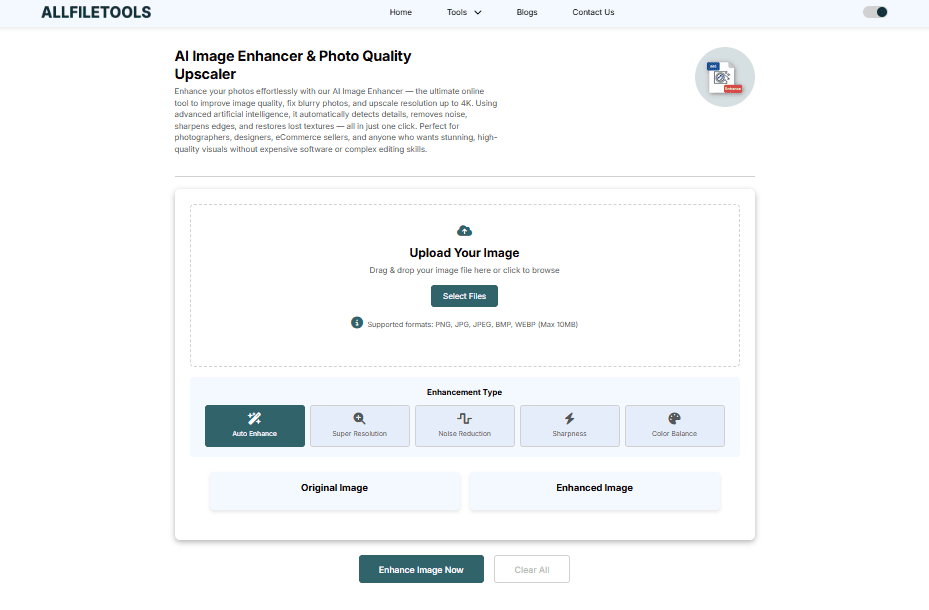
Using the tool is extremely simple:
-
Open the Tool: Visit https://www.allfiletools.com/image-enhancer/.
-
Upload Image: Drag and drop your image or select it from your device.
-
Select Enhancement Level: Choose from options like 2X, 4X, or 8X upscaling.
-
Apply Enhancements: Click the “Enhance” button to start AI processing.
-
Download: Once processed, download the high-resolution image instantly.
Pro Tips:
-
Use the tool for old photos or low-quality stock images to make them look professional.
-
For eCommerce, process multiple product photos for consistent quality.
-
Check color balance and details post-enhancement for print-ready output.
Who Can Benefit from This Tool?
1. Developers & Programmers
-
Integrate enhanced images in apps or websites.
-
Use AI upscaling for prototype designs or app assets.
2. Designers (Graphic, UI/UX)
-
Quickly polish mockups and visual assets.
-
Enhance images for presentations, portfolios, and client projects.
3. Photographers
-
Restore old photos or low-quality shots.
-
Produce print-ready high-resolution images with minimal effort.
4. eCommerce Sellers
-
Improve product photos to attract customers.
-
Enhance multiple product images in bulk for online stores.
5. Content Creators & Influencers
-
Sharpen social media images to increase engagement.
-
Create high-quality thumbnails and banners for video or blogs.
6. Students & General Users
-
Enhance personal photos or academic projects.
-
Improve low-resolution images for digital presentations.
7. Marketing Teams & Social Media Managers
-
Ensure visuals maintain brand consistency and professionalism.
-
Save time while improving image clarity for campaigns.
Benefits of Using AI Image Enhancement
-
Time-Saving: No need for manual editing or complex software.
-
Cost-Effective: Free tool for basic use; no expensive subscriptions needed.
-
Professional Quality: Produces results similar to professional editing software.
-
Versatile: Works for multiple industries, use-cases, and file types.
-
User-Friendly: Minimal learning curve; ideal for all skill levels.
Practical Use Cases
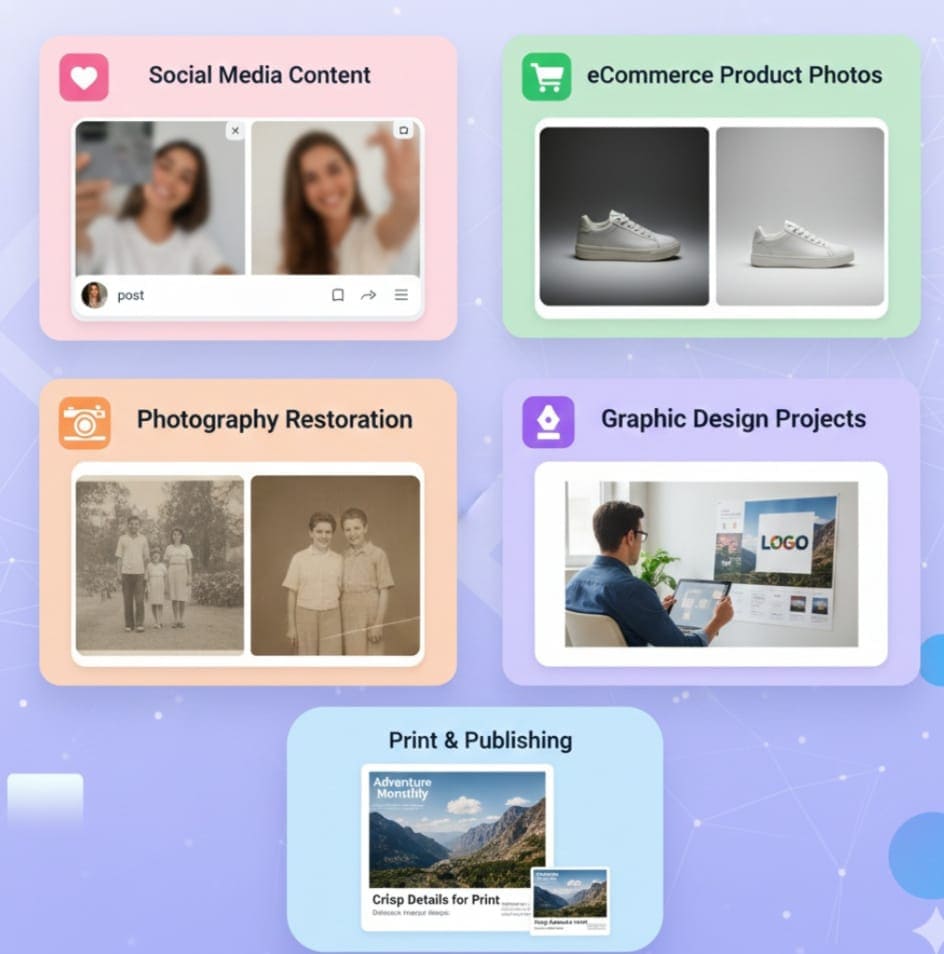
1. eCommerce Product Photos
High-quality images improve click-through rates and sales. Use AI enhancement to ensure your products look clear, vibrant, and professional.
2. Social Media Content
Posts with crisp visuals attract more engagement. Enhance images before posting on Instagram, Facebook, or Pinterest.
3. Photography Restoration
Old, faded, or blurry photos can be restored for personal memories or professional portfolios.
4. Graphic Design Projects
Designers can upscale and enhance images for websites, presentations, and client deliverables without losing quality.
5. Print & Publishing
Prepare images for brochures, posters, magazines, or online publications where resolution is critical.
Step-by-Step Comparison: Manual Editing vs AI Enhancement
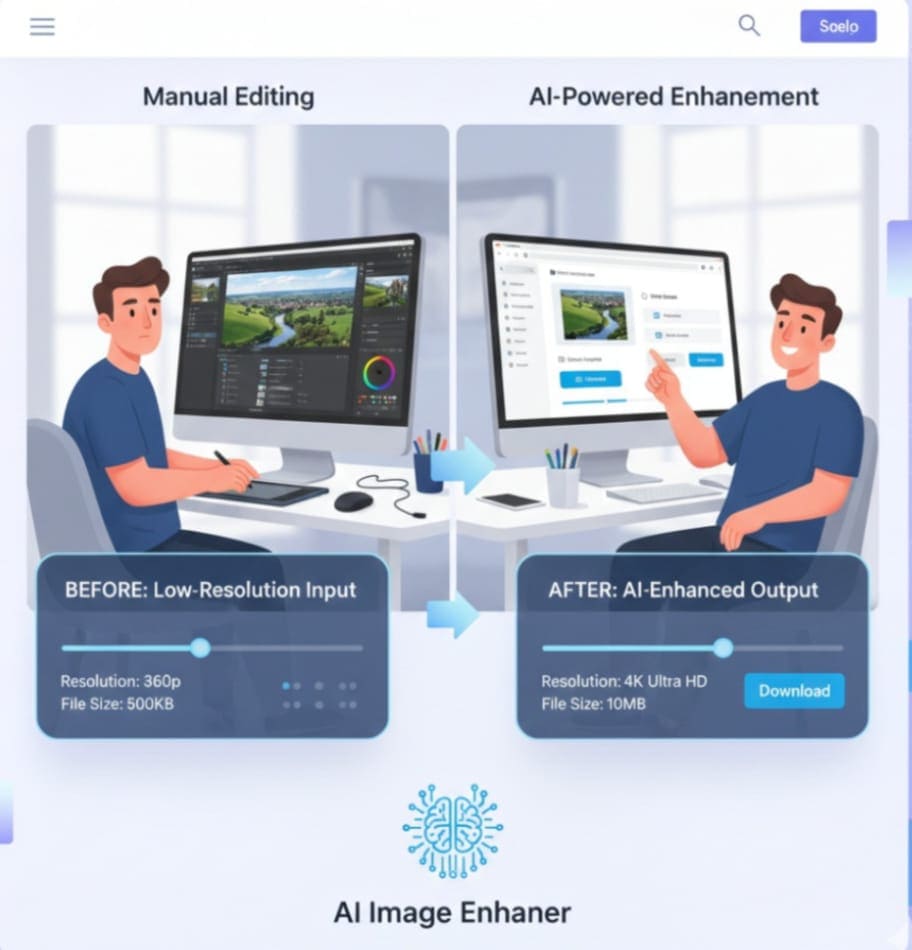
| Feature | Manual Editing | AI Image Enhancer & Upscaler |
|---|---|---|
| Time Required | 30–60 min per image | 5–10 seconds per image |
| Skill Needed | Advanced Photoshop / Lightroom | None |
| Batch Processing | Difficult / Requires scripting | Supported |
| Noise Reduction | Manual adjustments needed | Automatic |
| Resolution Upscaling | Limited | Supports HD, 4K, 8K |
| Output Quality | Depends on skill | Consistent high-quality |
This comparison highlights how AI enhancement can save time and improve consistency.
Tips to Maximize AI Image Enhancement Results
-
Start with the best quality source image possible.
-
Avoid over-cropping; AI works better with full images.
-
Use batch processing for similar images to maintain uniformity.
-
Preview enhanced results before final download.
-
Combine enhancements with minor manual edits if necessary for professional projects.
Common Misconceptions About AI Image Enhancement
-
Myth: AI destroys the original image.
Fact: AI works non-destructively; the original file remains unchanged. -
Myth: Only professionals can use it.
Fact: One-click online tools are accessible for all skill levels. -
Myth: AI can create details that never existed.
Fact: AI predicts missing details intelligently, but extremely low-resolution images may have limited improvement.
Conclusion
AI Image Enhancer & Photo Quality Upscaler is a revolutionary tool for anyone who values image clarity, professional presentation, and time efficiency. From designers and photographers to eCommerce sellers and content creators, this tool simplifies the process of upscaling, sharpening, and enhancing images with just a few clicks. Its combination of speed, simplicity, and quality ensures users can achieve professional-grade visuals without complex software or technical expertise. Whether for social media, online stores, personal projects, or print, this tool can elevate the quality of your images instantly.
Ready to experience professional image enhancement? Try it now for free: AI Image Enhancer & Photo Quality Upscaler.
Frequently Asked Questions
Q1: Can I use this tool for free?
Yes, the tool is free for basic usage. You can enhance and upscale images without any subscription.
Q2: What image formats are supported?
Common formats like JPEG, PNG, and BMP are supported. Larger images may take slightly longer to process.
Q3: How high can I upscale my images?
You can upscale images to HD, 4K, and higher resolutions depending on your needs.
Q4: Is it safe to upload private images?
Yes, all images are processed securely. The tool does not store personal files permanently.
Q5: Can I enhance multiple images at once?
Yes, batch processing allows multiple images to be uploaded and enhanced in one go.
Q6: Will AI enhancement work on old or blurry photos?
Absolutely. The AI can restore and sharpen details, improving the clarity of old or low-quality photos.
Q7: Do I need special software to use this tool?
No, it is completely web-based. You can access it from any device with an internet connection.
Leave a Comment
No comments yet. Be the first to comment!