
Audio is everywhere. From your favorite songs to podcasts, lectures, and video projects, we all handle multiple audio files every day. Sometimes, we want to combine these files into one single track. Whether you are a student compiling lecture recordings, a musician merging studio tracks, or a podcaster combining interview segments, merging audio files can be tricky without the right tool.
Luckily, the Audio Joiner Online tool makes this task simple, fast, and free. This blog will guide you step by step on how to merge audio files efficiently while highlighting the features, benefits, and real-life use cases. We will also answer common questions and provide tips to make the most out of this tool.
Why Merging Audio Files is Important
Imagine you have multiple audio clips: a podcast intro, the main interview, and an outro. Listening to them separately can be annoying for your audience. Merging them into one seamless file improves the listening experience.
Similarly, students recording lectures may want one single file instead of dozens of short clips. Musicians often record multiple takes or layers separately and need to merge them into a single track. Video editors often extract audio from different video clips and combine them for the final production.
Here are some key reasons to merge audio files:
-
Ease of use: One single file is easier to manage and share.
-
Improved listening experience: No abrupt stops or missing segments.
-
Editing flexibility: Combine multiple recordings before adding effects or background music.
-
Compatibility: Some platforms or apps prefer one audio file rather than multiple clips.
Supported Audio Formats
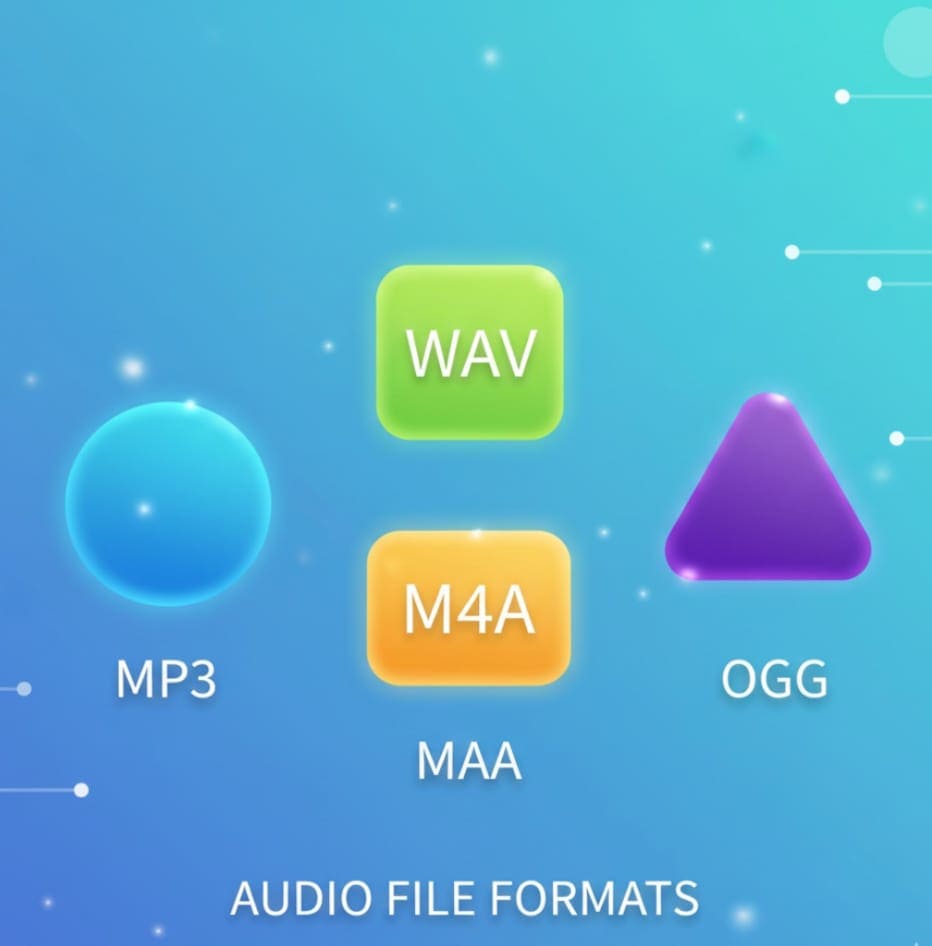
The Audio Joiner tool supports a wide range of audio formats including:
-
MP3 – Most common audio format, compatible with almost all devices.
-
WAV – High-quality, lossless format suitable for professional audio editing.
-
M4A – Common for Apple devices and music streaming.
-
OGG – Open-source format supported by many apps and platforms.
You don’t need to worry about converting your files beforehand. The tool automatically handles different formats and combines them efficiently.
Key Features of Audio Joiner Online Tool
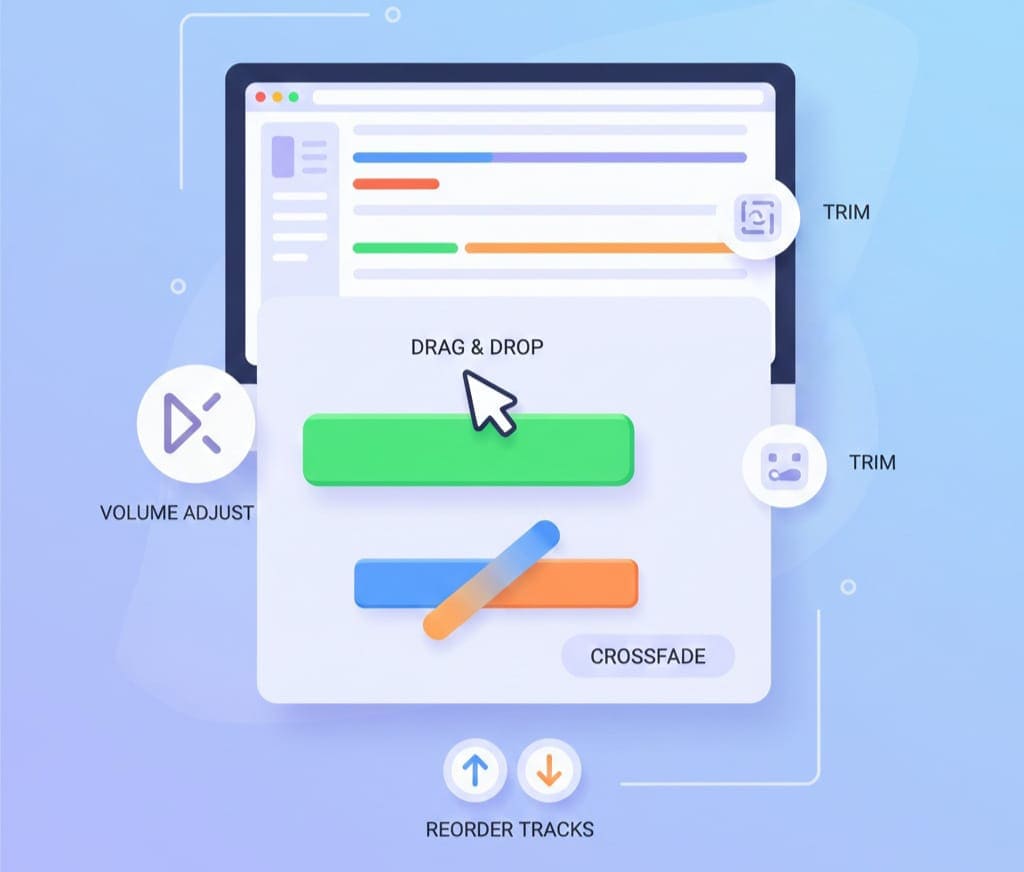
The Audio Joiner is not just a simple merger; it offers several advanced features that make it stand out.
1. Drag & Drop Interface
Forget about complex uploads or software installation. Just drag your audio files into the tool’s interface. You can arrange the order of the tracks by dragging them up or down to determine the final sequence.
2. Crossfade Between Tracks
The tool allows you to apply crossfade effects, which make the transition between audio clips smooth. This is especially useful for music playlists, podcasts, or any professional audio production where abrupt silence or gaps are undesirable.
3. Multiple Format Support
You can combine MP3, WAV, M4A, and other formats into one file. No need to convert files manually before merging.
4. Fast & Free
The process is completely free and happens online. No software installation or subscription is needed. Simply upload your files, merge them, and download the final track.
5. Secure & Privacy Friendly
All processing happens in your browser, so your files are never uploaded to a server. This ensures privacy and security for sensitive recordings, like interviews or personal projects.
6. Reorder Tracks Before Merging
Before combining the files, you can easily change the sequence of tracks. Drag your files to the desired order to create a perfect flow.
7. No Signup Required
Unlike other tools, you don’t need an account. Just open the tool and start merging your audio immediately.
Step-by-Step Guide: How to Merge Audio Files
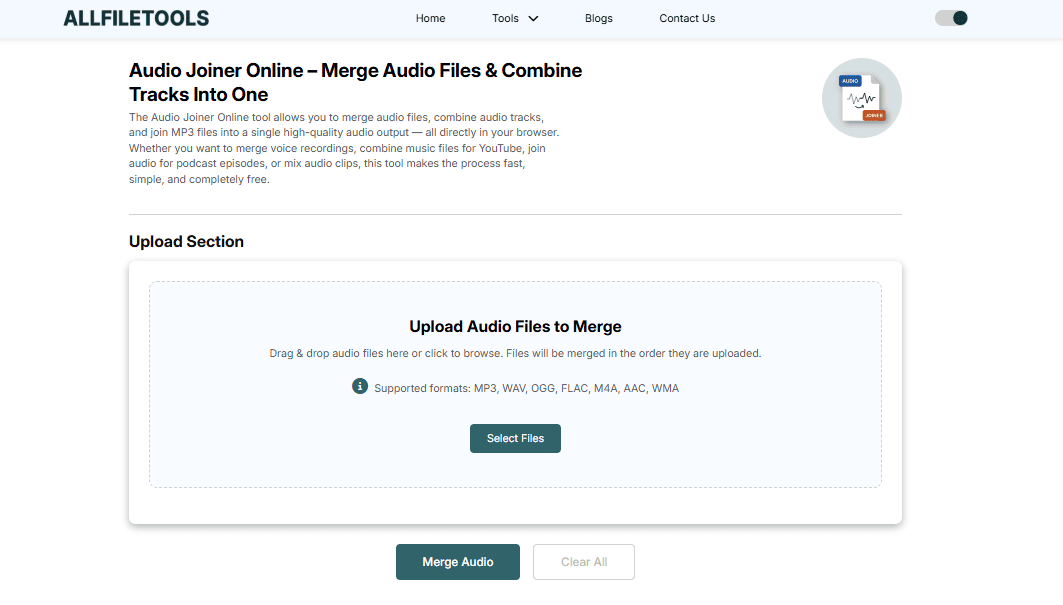
Merging audio files using Audio Joiner is simple. Here’s a detailed guide:
Step 1: Open the Tool
Visit the tool here: Audio Joiner Online. You’ll see a clean, intuitive interface ready for your files.
Step 2: Add Your Audio Files
Click on “Add tracks” or simply drag and drop your files into the interface. You can add multiple tracks at once.
Step 3: Arrange the Tracks
Drag the audio files to reorder them in the sequence you want. This determines how the final file will play.
Step 4: Apply Crossfade (Optional)
If you want smooth transitions between tracks, enable the crossfade option. Adjust the duration for subtle or longer transitions.
Step 5: Choose the Output Format
Select the format for the final merged file. The tool allows you to download as MP3, WAV, or M4A.
Step 6: Merge and Download
Click “Merge” to start the process. Once it’s complete, download your combined audio file. You now have a single track ready to use.
Real-Life Use Cases

For Musicians
Record multiple takes or instruments separately and combine them into a single song. Add crossfade to make it sound professional.
For Podcasters
Combine intro, interview segments, and outro into one continuous episode. This makes it easy to upload and share.
For Students
Merge lecture recordings from different classes into one file for easy study. Saves time and keeps notes organized.
For Video Editors
Combine audio clips extracted from multiple video files for a final production track. Supports all major formats to match your video requirements.
For Content Creators
Create playlists, tutorial voiceovers, or audio compilations without losing quality.
Tips for Best Results
-
Check file formats: Although the tool supports multiple formats, using consistent formats may reduce conversion time.
-
Rename files properly: Helps in arranging tracks easily.
-
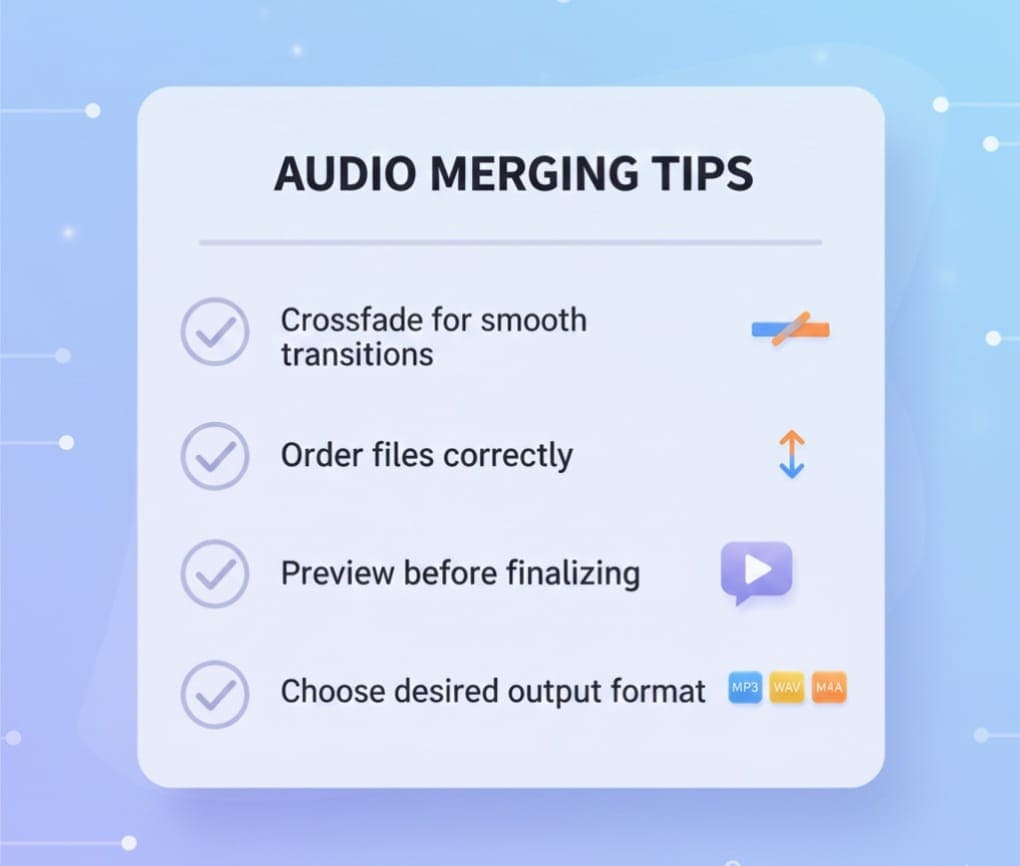
Use crossfade for smooth transitions: Especially for music and podcasts.
-
Preview before merging: Make sure everything is in order.
-
Keep original copies: Always save the original recordings before merging.
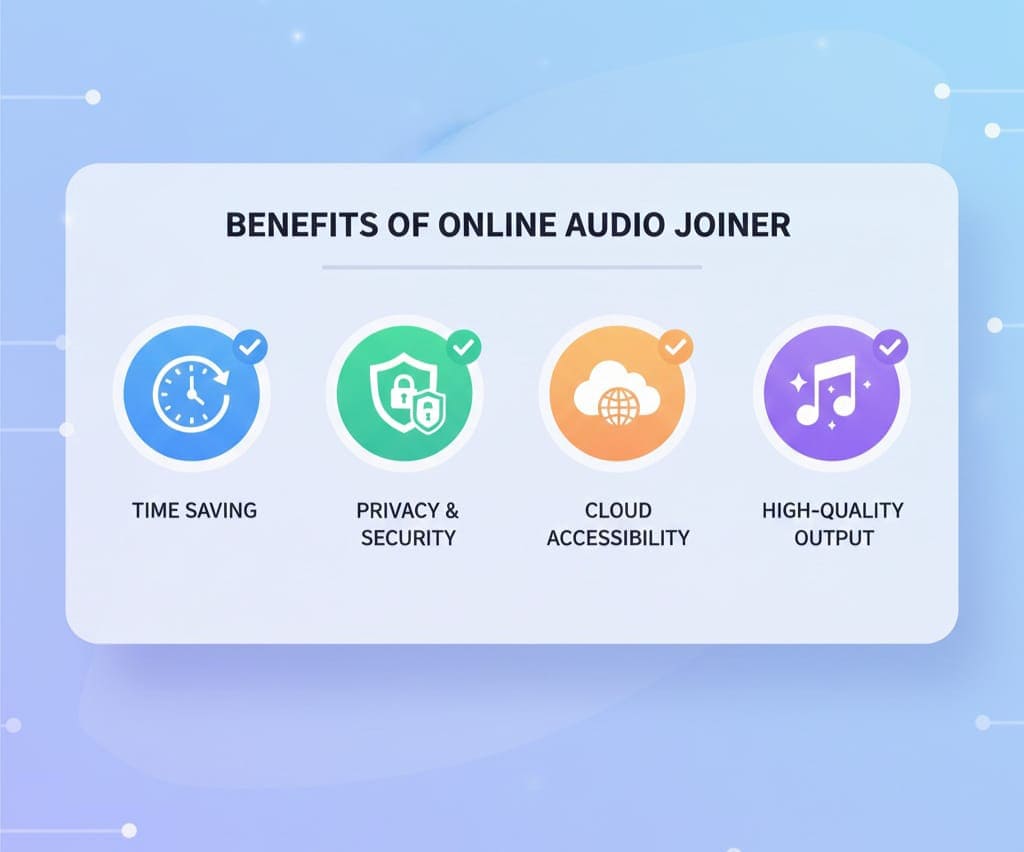
Benefits of Using Audio Joiner Online
-
Saves time: No need for complex audio editing software.
-
Easy to use: Simple drag & drop interface.
-
Accessible everywhere: Works on PC, Mac, and mobile browsers.
-
Privacy-safe: Files processed in-browser.
-
Free: No hidden costs or subscriptions.
-
Multiple formats supported: MP3, WAV, M4A, OGG.
-
Professional results: Crossfade and smooth transitions.
Ready to try it? Start merging your audio files instantly: https://www.allfiletools.com/audio-joiner/
Conclusion
Merging audio files doesn’t have to be complicated. With the Audio Joiner Online tool, anyone — from students to podcasters, musicians, and content creators — can combine audio files quickly, easily, and for free. Its user-friendly interface, wide format support, crossfade options, and privacy-friendly processing make it a reliable choice. Whether you want to compile lectures, produce a podcast, or create music mixes, this tool has you covered.
FAQs
1. Can I merge different audio formats?
Yes! The tool supports MP3, WAV, M4A, and OGG. You can combine different formats into one single file.
2. Is the tool really free?
Absolutely. No subscription or payment is required. You can merge unlimited audio files for free.
3. Do I need to install any software?
No. The tool works completely online, directly in your browser.
4. Can I apply crossfade between tracks?
Yes. You can enable crossfade for smooth transitions between audio clips.
5. Is my data secure?
Yes. All processing happens in your browser. Files are not uploaded to any server, ensuring privacy.
6. Can I reorder the tracks?
Definitely. Drag and drop files in the interface to arrange them in your desired sequence before merging.
7. Which devices are supported?
The tool works on Windows, Mac, Linux, and mobile browsers. Any modern browser is compatible.
Leave a Comment
No comments yet. Be the first to comment!