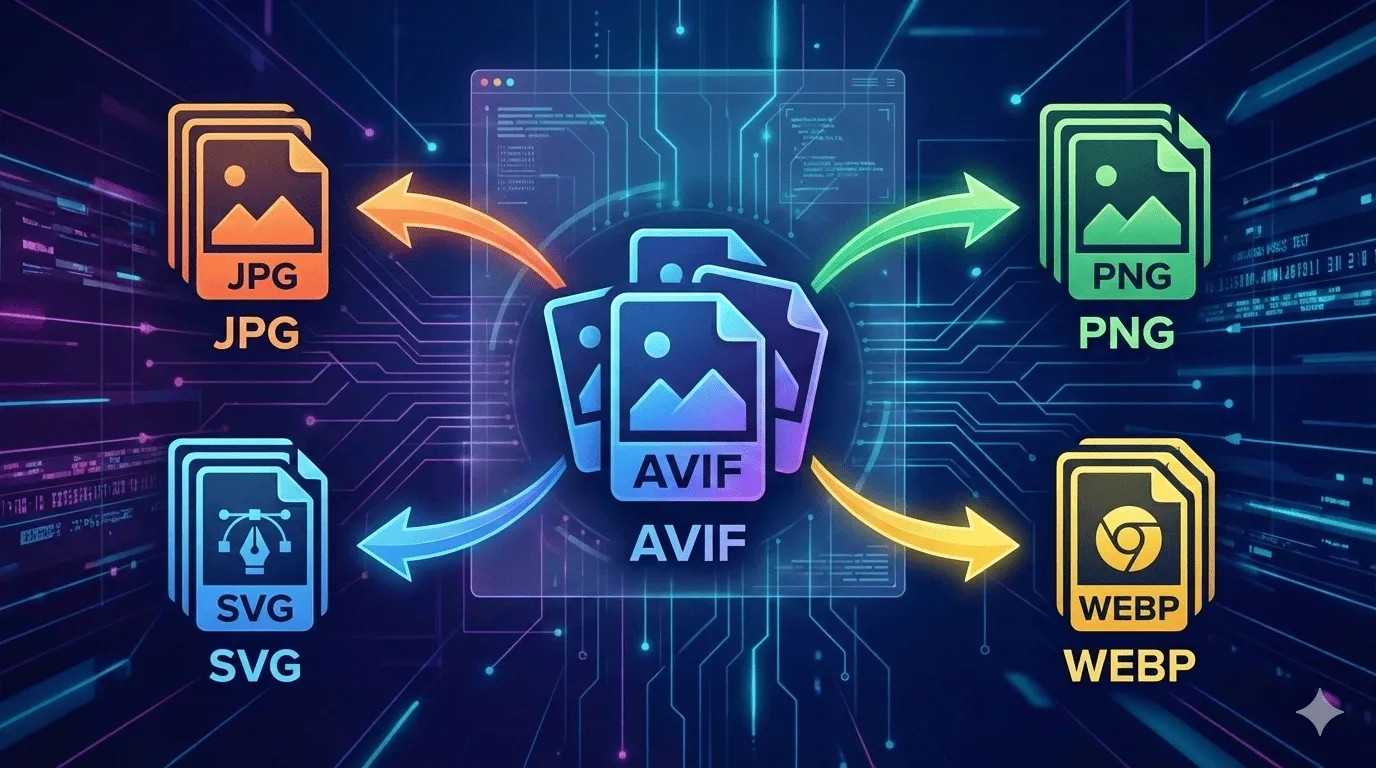
In today’s digital world, image formats play a crucial role in web design, photography, and app development. Modern formats like AVIF are gaining popularity because they provide high-quality images with smaller file sizes, making websites faster and apps more efficient. However, the challenge arises when you need compatibility across platforms, or want to use your AVIF images in software that does not yet support the format.
This is where an AVIF to Image Converter becomes essential. With tools like AllFileTools AVIF to Image Converter, you can easily convert AVIF files to widely used formats such as JPG, PNG, SVG, and WEBP online. Whether you’re a developer, graphic designer, photographer, or a student, this converter is designed for anyone who needs quick, secure, and high-quality image conversion.
In this blog, we will explore everything you need to know about AVIF, why it is beneficial, how to convert it using online tools, and how this conversion can streamline your workflow.
What is AVIF?
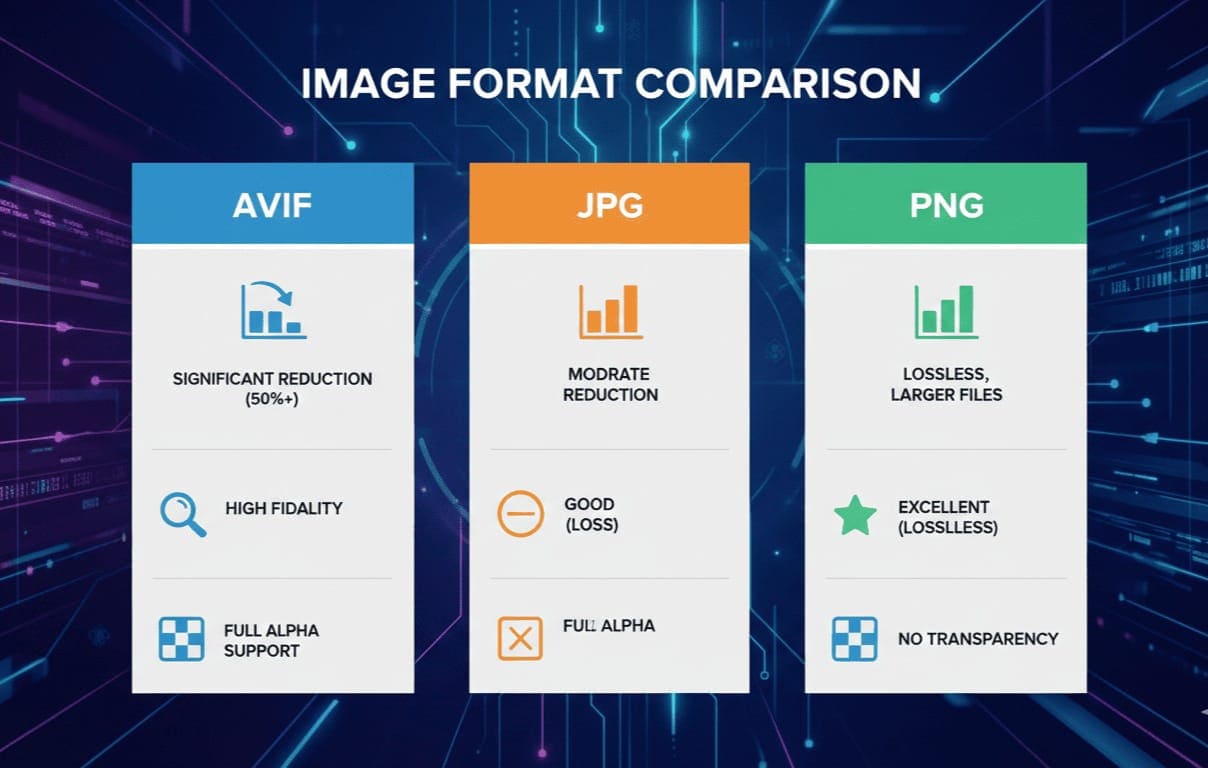
AVIF stands for AV1 Image File Format, a next-generation image format based on the AV1 video codec. It is designed to deliver high-quality images at significantly smaller file sizes compared to traditional formats like JPG or PNG.
Key Features of AVIF:
-
High Compression Efficiency: Smaller file sizes without losing quality.
-
Support for Transparency: Similar to PNG, AVIF supports alpha channels.
-
Wide Color Gamut: Better color reproduction for photographers and designers.
-
Animation Support: AVIF can also handle animated images like GIFs but with better compression.
Why AVIF is becoming popular: Modern web developers prioritize website speed and optimized media. AVIF helps reduce page load times while maintaining image quality, which improves user experience and SEO performance.
Why Convert AVIF to JPG, PNG, SVG & WEBP?
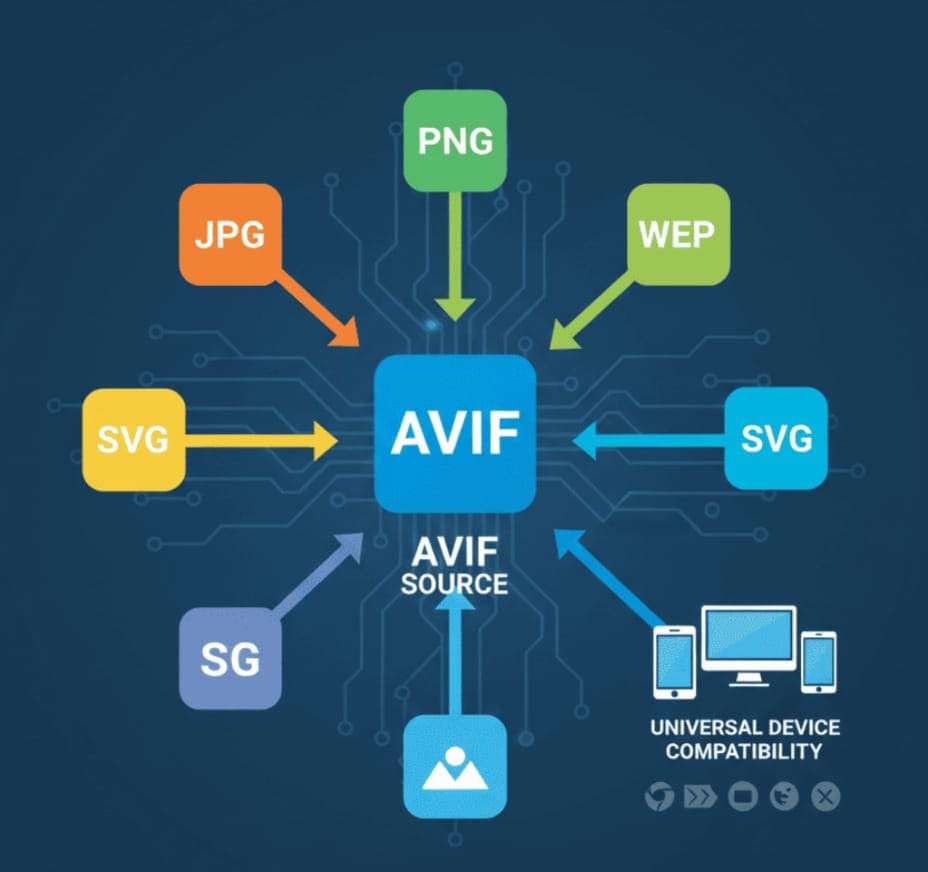
Although AVIF has excellent features, it is not yet supported by all platforms, apps, or software. Many websites, CMS platforms, and image editing tools still require traditional image formats.
Here are the main reasons why conversion is necessary:
1. Compatibility
Not all browsers and software support AVIF. Converting AVIF to JPG or PNG ensures your images are accessible everywhere.
2. Editing Ease
Popular photo editing software like Photoshop or Illustrator may not fully support AVIF. Converting AVIF to SVG (for vector needs) or PNG allows designers to edit images seamlessly.
3. Faster Sharing
JPG and WEBP files are widely supported across messaging apps, email, and social media platforms. Conversion makes sharing images easy and fast.
4. Website Optimization
Converting AVIF to WEBP can enhance your website speed and SEO, as WEBP is lightweight and web-friendly.
Introducing AllFileTools AVIF to Image Converter
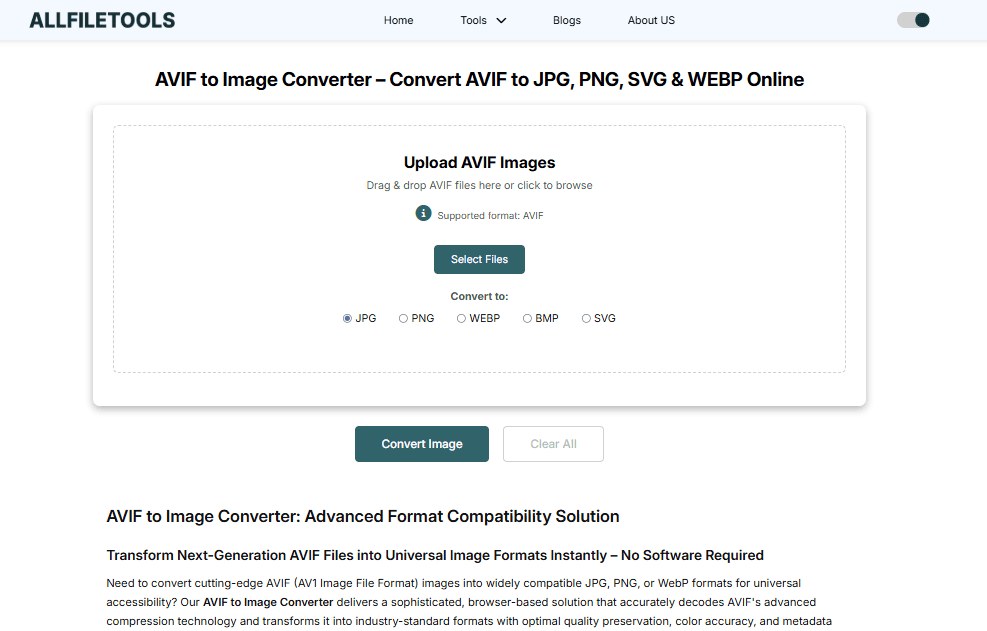
AllFileTools AVIF to Image Converter is a free, fast, and secure online tool that allows you to convert AVIF files to JPG, PNG, SVG, or WEBP in just a few clicks.
Key Features:
-
Fast Conversion: Converts AVIF to multiple formats instantly.
-
No Upload Required: All processing happens in your browser, ensuring privacy.
-
Multiple Format Support: JPG, PNG, SVG, WEBP.
-
Batch Conversion: Convert multiple files at once without quality loss.
-
User-Friendly Interface: Even beginners can convert images with zero technical knowledge.
This tool is perfect for developers, graphic designers, photographers, and anyone working with modern image formats.
How to Convert AVIF to Image Using AllFileTools
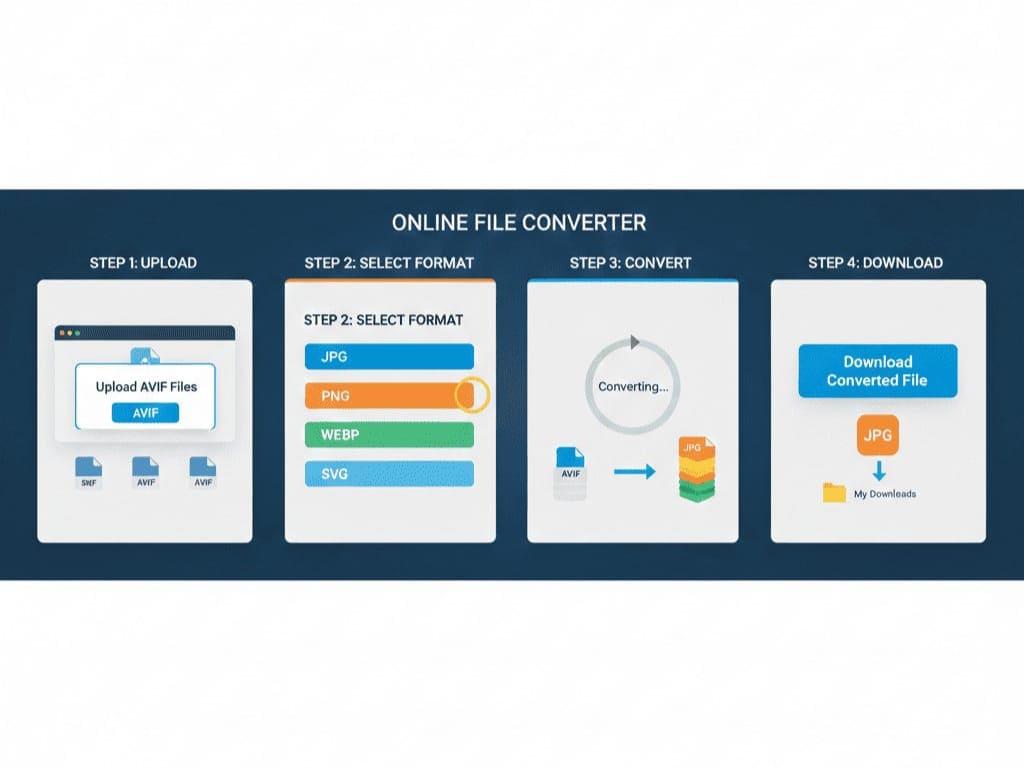
Here’s a step-by-step guide to converting AVIF files:
Step 1: Open the Tool
Go to https://www.allfiletools.com/avif-to-image/. The tool works entirely online and does not require downloads.
Step 2: Upload Your AVIF File
Click on “Choose File” or drag your AVIF image into the designated area.
Step 3: Select the Output Format
Choose the desired output format: JPG, PNG, SVG, or WEBP.
Step 4: Start Conversion
Click “Convert”. The tool processes your file instantly in your browser.
Step 5: Download Converted Image
Once the conversion is complete, click “Download” to save your image locally.
Bonus Tips:
-
Use batch conversion for multiple images.
-
Adjust quality settings if you want smaller file size or higher resolution.
-
Converted images retain transparency if you choose PNG or WEBP.
Benefits of Using AllFileTools AVIF Converter
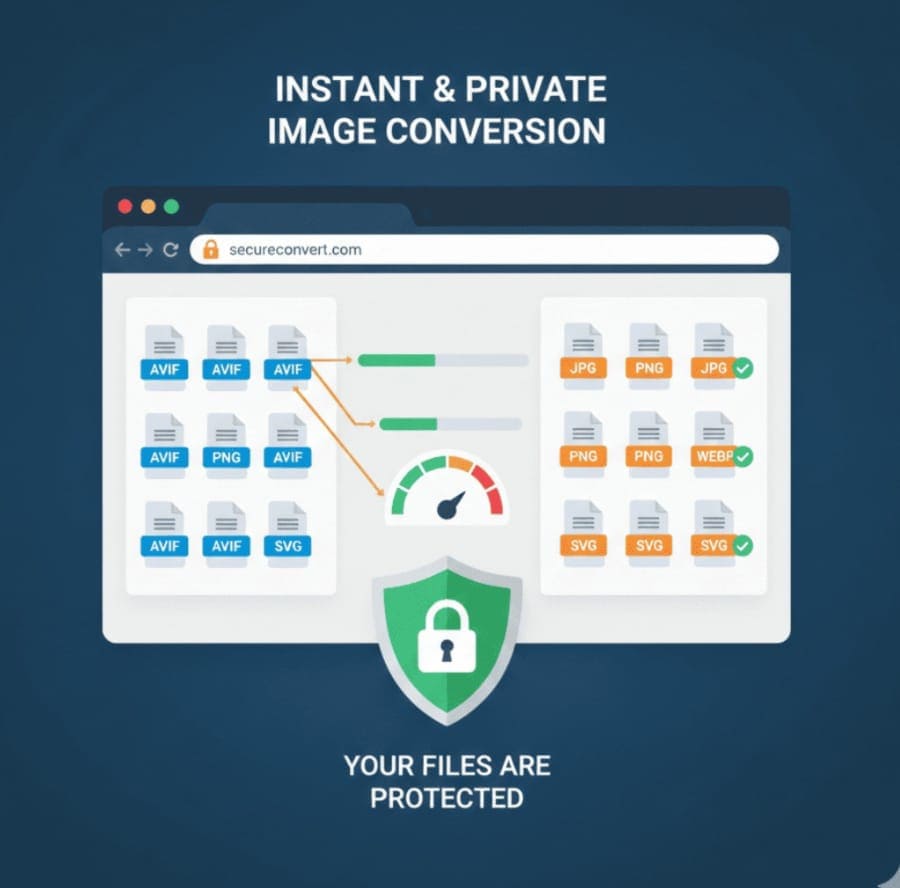
Using this online AVIF converter has several advantages:
1. Privacy-Focused
Your files never leave your device, making the process secure and private.
2. Multi-Format Support
Supports JPG, PNG, SVG, WEBP, and allows flexibility depending on your project needs.
3. Ease of Use
The tool is intuitive and doesn’t require technical expertise. Even students can use it to convert images for projects.
4. Fast and Efficient
Converts images instantly without any lag or waiting.
5. Cross-Device Compatibility
Works on desktop, tablet, and mobile — no downloads or installations required.
Use Cases for AVIF Conversion

1. Web Developers
Optimize website images for faster load times by converting AVIF to WEBP or JPG.
2. Graphic Designers
Edit images in Photoshop or Illustrator after converting AVIF to PNG or SVG.
3. Photographers
Share high-quality images without worrying about platform support by converting AVIF to JPG or PNG.
4. Students and Educators
Easily include AVIF images in assignments, presentations, or tutorials after converting to supported formats.
5. Social Media Managers
Prepare images for Instagram, Facebook, Twitter by converting AVIF to web-friendly formats.
AVIF vs JPG vs PNG vs WEBP vs SVG
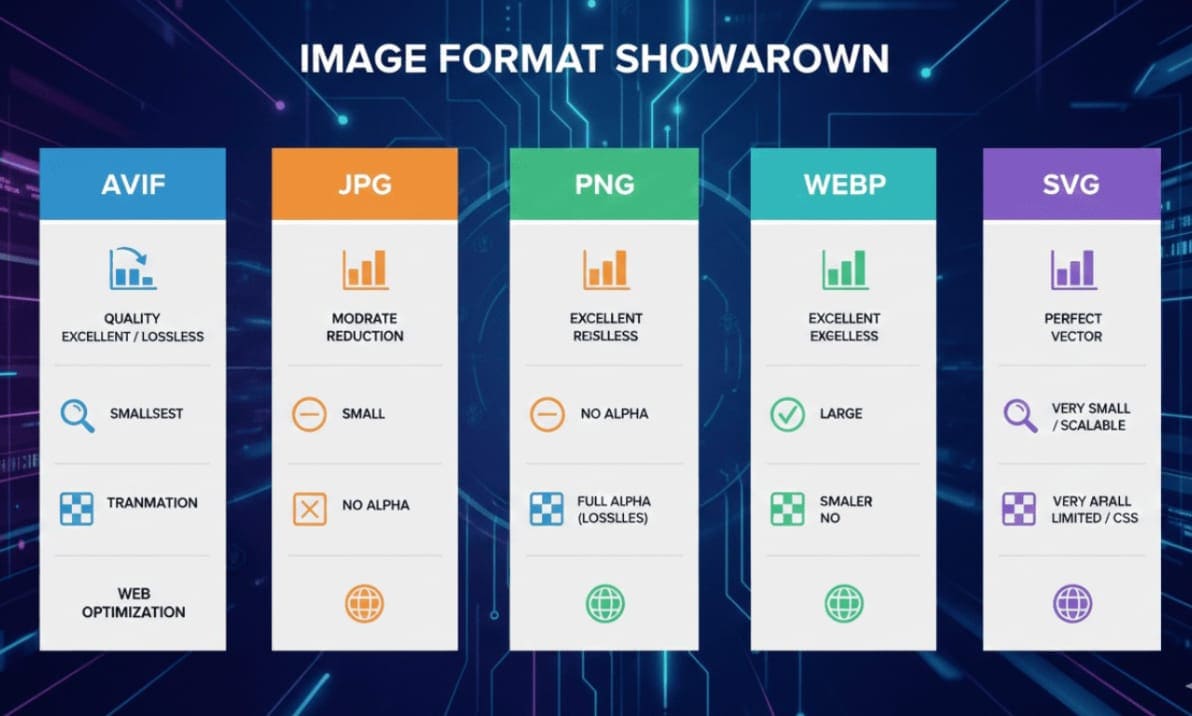
Understanding the differences helps you choose the right format after conversion:
-
JPG: Best for photographs; smaller file size; lossy compression.
-
PNG: Lossless compression; supports transparency; ideal for graphics.
-
WEBP: Lightweight; supports transparency; excellent for web use.
-
SVG: Vector-based; scalable; perfect for logos or icons.
-
AVIF: High compression, high quality; not universally supported yet.
Converting AVIF to these formats ensures compatibility while retaining quality and performance.
Conclusion
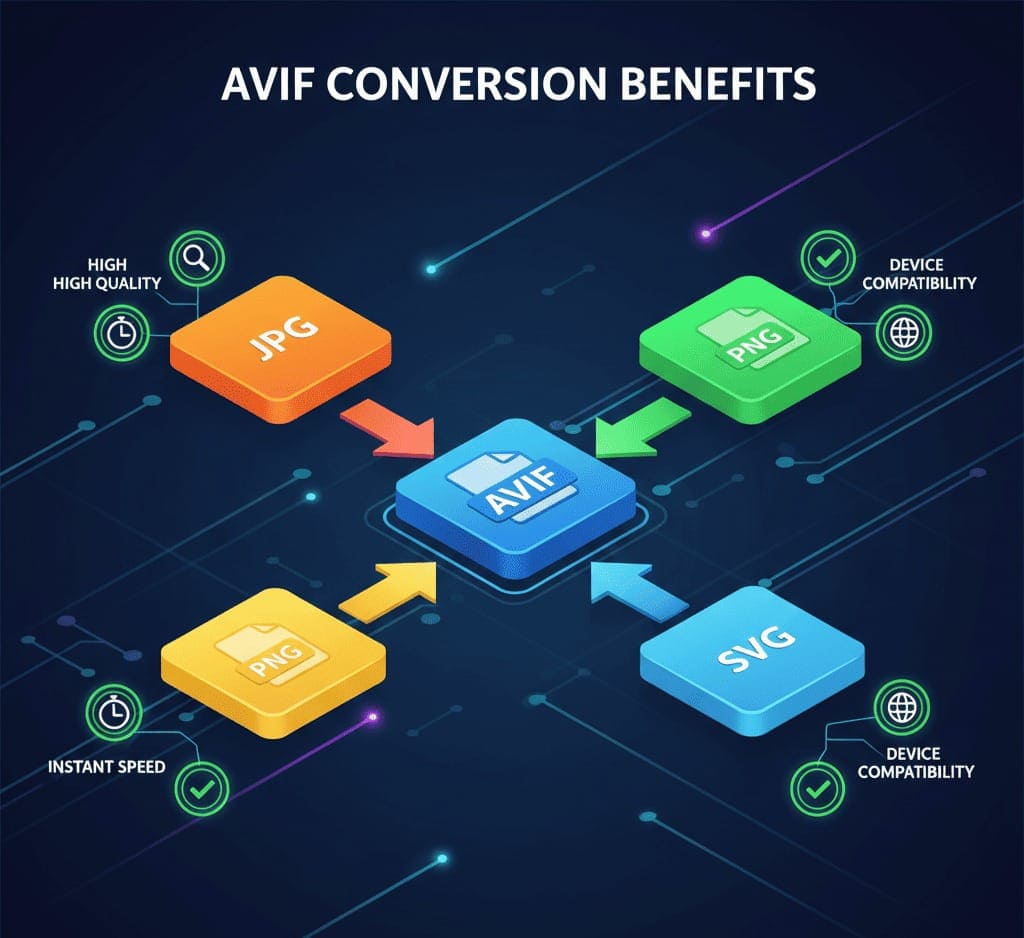
Converting AVIF files to widely supported formats like JPG, PNG, SVG, and WEBP has never been easier. With AllFileTools AVIF to Image Converter, users can enjoy fast, secure, and high-quality conversions without installing software.
Whether you are a developer, designer, photographer, or student, this tool simplifies workflows, enhances productivity, and ensures your images are usable across all platforms. By leveraging modern image formats while maintaining compatibility, you can create optimized, professional, and visually appealing content efficiently.
🔹 Explore more powerful file conversion and online utilities at AllFileTools –
🔹 For technical support, digital solutions, and expert services, visit LetDigitalFly IT Services –
🔹 Discover additional career and productivity resources at Resume Slip Builder –
Frequently Asked Questions (FAQs)
1. What is AVIF and why is it important?
AVIF is a next-generation image format with high-quality compression. It reduces file sizes while maintaining image clarity, making it ideal for websites and digital content.
2. Can I convert AVIF files to JPG, PNG, SVG, and WEBP for free?
Yes, tools like AllFileTools AVIF to Image Converter offer free online conversion to all these formats.
3. Is the conversion process secure?
Absolutely. AllFileTools processes conversions in your browser without uploading files to the server, ensuring complete privacy.
4. Can I convert multiple AVIF files at once?
Yes, the tool supports batch conversion, allowing multiple files to be converted simultaneously.
5. Will image quality be lost after conversion?
No, the tool maintains high-quality images. You can also adjust settings for compression if needed.
6. Can I use the converted images for web and social media?
Yes, converted formats like JPG, PNG, and WEBP are widely supported for web and social platforms.
7. Do I need any software or installation to use this converter?
No, the tool is entirely online and works on any device with a browser.
Leave a Comment
No comments yet. Be the first to comment!