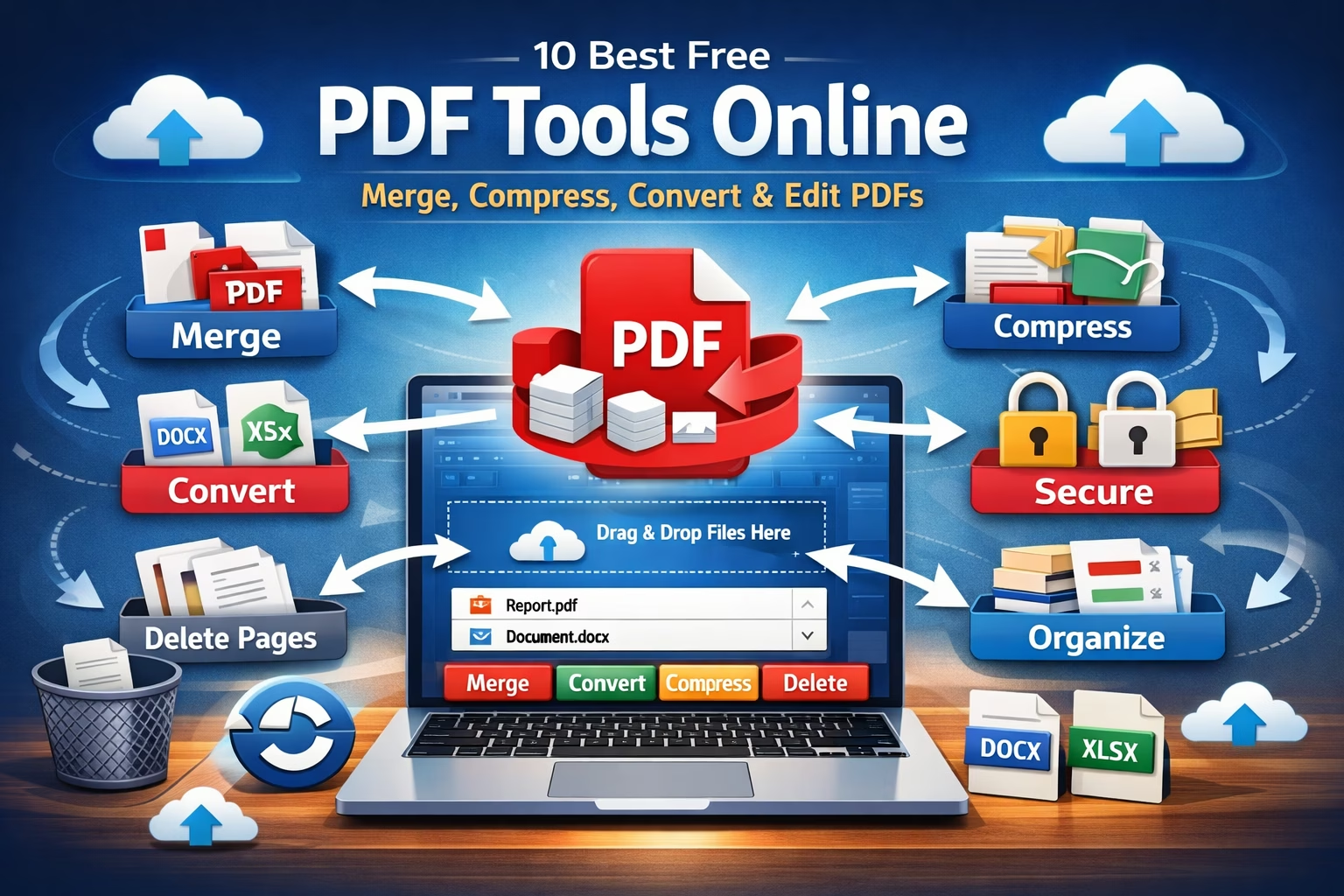
PDF files are one of the most widely used document formats for sharing reports, assignments, invoices, and official documents. However, sometimes you need to merge, compress, convert, or protect PDF files.
Instead of installing heavy software, you can use free online PDF tools that work directly in your browser.
Here are the 10 best free PDF tools online that help you manage and edit PDF files quickly.
1️⃣ Merge PDF – Combine Multiple PDF Files into One
Sometimes you may have multiple PDF files that you want to combine into a single document. A PDF merge tool helps you join several PDFs into one file in seconds.
With the Merge PDF tool you can:
-
Combine multiple PDF files
-
Maintain original quality
-
Arrange files before merging
-
Download the merged PDF instantly
👉 Use this tool:
https://www.allfiletools.com/merge-pdf/
2️⃣ PDF Compressor – Reduce PDF File Size
Large PDF files can be difficult to upload or share via email. A PDF compressor reduces the file size while maintaining the document quality.
Benefits of using this tool:
-
Reduce PDF size quickly
-
Maintain readable quality
-
Faster file sharing
-
Works online without software
👉 Try the compressor:
https://www.allfiletools.com/pdf-compressor/
3️⃣ Word to PDF Converter
If you have documents in Microsoft Word format, converting them to PDF ensures they look the same on every device.
This tool helps you:
-
Convert DOC or DOCX to PDF
-
Preserve formatting
-
Share documents easily
-
Create professional PDF files
👉 Convert Word to PDF:
https://www.allfiletools.com/word-to-pdf/
4️⃣ Excel to PDF Converter
Excel spreadsheets often need to be shared as PDF files for printing or presentations.
Using an Excel to PDF converter you can:
-
Convert spreadsheets to PDF
-
Maintain table formatting
-
Share reports easily
-
Print documents professionally
👉 Convert Excel to PDF:
https://www.allfiletools.com/excel-to-pdf/
5️⃣ PDF to Word Converter
Sometimes you need to edit text inside a PDF. A PDF to Word converter allows you to convert PDF files into editable DOCX documents.
Features include:
-
Convert PDF into editable Word files
-
Extract text and formatting
-
Easy editing in Microsoft Word
👉 Convert PDF to Word:
https://www.allfiletools.com/pdf-to-word/
6️⃣ Unlock PDF – Remove Password Protection
If you have a password-protected PDF and need to remove the restriction, the Unlock PDF tool can help.
This tool allows you to:
-
Remove PDF password protection
-
Access locked documents
-
Edit or print PDFs freely
👉 Unlock PDF file:
https://www.allfiletools.com/unlock-pdf/
7️⃣ Protect PDF – Add Password Security
If your PDF contains confidential information, you can secure it with a password.
With the Protect PDF tool you can:
-
Add password protection
-
Prevent unauthorized access
-
Protect sensitive documents
👉 Protect your PDF:
https://www.allfiletools.com/protect-pdf/
8️⃣ Delete Pages from PDF
Sometimes a PDF contains pages you don’t need. The PDF page remover tool allows you to delete unwanted pages quickly.
You can:
-
Remove specific pages
-
Keep only important content
-
Create a clean PDF document
👉 Remove PDF pages:
https://www.allfiletools.com/delete-pdf-pages/
9️⃣ Rotate PDF Pages
Occasionally PDF pages appear sideways or upside down. A Rotate PDF tool helps you correct the orientation instantly.
With this tool you can:
-
Rotate pages left or right
-
Fix scanned PDF orientation
-
Save properly aligned documents
👉 Rotate PDF pages:
https://www.allfiletools.com/rotate-pdf/
🔟 Organize PDF Pages
If your PDF pages are not in the correct order, you can rearrange them using a PDF organizer tool.
This tool allows you to:
-
Reorder PDF pages
-
Arrange documents properly
-
Create well-structured PDFs
👉 Organize PDF pages:
https://www.allfiletools.com/organize-pdf/
Final Thoughts
Online PDF tools make it easy to edit, convert, and manage PDF files without installing software. Whether you need to merge documents, compress large files, or convert PDFs into other formats, these tools can save time and effort.
If you frequently work with PDFs, bookmarking these free online PDF tools can help you handle any PDF task quickly and efficiently.
Leave a Comment
No comments yet. Be the first to comment!