
In the world of search engine optimization (SEO), managing duplicate content is one of the most critical tasks for website owners, developers, and digital marketers alike. Duplicate content can dilute your page authority, confuse search engines, and harm your rankings. One of the most effective ways to manage duplicate content is through canonical URLs. A canonical URL signals to search engines which version of a page should be considered the primary source, helping consolidate page authority and avoid SEO penalties.
A Canonical URL Checker is an essential tool for webmasters, SEO experts, and content creators. It helps identify canonical tag issues, detect duplicate content, and ensure that your website is optimized for search engines. In this comprehensive guide, we’ll explore everything about canonical URLs, how to check them, common issues, and how to fix them effectively.
By the end of this blog, you will understand:
-
What canonical URLs are and why they are important
-
How to use a canonical URL checker tool effectively
-
Best practices for implementing canonical tags
-
How to avoid duplicate content penalties
-
Technical insights for developers and SEO professionals
What is a Canonical URL?
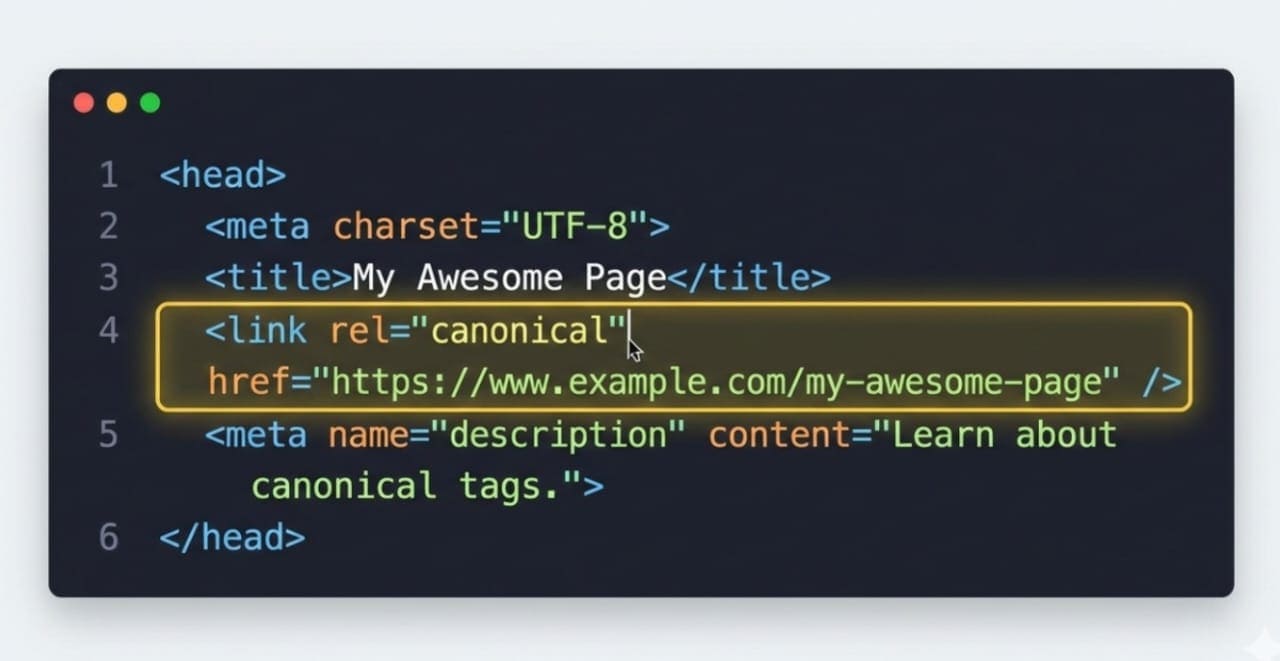
A canonical URL is the preferred version of a web page that you want search engines to index. When multiple URLs have the same or very similar content, search engines may struggle to determine which version to rank. This is where canonical tags come into play.
Key Points about Canonical URLs:
-
Represented using the rel="canonical" link element in HTML
-
Placed in the
<head>section of a webpage -
Prevents duplicate content issues
-
Consolidates page authority and link equity to a single URL
-
Signals search engines which page should be indexed
Example of a canonical tag:
<link rel="canonical" href="https://www.example.com/original-page/" />
Using canonical URLs correctly ensures that your SEO efforts are not wasted on duplicate pages and that your content’s authority is properly consolidated.
Why Canonical URLs Are Important for SEO
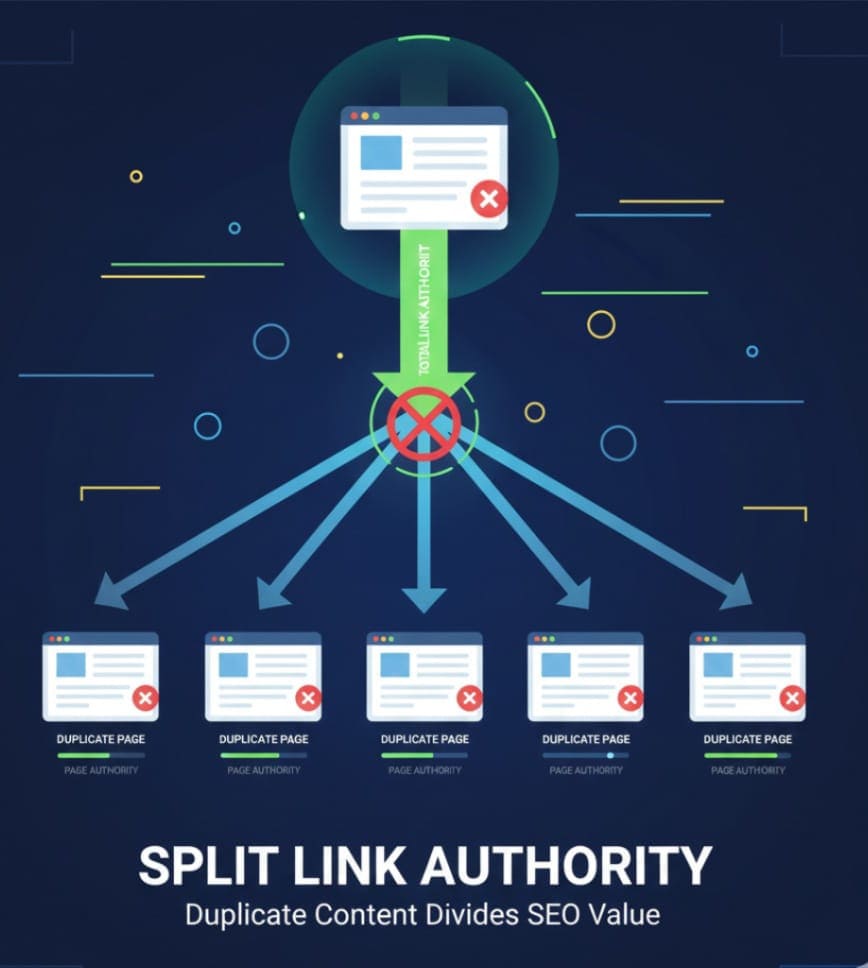
Canonical URLs play a crucial role in search engine optimization. Ignoring canonical tags can result in duplicate content problems, lower rankings, and inefficient crawling of your website by search engines.
Benefits of Proper Canonical Tag Implementation:
-
Avoid Duplicate Content Penalties:
Search engines may penalize sites that have multiple pages with similar content. Canonical tags prevent these penalties. -
Consolidate Page Authority:
Multiple URLs with the same content can split backlinks and page authority. Canonical URLs consolidate this into a single preferred page. -
Improve Crawl Efficiency:
Search engines have limited crawl budgets. Correct canonical usage ensures they focus on your primary pages. -
Enhance User Experience:
Users will always be directed to the correct version of your content, ensuring consistency and reliability. -
Support International or Multi-Version Pages:
For sites with multiple versions of the same content (e.g., desktop vs mobile, regional versions), canonical tags clarify which version should be prioritized for indexing.
Common Duplicate Content Scenarios
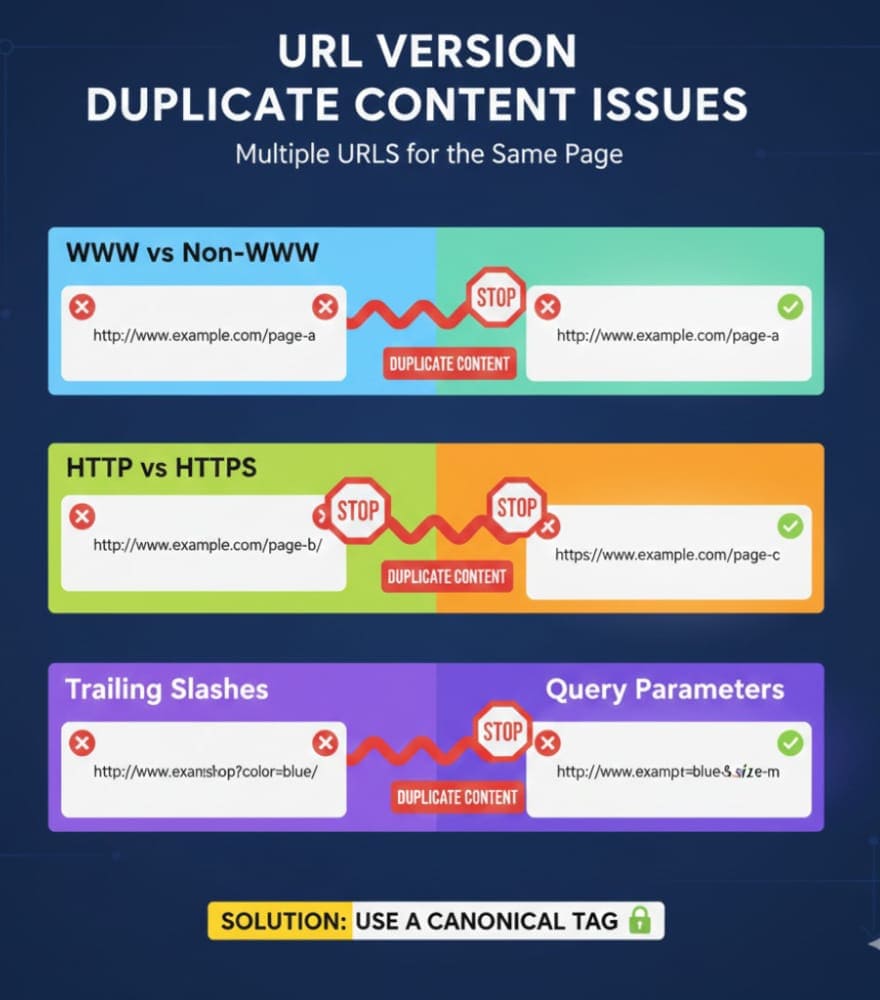
Understanding where duplicate content arises is key to using canonical URLs effectively. Common scenarios include:
-
WWW vs Non-WWW versions:
https://example.comvshttps://www.example.com -
HTTP vs HTTPS versions:
http://example.com/pagevshttps://example.com/page -
Trailing slashes or parameters:
https://example.com/pagevshttps://example.com/page/
https://example.com/page?ref=123 -
Multiple categories or tags:
Content appearing under different categories with the same text -
Printer-friendly or session-based URLs:
Variations for user sessions or print versions
Solution: Implement canonical tags pointing to the preferred URL to ensure search engines consolidate ranking signals correctly.
What is a Canonical URL Checker?
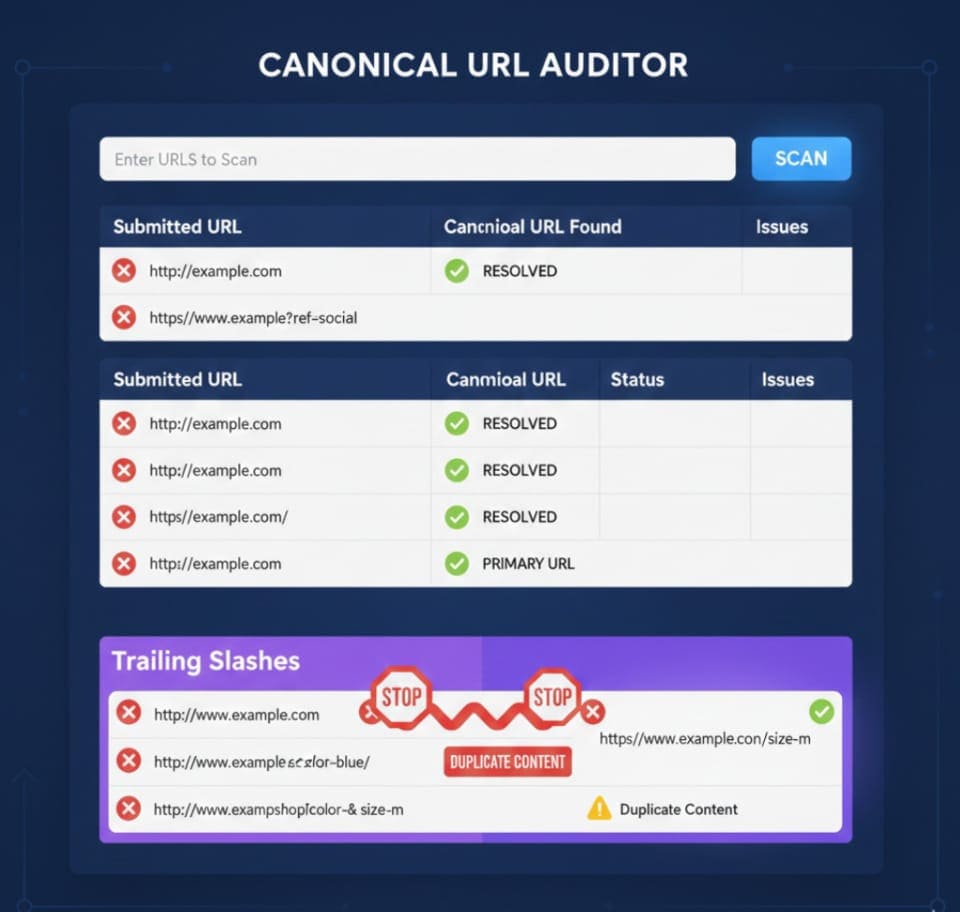
A Canonical URL Checker is a tool that allows you to validate canonical tags on your website. It helps detect incorrect or missing canonical tags, identifies duplicate content issues, and ensures that your pages are properly indexed by search engines.
Key Features of a Canonical URL Checker Tool:
-
Scan individual URLs or bulk URLs
-
Detect missing canonical tags
-
Identify incorrect canonical references
-
Validate rel="canonical" implementation
-
Detect duplicate content and redirect loops
-
Provide actionable recommendations
Using a reliable canonical URL checker ensures that your SEO strategy is technically sound and that your site avoids duplicate content penalties.
Example Tool: Canonical URL Checker Tool
How to Use a Canonical URL Checker Tool
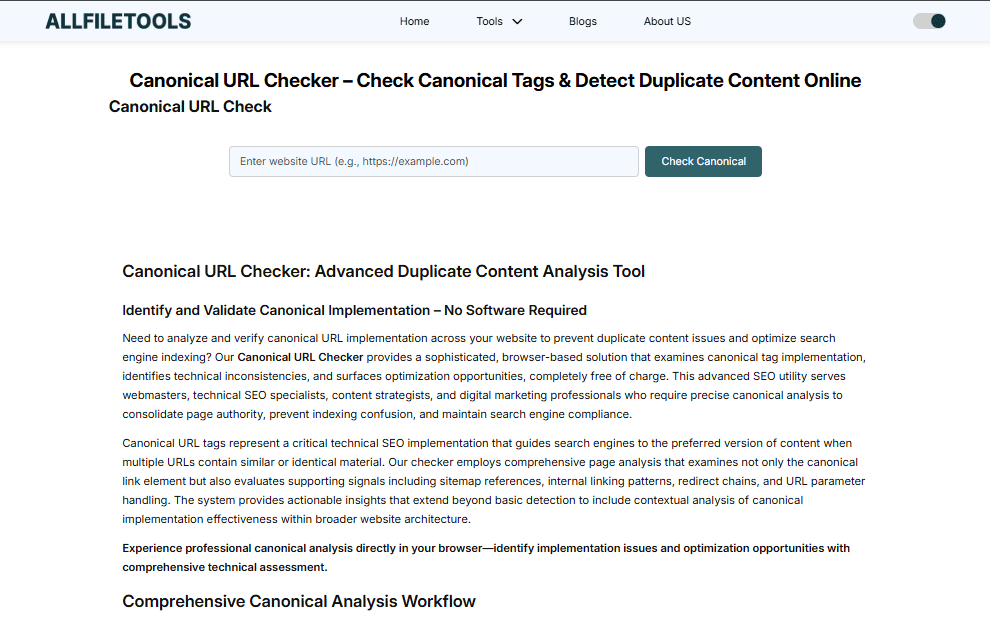
Here is a step-by-step guide to using a canonical URL checker effectively:
Step 1: Enter Your URL
Input the page URL you want to check in the tool. For bulk analysis, you can add multiple URLs.
Step 2: Run the Scan
The tool will analyze the canonical tag on each page, checking for correctness and potential issues.
Step 3: Review Results
You will receive information such as:
-
Whether a canonical tag exists
-
The canonical URL specified
-
Duplicate content detection
-
Redirect or chain issues
Step 4: Fix Issues
Based on the tool's feedback, correct any missing or incorrect canonical tags, and ensure the preferred URL is correctly referenced.
Step 5: Re-Scan
After fixing issues, re-scan to confirm all canonical tags are correctly implemented.
Best Practices for Canonical Tag Implementation
To maximize SEO benefits, follow these best practices:
-
Always Use Absolute URLs
Avoid relative URLs like/page, instead use full URLs:https://example.com/page -
Self-Referencing Canonicals
Each page should reference itself in the canonical tag. -
Avoid Pointing Canonicals to Non-Canonical Versions
Ensure canonical points to the primary, indexable page. -
No Conflicting Signals
Avoid using canonical along with meta robots “noindex” or conflicting redirects. -
Use Canonicals on Duplicates Only
Don’t overuse canonical tags on pages that are truly unique. -
Monitor Regularly
Use canonical URL checker tools periodically to ensure all pages are compliant.
Advanced Technical Tips for Developers & SEO Experts
For developers handling large websites or complex content structures, canonical tags require precise management:
-
Cross-Domain Canonicals:
Useful when syndicating content across domains, e.g.,rel="canonical"pointing to your original article. -
Canonical Chains & Loops:
Avoid canonical chains (A → B → C) and loops (A → B → A) which confuse search engines. -
Dynamic Content Handling:
For e-commerce filters or session-based URLs, canonical tags prevent duplicate content proliferation. -
HTTP Status Checks:
Ensure canonical URLs return 200 status and aren’t pointing to 404 pages. -
Bulk URL Audits:
For large websites, bulk canonical checkers save time and help maintain consistent SEO compliance.
How Canonical Tags Help in Duplicate Content Management
Canonical tags consolidate multiple pages’ ranking signals. Examples include:
-
Example 1: Blog posts syndicated on partner websites
-
Original:
https://example.com/original-post/ -
Syndicated version:
https://partner.com/article/→ canonical points to original
-
-
Example 2: E-commerce product pages with multiple color variations
-
Variation URLs:
https://store.com/product-red/,https://store.com/product-blue/ -
Canonical points to main product page:
https://store.com/product/
-
-
Example 3: Paginated articles
-
Use rel="canonical" on paginated pages to point to the main article URL
-
By correctly using canonical tags, you consolidate authority, reduce duplicate content, and improve SEO visibility.
Benefits of Using a Canonical URL Checker Tool
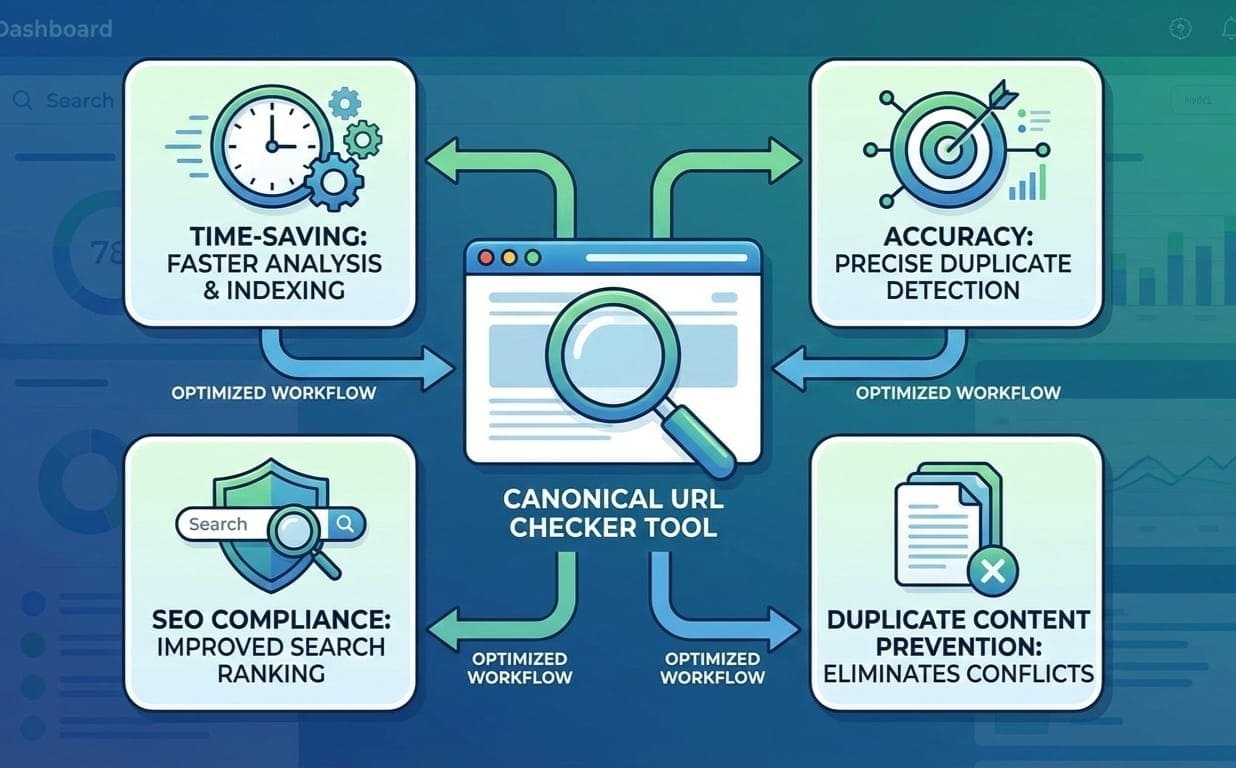
Using a dedicated canonical URL checker brings measurable SEO benefits:
-
Time-Saving: Quickly audits multiple URLs
-
Accuracy: Detects missing, broken, or incorrect canonical tags
-
SEO Compliance: Ensures pages follow Google’s best practices
-
Duplicate Content Prevention: Identifies exact duplicates and near-duplicates
-
Actionable Reports: Provides clear instructions for corrections
Pro Tip: Regular monitoring with a canonical checker tool keeps your website safe from duplicate content penalties.
Step-by-Step Guide: Fixing Canonical Issues
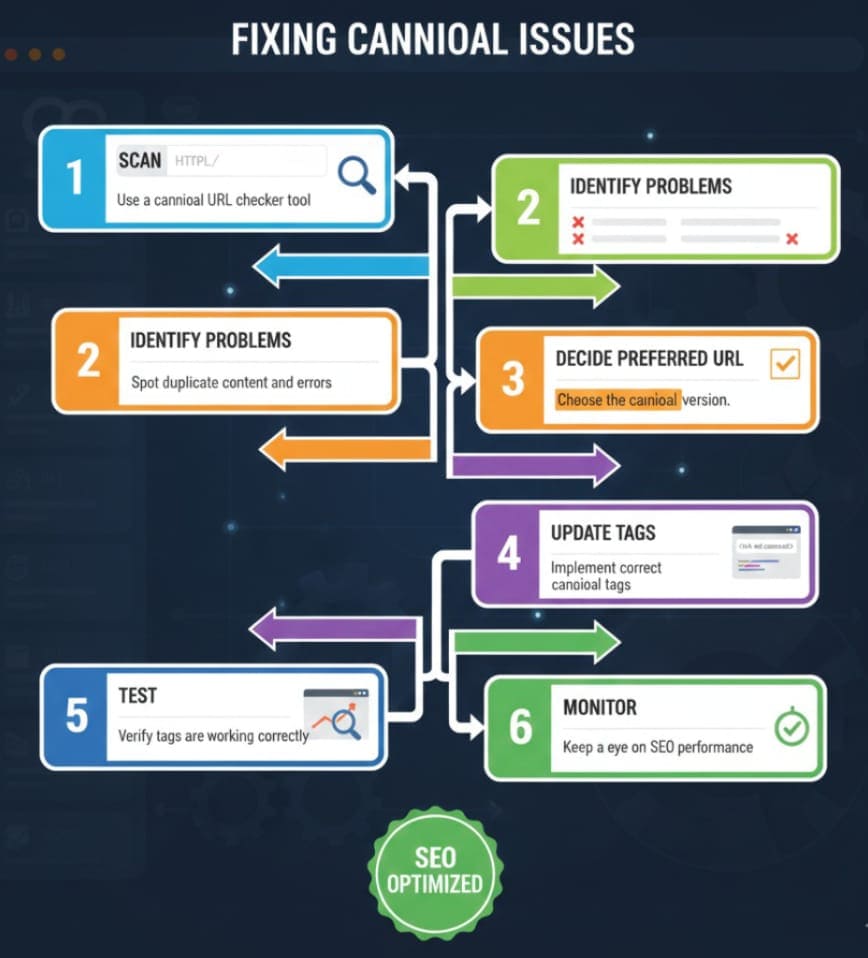
Here’s a practical workflow for resolving canonical tag issues:
-
Scan the Website → Use the canonical URL checker to identify issues
-
Identify Problem Pages → Pages with missing, incorrect, or multiple canonicals
-
Decide the Preferred URL → Determine which page should be indexed
-
Update Canonical Tags → Add
<link rel="canonical" href="preferred-page-url"/> -
Test & Verify → Re-scan pages to confirm fixes
-
Monitor Performance → Track search engine indexing and ranking improvements
Using Your Tool: Canonical URL Checker
Our Canonical URL Checker Tool is free, fast, and easy to use. Key advantages:
-
Online & Instant: No software installation required
-
Bulk URL Support: Scan multiple pages at once
-
Detailed Results: Highlights canonical errors, redirects, and duplicates
-
SEO Optimized: Ensures compliance with Google’s SEO guidelines
-
Actionable Recommendations: Step-by-step instructions to fix issues
Whether you’re an SEO expert, developer, or website owner, this tool simplifies duplicate content management and helps maintain your site’s SEO health.
Conclusion
Proper canonical tag management is vital for SEO success. Duplicate content can harm rankings, split page authority, and reduce crawl efficiency. A Canonical URL Checker is an essential tool to identify, validate, and fix canonical tag issues, ensuring that search engines index the correct pages.
By following best practices—self-referencing canonicals, avoiding chains, using absolute URLs, and regularly monitoring your site—you can prevent duplicate content issues, consolidate page authority, and boost your SEO performance.
Your SEO strategy is only as strong as your site’s technical foundation. Use the Canonical URL Checker Tool today to audit your website and keep it fully optimized.
Frequently Asked Questions (FAQs)
-
What is a canonical URL?
A canonical URL is the preferred version of a page that search engines should index. It helps prevent duplicate content issues. -
Why is canonicalization important for SEO?
Canonicalization consolidates page authority, prevents duplicate content penalties, and ensures proper indexing. -
How do I check canonical tags on my website?
Use a canonical URL checker tool to scan your pages and identify missing or incorrect canonical tags. -
Can canonical tags fix duplicate content across domains?
Yes, cross-domain canonical tags can point syndicated content back to the original source, consolidating authority. -
Should every page have a canonical tag?
It’s recommended for pages that have duplicates or variations. Unique pages can self-reference to ensure clarity. -
What are common canonical tag mistakes?
Common issues include pointing to non-canonical pages, canonical chains, loops, missing tags, and relative URLs. -
How often should I use a canonical URL checker?
Regularly—especially after publishing new content, redesigns, or site migrations—to ensure SEO compliance.
Leave a Comment
No comments yet. Be the first to comment!