In today’s visually driven world, colors are more than just aesthetics—they define brand identity, enhance user experience, and create memorable impressions. Whether you’re a designer crafting a website, a developer working on a front-end interface, a student exploring digital art, or a marketer building compelling visuals, accurately picking and using colors is crucial. Enter the Color Picker Tool—a simple yet powerful online tool that allows you to pick, copy, and convert colors instantly from any image.
In this blog, we’ll dive deep into the benefits, features, and practical applications of using a color picker tool, provide a step-by-step guide, explore technical color formats, and explain why this tool is a must-have for professionals and enthusiasts alike. By the end, you’ll have a complete understanding of how to extract colors like a pro and streamline your design workflow.
What is a Color Picker Tool?

A Color Picker Tool is an online utility that enables users to select colors from images, websites, or any digital content. Unlike manual methods of guessing color values, this tool provides precise color codes in multiple formats such as HEX, RGB, HSL, and CMYK, making it easier to replicate the exact shade in your projects.
Think of it as a digital eyedropper. Instead of painting over a color or trying to match it by eye, you can instantly extract the exact color from any image, screenshot, or digital artwork.
Some key uses of a color picker tool include:
-
Web Design: Match colors from brand logos or reference websites.
-
Graphic Design: Build consistent palettes for posters, banners, or social media posts.
-
Marketing: Ensure your visuals align with campaign colors for cohesive branding.
-
Education & Learning: Explore color theory and contrast combinations.
Why Using a Color Picker Tool is Essential
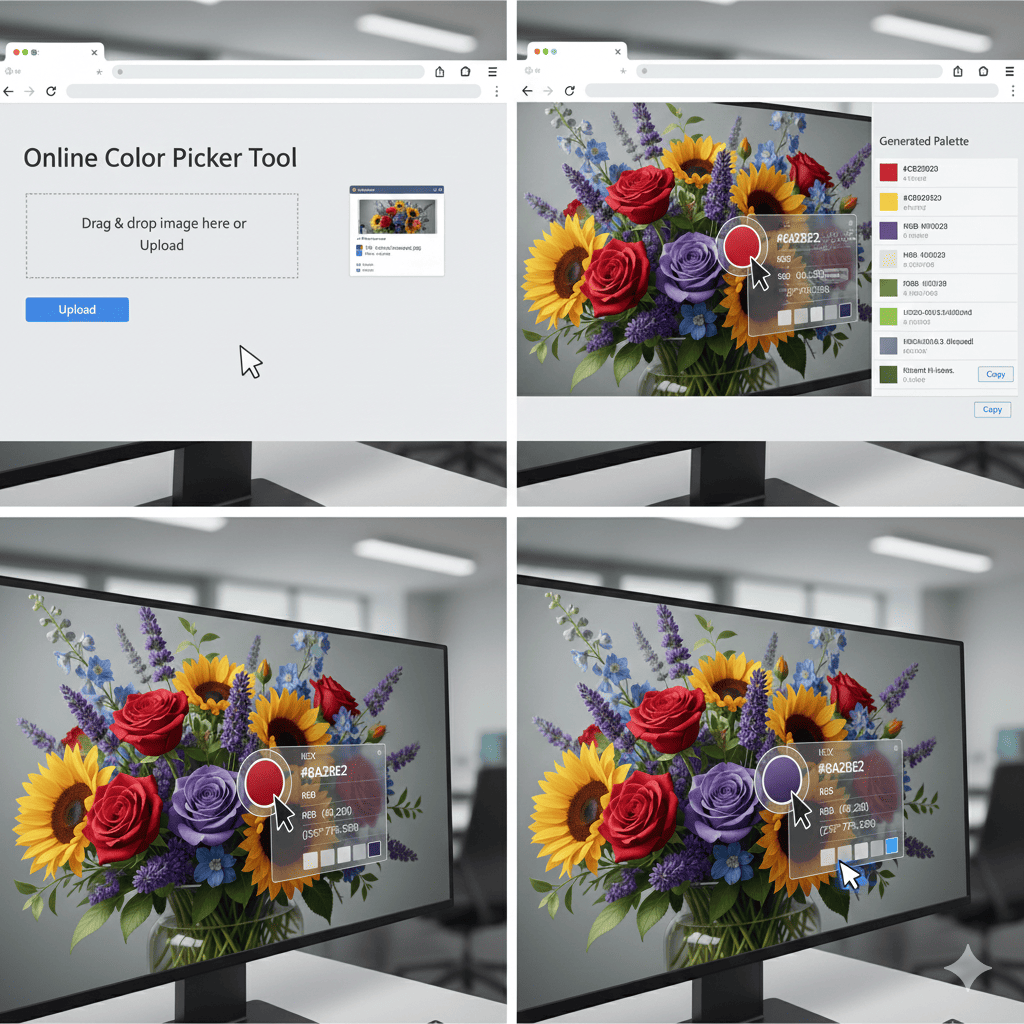
Manually picking colors is time-consuming and prone to errors. Without precision, your brand colors might not match across materials, leading to inconsistencies. A color picker tool solves these problems by providing:
-
Instant Accuracy: Extract exact colors without guesswork.
-
Multiple Color Formats: HEX for web design, RGB for digital displays, CMYK for printing.
-
Ease of Use: Simple interface—upload an image, click, and copy the color code.
-
Palette Creation: Many tools let you generate color palettes automatically.
-
Time Efficiency: Reduce hours of manual color matching to mere seconds.
Who Can Benefit from a Color Picker Tool?
The versatility of this tool makes it ideal for a wide range of users:
-
Designers: Quickly extract colors from inspiration images and build matching palettes.
-
Developers: Implement exact HEX or RGB values into websites or apps.
-
Students: Learn about color theory by analyzing images.
-
Marketers: Maintain brand consistency across digital campaigns.
-
General Users: Customize presentations, social media graphics, or personal projects.
No matter your skill level, a Color Picker Tool streamlines your workflow, improves precision, and saves valuable time.
Features of the Color Picker Tool
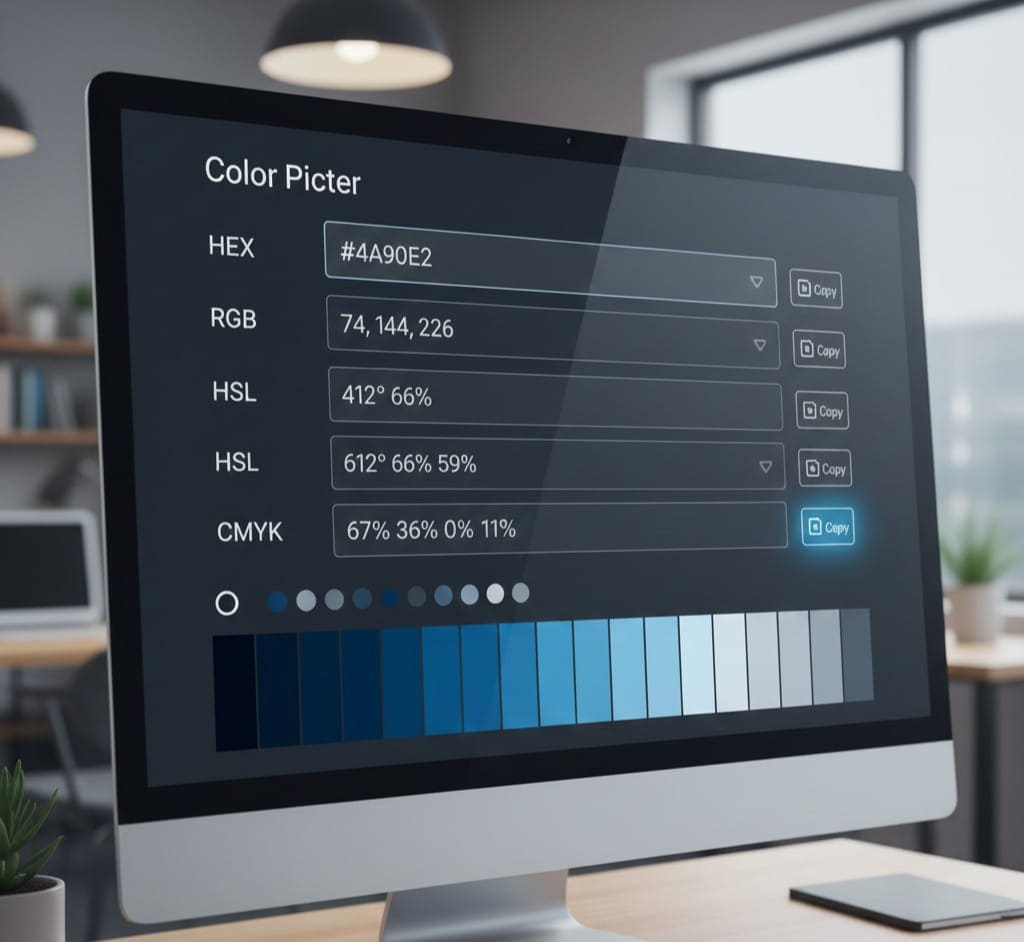
Modern color picker tools come packed with features that make color extraction easy, fast, and versatile. Let’s explore the most important features:
1. Instant Color Extraction
Upload any image and instantly extract colors. Whether it’s a photograph, logo, or digital illustration, the tool identifies the exact color codes.
2. Multiple Color Formats
The tool supports all major color formats:
-
HEX: Standard in web design. Example:
#FF5733. -
RGB: Ideal for digital screens. Example:
rgb(255,87,51). -
HSL: Adjust hue, saturation, and lightness. Example:
hsl(14,100%,60%). -
CMYK: Used in printing for exact reproduction. Example:
cmyk(0%,66%,80%,0%).
3. Copy & Paste Functionality
One click to copy color codes—no typing or conversion needed. Paste directly into your design software, CSS file, or presentation.
4. Color Palette Generation
Many tools allow you to create complementary color palettes automatically. This is helpful when building themes for web pages, branding, or presentations.
5. Accessibility Features
Some tools provide contrast ratios and WCAG compliance checks, ensuring your colors are accessible to all users.
6. No Login Required
Most color picker tools are browser-based, free, and do not require account creation—making them convenient for instant use.
How to Use the Color Picker Tool
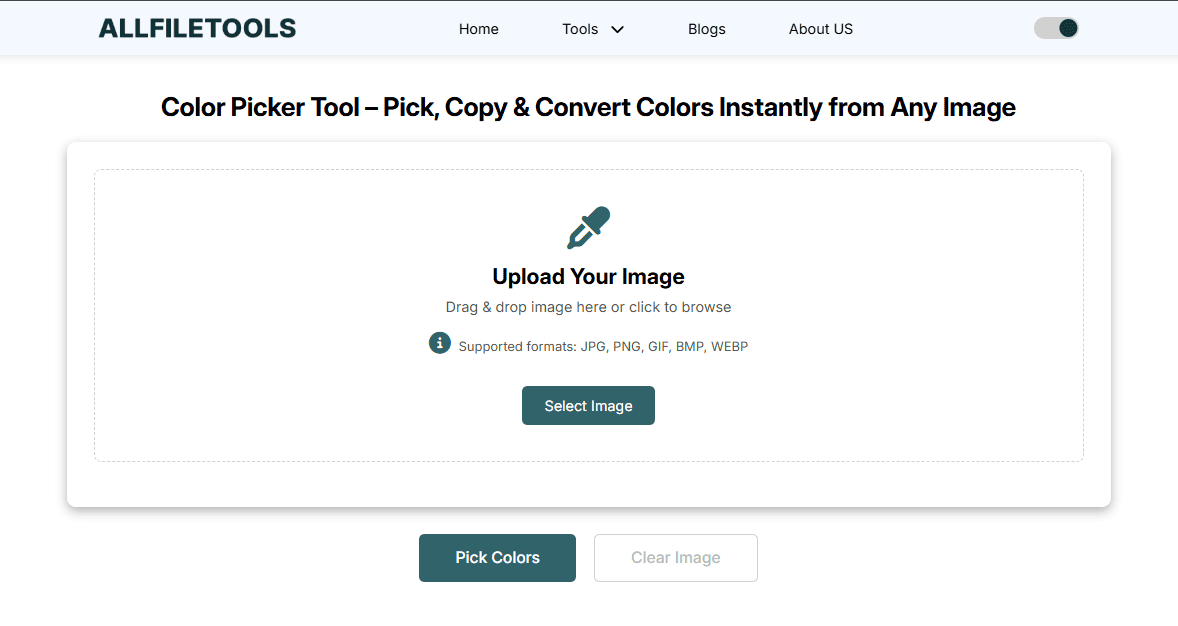
Using the Color Picker Tool is straightforward, even if you’re new to digital design. Here’s a step-by-step guide:
Step 1: Open the Tool
Access the tool online at AllFileTools Color Picker. The interface is user-friendly, requiring no technical skills.
Step 2: Upload Your Image
Click Upload Image or drag and drop your image onto the tool. You can pick photos, screenshots, logos, or graphics.
Step 3: Select the Color
Hover over the image and click on the exact spot of the color you want to extract. The tool instantly shows the color code in HEX, RGB, HSL, and CMYK.
Step 4: Copy the Color
Click Copy to grab the color code and paste it into your design software, CSS file, or anywhere needed.
Step 5: Create a Palette (Optional)
Use multiple selections to generate a color palette. Export the palette for future projects.
Step 6: Apply the Color
Use the extracted color for your website, presentation, graphics, or brand materials. Consistency is key in professional design.
Understanding Color Formats
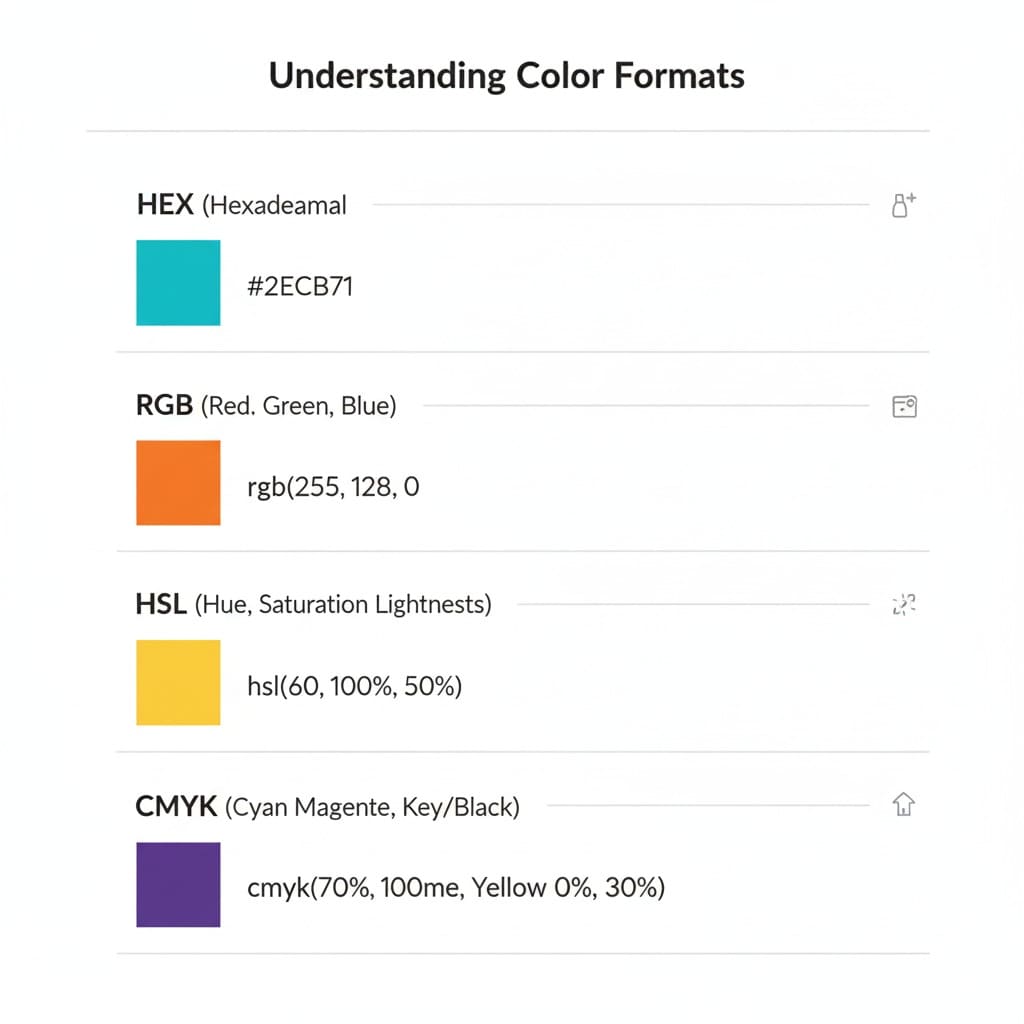
When using a color picker tool, understanding color formats ensures you use them correctly in your projects.
HEX
-
A six-character code starting with
#. -
Commonly used in web design and HTML/CSS.
-
Example:
#FF5733.
RGB
-
Stands for Red, Green, Blue.
-
Represents color in values from 0 to 255.
-
Example:
rgb(255,87,51). -
Great for digital displays and screens.
HSL
-
Stands for Hue, Saturation, Lightness.
-
Helps adjust color shades easily.
-
Example:
hsl(14,100%,60%).
CMYK
-
Stands for Cyan, Magenta, Yellow, Black.
-
Used in printing to get precise color reproduction.
-
Example:
cmyk(0%,66%,80%,0%).
Tips for Using Color Picker Tools Effectively
-
High-Resolution Images: Always use high-quality images for accurate color extraction.
-
Multiple Sampling: Click multiple areas to find the dominant and accent colors.
-
Use Palettes for Branding: Save palettes for consistent branding across projects.
-
Check Accessibility: Ensure contrast ratios meet accessibility standards.
-
Integrate with Design Software: Copy codes directly into Photoshop, Illustrator, Figma, Canva, or CSS files.
Real-World Applications

Designers
-
Extract colors from competitor websites or inspiration images.
-
Build cohesive palettes for websites, social media, and marketing materials.
Developers
-
Use exact HEX or RGB codes in HTML, CSS, or app interfaces.
-
Maintain color consistency across different platforms and screens.
Students & Educators
-
Learn about color theory and how colors interact in digital designs.
-
Analyze images to understand hues, saturation, and brightness.
Marketers
-
Ensure brand consistency across all visual campaigns.
-
Quickly adapt color schemes for ads, banners, and social posts.
Why Choose AllFileTools Color Picker?
The AllFileTools Color Picker stands out because it is:
-
Fast and Free: No registration, instant results.
-
Multi-Format: Supports HEX, RGB, HSL, CMYK.
-
User-Friendly: Perfect for beginners and professionals.
-
Accessible Anywhere: Works in any modern browser, no downloads.
-
Accurate: Pixel-perfect color extraction.
By using this tool, you can streamline your design process and ensure color accuracy every time.
Conclusion
In a digital world where colors define user experience and brand identity, having the right tools is essential. The Color Picker Tool makes it effortless to pick, copy, and convert colors from any image, whether you’re a designer, developer, student, marketer, or general user. With instant extraction, multi-format support, palette generation, and ease of use, this tool is a must-have in your creative toolkit.
Experience precision, save time, and ensure consistency—try the AllFileTools Color Picker today and elevate your projects to the next level.
Frequently Asked Questions
1. What is a Color Picker Tool?
A Color Picker Tool is an online utility that allows you to select and extract colors from images or digital content, providing the exact color codes in formats like HEX, RGB, HSL, and CMYK.
2. Can I use this tool for free?
Yes, the AllFileTools Color Picker is completely free and does not require registration or downloads.
3. Which color formats are supported?
The tool supports HEX, RGB, HSL, and CMYK, making it suitable for web design, printing, and digital projects.
4. How do I extract colors from an image?
Upload your image, click on the desired color area, and copy the displayed color code. You can also generate full palettes from multiple selections.
5. Is this tool suitable for beginners?
Absolutely! Its intuitive interface is perfect for both beginners and professionals, requiring no technical skills.
6. Can I use it for branding consistency?
Yes, by extracting exact color codes and generating palettes, you can maintain consistent branding across all your designs.
7. Does it work on all devices?
Yes, the tool is browser-based and works on any device, including desktops, laptops, tablets, and mobile phones.
Leave a Comment
No comments yet. Be the first to comment!