
In the current creator economy, content is currency. However, as any YouTuber or Social Media Manager knows, the sheer volume of raw 4K footage can quickly turn a goldmine into a graveyard of forgotten files. High-resolution .MOV files the standard for Apple ProRes and high-end cameras are beautiful, but they are "data-heavy and search-blind."
The biggest bottleneck in post-production isn't the editing itself; it’s the hours spent scrubbing through timelines to find that one perfect shot. To maximize the longevity of your assets, you need a way to index them. At AllFileTools.com, we’ve developed a workflow that transforms your heavy video files into lightweight, Searchable PDF Storyboards.
Why Video Files Die in Storage
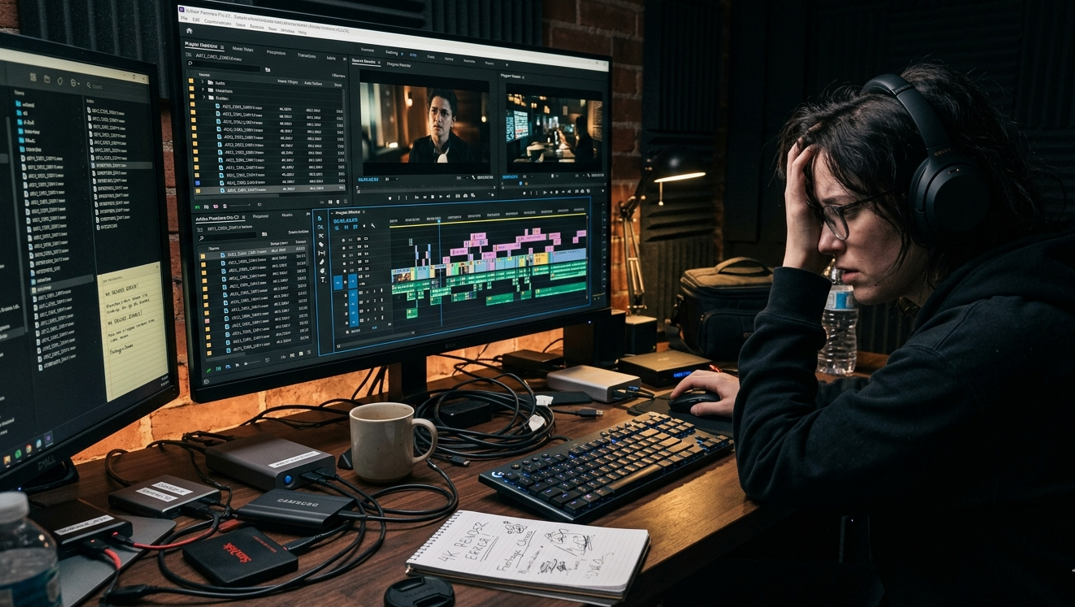
When you finish a project, you likely dump your raw footage onto an external drive. Six months later, when you need a specific b-roll clip for a "Throwback" video, you face a nightmare:
- Zero Searchability: You cannot "Cmd+F" (search) inside a video file for a visual cue.
- Bandwidth Drag: Previewing 4K .MOV files requires significant CPU power and RAM. Opening ten files just to find a 5-second clip wastes precious creative energy.
- The Metadata Gap: Standard file names (like MVI_0942.MOV) tell you nothing about the content, lighting, or emotion of the shot.
The Solution: The Visual Index Workflow
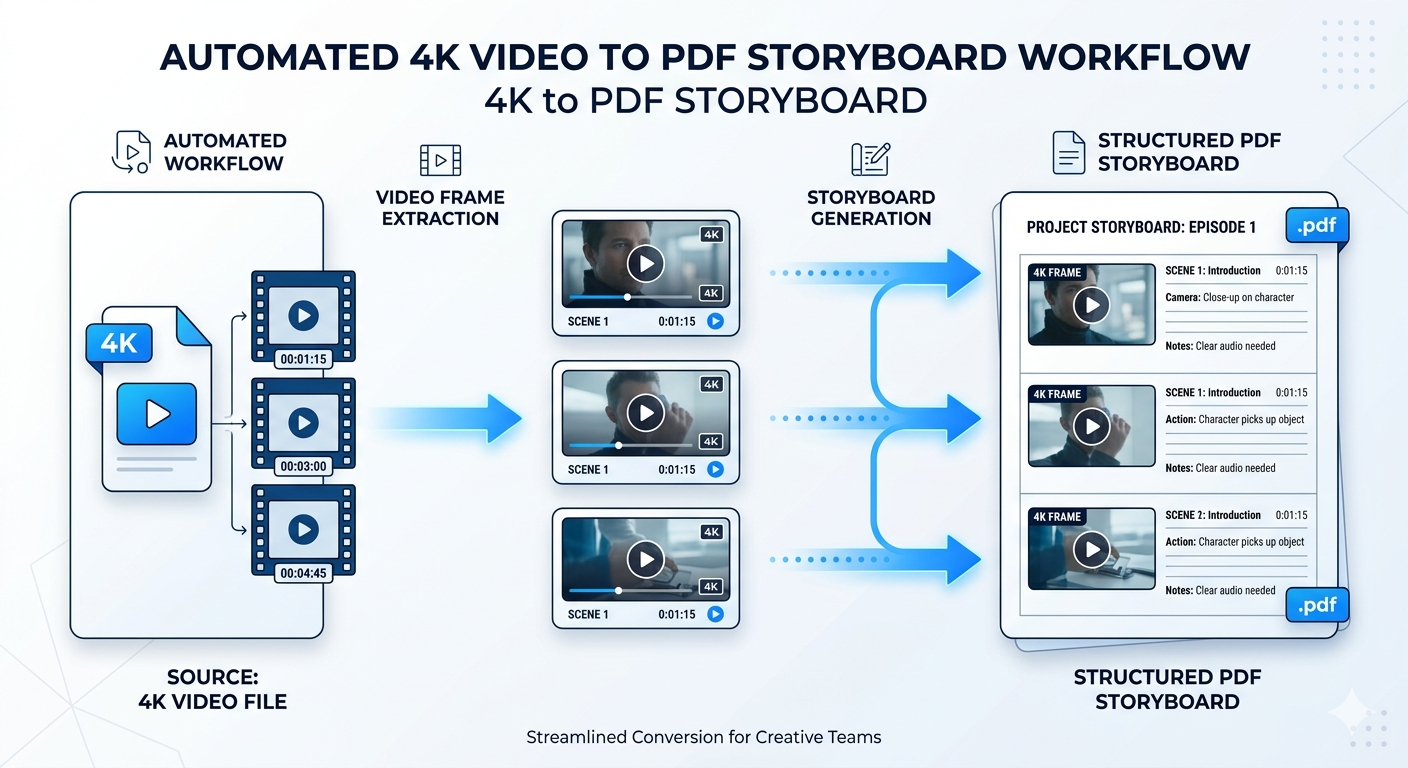
The most efficient way to manage a massive video library is to create a Digital Contact Sheet. By using the Video to PDF Tool on AllFileTools, you create a "Visual Index" that serves as a bridge between your storage and your editing suite.
Step 1: Automated Frame Extraction
Instead of manually taking screenshots, upload your .MOV or .MP4 file to our converter. The tool uses an intelligent algorithm to sample the video at specific intervals (or keyframes), capturing the essence of every scene change.
Step 2: Creating the Searchable PDF Storyboard
The tool compiles these frames into a high-quality PDF document.
- Visual Thumbnails: Each page acts as a storyboard, showing the visual progression of the shoot.
- Timestamp Data: Each frame is labeled with its exact timestamp from the original video.
- OCR & Annotation: Because it’s a PDF, you can use standard PDF tools to add notes next to specific frames (e.g., "Best take for the intro" or "Fix color grading here").
Step 3: Fast-Track Retrieval
Now, instead of opening a 10GB video file to see what's inside, you open a 5MB PDF. You can quickly scroll through hundreds of clips, find the timestamp you need, and jump directly to that spot in your video editor (like Premiere Pro or DaVinci Resolve).
Why This Matters for Content Creators
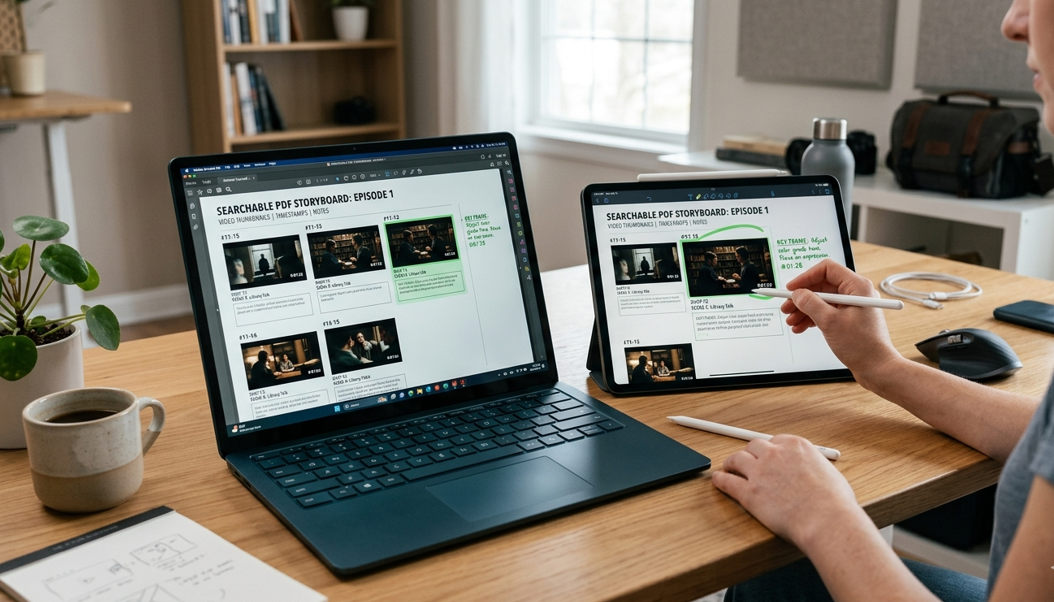
1. Re-Purposing Legacy Content
The most successful creators don't just film new things; they re-use old footage. With a PDF library of your past shoots, you can find "b-roll" in seconds, allowing you to create YouTube Shorts or TikToks from old projects with zero friction.
2. Client Approvals & Collaboration
If you are an editor working for a client, sending a "Video Storyboard PDF" is much more professional than sending a massive video file for initial review. Clients can comment on specific frames by referring to the page number or timestamp, eliminating "Back-and-Forth" confusion.
3. Social Media Management
Social media managers often need to coordinate with editors. Having a Searchable PDF allows the manager to "script" a reel by selecting specific frames and sending those timestamps to the editor, streamlining the entire production pipeline.
Why Choose AllFileTools for Your Creative Archive?
1. 4K Handling with Zero Lag
Our servers are optimized to handle high-bitrate .MOV files. We do the heavy lifting of frame extraction so your local machine doesn't have to freeze up.
2. Privacy for Your Intellectual Property
Your raw footage is your most valuable asset. AllFileTools ensures that all uploads are processed in a secure environment and wiped from our servers immediately after your PDF is generated. No "leaks," no lingering data.
3. Multi-Platform Accessibility
Whether you are on a high-end Mac Pro in the studio or an iPad on a plane, you can access our tools. You can generate your storyboards anywhere, ensuring your workflow never stops.
Conclusion: Build a Library, Not Just a Folder
Don't let your hard-earned 4K footage go to waste in a "Miscellaneous" folder. By converting your videos into searchable, lightweight PDFs, you are building a professional asset library that grows in value over time.
Efficiency is the secret to creative longevity. Start indexing your footage today at AllFileTools.com—where we turn your heavy data into actionable insights.
Leave a Comment
No comments yet. Be the first to comment!