In today’s fast-paced digital world, photographers and content creators often face a common challenge: dealing with large RAW files captured by Canon cameras. Whether you’re a professional photographer, a student learning photography, or a blogger needing high-quality images, converting Canon CR2 and CR3 files to standard image formats like JPG, PNG, or JPEG is essential. These formats are more compatible, lightweight, and easier to edit or share.
Luckily, with the CR2/CR3 to Image Converter (https://www.allfiletools.com/cr2-cr3-to-image-converter/), you can instantly convert your Canon RAW files online for free, without downloading any software. This tool is designed for all levels of users and ensures high-quality conversions with minimal effort.
Understanding Canon RAW Files: CR2 and CR3
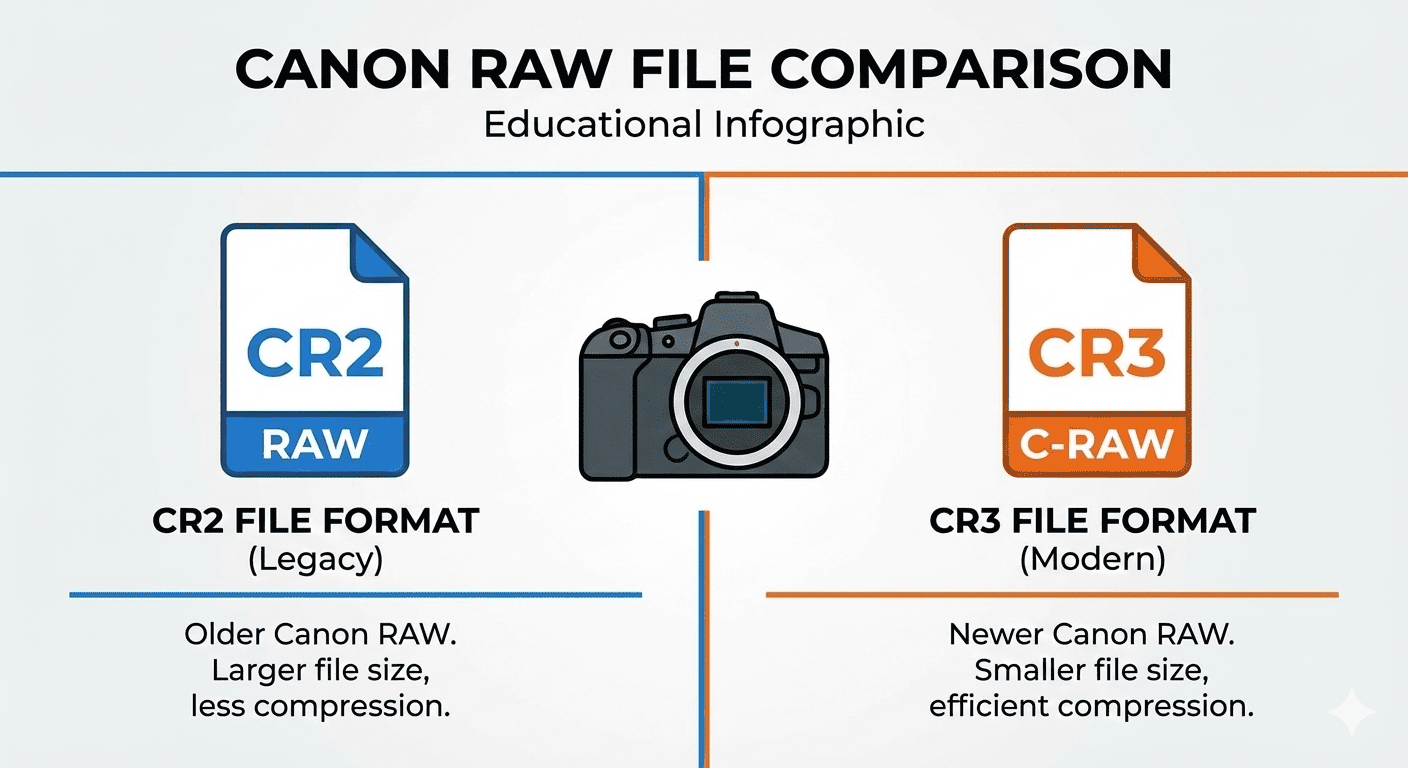
Canon cameras store RAW images in two main formats: CR2 and CR3.
-
CR2 Files: The CR2 format has been Canon’s standard RAW file format for many years. These files retain all the data captured by the camera sensor, allowing for detailed editing and high-resolution output.
-
CR3 Files: Introduced with newer Canon cameras, CR3 files are more efficient and smaller in size while maintaining quality. They also include features like C-RAW (Compressed RAW), which reduces file size without significant loss in image quality.
Why RAW Files Are Preferred by Professionals
RAW files are the backbone of professional photography because they store unprocessed data, giving you full control over editing:
-
Adjust exposure, brightness, contrast, and white balance with precision
-
Retain details in highlights and shadows
-
Preserve maximum color depth and dynamic range
However, RAW files like CR2 and CR3 are large in size and not universally compatible with all software or devices. This is where converting to JPG, PNG, or JPEG becomes necessary.
Why Convert CR2/CR3 to JPG, PNG, or JPEG?
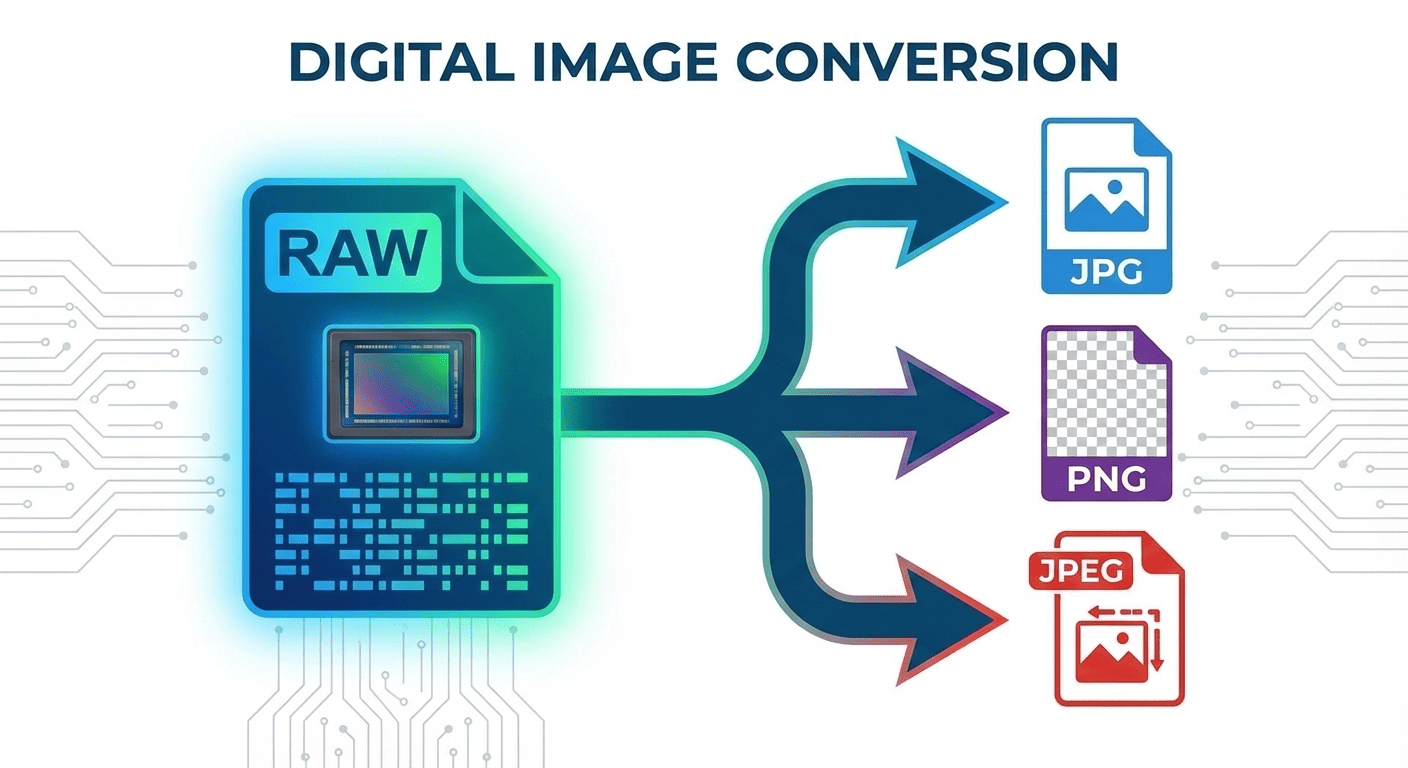
While RAW files are excellent for editing, they have limitations in everyday use:
-
Compatibility: JPG, PNG, and JPEG formats are widely supported across devices, browsers, and social media platforms.
-
Storage: RAW files are significantly larger than standard images, taking up valuable storage space.
-
Sharing: JPG or PNG files can be shared instantly via email, websites, and social media without additional software.
-
Editing: Converted images are easier to process in common photo editors like Photoshop, GIMP, or online editors.
Converting your Canon RAW files ensures that your images are accessible, manageable, and ready for immediate use without losing essential quality.
Introducing CR2/CR3 to Image Converter
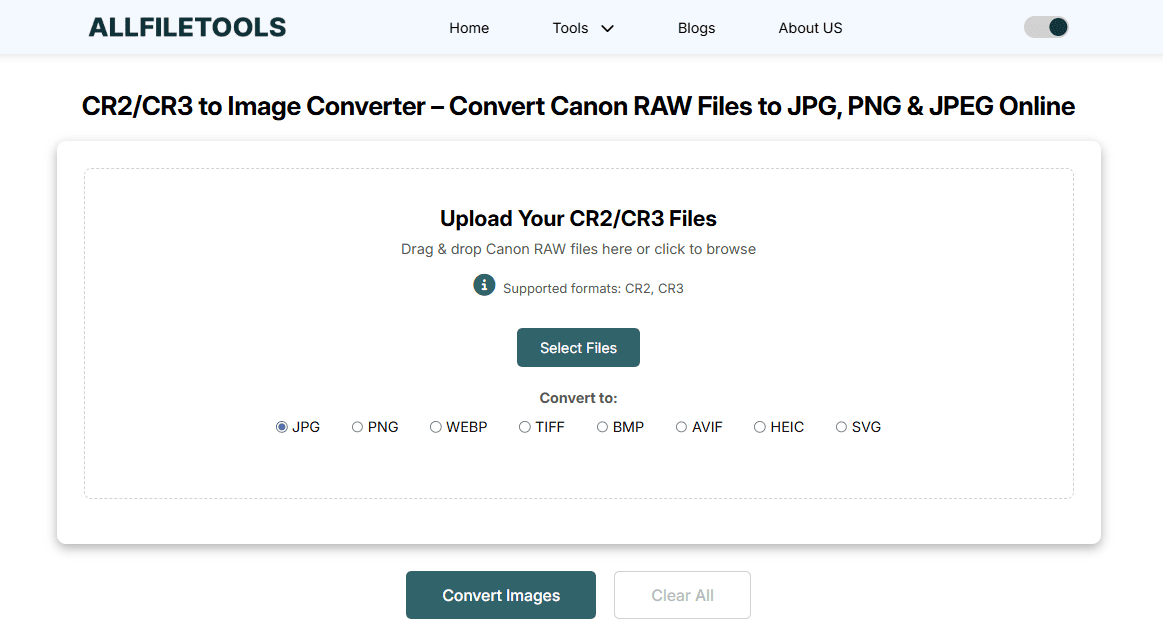
The CR2/CR3 to Image Converter is a free online tool specifically built for Canon camera users. Its main advantages include:
-
Instant Conversion: Upload CR2 or CR3 files and convert them in seconds.
-
Multiple Output Formats: Convert to JPG, PNG, or JPEG depending on your needs.
-
High-Quality Results: The tool ensures that image quality remains intact.
-
No Software Installation: Works entirely online, saving time and system resources.
-
User-Friendly Interface: Designed for beginners and advanced users alike.
This tool is perfect for photographers, designers, bloggers, and students who need quick, reliable, and high-quality conversions.
Convert your Canon RAW files now for free.
Step-by-Step Guide: How to Convert CR2/CR3 Files Online
Follow these simple steps to convert your Canon RAW files efficiently:
Step 1: Open the CR2/CR3 Converter
Go to the CR2/CR3 to Image Converter using your browser. No account or subscription is required.
Step 2: Upload Your RAW Files
Click the “Upload” button and select the CR2 or CR3 files from your device. You can upload multiple files at once for batch conversion.
Step 3: Select Output Format
Choose your desired output format – JPG, PNG, or JPEG. JPG is ideal for web use and sharing, while PNG is suitable for high-quality images with transparency support.
Step 4: Start Conversion
Click the “Convert” button. The tool will process your RAW files in seconds, maintaining the original image quality.
Step 5: Download Converted Files
Once the conversion is complete, download the files directly to your device. You can now use them for social media, websites, or professional portfolios.
Key Features of the CR2/CR3 to Image Converter
1. Free and Online
No subscription, download, or installation is required. It’s a completely free online tool accessible from any device.
2. High-Speed Conversion
The tool uses optimized algorithms to process files quickly, even for large RAW images.
3. Multiple File Support
Supports both CR2 and CR3 formats from all Canon cameras.
4. Batch Processing
Convert multiple RAW files simultaneously, saving time for photographers handling large projects.
5. High-Quality Output
Maintains the original resolution and color fidelity of your images.
6. Privacy and Security
Uploaded files are processed securely and are not stored on the server, ensuring your data privacy.
Benefits for Different Users

For Photographers
-
Edit images more easily in your preferred software
-
Reduce file size without losing quality
-
Share high-quality photos instantly
For Designers
-
Quickly convert RAW images for web or print
-
Maintain color accuracy for creative projects
-
Access multiple formats for client delivery
For Bloggers and Content Creators
-
Use converted images in articles, tutorials, and social media posts
-
Save time with batch conversion
-
Avoid compatibility issues with image editors
For Students
-
Learn photography and editing without worrying about file compatibility
-
Complete assignments quickly using standard formats
-
Save storage space on devices
For General Users
-
Easily view Canon RAW photos on any device
-
Convert personal photos for sharing with friends and family
-
Simplify photo management
Technical Insights: How the Converter Works
The CR2/CR3 to Image Converter utilizes advanced image processing algorithms to maintain high-quality output. Key technical aspects include:
-
RAW Data Preservation: Extracts complete sensor data from CR2/CR3 files.
-
Color Profile Management: Retains accurate colors and contrast for JPG/PNG output.
-
Compression Optimization: Reduces file size while minimizing quality loss.
-
Browser Compatibility: Works on Chrome, Firefox, Edge, and Safari.
By understanding the technical process, users can trust that converted images retain the integrity of the original RAW files.
Comparison: Online Converter vs Desktop Software
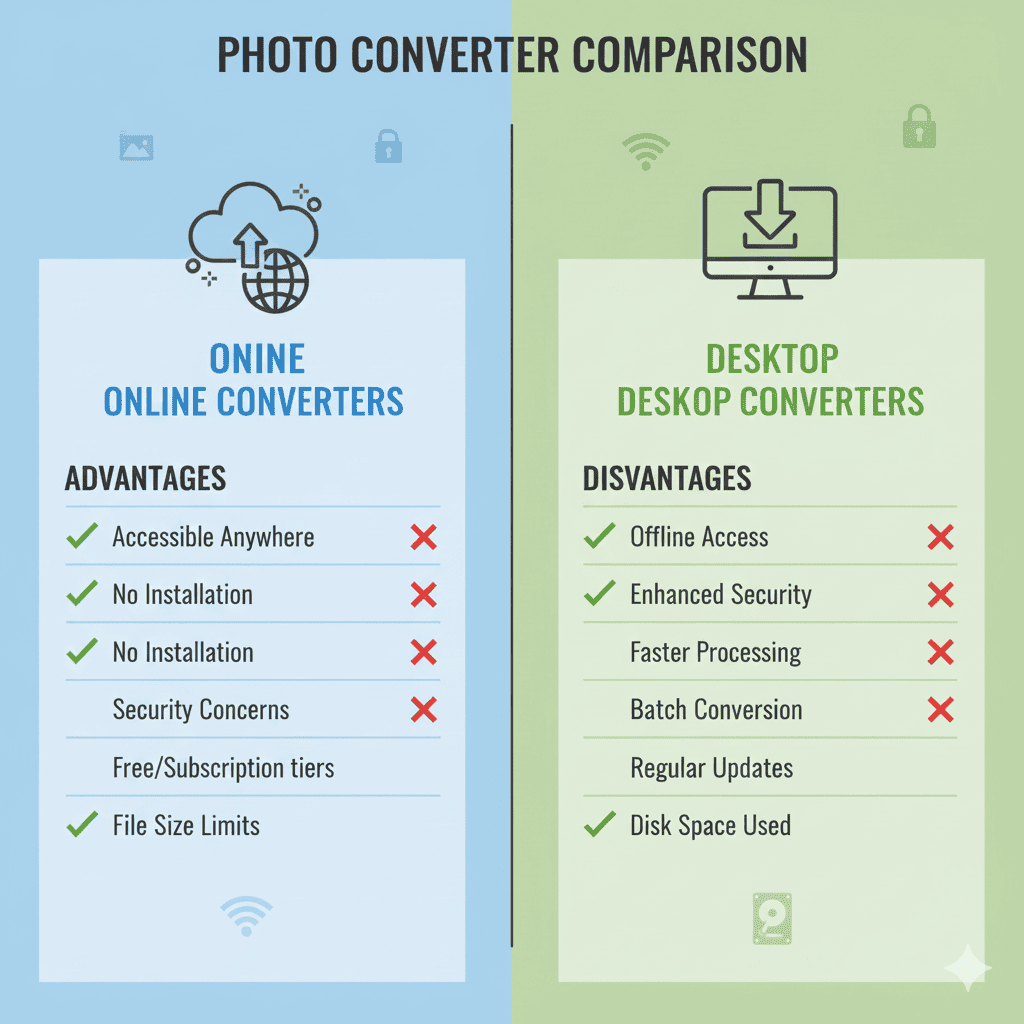
| Feature | Online CR2/CR3 Converter | Desktop RAW Converter |
|---|---|---|
| Installation | Not required | Required |
| Cost | Free | Often paid |
| Speed | Fast for most files | Varies based on system |
| Batch Conversion | Yes | Yes |
| Accessibility | Any device with browser | Limited to installed system |
| Privacy | Secure online processing | Local files only |
| Ease of Use | Beginner-friendly | Moderate learning curve |
Observation: For most users, especially beginners or casual photographers, the online converter is faster, easier, and more convenient than desktop software.
Tips for Best Results
-
Always select the correct output format based on your needs (JPG for web, PNG for design work).
-
Check the file size before conversion to ensure efficient uploading.
-
Use batch conversion for multiple files to save time.
-
Keep original CR2/CR3 files for future editing if needed.
-
Ensure a stable internet connection for faster upload and download.
Conclusion
Converting Canon CR2 and CR3 RAW files to JPG, PNG, or JPEG no longer has to be a complicated or time-consuming process. The CR2/CR3 to Image Converter (https://www.allfiletools.com/cr2-cr3-to-image-converter/) provides an instant, free, and high-quality solution for photographers, designers, bloggers, students, and general users.
Whether you need images for professional editing, social media sharing, or web publishing, this tool ensures that your Canon RAW photos are converted efficiently while maintaining original quality. With batch processing, multiple format support, and a user-friendly interface, converting your RAW files has never been easier.
Take control of your images today and convert your CR2/CR3 files instantly with this free online tool.
Frequently Asked Questions (FAQs)
1. What is the difference between CR2 and CR3 files?
CR2 files are older Canon RAW files, while CR3 is the newer compressed format. Both contain unprocessed image data, but CR3 files are smaller in size without significant quality loss.
2. Can I convert multiple RAW files at once?
Yes, the CR2/CR3 to Image Converter supports batch processing, allowing you to convert several files simultaneously.
3. Will the image quality reduce after conversion?
No, the tool ensures high-quality conversion, preserving colors, contrast, and resolution of the original RAW file.
4. Which output format should I choose: JPG, PNG, or JPEG?
-
JPG/JPEG: Ideal for web, sharing, and storage efficiency
-
PNG: Best for designs needing transparency or lossless quality
5. Is the online converter safe to use?
Yes, all files are processed securely online, and no uploaded file is stored permanently on the server.
6. Do I need to install any software to use this tool?
No, the converter works entirely online. You just need a web browser and internet connection.
7. Is this tool free?
Yes, the CR2/CR3 to Image Converter is completely free to use for everyone, with no hidden charges.
Leave a Comment
No comments yet. Be the first to comment!