
Website speed is no longer a luxury—it is a necessity. In today’s performance-driven web ecosystem, even a one-second delay in page loading can lead to higher bounce rates, lower engagement, and lost revenue. For developers, designers, and website owners, performance optimization has become a core responsibility rather than an optional enhancement.
One of the most commonly overlooked contributors to slow website performance is unoptimized CSS. Cascading Style Sheets control how your website looks and behaves visually, but poorly written or unoptimized CSS files can significantly increase page load times. Extra whitespace, comments, redundant rules, and unnecessary characters all add weight to CSS files—weight that browsers must download and process on every page load.
This is where a CSS Minifier & Compressor becomes essential.
A CSS minifier tool removes unnecessary characters from CSS code without affecting its functionality, while compression further reduces file size. The result is smaller CSS files, faster loading times, improved Core Web Vitals, and better SEO performance.
In this comprehensive guide, you will learn:
-
What CSS minification and compression are
-
Why CSS optimization matters for website speed and SEO
-
How CSS Minifier & Compressor tools work
-
Key benefits of using an online CSS minifier
-
A step-by-step guide to minifying CSS online
-
Best practices for CSS optimization
-
Common use cases for developers and beginners
-
Answers to the most frequently asked questions
This guide is written for web developers, frontend developers, web designers, students, and general tech users who want to optimize CSS files efficiently using a free online CSS minifier tool.
What Is CSS and Why Does It Affect Website Speed?
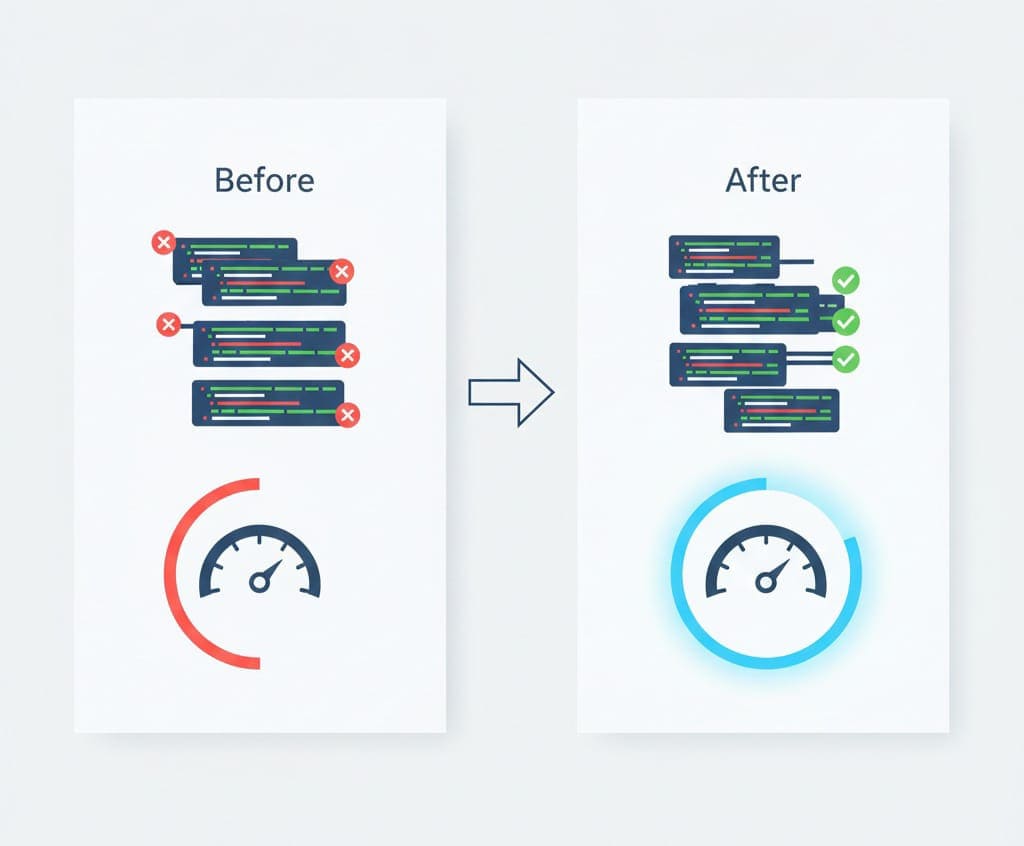
CSS (Cascading Style Sheets) is the language used to style HTML elements on a webpage. It defines layout, colors, fonts, spacing, animations, and responsiveness. Every modern website relies heavily on CSS to deliver a visually appealing user experience.
However, as websites grow, CSS files often become bloated due to:
-
Long formatting for readability
-
Inline comments
-
Duplicate rules
-
Unused selectors
-
Framework-generated CSS
While this structure is helpful during development, it becomes a performance issue in production.
How CSS Impacts Performance
When a browser loads a webpage, it must:
-
Download CSS files
-
Parse the CSS
-
Apply styles before rendering content
Large CSS files slow down this process. Because CSS is render-blocking, unoptimized stylesheets can delay the first paint and affect metrics like:
-
Largest Contentful Paint (LCP)
-
First Contentful Paint (FCP)
-
Cumulative Layout Shift (CLS)
Optimizing CSS is therefore critical for fast rendering and smooth user experience.
What Is CSS Minification?
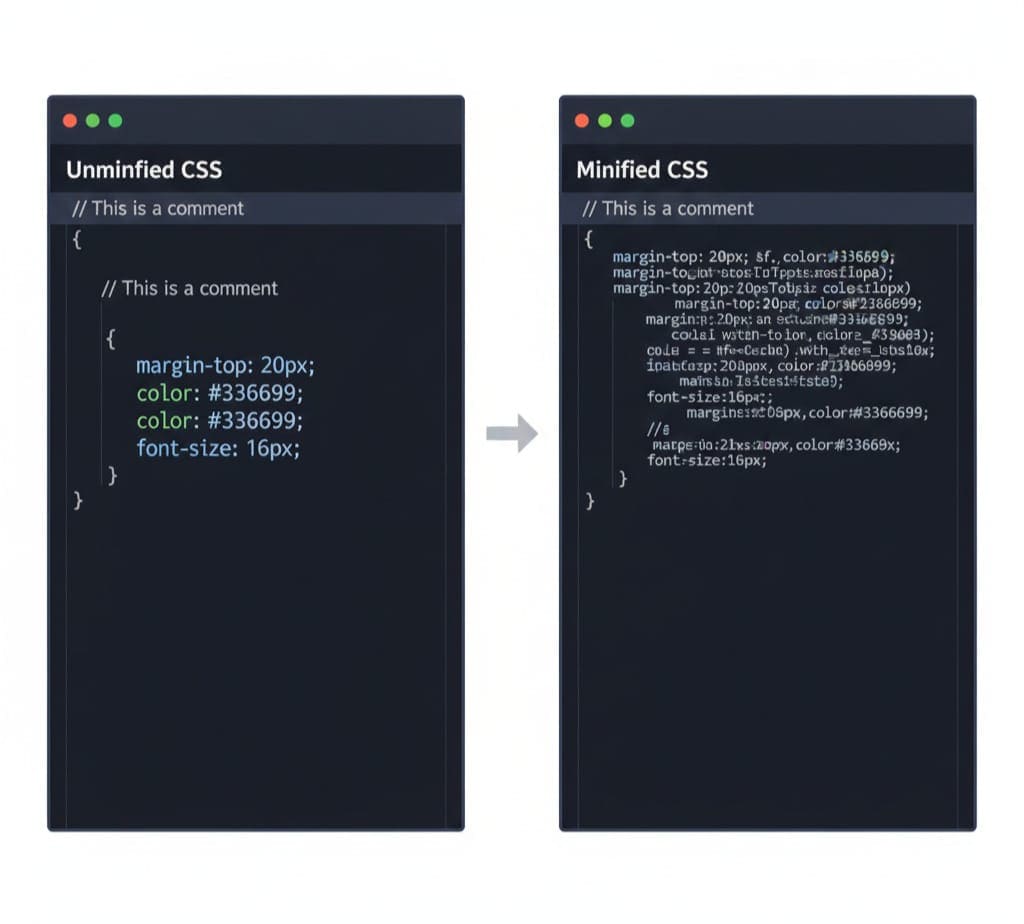
CSS minification is the process of removing unnecessary characters from CSS code while preserving its functionality.
This includes:
-
Removing whitespace
-
Removing line breaks
-
Removing comments
-
Removing redundant semicolons
-
Shortening values where possible
Example of CSS Minification
Original CSS
/* Main container */ .container { margin: 0 auto; padding: 20px; background-color: #ffffff; }
Minified CSS
.container{margin:0 auto;padding:20px;background-color:#fff}
The visual output remains exactly the same, but the file size is significantly smaller.
What Is CSS Compression?
CSS compression goes hand in hand with minification. While minification removes unnecessary characters, compression focuses on reducing the overall size of the CSS file by optimizing how the data is stored and transferred.
Compression techniques may include:
-
Gzip or Brotli compression (server-side)
-
Structural optimization
-
Value shortening
Most online CSS minifier tools perform both minification and compression automatically.
What Is a CSS Minifier & Compressor Tool?
A CSS Minifier & Compressor tool is an online utility that automatically optimizes CSS files by:
-
Minifying CSS code
-
Compressing file size
-
Preserving functionality
-
Improving performance
These tools allow users to:
-
Paste CSS code directly
-
Upload CSS files
-
Instantly generate optimized CSS
-
Download or copy the result
No advanced coding knowledge is required, making these tools accessible to both professionals and beginners.
Why Use an Online CSS Minifier & Compressor?
1. Faster Website Speed
Minified CSS files are smaller, which means:
-
Faster downloads
-
Quicker rendering
-
Improved user experience
Website speed is directly linked to engagement and conversions.
2. Improved SEO Performance
Search engines like Google use page speed as a ranking factor. Optimized CSS contributes to:
-
Better Core Web Vitals
-
Lower bounce rates
-
Higher search visibility
Using a CSS optimization tool supports long-term SEO growth.
3. Better Core Web Vitals Scores
CSS minification helps improve:
-
Largest Contentful Paint (LCP)
-
First Input Delay (FID)
-
Cumulative Layout Shift (CLS)
These metrics are critical for modern SEO strategies.
4. Reduced Bandwidth Usage
Smaller CSS files consume less bandwidth, which is especially important for:
-
Mobile users
-
Users on slow networks
-
Large-scale websites
5. Cleaner Production Code
Minified CSS is ideal for production environments, keeping assets optimized and lightweight.
Introducing the CSS Minifier Tool by AllFileTools
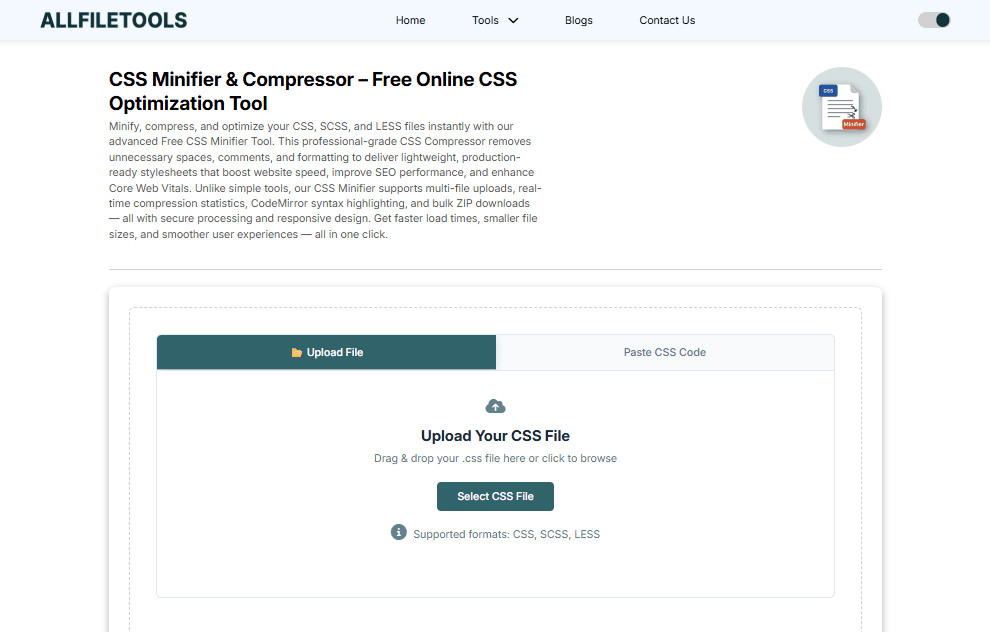
If you are looking for a free, fast, and reliable CSS Minifier & Compressor, the AllFileTools CSS Minifier is a powerful solution.
👉 https://www.allfiletools.com/css-minifier/
Key Features
-
Free online CSS minifier
-
No registration required
-
Paste CSS or upload files
-
Instant CSS compression
-
Secure browser-based processing
-
Download optimized CSS
-
Works on all devices
This tool is designed for developers, designers, students, and anyone who wants to optimize CSS without complexity.
How to Minify CSS Online (Step-by-Step Guide)
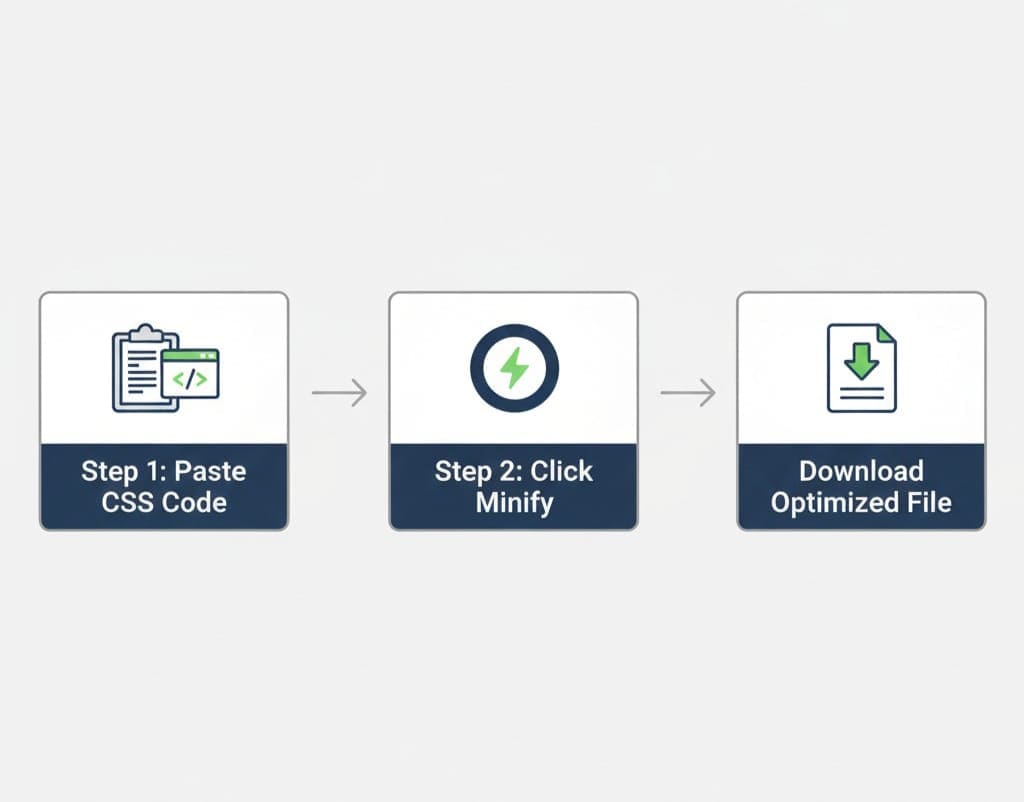
Step 1: Open the CSS Minifier Tool
Visit:
https://www.allfiletools.com/css-minifier/
Step 2: Paste or Upload CSS Code
You can:
-
Paste raw CSS code into the input field
-
Upload a
.cssfile from your device
Step 3: Minify and Compress
Click the minify button. The tool will:
-
Remove whitespace and comments
-
Optimize CSS structure
-
Compress file size instantly
Step 4: Copy or Download Minified CSS
Once processed, you can:
-
Copy the optimized CSS
-
Download the compressed CSS file
The entire process takes only seconds.
CSS Minification vs CSS Compression
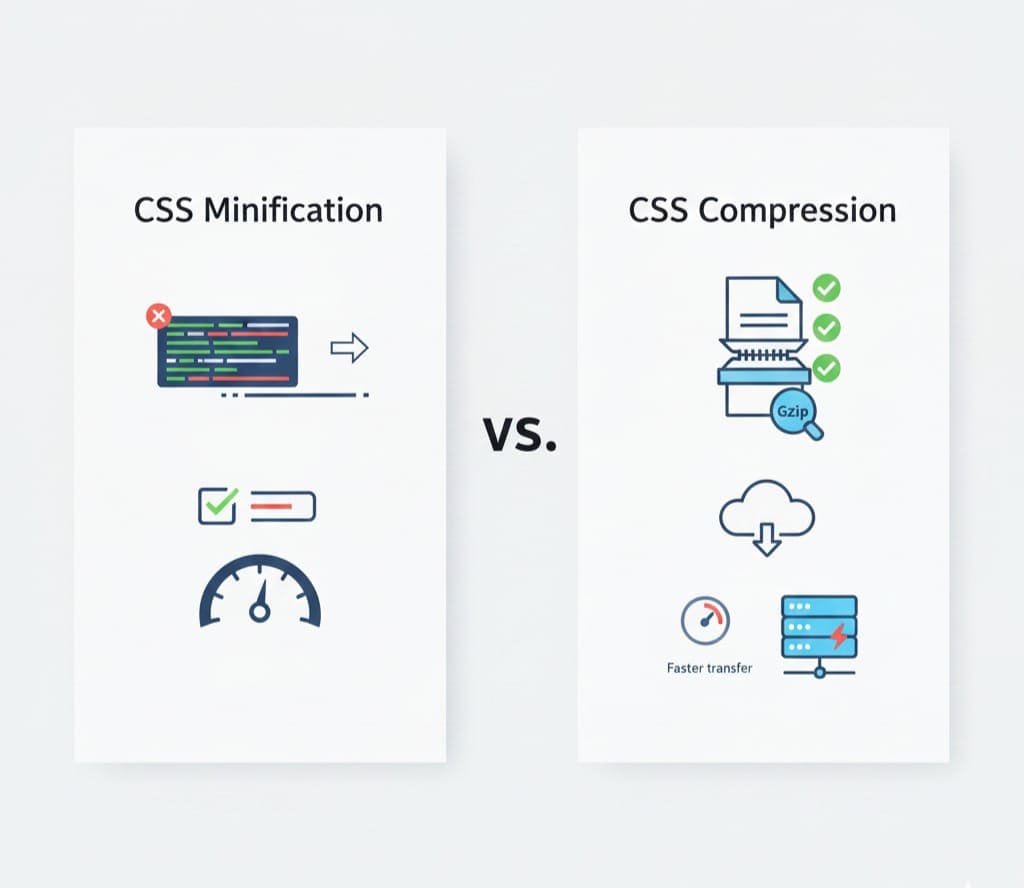
| Aspect | CSS Minification | CSS Compression |
|---|---|---|
| Removes whitespace | Yes | Yes |
| Removes comments | Yes | Yes |
| Reduces file size | Yes | Yes |
| Affects functionality | No | No |
| Improves page speed | Yes | Yes |
Most modern tools combine both for maximum optimization.
Who Should Use a CSS Minifier & Compressor?

Web Developers
-
Production deployment
-
Performance optimization
-
Clean asset delivery
Frontend Developers
-
Faster rendering
-
Optimized UI assets
Web Designers
-
Reduce heavy design CSS
-
Improve load times
Students and Beginners
-
Learn optimization concepts
-
Use real-world tools
General Tech Users
-
Improve website speed without coding complexity
Common Use Cases for CSS Optimization
-
Production website launches
-
Landing page speed optimization
-
SEO performance improvement
-
Mobile website optimization
-
Client performance audits
-
Web application optimization
Best Practices for CSS Optimization

-
Always minify CSS after development
-
Keep original CSS files for editing
-
Combine multiple CSS files where possible
-
Use minified CSS in production only
-
Regularly audit CSS for unused rules
Conclusion
CSS optimization plays a critical role in modern web performance. Large, unoptimized CSS files slow down websites, negatively affect user experience, and reduce search engine visibility.
Using a CSS Minifier & Compressor allows you to:
-
Reduce CSS file size
-
Improve website speed
-
Enhance Core Web Vitals
-
Boost SEO performance
-
Deliver a better user experience
For developers, designers, students, and tech users, the AllFileTools CSS Minifier provides a simple yet powerful way to optimize CSS files online—without cost or complexity.
👉 Start optimizing your CSS today:
https://www.allfiletools.com/css-minifier/
FAQs
1. What is a CSS minifier?
A CSS minifier is a tool that removes unnecessary characters from CSS code to reduce file size without changing functionality.
2. Is CSS minification safe?
Yes, when done using a reliable tool, CSS minification is completely safe and widely used in production environments.
3. Does CSS minification improve SEO?
Yes, faster loading pages contribute to better search rankings and improved user engagement.
4. Can beginners use CSS minifier tools?
Absolutely. Online CSS minifier tools are beginner-friendly and require no coding expertise.
5. Should I minify CSS during development?
Minification should be applied after development, before deploying to production.
6. Can CSS minification help mobile performance?
Yes, smaller CSS files load faster on mobile networks, improving mobile user experience.
7. Which is the best free CSS minifier tool?
The AllFileTools CSS Minifier is a fast, free, and secure option for CSS optimization.
Leave a Comment
No comments yet. Be the first to comment!