Do you have high-quality FLAC audio files but want to play them on devices that support MP3? Maybe you want to share your favorite music online, or your podcast needs MP3 files for compatibility. FLAC to MP3 conversion is one of the most common tasks for music lovers, podcasters, and tech users.
FLAC (Free Lossless Audio Codec) files are excellent for preserving the full audio quality of your music. However, they are large in size and not supported by all devices. MP3, on the other hand, is universal, smaller, and easy to use.
In this blog, we’ll guide you step by step on how to convert FLAC to MP3 online using the AllFileTools FLAC to MP3 Converter — a fast, free, and high-quality tool. By the end, you’ll understand everything from why FLAC is used to choosing the best conversion settings, and get answers to frequently asked questions.
What is FLAC?
FLAC is a lossless audio format, which means it compresses audio without losing quality.
-
Popular among audiophiles and music producers
-
Maintains full sound quality
-
Usually much larger in size compared to MP3
FLAC files are great for archiving, editing, or professional music projects. But their size and compatibility can make them less convenient for casual listening or sharing online.
What is MP3?
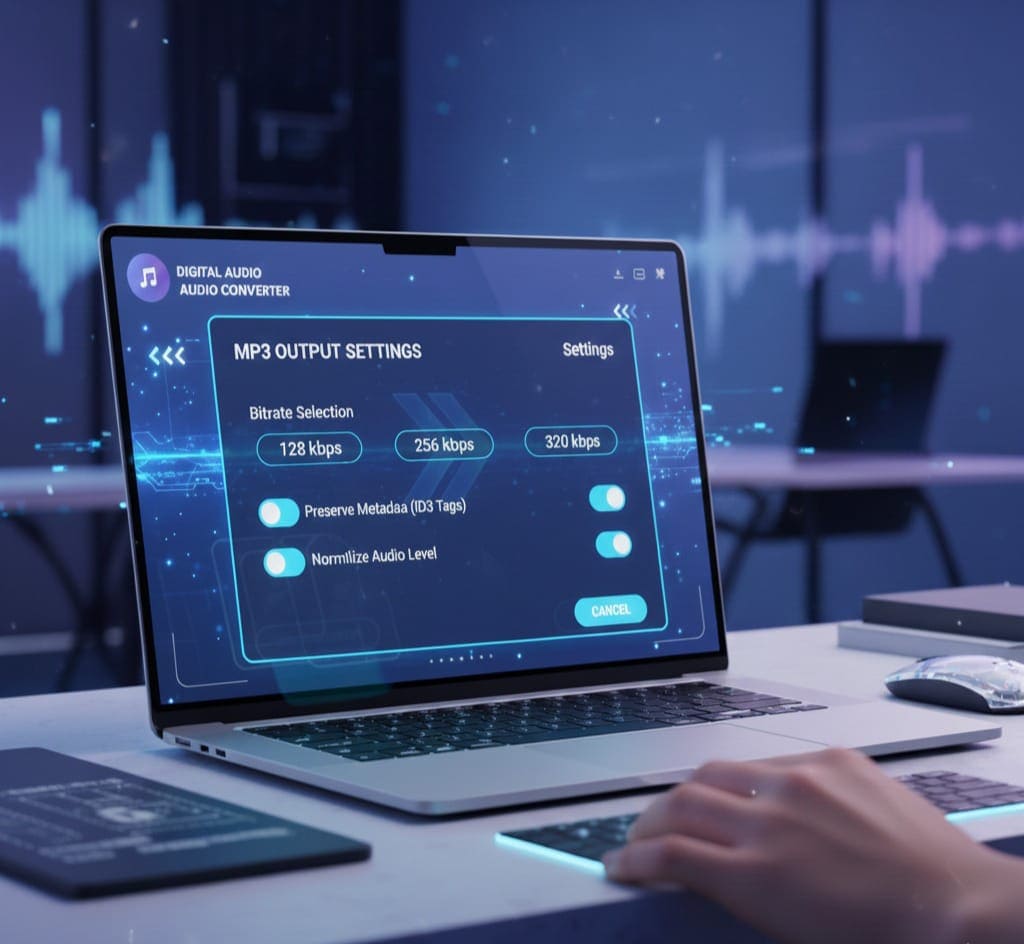
MP3 is a compressed audio format. It is:
-
Small in size, making it perfect for mobile devices, streaming, and sharing
-
Universal, supported on almost every device and media player
-
Slightly lower in quality than FLAC but usually still very clear
Converting FLAC to MP3 gives you smaller files while keeping great audio clarity.
Why Convert FLAC to MP3?
Here are some reasons why you might want to convert FLAC to MP3:
-
Device Compatibility – Many phones, tablets, and older MP3 players don’t support FLAC.
-
Smaller File Size – MP3 files take less storage space.
-
Streaming & Sharing – Uploading MP3s is faster than FLAC files.
-
Podcast Distribution – Many podcast platforms prefer MP3 format.
-
Easy Listening – MP3 is widely supported by software players.
Introducing AllFileTools FLAC to MP3 Converter
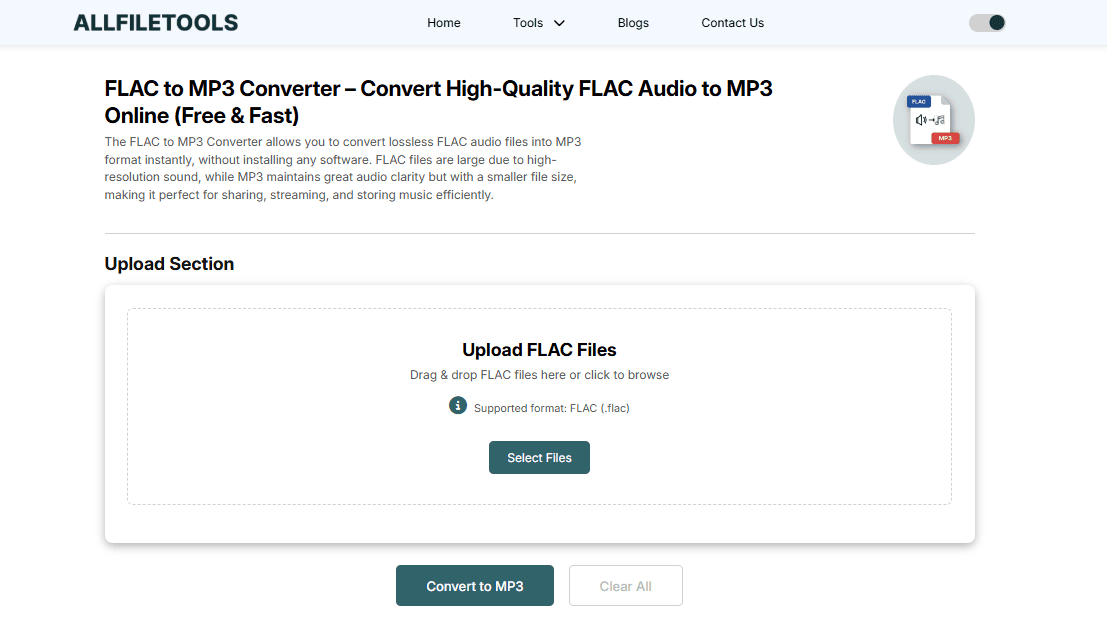
The AllFileTools FLAC to MP3 Converter is an online tool that helps you:
-
Convert FLAC files to MP3 instantly
-
Maintain high-quality audio
-
Perform batch conversion for multiple files
-
Choose output bitrate (128kbps, 256kbps, 320kbps)
-
No installation needed, works directly in your browser
-
Safe and secure — files are deleted after conversion
It is free, fast, and user-friendly, making it perfect for everyone from students to music producers.
Step-by-Step Guide to Convert FLAC to MP3 Online
Follow these simple steps to convert your FLAC files to MP3:
Step 1: Open the Tool
Go to AllFileTools FLAC to MP3 Converter in your browser.
Step 2: Upload Your FLAC Files
Click on the Upload button or drag and drop your FLAC files. You can upload multiple files at once.
Step 3: Select Output Settings
Choose the MP3 bitrate you want:
-
128kbps → smaller size, basic quality
-
256kbps → balanced size and quality
-
320kbps → high-quality audio, close to FLAC quality
You can also preserve metadata like song title, artist, and album.
Step 4: Start Conversion
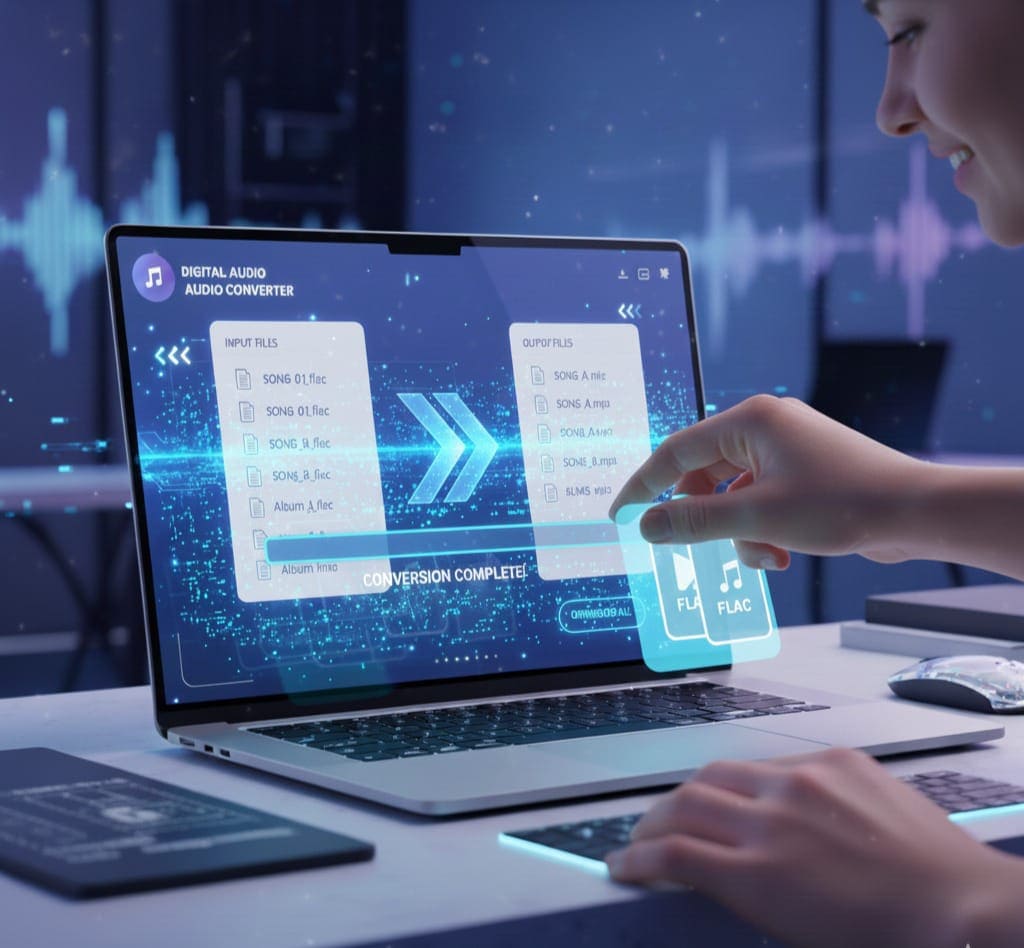
Click Convert. The tool will process your files quickly.
Step 5: Download MP3 Files
Once conversion is complete, click Download to save your MP3 files. You can also download all converted files as a ZIP if you uploaded multiple files.
Tips for Best Conversion
-
Choose Higher Bitrate for Music – For music, 320kbps is best.
-
Batch Files Together – If you have many files, convert them in one batch to save time.
-
Check Device Compatibility – Make sure your device supports MP3 before converting.
-
Preserve Metadata – Keep track of song information by enabling metadata preservation.
-
Use Secure Wi-Fi – When converting large files, a stable connection ensures smooth upload/download.
Who Can Benefit from This Tool?

-
General Users: Convert music for personal listening.
-
Music Listeners: Create a portable library without losing quality.
-
Audio Engineers & Producers: Quickly convert demo files for clients.
-
Podcasters: Convert FLAC podcasts to MP3 for online platforms.
-
Developers & Tech Users: Integrate converted MP3s into apps or projects.
-
Students: Reduce file sizes for easier sharing in presentations or assignments.
-
Digital Marketers: Convert audio ads and jingles to MP3 for campaigns.
-
Musicians: Share music in a universal format without compromising clarity.
FLAC vs MP3: Quick Comparison
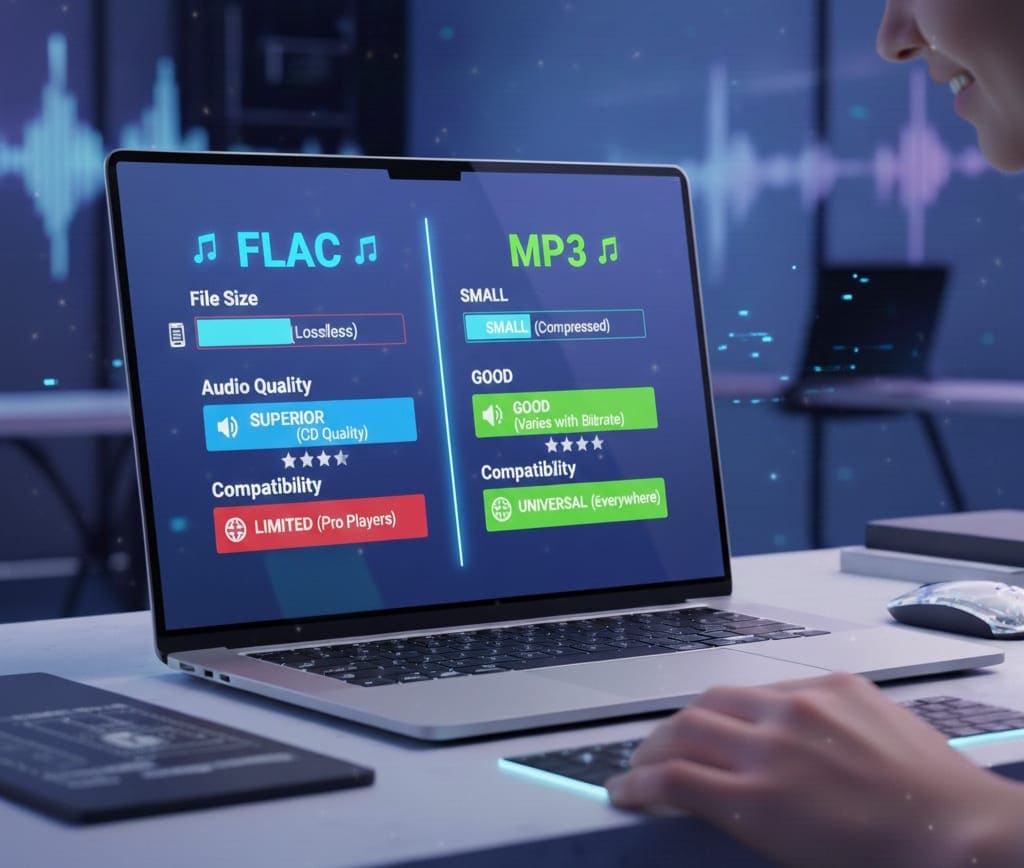
| Feature | FLAC | MP3 |
|---|---|---|
| Quality | Lossless, original sound | Compressed, good quality |
| File Size | Large | Small |
| Compatibility | Limited | Universal |
| Use Case | Archiving, editing | Sharing, streaming, casual listening |
This comparison shows why FLAC is great for quality but MP3 is ideal for convenience.
Advanced Settings You Should Know
Even though the AllFileTools FLAC to MP3 Converter is simple, you can tweak advanced options:
-
Bitrate Selection: Higher bitrate = better quality
-
Channels: Mono or Stereo
-
Sampling Rate: Adjust for file size or quality
-
Metadata Tags: Keep artist, album, genre, year
These settings give you control over audio quality and file size.
Conclusion
Converting FLAC to MP3 is now faster and easier than ever. With the AllFileTools FLAC to MP3 Converter, you can:
-
Convert high-quality FLAC files to MP3
-
Save storage space
-
Share or stream music effortlessly
-
Preserve metadata and control output quality
No matter your background — whether a student, music producer, or casual listener — this online tool makes the conversion simple and reliable.
Frequently Asked Questions (FAQs)
1. Is the FLAC to MP3 Converter free?
Yes! The tool is completely free to use, with no hidden charges.
2. Can I convert multiple FLAC files at once?
Yes, batch conversion is supported. You can upload multiple files and convert them together.
3. Will converting FLAC to MP3 reduce audio quality?
MP3 is a compressed format, so there is some quality loss, but using 320kbps preserves near-original quality.
4. Do I need to install software?
No installation is required. The converter works directly in your browser.
5. Can I preserve song metadata during conversion?
Yes! The tool allows you to keep artist, album, genre, and track information.
6. How long does conversion take?
Conversion is usually instant or a few seconds per file, depending on file size and internet speed.
7. Is it safe to use this online converter?
Yes. Files are securely uploaded, processed quickly, and deleted after conversion, ensuring privacy.
Leave a Comment
No comments yet. Be the first to comment!