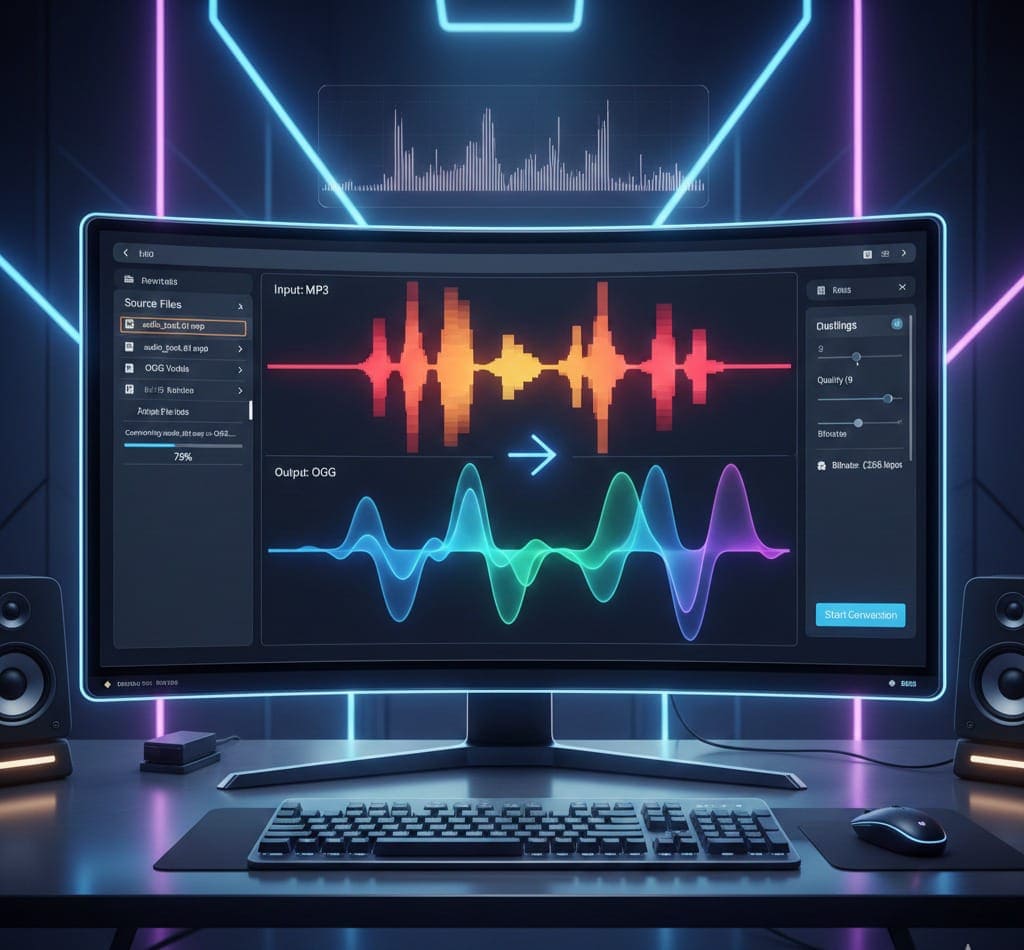
Audio files ka format change karna aaj kal common requirement hai — chahe aap musician, podcast editor, developer, ya general user ho. MP3 ek widely used audio format hai, lekin OGG format bhi kai cases me better hota hai — higher quality, better compression aur open-source nature ke liye.
Agar aap MP3 to OGG conversion ke liye fast, free aur high-quality solution dhoondh rahe hain, to aap bilkul sahi jagah par hain. Is blog me hum step-by-step guide, tips, aur FAQs cover karenge, taake aap online MP3 to OGG conversion easily kar saken.
What is MP3 and Why Convert to OGG?
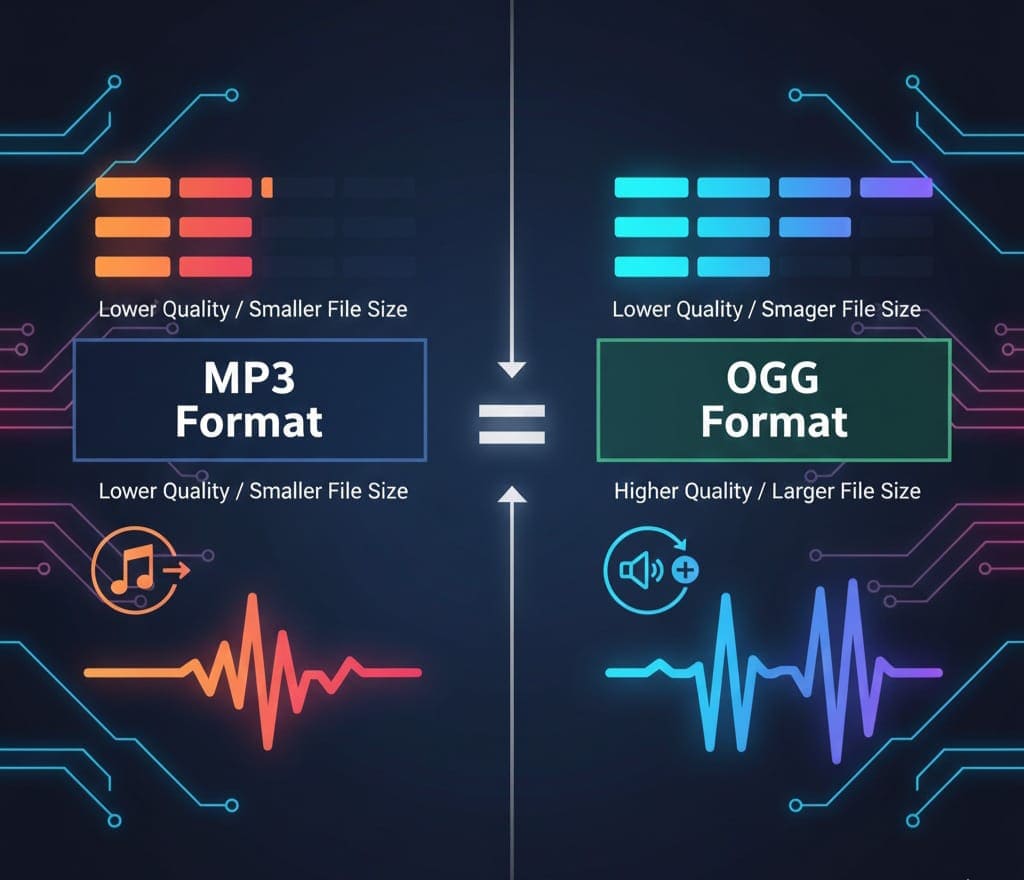
MP3 aur OGG dono audio file formats hain, lekin dono ke use-cases aur advantages alag hain:
MP3 Format
-
Most widely used audio format
-
Compressed audio file, smaller size
-
Compatible with almost all devices
-
Lossy compression — thodi quality lose hoti hai
OGG Format
-
Open-source audio format
-
Often uses OGG Vorbis codec
-
High-quality audio with better compression
-
Popular among musicians, developers, podcast editors
-
Free from licensing restrictions
Why Convert MP3 to OGG?
-
High-quality output for podcasts and music
-
Smaller file sizes without major quality loss
-
Better for streaming and professional audio editing
-
Compatible with open-source tools
Introducing Free MP3 to OGG Converter by AllFileTools
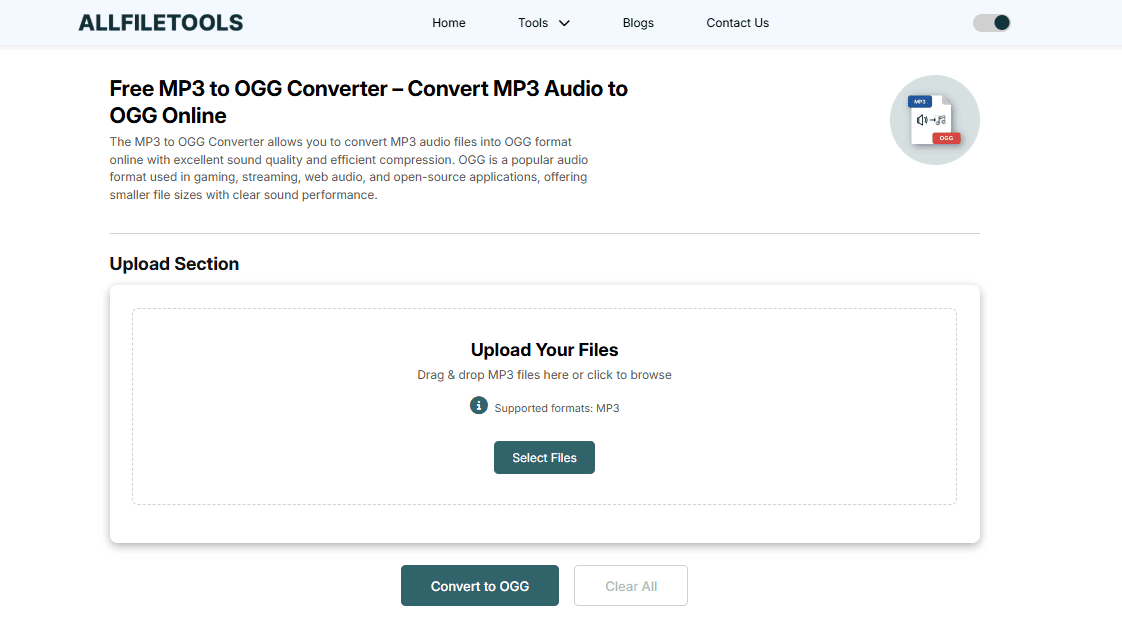
Aap Free MP3 to OGG Converter use karke MP3 files ko OGG me instantaneously convert kar sakte hain. Is tool ka interface simple aur user-friendly hai, aur no software installation required.
Key Features
-
100% free & online
-
No sign-up or software installation
-
High-quality audio conversion
-
Fast and secure
-
Supports multiple MP3 files
-
Browser-based — works on Windows, Mac, Linux
-
Ideal for students, musicians, content creators, podcast editors, and general users
Step-by-Step Guide: How to Convert MP3 to OGG Online
Step 1: Open the Tool
Go to AllFileTools MP3 to OGG Converter in your browser. No download or installation needed.
Step 2: Upload MP3 Files
-
Click Upload MP3 button
-
Select one or multiple MP3 files
-
Ensure the file size is within the allowed limit
Step 3: Choose Output Settings
-
You can select audio quality (High, Medium, Low)
-
Optional: Adjust bitrate if required for smaller file size
Step 4: Start Conversion
-
Click Convert
-
Tool will process the files quickly (depends on file size and internet speed)
Step 5: Download Converted OGG
-
Once conversion is complete, download your OGG files
-
Share or use directly in projects
Benefits of Using AllFileTools MP3 to OGG Converter
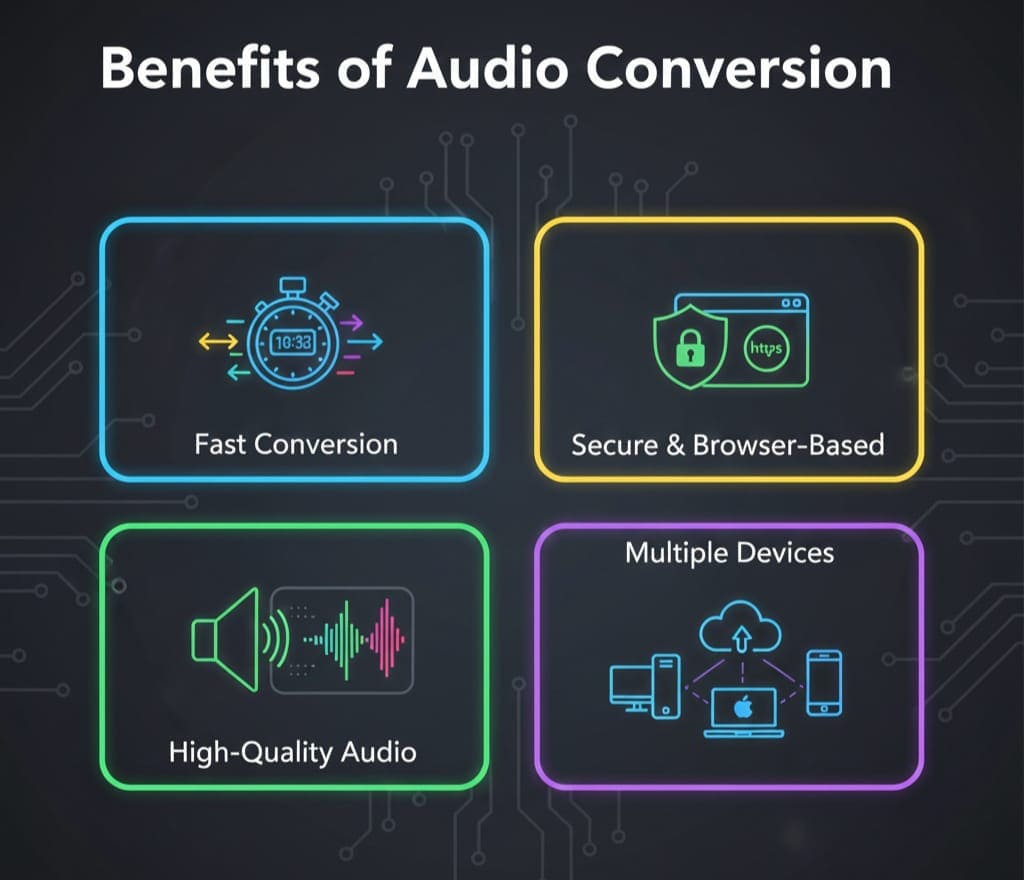
1. Fast Conversion
-
Convert MP3 to OGG in seconds
-
Ideal for multiple files at once
2. High-Quality Output
-
Maintain audio fidelity
-
Adjustable bitrate for different use-cases
3. No Software Needed
-
Completely online tool
-
Works directly from browser
-
No installation or plugin required
4. Secure & Privacy-Focused
-
All uploaded files are processed securely
-
No personal data collection
-
Files are deleted after conversion
5. Free for Everyone
-
No hidden charges
-
Unlimited conversions
6. Multi-Purpose Use
-
Students can convert lecture audio
-
Musicians for high-quality demos
-
Podcast editors for better streaming formats
-
Developers using OGG in apps or games
How to Optimize Audio Conversion for Different Use Cases
For Musicians
-
Use High Quality setting
-
Retain original MP3 audio fidelity
-
OGG allows better compression without losing sound quality
For Podcast Editors
-
Adjust bitrate according to streaming needs
-
Smaller OGG files load faster online
-
Maintain consistent sound levels
For Students / General Users
-
Quick conversion for lecture audio, notes, or presentations
-
Free and browser-based — no installation hassle
Comparison: MP3 vs OGG
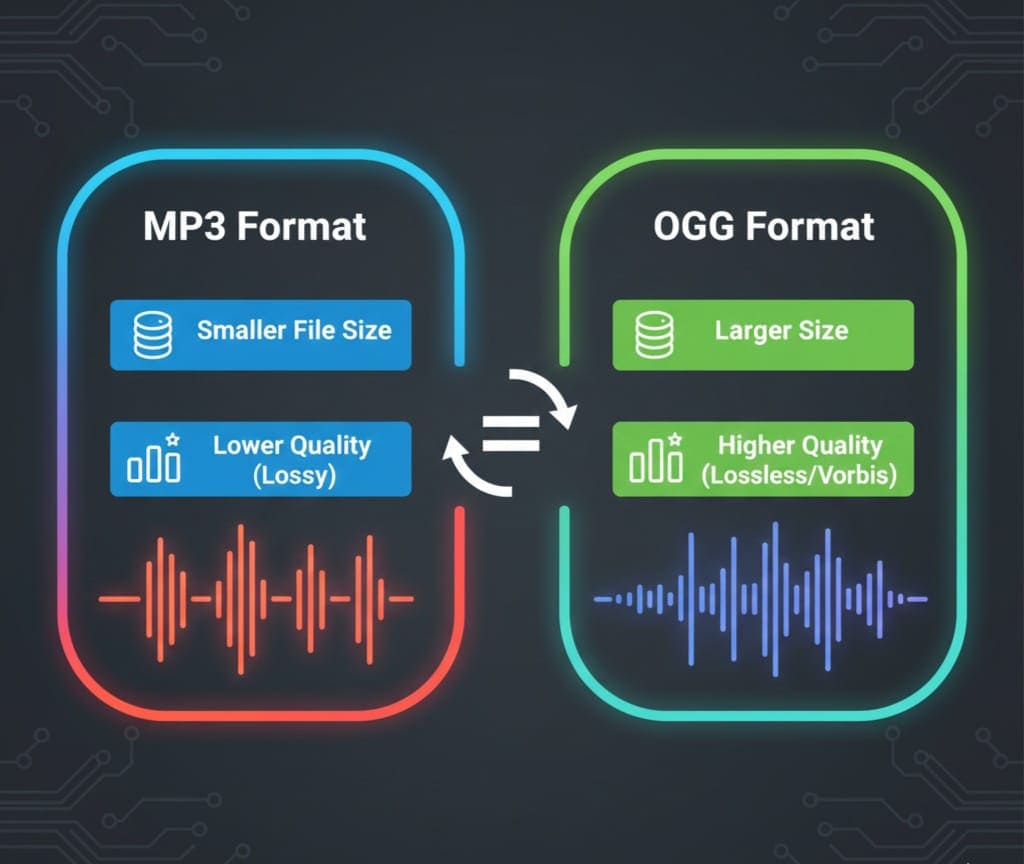
| Feature | MP3 | OGG (Vorbis) |
|---|---|---|
| Compression | Lossy | Lossy (better compression) |
| File Size | Medium | Smaller (better for streaming) |
| Sound Quality | Good | High |
| Compatibility | Almost all devices | Supported by modern devices & apps |
| Licensing | Patent restrictions | Open-source |
Observation: OGG is highly recommended for professional use and situations where file size + quality matter together.
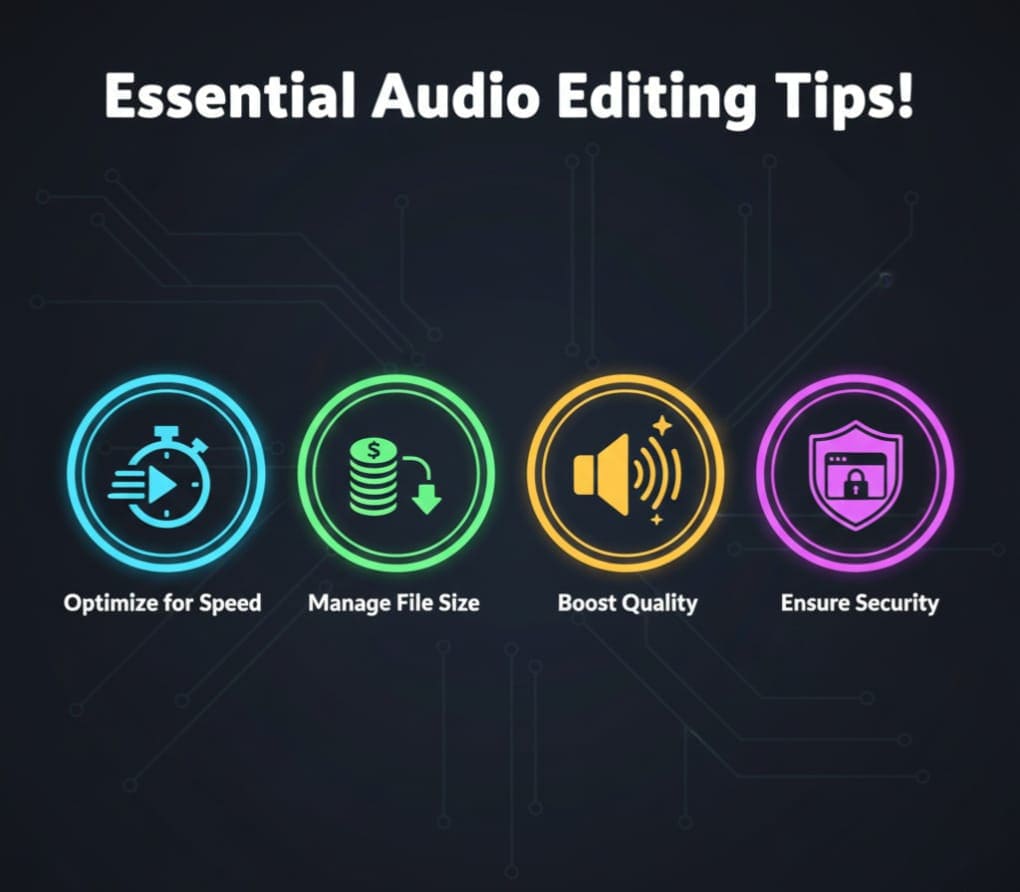
Tips for Smooth Conversion
-
Always check MP3 file integrity before conversion
-
Avoid extremely large files in free online tools — split if needed
-
Use high-quality setting if output audio matters
-
Download converted files immediately after conversion
-
Use a secure browser connection (https)
Conclusion
MP3 to OGG conversion ab easy, fast, and free ho gaya hai with AllFileTools Online MP3 to OGG Converter.
-
No software installation required
-
High-quality audio output
-
Perfect for musicians, podcast editors, content creators, students, and general users
-
Browser-based tool ensures privacy and security
Aap yahan click karke tool use kar sakte hain aur apne audio files ko instantly convert kar sakte hain.
FAQs
1. Is AllFileTools MP3 to OGG Converter really free?
Yes, it’s completely free and unlimited. No signup or software required.
2. Can I convert multiple MP3 files at once?
Yes, the tool supports batch conversion. Simply upload multiple MP3s and convert in one go.
3. Do I need to install any software?
No installation is required. The tool is completely online and works from your browser.
4. What is the maximum file size supported?
The tool allows reasonable MP3 file sizes. For very large files, consider splitting or compressing before conversion.
5. Will the converted OGG files maintain quality?
Yes, high-quality output is ensured. You can choose output bitrate settings for optimal results.
6. Is it safe to upload my audio files?
Absolutely. The tool processes files securely, and files are deleted after conversion.
7. Which users will benefit most from this tool?
Musicians, podcast editors, content creators, students, developers, and anyone needing fast, free, and high-quality audio conversion.
Leave a Comment
No comments yet. Be the first to comment!