
In today’s digital world, website security has become a non-negotiable aspect for anyone running an online presence. Whether you are a website owner, blogger, developer, SEO expert, student, or system administrator, ensuring that your website uses a valid SSL certificate is critical. But how do you check if your SSL certificate is working correctly, if it’s valid, or whether it has expired? That’s where the Free SSL Certificate Checker comes in – a tool designed to help you verify the SSL status of any website instantly with no signup or installation required.
In this blog, we will dive deep into everything about SSL certificates, why they matter, and how you can use this free tool effectively. We will also explore real-life scenarios, features, and benefits, followed by FAQs to clear all your doubts.
What is an SSL Certificate?

SSL stands for Secure Sockets Layer, a security technology that establishes an encrypted link between a web server and a browser. This ensures that all data transmitted between the server and users remains secure and private. Websites with SSL certificates have URLs that start with https://, often accompanied by a padlock symbol in the browser.
SSL certificates are not just technical requirements; they are trust signals. Users today are more aware of online security, and browsers actively warn visitors when a website does not have a valid SSL certificate.
Key Features of SSL Certificates:
-
Encrypts sensitive data like login credentials, credit card details, and personal information
-
Enhances trust and credibility of your website
-
Improves search engine rankings (Google prefers HTTPS websites)
-
Prevents man-in-the-middle attacks and data breaches
Why SSL Certificates Are Crucial for Websites
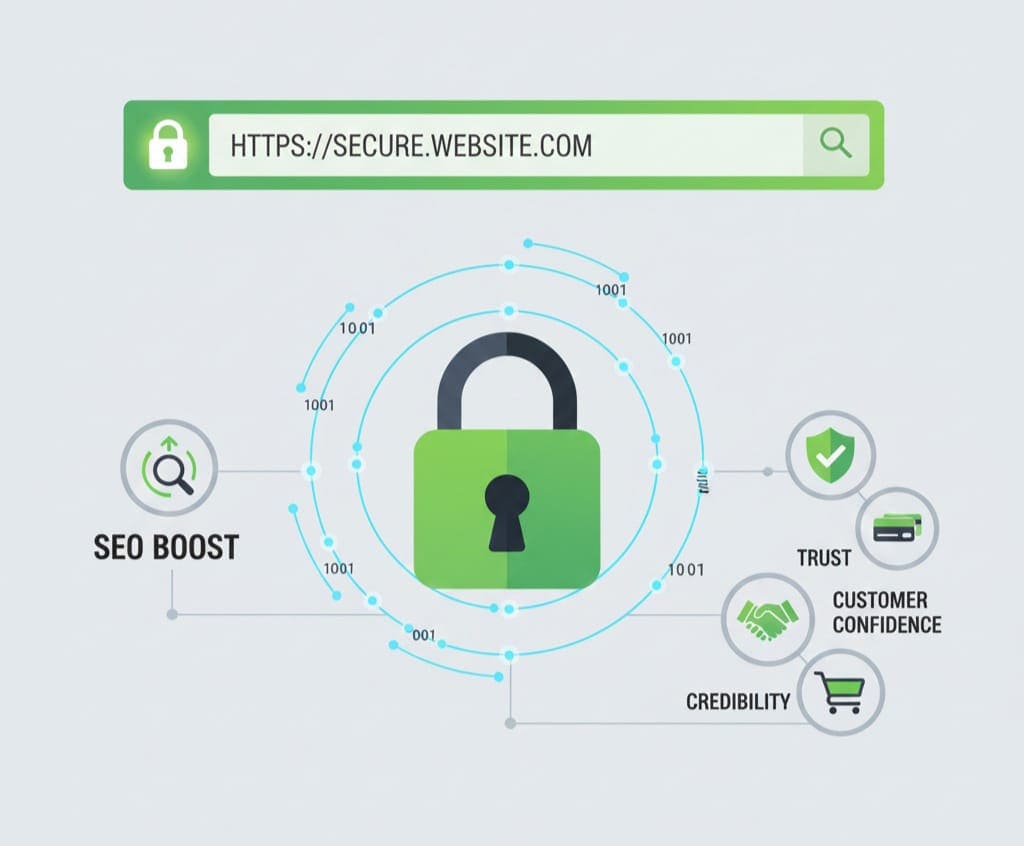
Having an SSL certificate is no longer optional. Here’s why:
a) Data Security
Every interaction on your website, from contact forms to online payments, involves sensitive information. SSL ensures that this information is encrypted and secure, preventing hackers from intercepting it.
b) Boosts SEO
Search engines like Google give a ranking advantage to HTTPS websites. Using an SSL certificate is a direct signal to search engines that your site is safe for users.
c) Builds Trust
A website with SSL gives users confidence. Seeing the padlock symbol assures them that their information is safe, which can increase conversions and user engagement.
d) Browser Compatibility
Modern browsers warn users about non-HTTPS sites. Without SSL, visitors may receive warnings like “Not Secure,” leading to high bounce rates.
Common Problems with SSL Certificates

Even if a website has SSL installed, problems can arise:
-
Expired certificates that cause browser warnings
-
Misconfigured certificates leading to errors
-
Incomplete certificate chains that browsers do not recognize
-
Mixed content issues where HTTPS pages load non-secure HTTP resources
Identifying these issues manually can be time-consuming, especially for website owners and developers managing multiple sites.
Introducing the Free SSL Certificate Checker Tool
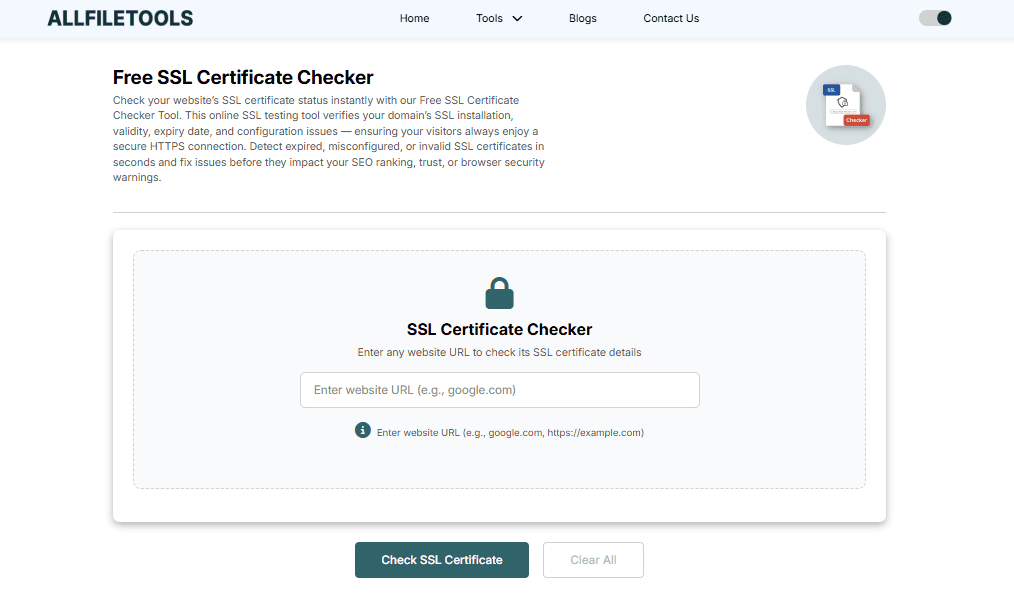
This is where the Free SSL Certificate Checker becomes invaluable.
It is an online tool that instantly checks the SSL certificate status of any website without the need for signing up or installing software. The tool provides a comprehensive report about your SSL certificate, including expiration date, issuer information, validity, and potential issues.
Features of the Tool:
-
Instant SSL verification: Check SSL status in seconds
-
No signup required: Use the tool without creating an account
-
Detailed certificate information: Issuer, validity period, encryption type
-
Cross-browser compatibility: Works on all major browsers
-
Free and reliable: No hidden costs or limitations
Benefits of Using This Tool
a) Saves Time
Instead of manually checking SSL certificates through server settings or multiple tools, this single tool provides a complete report instantly.
b) User-Friendly
The tool is designed for everyone, from beginners to professionals. No technical knowledge is required.
c) Enhances Security Awareness
By regularly checking your SSL certificate status, you can prevent potential security risks before they impact your website.
d) Supports Multiple Domains
You can check SSL certificates for multiple websites, making it ideal for developers and agencies managing client websites.
e) Compliance Ready
Regular SSL checks ensure your site remains compliant with modern security standards and browser requirements.
How to Use the Free SSL Certificate Checker (Step by Step)
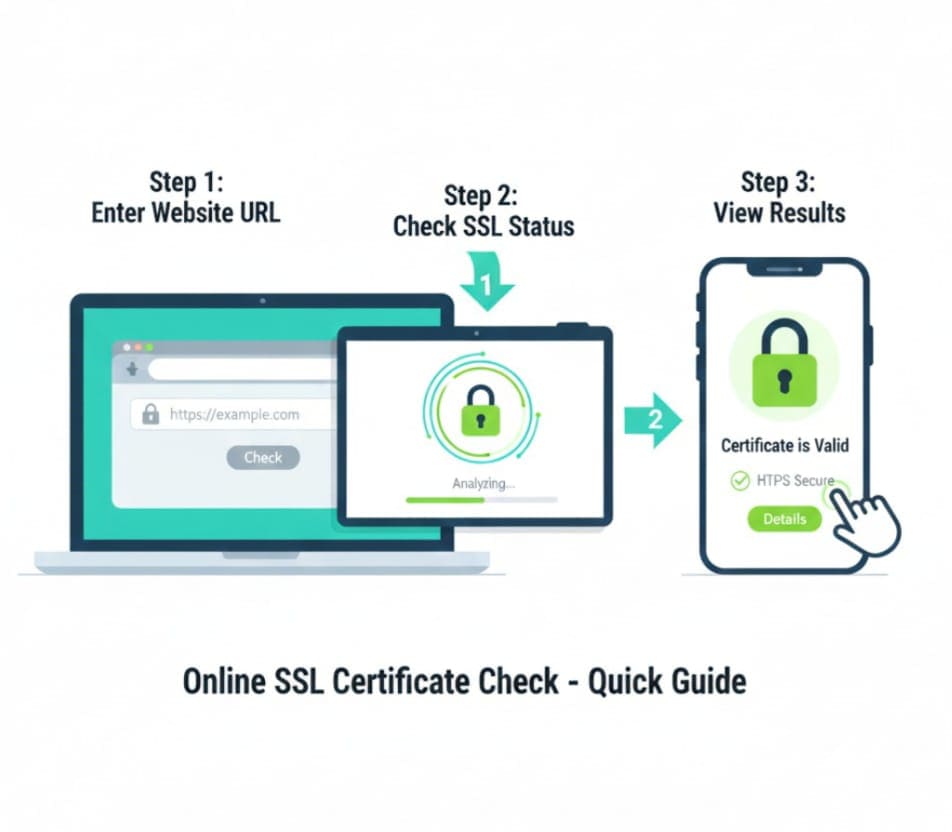
Using this tool is straightforward:
-
Visit the tool page: https://www.allfiletools.com/ssl-certificate-checker/
-
Enter your website URL in the input field
-
Click on the Check SSL button
-
Review the results: The tool will display the SSL certificate issuer, validity period, expiration date, and any potential issues
-
Take action if required: Renew, reissue, or configure your SSL based on the report
Audience Who Can Benefit from This Tool

-
Website Owners & Bloggers: Ensure your website is secure and trusted by visitors
-
Developers & Programmers: Quickly verify SSL certificates during development and deployment
-
SEO Experts & Digital Marketers: Maintain HTTPS compliance to boost search rankings
-
Students & Beginners: Learn how SSL works and practice website security checks
-
System Admins & IT Professionals: Manage multiple websites efficiently
-
General Users: Verify SSL security before sharing sensitive information
Use Cases and Practical Examples

Example 1: A Small Business Owner
A small e-commerce store owner can quickly verify their SSL certificate to ensure customer trust during online payments.
Example 2: A Developer Working on Multiple Websites
A developer managing multiple client websites can use this tool to monitor SSL expiration dates and avoid downtime.
Example 3: SEO Campaign Monitoring
SEO professionals can integrate regular SSL checks into their audits to ensure HTTPS compliance, improving site rankings.
Example 4: Educational Purposes
Students learning web security can use this tool to analyze how SSL certificates work on real websites.
Best Practices for SSL Certificates
-
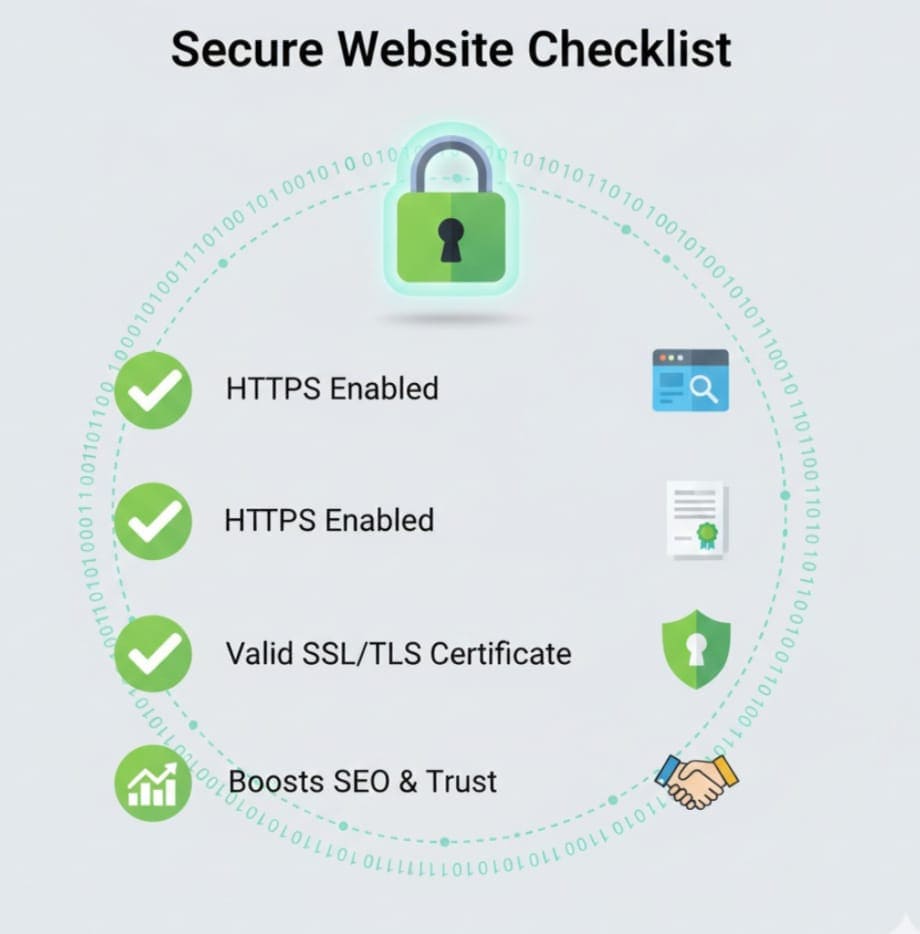
Check SSL certificates regularly to avoid expiration issues
-
Use strong encryption algorithms like SHA-256 or RSA-2048
-
Configure complete certificate chains for browser compatibility
-
Redirect all HTTP traffic to HTTPS to prevent mixed content warnings
-
Stay updated on security best practices and SSL certificate standards
Conclusion
In today’s digital landscape, having a secure website is not just optional; it’s essential. The Free SSL Certificate Checker is a reliable, fast, and free tool that helps you verify your website’s SSL certificate instantly, ensuring safety, trust, and SEO compliance.
Whether you are a website owner, developer, SEO expert, or beginner, this tool simplifies SSL management, saving time and preventing potential security issues. Make SSL verification a routine part of your website maintenance workflow to maintain credibility and security online.
FAQs
1. What is an SSL certificate?
An SSL certificate is a digital certificate that encrypts data between a browser and server, ensuring secure communication.
2. Why is SSL important for my website?
SSL ensures data security, improves SEO rankings, and builds trust with your visitors.
3. How often should I check my SSL certificate?
It’s recommended to check SSL certificates at least once a month or before expiration to prevent warnings.
4. Can I use this Free SSL Certificate Checker on any website?
Yes, it works for any website regardless of hosting provider or platform.
5. Do I need to sign up or install anything?
No, the tool is completely free and requires no signup or installation.
6. What information does the tool provide?
It shows issuer details, expiration date, validity, encryption type, and highlights potential SSL issues.
7. Is this tool suitable for beginners?
Absolutely. The tool is user-friendly and designed for beginners as well as professionals.
Leave a Comment
No comments yet. Be the first to comment!