
In today's digital world, website speed and performance optimization are crucial factors for both user experience and SEO ranking. Every millisecond counts when it comes to page load time, and one of the most effective ways to improve website performance is through HTML minification. Whether you are a developer, web designer, SEO expert, student, freelancer, or website owner, understanding and using an HTML Minifier can drastically enhance your site’s efficiency.
In this comprehensive guide, we will explore what HTML minification is, why it matters, how to use a free online HTML Minifier tool like AllFileTools HTML Minifier, and practical tips to improve your website speed and SEO.
What is HTML Minification?

HTML minification is the process of removing unnecessary characters from your HTML code without changing its functionality. This includes spaces, line breaks, comments, and other redundant elements that can increase the file size. By reducing the size of HTML files, websites load faster, which improves user experience and can boost SEO rankings.
Key Benefits of HTML Minification:
-
Reduced File Size: Smaller HTML files mean faster downloads.
-
Faster Page Load Times: Quicker rendering improves the user experience.
-
Better SEO Performance: Google and other search engines favor faster websites.
-
Improved Core Web Vitals: Metrics like Largest Contentful Paint (LCP) and First Contentful Paint (FCP) improve.
-
Cleaner Code: Minified HTML is easier to manage in production environments.
How HTML Minifier Works

An HTML Minifier works by compressing HTML code while keeping the page fully functional. Here's how the process typically works:
-
Whitespace Removal: Eliminates unnecessary spaces and line breaks.
-
Comment Stripping: Removes comments that are only useful for developers.
-
Inline CSS/JS Optimization: Compresses embedded CSS and JavaScript code.
-
Code Rewriting: Optimizes the structure without breaking HTML syntax.
Using a tool like AllFileTools HTML Minifier automates this process. Simply paste your HTML code, click Minify, and get a compressed version instantly.
Why HTML Minification Matters for Website Speed
Website speed is not just about aesthetics; it impacts bounce rate, conversion rates, and SEO rankings. Here's why HTML minification is crucial:
1. Faster Page Load Time
Minified HTML loads faster because it removes redundant characters and compresses code. Even a few kilobytes reduction can make a noticeable difference, especially on mobile devices or slow internet connections.
2. Better SEO
Google considers page speed as a ranking factor. Faster websites rank higher in search results, improving organic traffic. Minifying HTML is one of the technical SEO strategies that directly affects your site's ranking.
3. Improved Core Web Vitals
Core Web Vitals are essential for Google’s evaluation of user experience. By minifying HTML, metrics like Largest Contentful Paint (LCP), Cumulative Layout Shift (CLS), and First Input Delay (FID) improve, resulting in better search visibility.
4. Reduced Bandwidth Usage
Minified HTML consumes less server bandwidth, which is especially beneficial for websites with high traffic. It reduces server load and helps in saving hosting costs over time.
Step-by-Step Guide to Using AllFileTools HTML Minifier
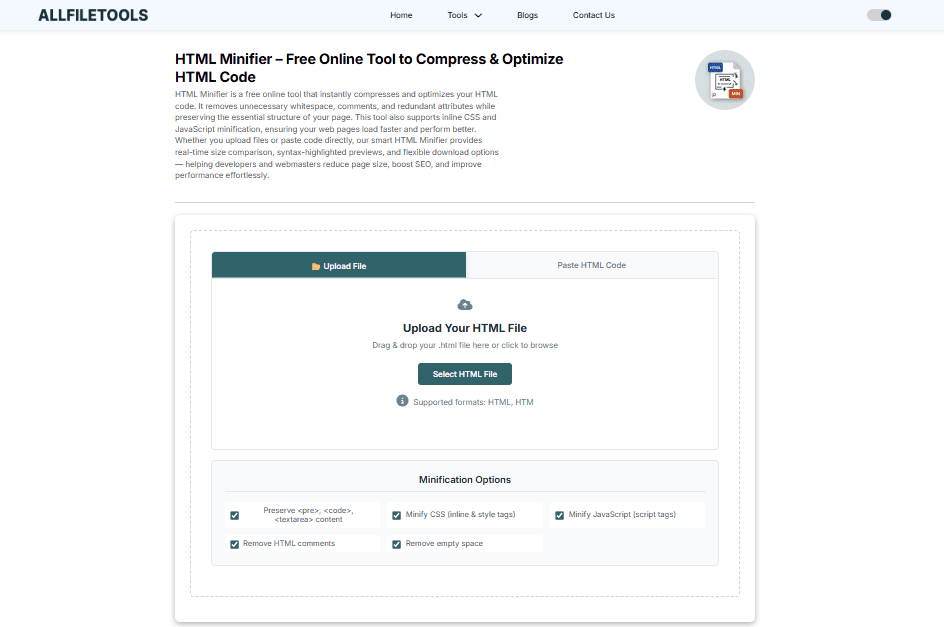
Using AllFileTools HTML Minifier is simple and requires no technical skills. Follow these steps:
Step 1: Open the Tool
Navigate to the HTML Minifier page:
https://www.allfiletools.com/html-minifier/
Step 2: Paste Your HTML Code
Copy your HTML file or code and paste it into the input box provided.
Step 3: Click Minify
Hit the Minify button. The tool will automatically compress the code by removing unnecessary spaces, comments, and line breaks.
Step 4: Download or Copy the Minified HTML
Once minified, you can copy the compressed code or download it as a file. Your website is now optimized for faster loading.
Features of AllFileTools HTML Minifier
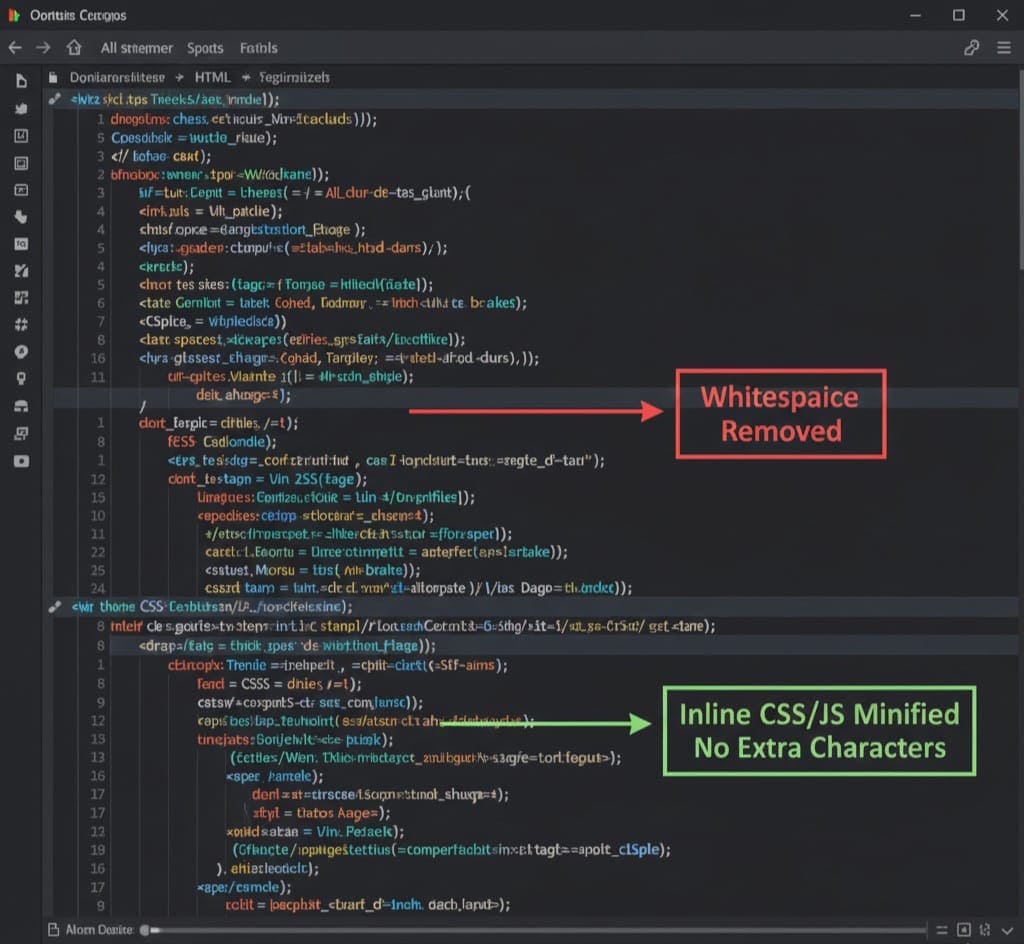
Using this tool comes with a variety of benefits and features:
-
Free to Use: No hidden charges or subscriptions.
-
Online Access: Works directly from your browser.
-
One-Click Compression: Instantly minify HTML code.
-
No Signup Required: Start using the tool immediately.
-
Lossless Compression: Maintains the functionality and structure of your code.
-
Optimized Output: Produces clean, readable minified HTML.
-
Developer Friendly: Suitable for both beginners and experienced developers.
-
Boosts SEO: Reduces page size and improves website performance.
Technical Insights for Developers
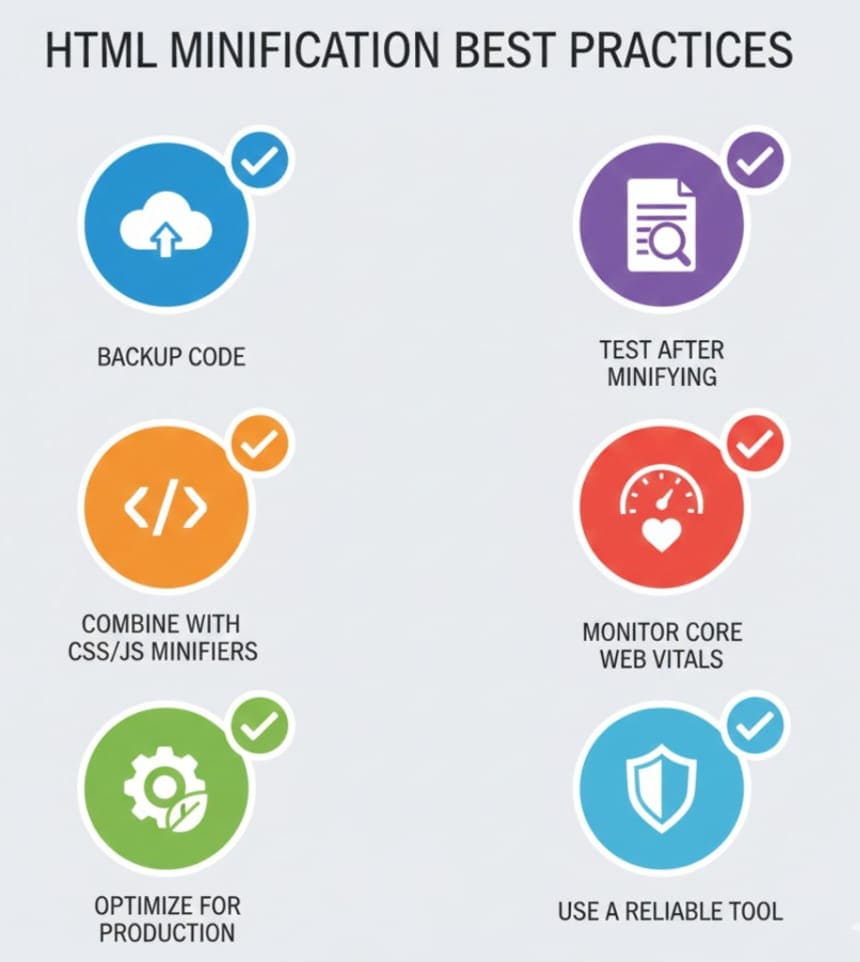
For developers and technical users, here’s how HTML Minification contributes to website performance optimization:
-
Whitespace Collapsing: Reduces the number of characters in HTML files.
-
Comment Removal: Eliminates unnecessary developer notes from production code.
-
Inline JavaScript & CSS Optimization: Compresses embedded code to reduce total page weight.
-
Client-Side Rendering Efficiency: Faster HTML parsing leads to quicker page rendering.
-
Server-Side Performance: Reduces server response time by serving smaller HTML files.
Best Practices When Using an HTML Minifier

To get the most out of HTML minification:
-
Always Keep a Backup: Save the original HTML code before minifying.
-
Check for Broken Links or Scripts: Minification rarely breaks code, but always test your website.
-
Combine with CSS and JS Minifiers: For full performance optimization, minify all frontend assets.
-
Use in Production Environment: Only apply minification on live websites, not during active development.
-
Monitor Core Web Vitals: Track performance metrics before and after minification.
HTML Minification and SEO
HTML minification is a technical SEO strategy that significantly impacts:
-
PageSpeed Score: Smaller HTML files load faster, improving Google PageSpeed Insights scores.
-
User Engagement: Faster websites reduce bounce rates and increase session duration.
-
Ranking Factor: Google prioritizes fast-loading pages, making HTML minification critical for SEO.
Tools Comparison
While AllFileTools HTML Minifier is excellent, other free online tools include:
-
WebTooly HTML Minifier: Simple online compression.
-
Prepostseo HTML Compressor: Offers batch processing.
-
Minifier.org: Lightweight and fast minification.
Despite alternatives, AllFileTools stands out for its ease of use, no signup requirement, and secure compression.
Conclusion
Optimizing your website’s performance and SEO is easier than ever with AllFileTools HTML Minifier. By compressing your HTML code, removing unnecessary characters, and producing clean, efficient code, you can enhance page load speed, improve user experience, and boost search engine rankings.
Whether you are a developer, SEO expert, web designer, student, or freelancer, using a free HTML Minifier should be a routine part of your website optimization workflow. Don’t compromise on performance—take advantage of this fast, reliable, and free tool today.
Frequently Asked Questions
1. What is an HTML Minifier?
An HTML Minifier is a tool that compresses HTML code by removing unnecessary characters like spaces, line breaks, and comments without affecting the website’s functionality.
2. How do I compress HTML code online?
You can use free online tools like AllFileTools HTML Minifier. Simply paste your HTML, click Minify, and get compressed code instantly.
3. Does HTML minification improve SEO?
Yes. Faster-loading websites improve user experience and search engine rankings, making HTML minification a key technical SEO strategy.
4. Can I minify HTML code without coding skills?
Absolutely. Online tools like AllFileTools HTML Minifier require no technical knowledge. Just paste and minify.
5. Will minifying HTML affect website layout?
No. Proper HTML minifiers remove only unnecessary characters and comments without changing the visual or functional aspects of your website.
6. Is using a free HTML Minifier safe?
Yes. AllFileTools HTML Minifier is secure, browser-based, and does not store your code, ensuring privacy and safety.
7. Can I optimize multiple pages at once?
Some minifiers allow batch processing, but AllFileTools HTML Minifier is best for individual pages or code snippets, ensuring high-quality and accurate minification.
Leave a Comment
No comments yet. Be the first to comment!