
In today’s fast-paced digital world, images are everywhere. Whether it’s for social media, blogs, e-commerce websites, or personal projects, high-quality visuals are essential. But sometimes, the images you have aren’t perfectly sized, framed, or formatted for their intended use. That’s where an image cropper comes into play. A simple tool that allows you to trim, adjust, and perfectly frame your images can save hours of manual work.
The Free Image Cropper Online tool is designed to make this process fast, easy, and precise. It allows anyone, from designers to bloggers, to crop images without losing quality. Whether you’re working with JPG, PNG, WebP, or SVG files, this tool offers drag-and-drop simplicity, multiple aspect ratios, and instant downloads—all for free.
In this guide, we’ll explore everything you need to know about using an online image cropper, why it’s essential for your workflow, the features it offers, and how you can use it effectively to create professional-quality images.
What is an Image Cropper?
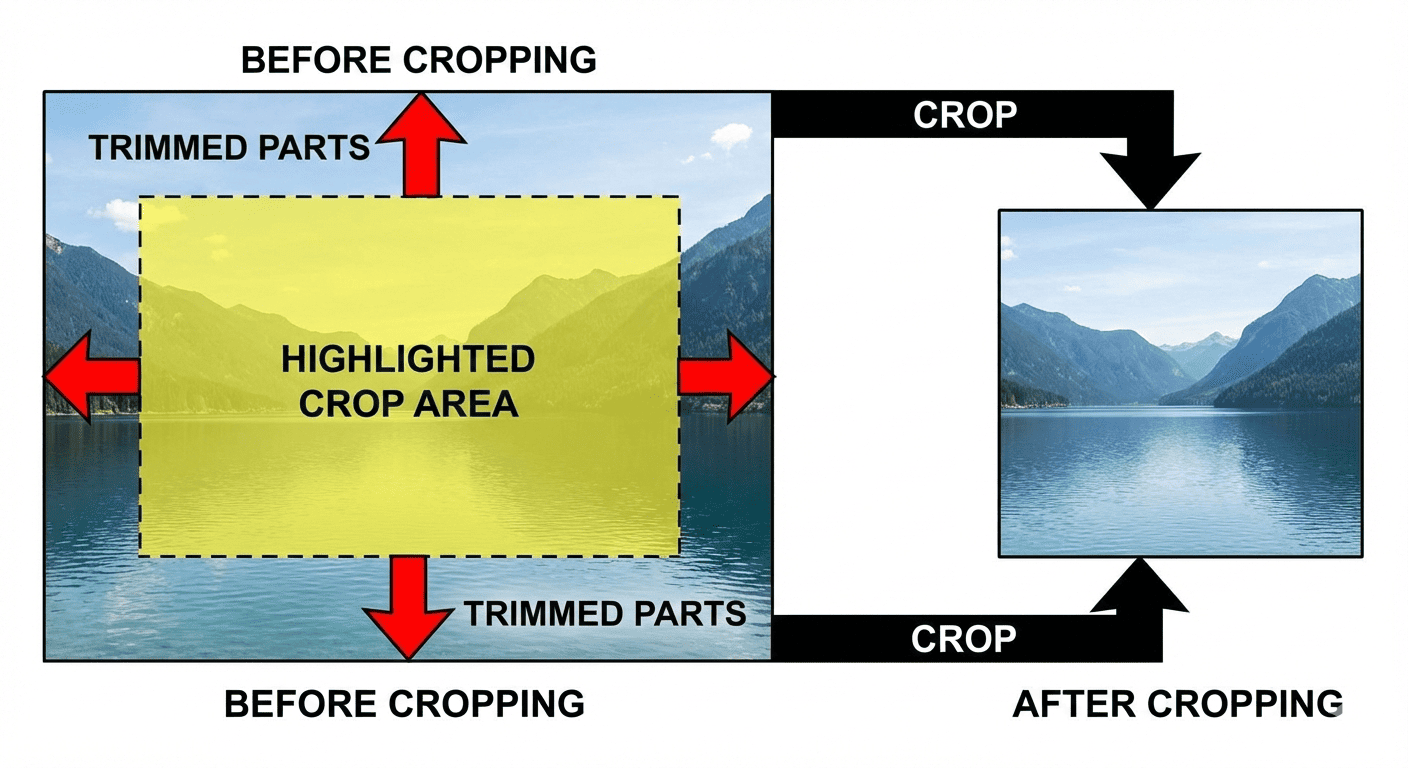
An image cropper is a digital tool that allows you to remove unwanted areas of an image and focus on the part that matters most. Unlike resizing, which changes the overall dimensions of an image, cropping lets you trim edges, adjust composition, and improve visual balance without affecting the resolution of the original image.
Why is Cropping Important?
Cropping images is not just about aesthetics. It also helps to:
-
Improve composition – Focus on the most important part of the image.
-
Fit different platforms – Social media platforms, blogs, and websites often have specific image size requirements.
-
Remove distractions – Cut out unwanted background elements.
-
Highlight subjects – Make your subject stand out.
-
Optimize for web – Smaller, well-cropped images load faster without losing quality.
With an online image cropper, you can achieve all of this without expensive software or technical expertise.
Who Can Benefit from an Online Image Cropper?

An online image cropper is a versatile tool that serves a variety of users:
-
Designers & Graphic Designers
They need precise cropping for logos, social media posts, banner ads, and print materials. Using an image cropper allows them to maintain quality and aspect ratios, ensuring professional results. -
Developers
Web and app developers often work with images that must fit specific dimensions. A cropper helps prepare assets without using Photoshop or Illustrator, saving time and ensuring optimized images for faster page loads. -
Bloggers & Content Creators
Blog images need to be eye-catching and correctly sized. Cropping ensures your visuals look polished on your website, social media shares, and email campaigns. -
Students
For projects, presentations, or research, students can quickly crop images for slides or reports, making content visually engaging and professional. -
Marketers & Social Media Managers
Marketing campaigns require images with perfect composition and platform-specific dimensions. An online cropper helps quickly adjust images for Facebook, Instagram, LinkedIn, or Twitter without compromising quality. -
General Users
Even casual users can benefit from cropping family photos, vacation pictures, or personal graphics. It’s simple, intuitive, and free.
Key Features of the Free Image Cropper Online
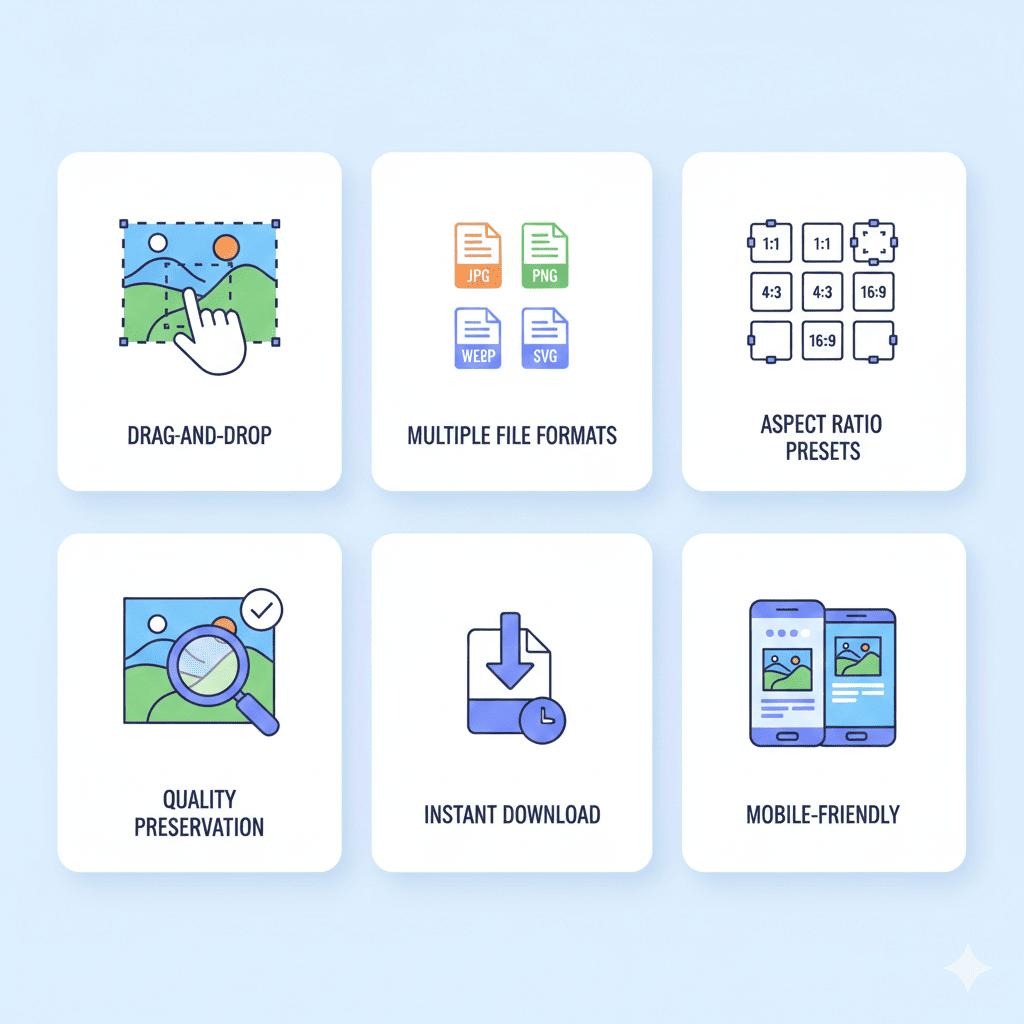
This tool is packed with user-friendly features that make image cropping seamless and efficient. Let’s break down the main features:
1. Multiple File Format Support
You can crop almost any popular image type, including:
-
JPG / JPEG
-
PNG
-
WebP
-
SVG
This ensures your workflow is flexible and compatible with all platforms and projects.
2. Drag-and-Drop Simplicity
No technical knowledge is required. Simply drag your image into the cropper, adjust the crop area using intuitive handles, and download the final image.
3. Custom Crop Dimensions
Set exact width and height in pixels, or crop based on standard aspect ratios like 1:1 (square), 16:9 (landscape), or 4:5 (Instagram). Perfect for designers and social media managers.
4. Preserve Image Quality
Unlike some tools that compress or degrade images, this cropper ensures high-quality output every time. Your images remain crisp and professional.
5. Mobile-Friendly Design
Crop images directly on your smartphone or tablet. The interface adapts to touch screens, making it easy to crop images anywhere, anytime.
6. Instant Download
No need to wait for uploads or processing. Once cropped, your image is ready to download immediately, saving time and effort.
7. Free to Use
No subscription, no hidden costs, and no account creation. The tool is completely free, making it accessible to everyone.
8. Privacy & Security
All cropping happens in-browser, so your images are never stored on external servers. Your privacy is fully protected.
Step-by-Step Guide to Cropping Images Online
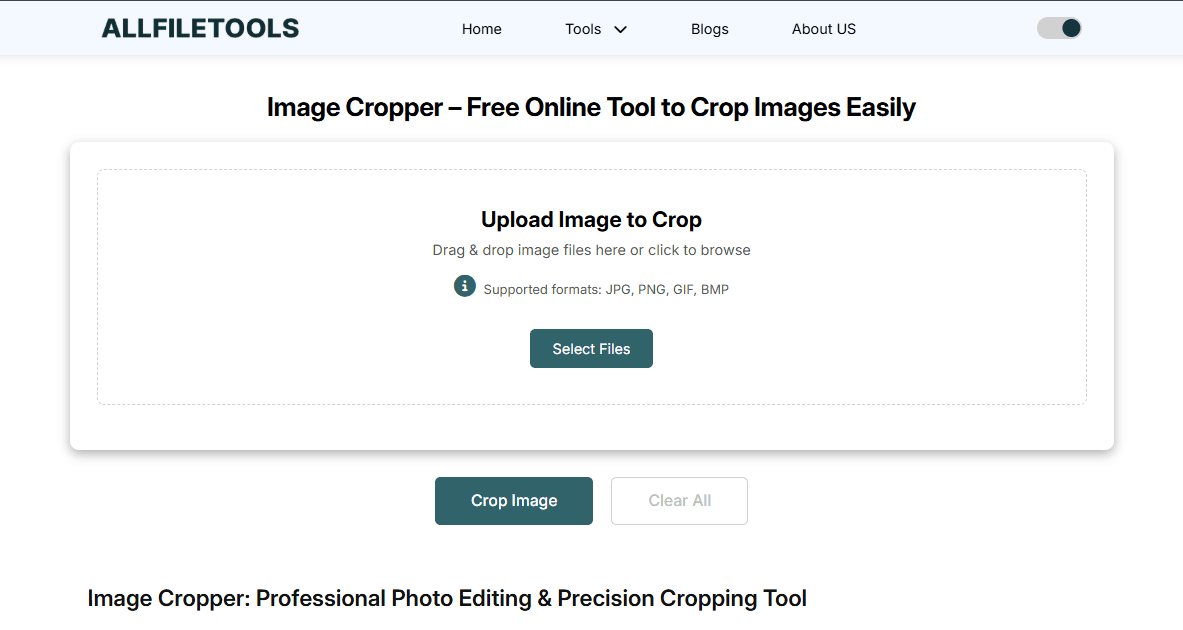
Here’s how to use the Free Image Cropper Online effectively:
Step 1: Open the Tool
Visit https://www.allfiletools.com/image-cropper/ in any browser.
Step 2: Upload Your Image
Click the Upload button or drag and drop your image into the designated area. The tool supports all popular formats.
Step 3: Adjust Crop Area
-
Drag the crop handles to select the area you want to keep.
-
Use preset aspect ratios for social media or custom dimensions for specific needs.
-
Rotate or flip the image if necessary to get the perfect alignment.
Step 4: Preview Your Image
Check the cropped area to ensure it’s exactly what you want. This step helps avoid mistakes before saving.
Step 5: Download
Click Download to save your cropped image instantly. Your image retains its original quality and resolution.
Best Practices for Using an Image Cropper

To get the most out of your online cropper, keep these tips in mind:
-
Focus on the subject – Make sure the main element is in the frame.
-
Use grids and guides – Many tools offer grid overlays to follow composition rules.
-
Maintain quality – Avoid excessive cropping of small images as it may reduce clarity.
-
Choose the right aspect ratio – Match your platform or project requirements.
-
Batch cropping – If cropping multiple images, maintain consistency in dimensions.
-
Mobile optimization – Crop images according to device requirements for web or app use.
Benefits of Using the Free Image Cropper Online
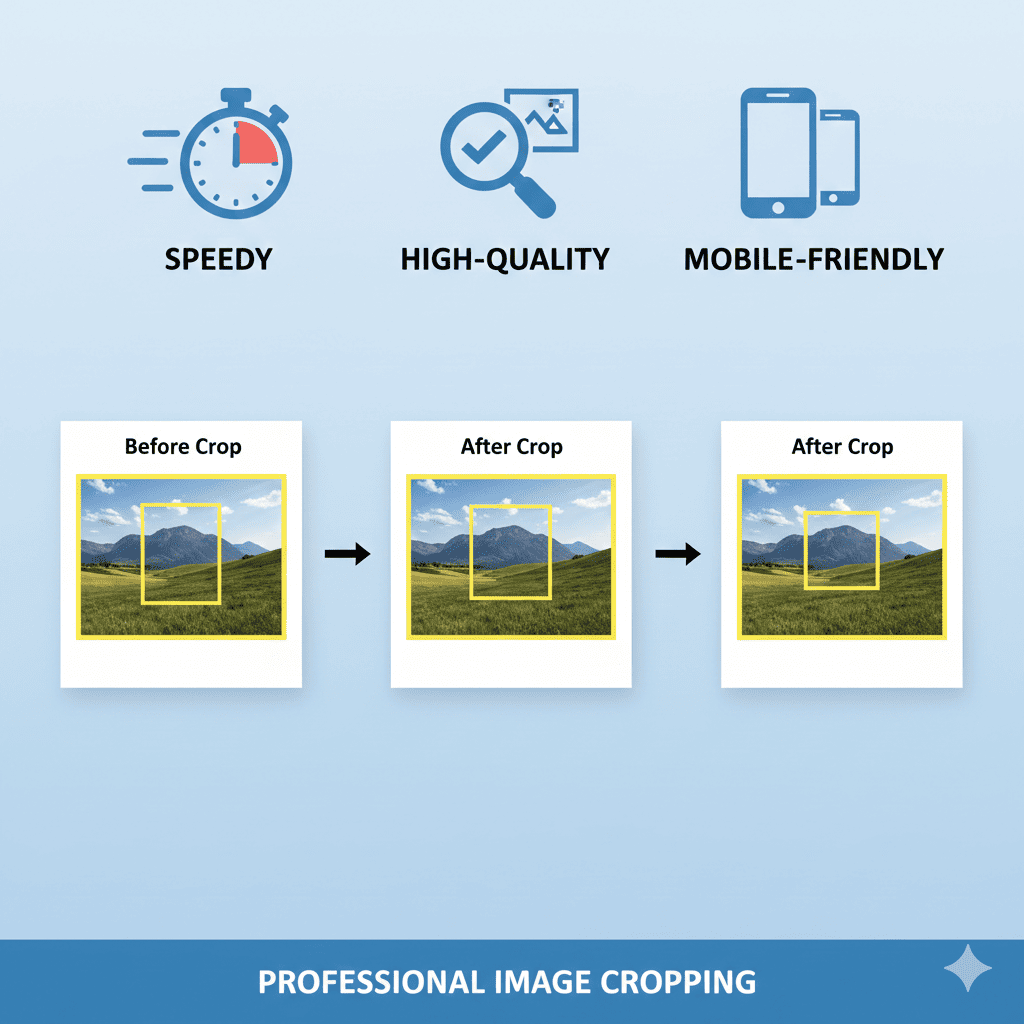
Here’s why this tool is a game-changer for anyone working with images:
-
Speed and Efficiency – Crop images in seconds without installing software.
-
Cost-Effective – No need for expensive tools like Photoshop or Lightroom.
-
User-Friendly – Easy to use for beginners and advanced users alike.
-
Platform Compatibility – Works on Windows, Mac, Android, and iOS.
-
Professional Results – Preserve quality for print, web, or social media.
-
Flexibility – Supports multiple formats and aspect ratios.
-
Privacy-Safe – Cropping is done in-browser; your images are secure.
Why Choose the Free Image Cropper Online
Many free image cropping tools are available online, but this one stands out because:
-
No Watermarks – You get clean images without branding.
-
Instant Results – Crop and download images immediately.
-
All-in-One – Supports all major formats and aspect ratios.
-
Accessible to Everyone – Works for designers, developers, students, bloggers, marketers, and general users.
-
High Quality – No compromise on image resolution.
This makes it the ideal solution for both casual and professional use.
Conclusion
In a world where visuals matter more than ever, having a reliable, fast, and high-quality image cropper is essential. Whether you’re preparing images for social media, blogs, presentations, or professional projects, the Free Image Cropper Online tool offers simplicity, efficiency, and quality—all in one free package.
From uploading images to selecting crop areas, adjusting dimensions, and downloading instantly, this tool is designed to make image editing accessible to everyone, regardless of skill level. Its support for multiple formats, privacy-focused design, and mobile-friendly interface make it a must-have for designers, developers, content creators, students, marketers, and general users alike.
Ready to crop your images effortlessly? Try it now: Free Image Cropper Online
🔹 Explore more powerful file conversion and online utilities at AllFileTools –
🔹 For technical support, digital solutions, and expert services, visit LetDigitalFly IT Services –
🔹 Discover additional career and productivity resources at Resume Slip Builder –
Frequently Asked Questions
1. Is the Free Image Cropper Online really free?
Yes! The tool is completely free, with no hidden charges, subscriptions, or watermarks.
2. Which image formats are supported?
It supports JPG, PNG, WebP, and SVG files, making it versatile for any project.
3. Can I crop images on my smartphone?
Absolutely. The tool is mobile-friendly and works seamlessly on Android and iOS devices.
4. Will cropping reduce the image quality?
No. This tool ensures zero loss of quality during cropping.
5. Do I need to create an account to use it?
No account is required. Simply visit the website, upload your image, crop, and download.
6. Can I crop images for social media platforms?
Yes. The tool offers preset aspect ratios for Instagram, Facebook, Twitter, LinkedIn, and more.
7. Is my image data secure?
Yes. Cropping happens entirely in your browser, so images are never uploaded to external servers.
Leave a Comment
No comments yet. Be the first to comment!