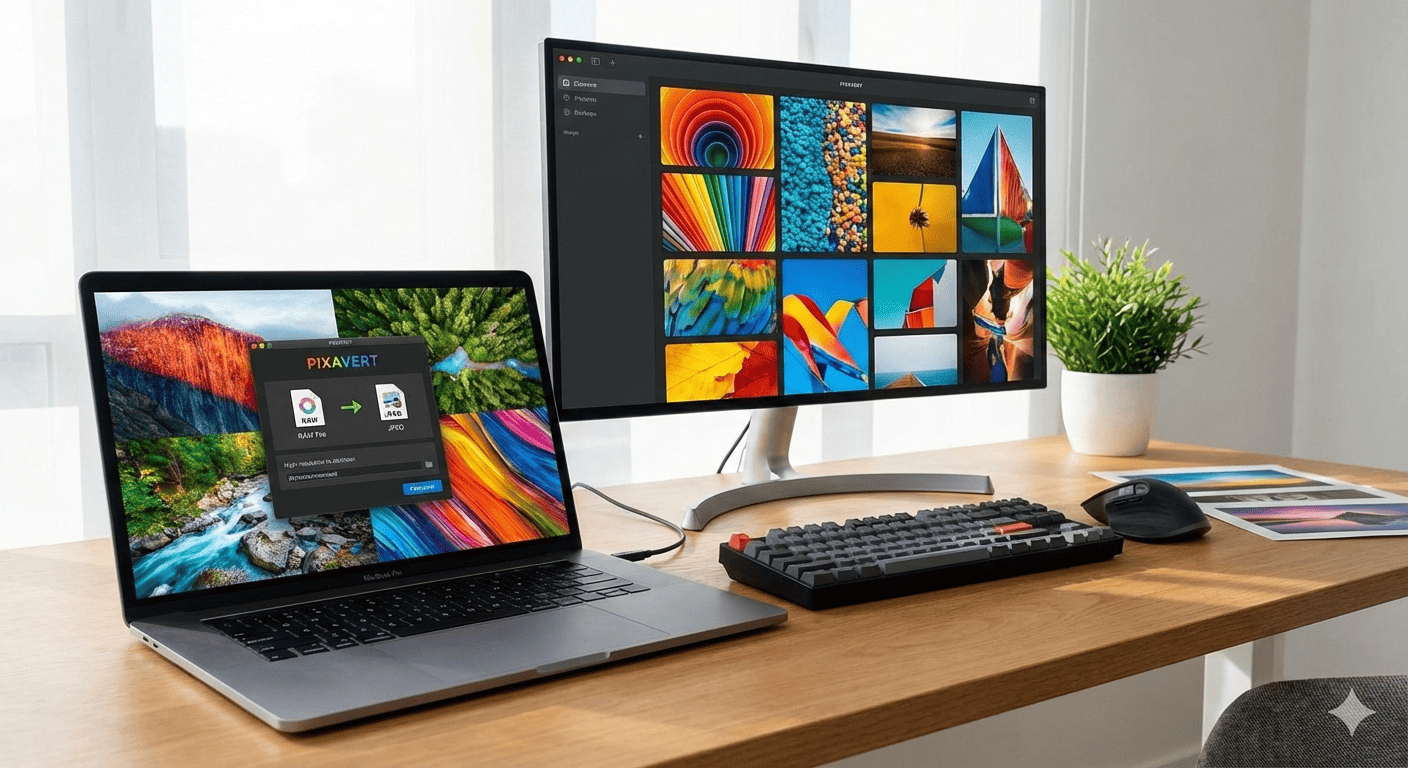
Images are the heart of modern digital work. Whether you are a photographer, designer, developer, or student, working with the right image format is critical. One format that professionals often rely on is DNG (Digital Negative). Converting your JPG, PNG, or JPEG images to DNG can improve image quality, workflow efficiency, and file compatibility. Luckily, with the Image to DNG Converter available online at AllFileTools, you can convert your images quickly, securely, and for free—without installing any software.
In this blog, we will explore everything you need to know about Image to DNG conversion, why it’s important, how to use the tool step-by-step, the benefits it offers, and tips for the best workflow. We will also answer common questions photographers, designers, and students have about converting images to DNG.
What is a DNG File?
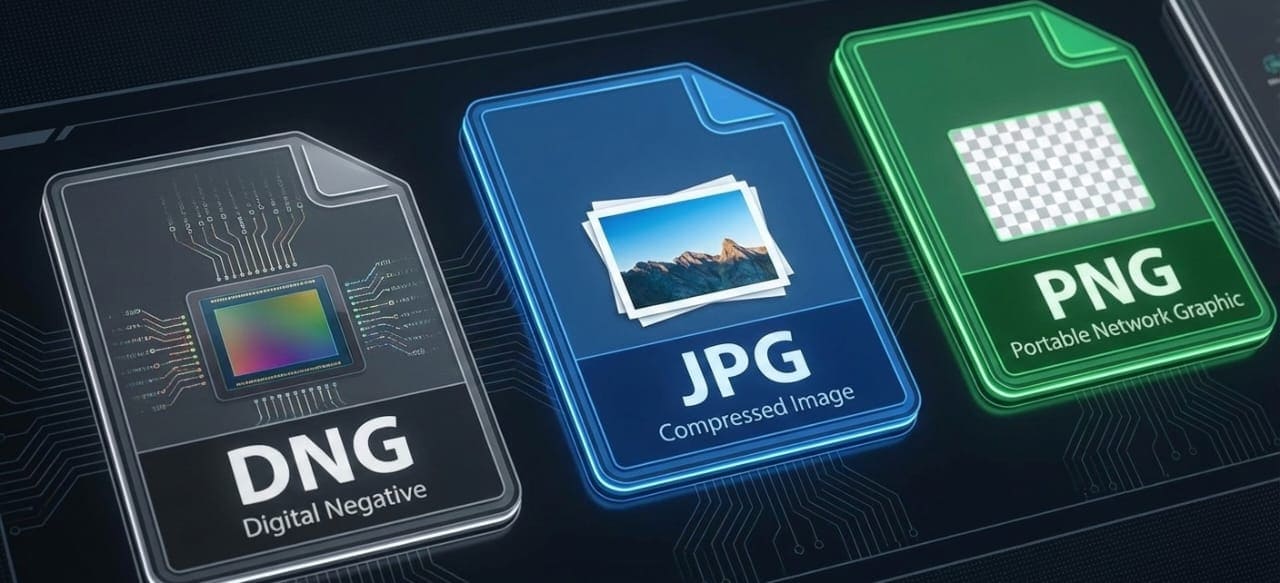
Before diving into the conversion process, it’s essential to understand what a DNG file is.
DNG (Digital Negative) is an open-source raw image format developed by Adobe. It is designed to store raw image data from cameras while maintaining high quality and compatibility across devices and software. Unlike JPEG or PNG, which compress images and lose some data, DNG preserves the full image information captured by your camera or editing software.
Key Features of DNG:
-
Lossless image format
-
Universal compatibility with photo editing software
-
Supports high dynamic range and depth
-
Preserves metadata and editing information
-
Smaller file sizes compared to some proprietary RAW formats
In short, converting your JPG, PNG, or JPEG files to DNG ensures you retain maximum image quality while making your workflow smoother.
Why Convert JPG, PNG, or JPEG to DNG?
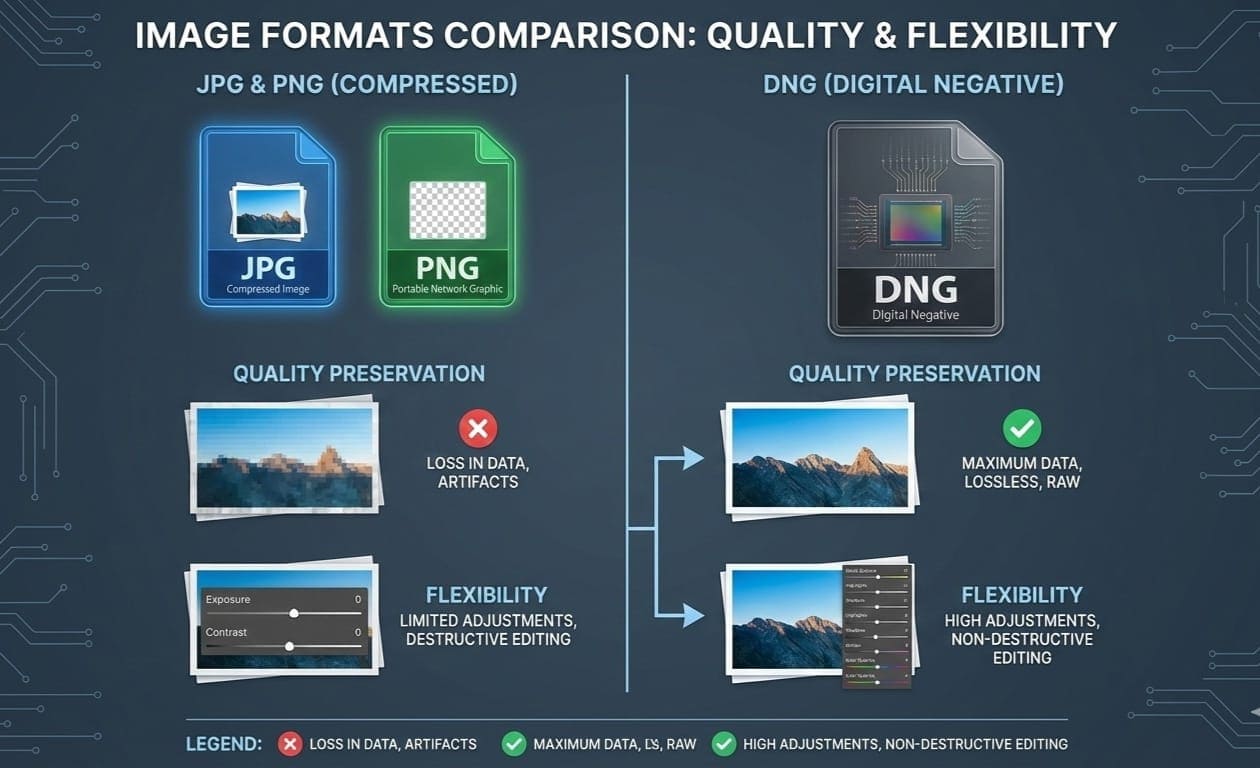
You might wonder why anyone would want to convert standard image formats like JPG or PNG to DNG. The reasons are clear for professionals:
-
Better Editing Flexibility
DNG files store all raw information, giving you more control over exposure, color correction, and detail recovery. -
Preserve Image Quality
Unlike JPEG, DNG does not compress images destructively. This ensures better quality for printing, professional presentations, or further edits. -
Standardization Across Devices
Photographers often work with multiple devices and editing tools. DNG is widely supported and ensures your images look consistent everywhere. -
Future-proof Format
DNG is an open standard. Unlike proprietary RAW formats (like CR2, NEF, or ORF), it can be read by most software now and in the future. -
Smaller File Size than Some RAW Formats
While maintaining quality, DNG files often take less storage than proprietary RAW formats, making archiving easier.
About Image to DNG Converter by AllFileTools
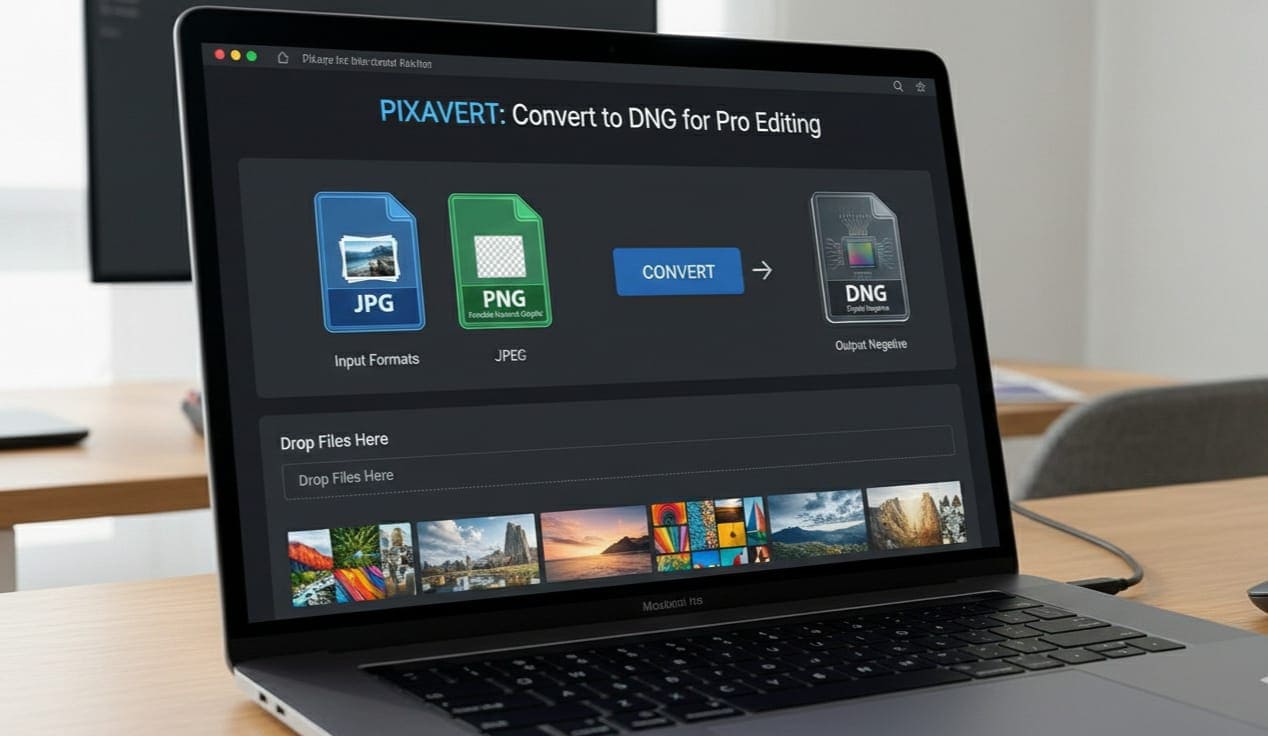
AllFileTools Image to DNG Converter is a free online tool that allows users to convert JPG, PNG, and JPEG files into DNG without any technical hassle.
Features:
-
Free and Fast: Convert images instantly online
-
Multi-format Support: JPG, PNG, JPEG → DNG
-
No Software Needed: Works fully in your browser
-
Secure Conversion: Files are safe and not shared
-
User-friendly Interface: Simple steps for all users
-
Cross-platform: Works on Windows, Mac, and mobile
This tool is perfect for photographers, designers, developers, and students who need quick, reliable, and free image conversion without installing heavy software.
Step-by-Step Guide to Convert Images to DNG Online
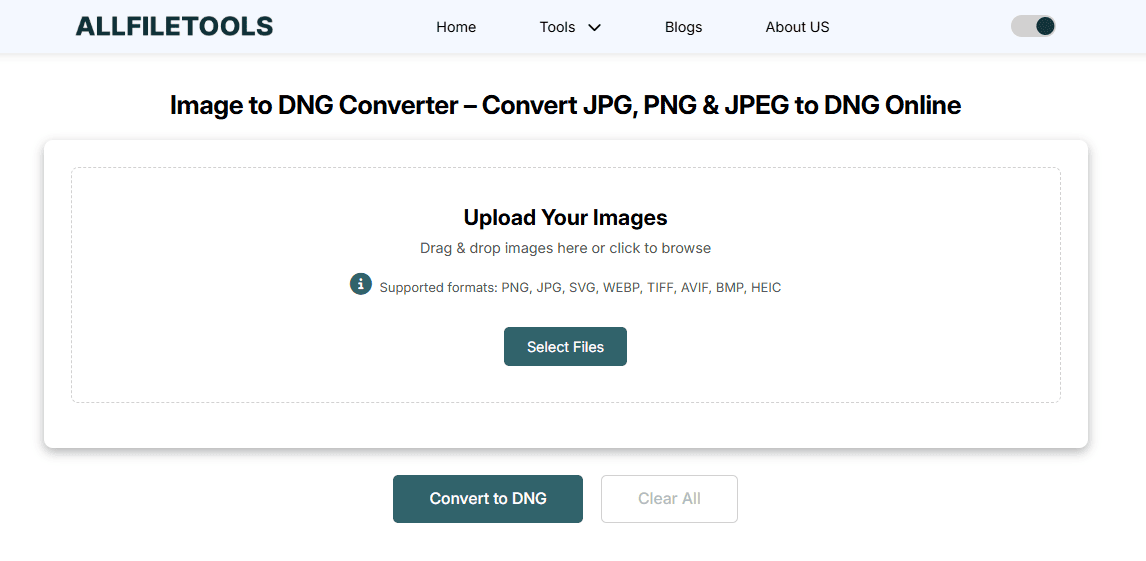
Converting images using this online tool is extremely simple. Follow these steps:
Step 1: Open the Tool
Go to Image to DNG Converter in your browser.
Step 2: Upload Your Image
Click on Upload File or drag your JPG, PNG, or JPEG image into the upload area.
Step 3: Start Conversion
Once uploaded, click Convert to DNG. The tool will process your image instantly.
Step 4: Download the DNG File
After conversion, click Download to save the DNG file to your computer.
Step 5: Use in Editing Software
Now, you can open the DNG file in Adobe Lightroom, Photoshop, Capture One, or any other DNG-compatible software.
Tip: You can batch convert multiple images for faster workflow efficiency.
Benefits of Using the Online Image to DNG Converter
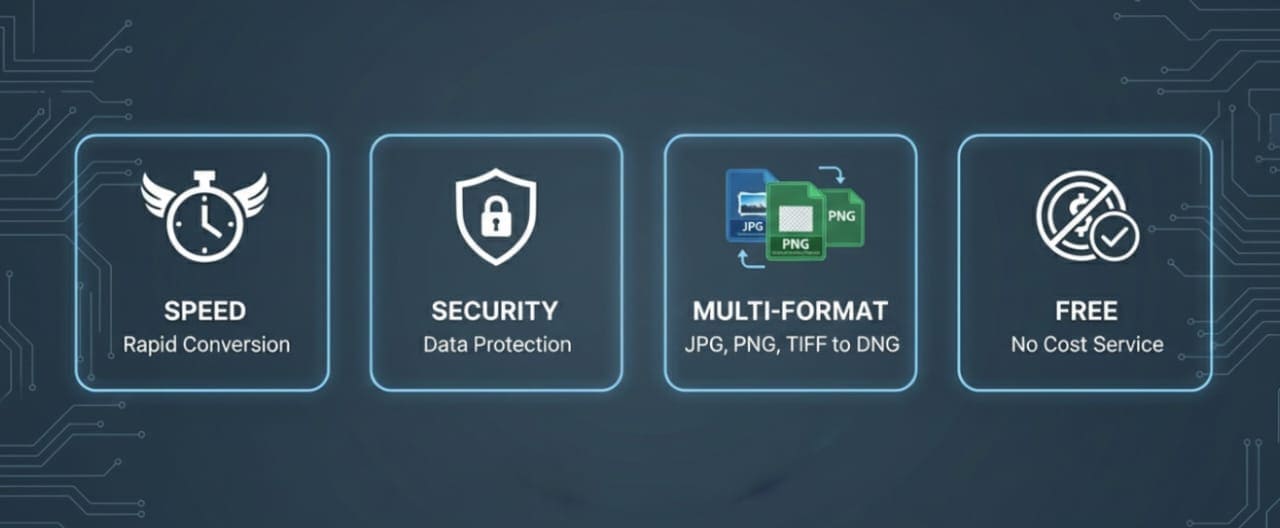
Using the AllFileTools Image to DNG Converter brings numerous advantages over offline software or complex conversion methods:
-
Instant Conversion: No need to wait; convert images in seconds
-
No Installation Required: Saves time and storage on your device
-
Secure and Private: Files are processed safely without being shared
-
Cross-platform Compatibility: Works on Windows, Mac, Linux, and mobile devices
-
Supports Multiple Formats: Handles JPG, PNG, and JPEG effortlessly
-
Beginner-Friendly: Even users with no technical background can convert images easily
Who Can Benefit from This Tool?
Photographers
Photographers often work with RAW images but sometimes need DNG for standardized editing or archiving. This tool makes conversion quick and effortless.
Designers
Graphic designers may receive images in JPG or PNG but require DNG for advanced editing in Photoshop or Lightroom. Online conversion saves time and simplifies workflow.
Developers
Web developers and app designers can use DNG files for image processing, testing, or integrations where standard image formats aren’t sufficient.
Students
Photography or design students often need to experiment with DNG files in assignments or projects. The free tool provides easy access without software costs.
General Users
Even casual users can benefit when converting personal photos for printing, sharing, or storage in high-quality formats.
Tips for Best Conversion Practices
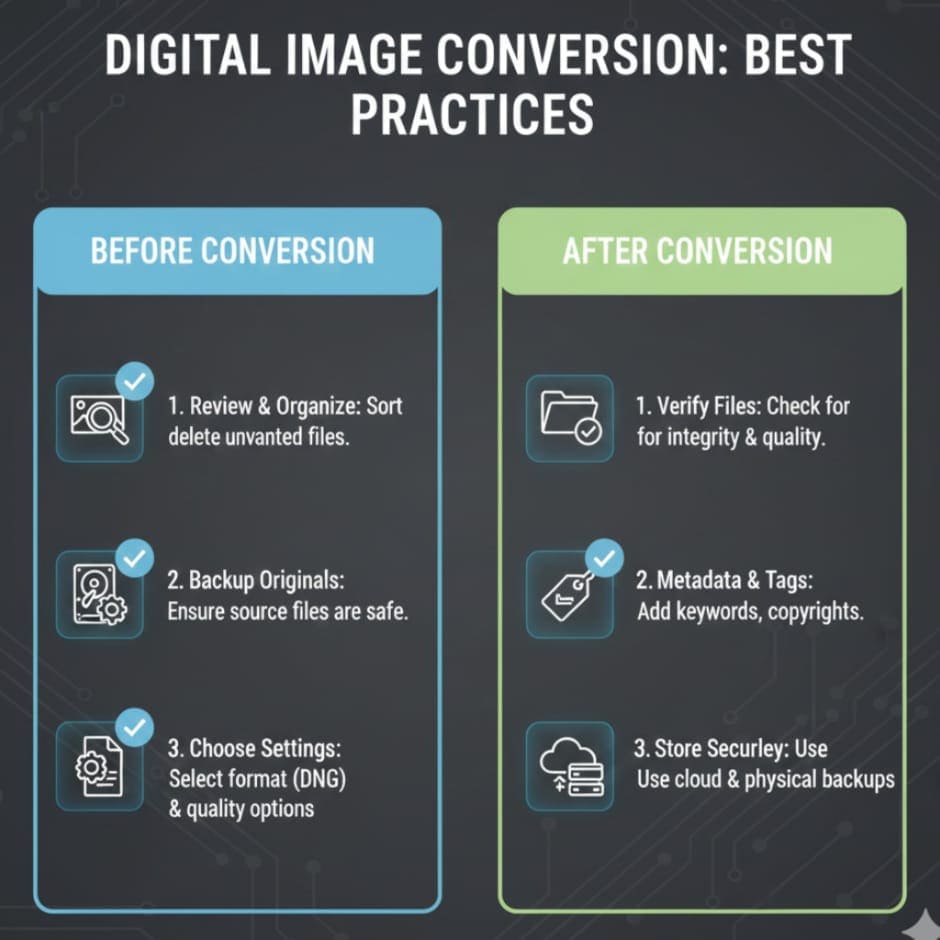
-
Keep Original Files: Always save the original JPG/PNG in case you need to revert
-
Batch Conversion: Convert multiple images at once for efficiency
-
Check Software Compatibility: Ensure your editing software supports DNG
-
Optimize Image Resolution: Higher-resolution images retain better quality when converted
-
Use Metadata: Keep important metadata intact for archiving and editing purposes
FAQs About Image to DNG Conversion
Before we dive into the FAQs, here’s a strong conclusion about why using this tool is a must for everyone who handles images online.
Conclusion
Converting your images to DNG is essential for preserving quality, ensuring editing flexibility, and future-proofing your files. Whether you are a professional photographer, designer, developer, student, or general user, the AllFileTools Image to DNG Converter provides a fast, free, and secure online solution.
With no installation required and support for multiple image formats (JPG, PNG, JPEG), it streamlines your workflow and saves valuable time. You can now confidently convert your images to DNG, enhance your editing process, and maintain high-quality image archives.
Start converting your images now: Image to DNG Converter
Frequently Asked Questions (FAQs)
1. What is a DNG file?
DNG stands for Digital Negative. It is a RAW image format that preserves maximum image data and quality, making it ideal for editing and archiving.
2. Can I convert JPG, PNG, and JPEG to DNG for free?
Yes, using the AllFileTools Image to DNG Converter, you can convert images free and online without software.
3. Is the conversion process safe?
Absolutely. The tool processes images securely, and your files are not shared with third parties.
4. Do I need to install any software?
No installation is required. The tool works directly in your browser on any device.
5. Can I batch convert multiple images to DNG?
Yes, you can upload multiple images at once and convert them simultaneously, saving time.
6. Which software supports DNG files?
Popular editing software like Adobe Photoshop, Lightroom, Capture One, and other DNG-compatible programs support DNG files.
7. Will the image quality change after conversion?
No, converting to DNG preserves image quality, maintaining details, metadata, and color accuracy better than compressed formats like JPEG.
Leave a Comment