
In today’s fast-paced digital world, website performance is everything. Users expect pages to load instantly, and even a delay of a second can lead to higher bounce rates and lost revenue. One of the key elements that affect website speed is JavaScript file size. Large, unoptimized JS files can significantly slow down your website, making it essential for developers, website owners, and frontend engineers to optimize their scripts. That’s where JavaScript Minifiers and Compressors come into play.
In this blog, we’ll explore the importance of minifying JavaScript, how a free online JS Minifier & Compressor works, and why it’s a must-have tool for developers, bloggers, and anyone serious about website performance. By the end, you’ll understand how to optimize your scripts efficiently and improve your site’s speed and user experience.
What is JavaScript Minification?
JavaScript minification is the process of removing unnecessary characters from your JS files without changing their functionality. These characters include:
-
Spaces
-
Line breaks
-
Comments
-
Extra semicolons
-
Unused variables (in some advanced minifiers)
The goal of minification is to reduce the file size, allowing the browser to download and execute your scripts faster. Unlike compression, which modifies the data to shrink it temporarily, minification permanently optimizes your code by removing redundant elements.
Example:
Original JS code:
function greetUser(name) { console.log("Hello, " + name + "!"); } greetUser("Ayesha");
Minified JS code:
function greetUser(n){console.log("Hello, "+n+"!")}greetUser("Ayesha");
Notice how spaces and line breaks are removed, making the file smaller without changing its behavior.
Why Minifying JavaScript is Crucial for Website Performance
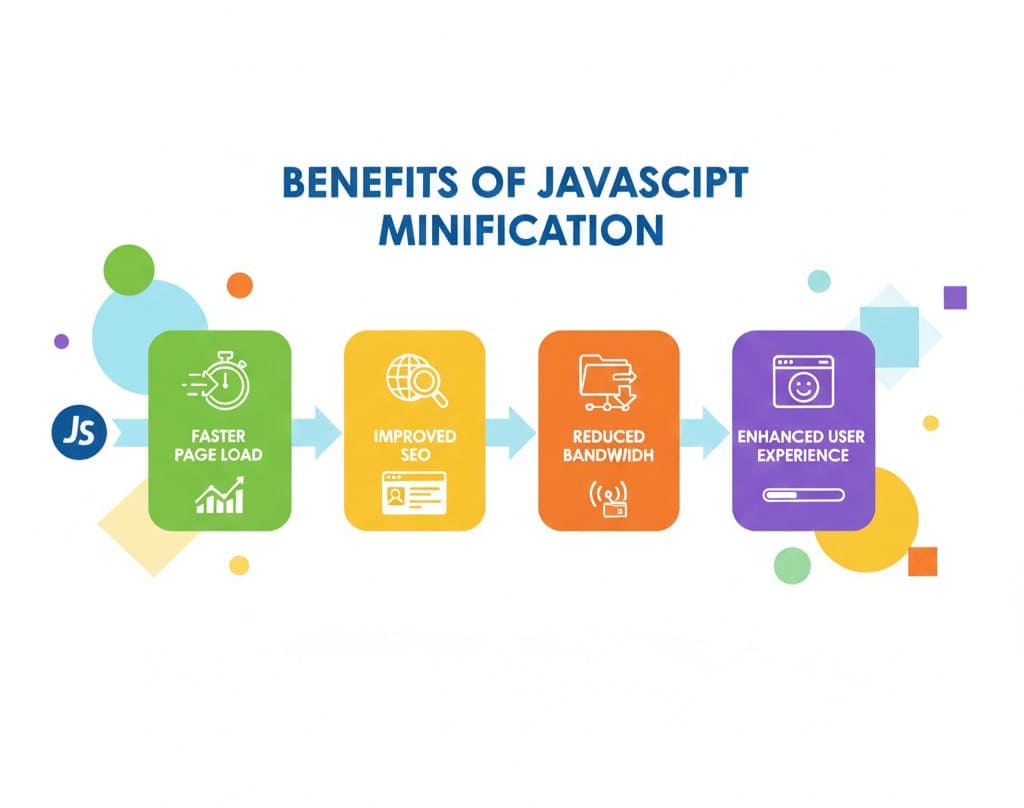
1. Faster Page Load Times
Large JS files can block the rendering of your web pages. Minified scripts are smaller, which means they download faster and execute quicker, resulting in faster page load times.
2. Improved SEO
Google and other search engines prioritize websites that load quickly. By minifying JavaScript, you can improve your Core Web Vitals, which directly influences your search engine rankings.
3. Reduced Bandwidth Usage
Smaller JS files consume less server bandwidth, which is especially important for websites with high traffic. This can reduce hosting costs and improve the overall efficiency of your website.
4. Enhanced User Experience
A website that loads faster provides a smoother and more enjoyable experience for users. Slow scripts can lead to delayed interactions, frustrating visitors and potentially driving them away.
What is a JavaScript Compressor?
A JavaScript Compressor is a tool that takes your JS code and applies minification techniques automatically. Many modern compressors also include advanced optimization techniques such as:
-
Variable renaming (shortening variable names)
-
Dead code elimination
-
Inline function optimization
Using a compressor ensures that your code is not only smaller but also optimized for maximum performance.
How Free Online JavaScript Minifier & Compressor Tools Work
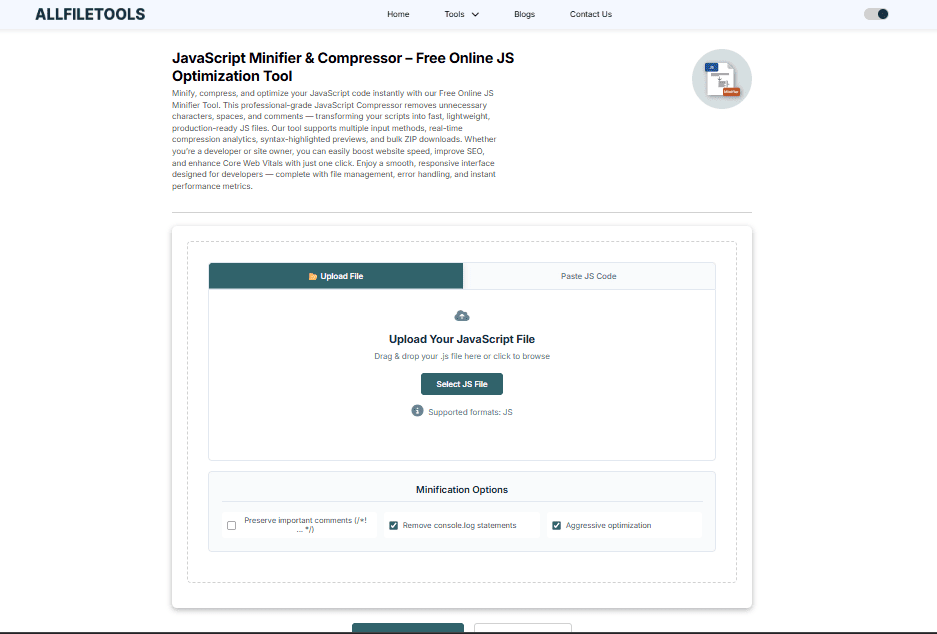
Online JS minifiers are designed to make the process quick and effortless. Here’s a step-by-step breakdown:
Step 1: Paste Your JavaScript Code
Simply copy your JavaScript code and paste it into the online tool’s interface.
Step 2: Choose Minification Options
Some tools allow you to select options like:
-
Variable renaming
-
Preserving comments
-
Enabling advanced compression
Step 3: Click Compress or Minify
The tool processes your code instantly, removing unnecessary characters and optimizing your script.
Step 4: Copy or Download the Minified Code
Once minified, you can copy the optimized code or download it as a file to use on your website.
Try it here: JavaScript Minifier & Compressor
Key Features of a Good JS Minifier & Compressor
A reliable tool should have the following features:
-
Fast Processing: Quick minification without long waits.
-
Preserve Functionality: Ensure the minified code works exactly like the original.
-
Advanced Compression Options: Variable renaming, dead code removal, inline optimizations.
-
User-Friendly Interface: Easy to use even for beginners.
-
Free to Use: No hidden fees or signups required.
-
Cross-Platform Support: Works on any device with a web browser.
Benefits of Using an Online JS Minifier
-
Time-Saving: No need for manual optimization.
-
Accessibility: Accessible from anywhere without installing software.
-
Consistency: Guarantees standardized optimization.
-
Compatibility: Works with any JavaScript file or framework.
-
Free Resource: Ideal for developers, students, and bloggers who want to optimize without costs.
How Minification Improves SEO & Core Web Vitals

Google’s Core Web Vitals emphasize site speed, interactivity, and visual stability. Minifying JavaScript helps in:
-
Reducing Largest Contentful Paint (LCP): Smaller scripts load faster.
-
Improving First Input Delay (FID): Optimized scripts execute faster.
-
Enhancing Cumulative Layout Shift (CLS): Faster script execution reduces layout shifts caused by late-rendered scripts.
SEO Tip: Always combine minified JS with other optimization techniques like lazy loading, image compression, and caching to maximize performance benefits.
Common Misconceptions About JS Minification
-
“It will break my code.”
Modern minifiers are designed to preserve functionality, and you can always test before deployment. -
“Only developers need it.”
Even website owners, bloggers, and SEO professionals benefit from faster websites, which improve engagement and rankings. -
“It’s only for large projects.”
Minification is beneficial for any website, regardless of size.
Step-by-Step Guide to Minify Your JavaScript Using Our Tool
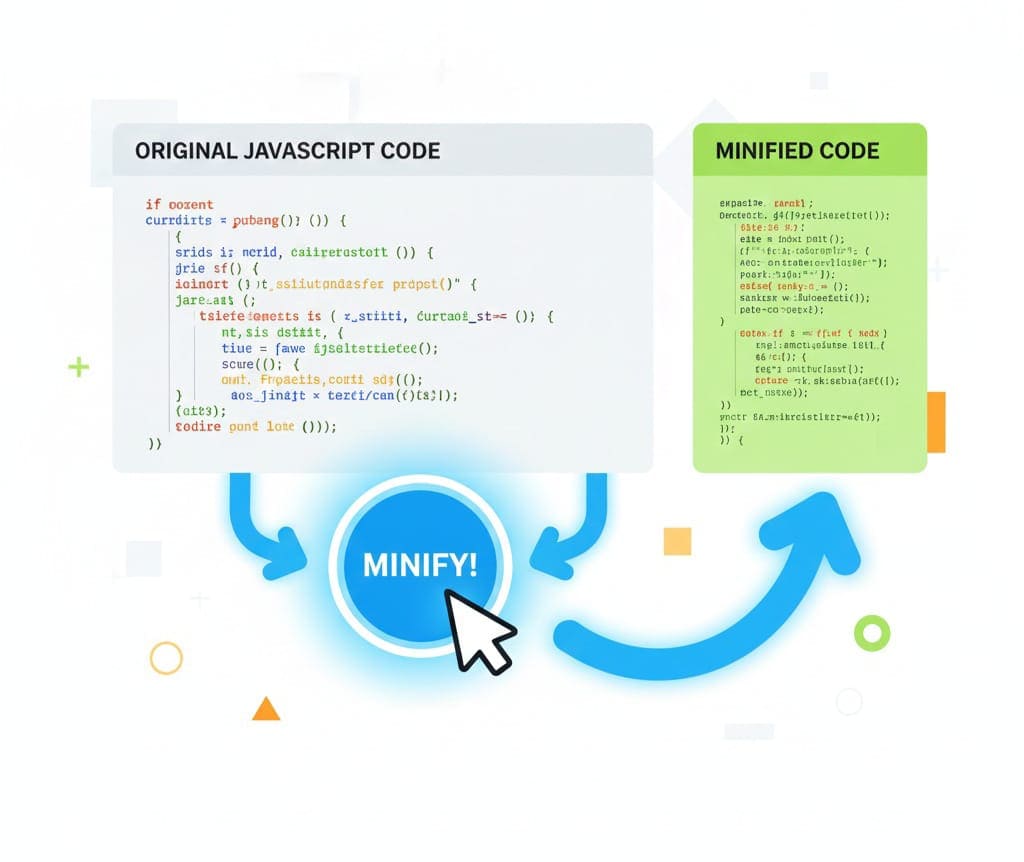
Step 1: Go to AllFileTools JS Minifier
Step 2: Paste your JavaScript code in the input box
Step 3: Select your preferred options (optional)
Step 4: Click Minify/Compress
Step 5: Copy the minified code or download the optimized file
Step 6: Replace your old JS files with the new minified ones on your website
Best Practices When Minifying JavaScript
-
Keep a backup of original code before minifying
-
Test the minified code on all browsers and devices
-
Combine JS files for fewer HTTP requests
-
Use CDN for faster delivery
-
Regularly update minified scripts after any changes
Who Can Benefit from a JavaScript Minifier & Compressor?
-
Web Developers: Streamline project performance
-
Frontend Engineers: Ensure smooth user interactions
-
Website Owners/Bloggers: Faster pages improve engagement and SEO
-
SEO & Performance Optimization Learners: Understand the impact of optimization
-
Students and Beginners: Learn industry best practices
-
General Tech Users: Anyone managing websites or web apps
Tools Comparison: Free vs Paid JS Minifiers
| Feature | Free JS Minifier | Paid JS Compressor |
|---|---|---|
| Cost | Free | Paid subscription |
| Speed | Fast | Very fast |
| Advanced Options | Basic | Variable renaming, dead code |
| User-Friendliness | Very easy | Professional interface |
| Support | Limited | Priority support |
For most users, the free online minifier is sufficient for optimizing standard JavaScript files.
Real-Life Example: Minifying a Web App
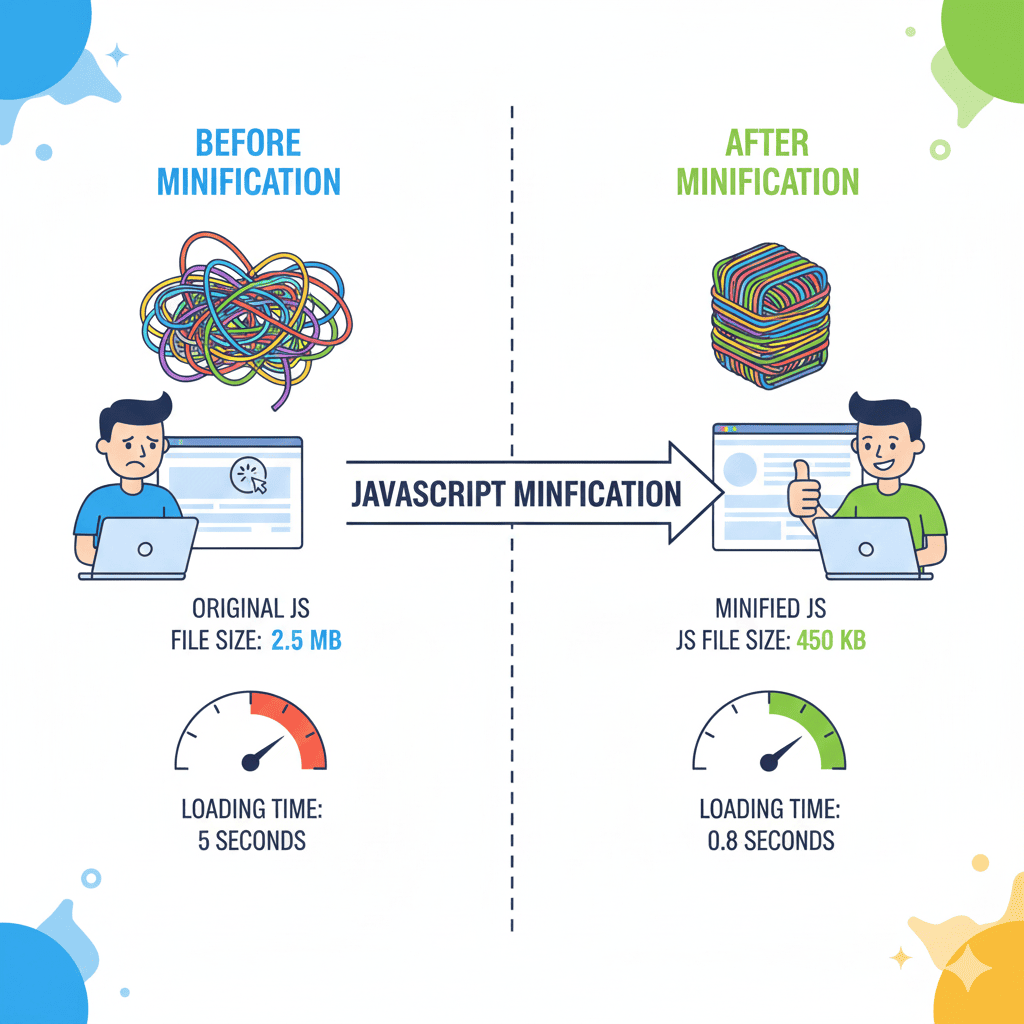
Imagine you have a React web app with 5 JS files totaling 500 KB. After minification using our tool:
-
Original total size: 500 KB
-
Minified total size: 320 KB
-
Page load improvement: 1.5 seconds faster
Impact: Users spend more time on the site, bounce rate drops, and SEO scores improve.
Conclusion
Optimizing your website with a JavaScript Minifier & Compressor is a simple, effective, and free way to enhance performance. By minifying your JS files:
-
You reduce file size and bandwidth usage
-
Improve page load speed and Core Web Vitals
-
Enhance user experience and engagement
-
Boost SEO rankings
Don’t wait to slow down your website. Use the free online tool today to optimize your scripts efficiently: AllFileTools JS Minifier
Frequently Asked Questions (FAQs)
-
What is the difference between minification and compression?
Minification removes unnecessary characters from the code permanently, while compression temporarily shrinks the file for transfer. -
Will minifying JavaScript break my website?
No, modern minifiers are designed to preserve functionality. Always test the minified code before deployment. -
Is this tool free to use?
Yes, the AllFileTools JS Minifier is completely free and does not require registration. -
Can beginners use this tool?
Absolutely! The interface is simple, making it beginner-friendly while still useful for professionals. -
Does minification improve SEO?
Yes, faster page loads enhance Core Web Vitals, which are important ranking factors for search engines. -
Can I minify multiple JS files at once?
You can minify each file individually and then combine them for deployment to optimize performance further. -
Does this tool support all types of JavaScript code?
Yes, it works with plain JS, React, Vue, Node scripts, and most other JavaScript frameworks.
Leave a Comment
No comments yet. Be the first to comment!