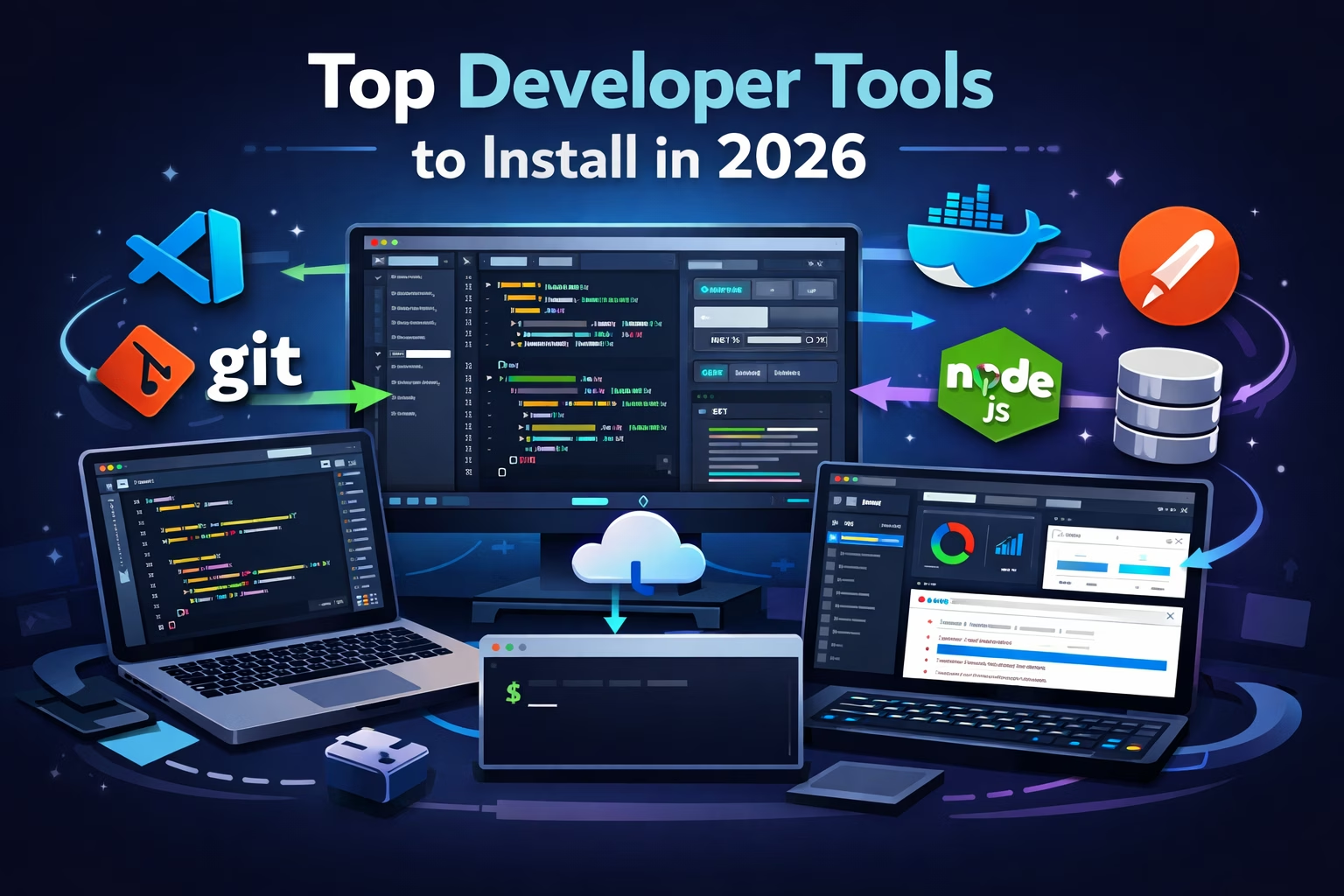
Software tools play a crucial role in a developer’s productivity, efficiency, and workflow. Whether you are a web developer, software engineer, or backend developer, having the right tools installed on your system can dramatically improve the way you write, test, and manage code.
In 2026, development environments have become more powerful, and developers rely on a combination of code editors, version control systems, API testing tools, and database managers to build modern applications.
In this guide, we will explore the most useful software every developer should install in 2026 to build better applications, collaborate efficiently, and streamline their development workflow.
Why Developers Need the Right Software
Modern software development involves multiple stages such as writing code, debugging, testing APIs, managing databases, deploying applications, and collaborating with teams.
Without proper tools, developers often struggle with:
-
inefficient workflows
-
slow debugging processes
-
difficult version control management
-
poor collaboration in teams
Using the right development tools helps developers:
-
write cleaner and faster code
-
debug applications efficiently
-
manage projects and repositories easily
-
automate repetitive tasks
Now let’s explore the essential software every developer should have installed on their computer in 2026.
1. Visual Studio Code – The Most Popular Code Editor
Visual Studio Code (VS Code) is currently one of the most widely used code editors among developers. It is lightweight, fast, and extremely customizable.
VS Code supports hundreds of programming languages including JavaScript, Python, Java, PHP, Go, and C++, making it a versatile tool for developers across different fields.
Key Benefits
-
large extension marketplace
-
built-in Git support
-
integrated terminal
-
powerful debugging tools
Because of its flexibility and active developer community, VS Code remains one of the best coding environments available today.
2. Git – Essential Version Control System
Git is the standard version control system used by developers worldwide. It allows developers to track changes in code, collaborate with teams, and manage project versions efficiently.
With Git, developers can work on different features simultaneously without affecting the main project.
Why Developers Use Git
-
track code history
-
collaborate with teams
-
manage branches and versions
-
integrate with GitHub and GitLab
For any serious developer, Git is an essential tool for managing code repositories.
3. Node.js – JavaScript Runtime for Backend Development
Node.js allows developers to run JavaScript outside the browser, making it possible to build server-side applications, APIs, and real-time services.
Many popular frameworks such as Express.js, Next.js, and NestJS rely on Node.js.
Why Node.js is Important
-
fast and scalable backend development
-
massive ecosystem through npm packages
-
widely used in modern web applications
Node.js is especially popular among full-stack developers.
4. Docker – Containerization for Modern Development
Docker has transformed the way developers build and deploy applications. It allows developers to package applications along with their dependencies into containers, ensuring that the software runs consistently across different environments.
Benefits of Docker
-
consistent development environments
-
easier deployment
-
simplified dependency management
-
ideal for microservices architecture
Docker is widely used in DevOps workflows and cloud deployments.
5. Postman – Powerful API Testing Tool
APIs are the backbone of modern applications. Postman is a powerful tool used to test, debug, and document APIs.
Developers can easily send HTTP requests and analyze responses without writing additional code.
Key Features
-
API request testing
-
automated testing workflows
-
team collaboration
-
API documentation tools
Postman helps developers ensure that their APIs function correctly before integrating them into applications.
6. DBeaver – Universal Database Management Tool
Database management is a core part of software development. DBeaver is a powerful open-source tool that supports multiple databases including:
-
MySQL
-
PostgreSQL
-
SQLite
-
MongoDB
-
Oracle
Why Developers Use DBeaver
-
easy database management
-
visual query editor
-
support for multiple database systems
DBeaver simplifies database interactions and improves productivity.
7. Google Chrome – Essential Browser for Developers
A modern browser is essential for testing and debugging web applications. Google Chrome provides powerful developer tools (DevTools) that help developers inspect code, analyze performance, and debug JavaScript.
Chrome DevTools Features
-
inspect HTML and CSS
-
JavaScript debugging
-
network request monitoring
-
performance analysis
Chrome remains one of the most important tools for frontend and full-stack developers.
8. Python – Versatile Programming Language
Python continues to be one of the most versatile programming languages used by developers.
It is widely used in:
-
automation scripting
-
web development
-
data science
-
machine learning
-
AI development
Python’s simple syntax and massive ecosystem make it a valuable tool for developers in many industries.
9. FileZilla – Reliable FTP Client
FileZilla is a popular FTP client that allows developers to upload and manage files on web servers.
Why Developers Use FileZilla
-
simple file transfers
-
secure FTP connections
-
fast uploads and downloads
It is commonly used by web developers to manage hosting servers and deploy website files.
10. Notion or Obsidian – Documentation and Knowledge Management
Documentation is often overlooked but extremely important in software development. Tools like Notion and Obsidian help developers organize project notes, documentation, and ideas.
Benefits
-
structured documentation
-
knowledge management
-
project planning
Good documentation improves collaboration and makes projects easier to maintain.
How to Choose the Right Development Tools
The best software tools depend on your development stack and workflow. A frontend developer may prioritize browser debugging tools, while a backend developer may rely more on database management and containerization tools.
When choosing development software, consider:
-
compatibility with your programming language
-
integration with other tools in your workflow
-
community support and updates
-
performance and system requirements
Selecting the right tools can significantly improve productivity and reduce development time.
Conclusion
Having the right software installed on your computer can greatly enhance your development workflow. From writing code and managing databases to testing APIs and deploying applications, the tools mentioned in this guide cover the essential needs of modern developers.
In 2026, developers rely on powerful tools such as Visual Studio Code, Git, Node.js, Docker, Postman, and DBeaver to build efficient and scalable applications.
By using these tools, developers can work more efficiently, collaborate better with teams, and build high-quality software products.
Frequently Asked Questions
What software do developers use the most?
Developers commonly use tools such as Visual Studio Code, Git, Node.js, Docker, Postman, and Chrome DevTools for coding, testing, and debugging.
Which code editor is best for developers?
Visual Studio Code is currently one of the most popular code editors because of its extensions, flexibility, and performance.
Is Docker necessary for developers?
Docker is widely used in modern development and DevOps workflows because it simplifies deployment and environment management.

Leave a Comment
No comments yet. Be the first to comment!