
Audio is an integral part of our digital experience, whether it’s music, podcasts, lectures, or content creation. MP3 is one of the most popular audio formats worldwide due to its high compatibility and manageable file size, but sometimes you need a format that offers better compression and higher quality, like AAC (Advanced Audio Coding).
If you’ve ever wondered how to convert MP3 to AAC online, without downloading complex software, you’re in the right place. In this guide, we’ll explore why AAC is preferred in many scenarios, how to convert your MP3 files effortlessly, and the advantages of using an online MP3 to AAC converter.
What is MP3 and AAC?
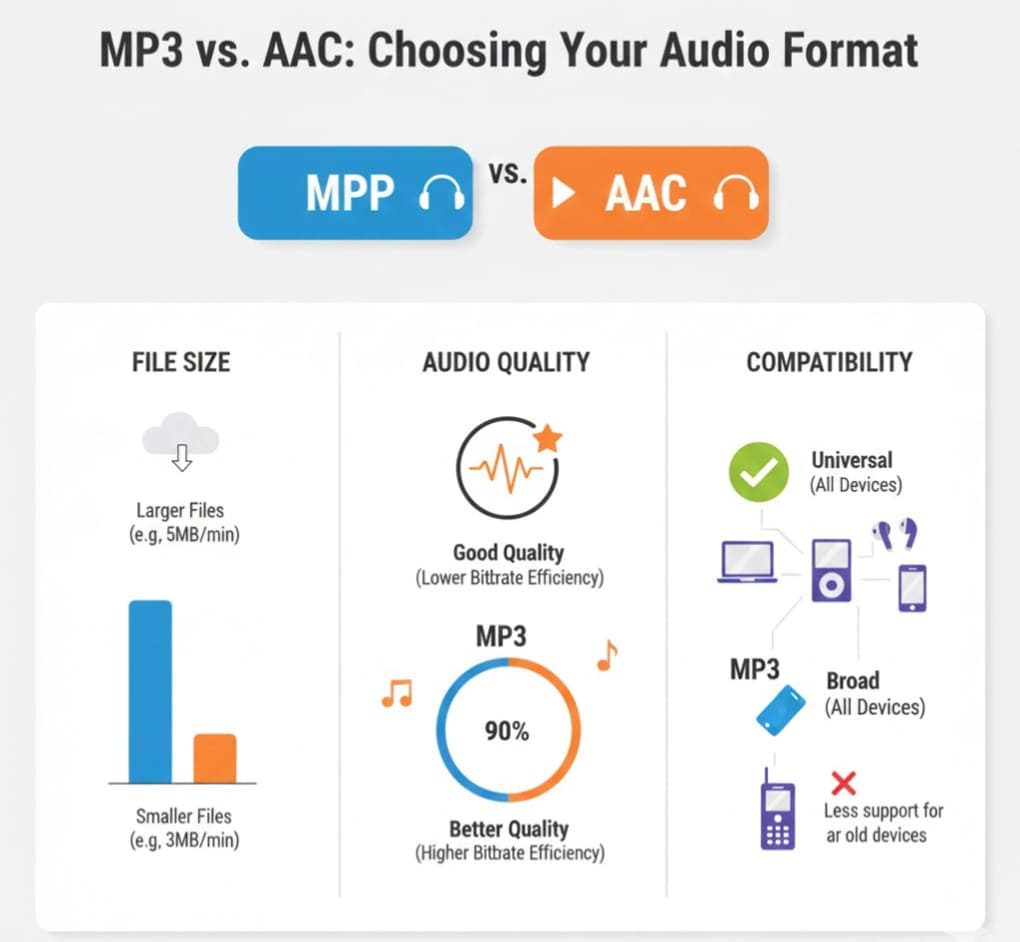
What is an MP3 File?
MP3 (MPEG-1 Audio Layer III) is a lossy audio format that compresses audio files without drastically reducing quality. It’s widely used because of:
-
Small file size, ideal for storage and streaming
-
Universal compatibility across devices and platforms
-
Support for music libraries, podcasts, and audiobooks
However, while MP3 is versatile, it has limitations in audio quality, especially at lower bitrates.
What is an AAC File?
AAC (Advanced Audio Coding) is a modern audio format designed to improve compression efficiency and sound quality compared to MP3. Key features include:
-
Higher quality at the same bitrate
-
Better handling of high frequencies
-
Compatibility with Apple devices, YouTube, and other streaming platforms
-
Support for multichannel audio
Converting MP3 files to AAC can improve playback quality and reduce file sizes for modern devices.
Why Convert MP3 to AAC?
There are several reasons why converting MP3 files to AAC is beneficial:
-
Better audio quality at the same bitrate – AAC provides more accurate sound reproduction and clarity.
-
Improved compatibility – AAC works seamlessly on iOS devices, streaming services, and modern players.
-
Smaller file size – Perfect for users who want to save storage space without compromising quality.
-
Professional projects – Podcasters, content creators, and musicians often prefer AAC for distribution and streaming.
-
Ease of use – With online converters, you can convert your files without software installation or technical expertise.
How to Convert MP3 to AAC Using an Online Converter
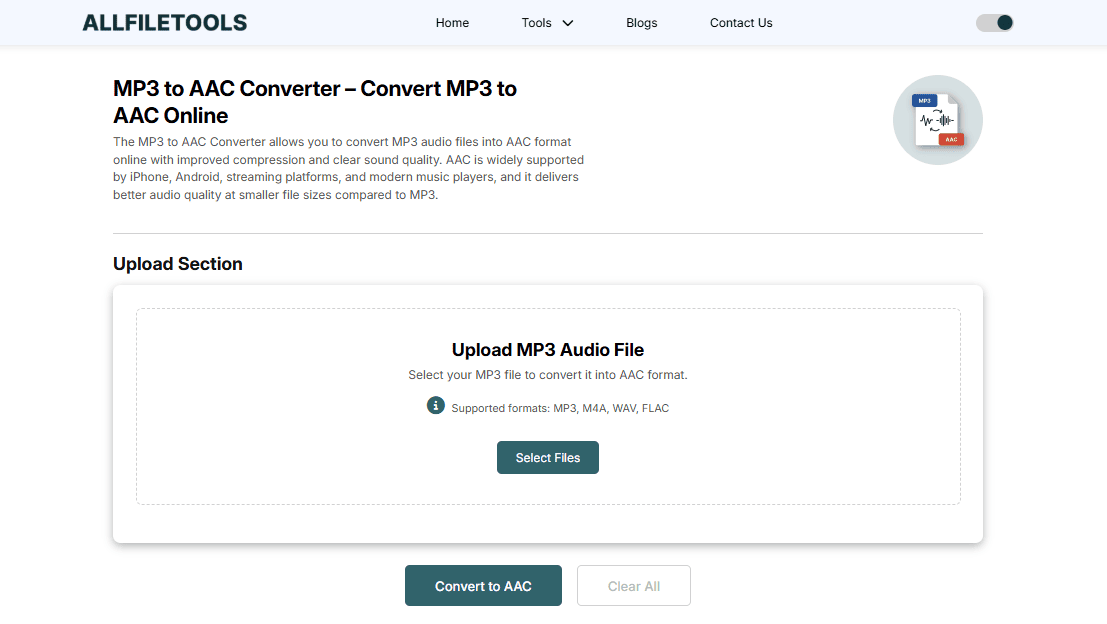
Converting MP3 to AAC online is simple, fast, and secure. Follow these steps:
-
Open the online MP3 to AAC converter – Click here to access
-
Upload your MP3 file – Drag and drop or select files from your computer or device.
-
Select AAC as the output format – Most converters allow you to customize bitrate settings for optimal quality.
-
Start the conversion – The process typically takes seconds depending on file size.
-
Download the converted AAC file – Enjoy your high-quality audio ready for any device or platform.
Tip: Batch conversion features allow you to convert multiple MP3 files to AAC simultaneously, saving time for content creators and music enthusiasts.
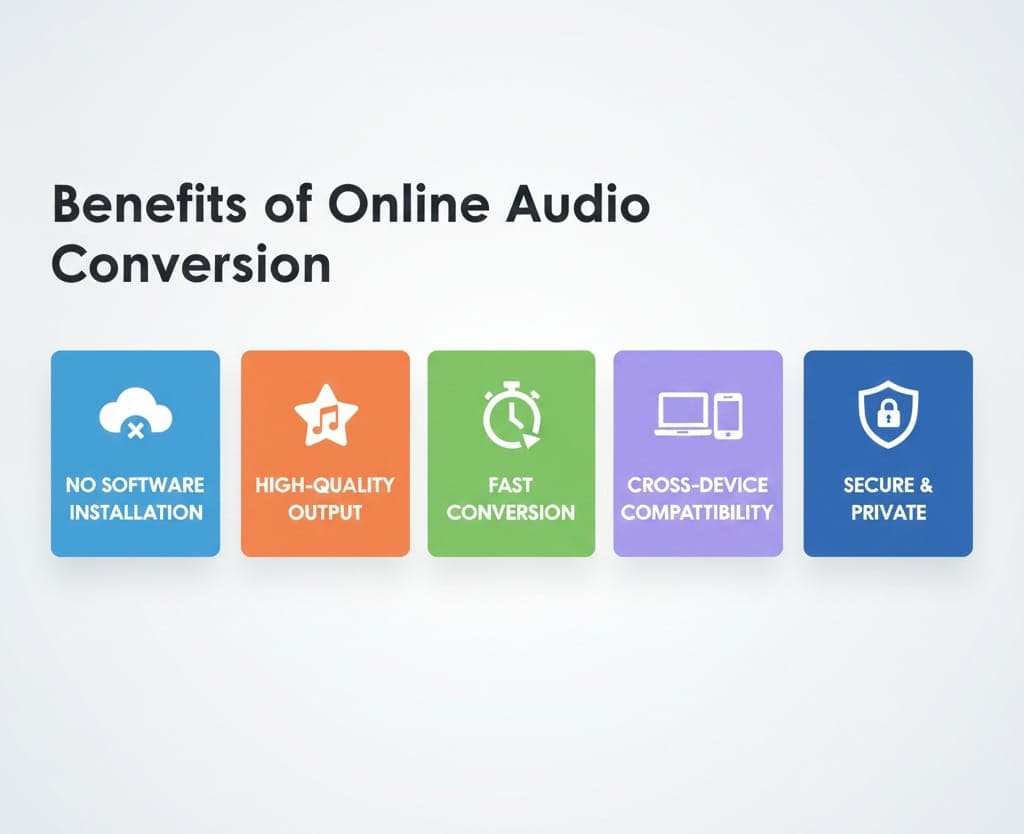
Benefits of Using an Online MP3 to AAC Converter
-
No Software Installation – Convert audio files directly in your browser.
-
High-Quality Output – AAC preserves audio fidelity better than MP3 at similar bitrates.
-
Fast and Efficient – Convert files in seconds, even large ones.
-
Cross-Device Compatibility – Works on Windows, Mac, Android, iOS, and all modern browsers.
-
Secure and Private – Your uploaded files are deleted after conversion.
-
Free of Charge – Most online converters offer full functionality without payment.
-
User-Friendly Interface – Simple drag-and-drop functionality with clear instructions.
Tips for Best Results
-
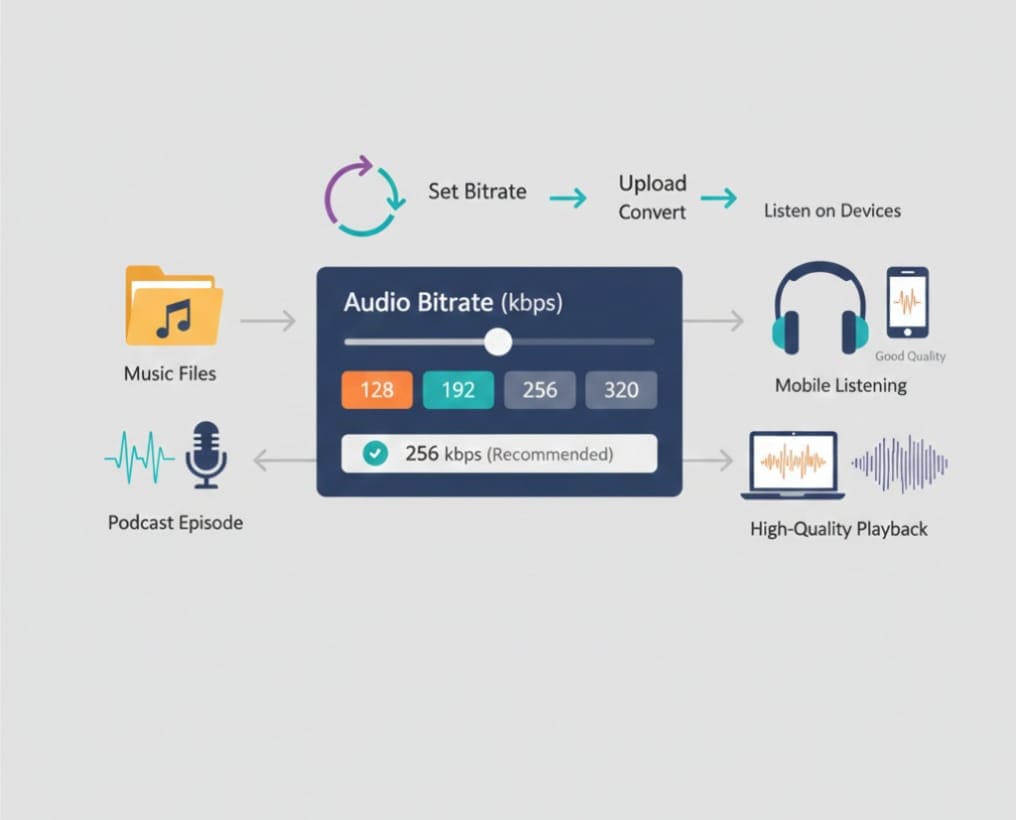
Choose the right bitrate – For music, 256–320 kbps is ideal. For podcasts, 128–192 kbps may suffice.
-
Check device compatibility – Ensure your target device supports AAC playback.
-
Use batch conversion for multiple files – Save time by converting your entire music library.
-
Preview the output – Listen to the converted file to ensure quality before distribution.
Who Should Use This MP3 to AAC Converter?
-
Music Enthusiasts – Upgrade your music collection with better quality AAC files.
-
Podcasters – Deliver crisp, professional audio to your audience.
-
Content Creators – Ensure compatibility across multiple platforms.
-
Students – Convert lecture recordings to AAC for smaller file sizes and better clarity.
-
Developers / Tech Users – Quickly convert audio files for apps, websites, or media projects.
Use Cases
-
Streaming Music – Upload AAC files to music players or platforms for better sound quality.
-
Podcast Distribution – Convert MP3 recordings to AAC for cleaner audio on mobile apps.
-
Video Projects – Use AAC audio in video editing software for superior audio clarity.
-
Device Storage Optimization – Reduce file size while maintaining quality on smartphones or tablets.
-
Online Sharing – Share AAC files via email or cloud services efficiently.
Conclusion
If you’re looking for a fast, reliable, and high-quality way to convert MP3 files to AAC, your search ends here. With the MP3 to AAC Online Converter, you can instantly convert your audio files online without installing any software, ensuring your music, podcasts, or audio projects sound crisp and clear on any device. This tool makes audio conversion effortless for beginners and advanced users alike, supporting batch uploads, customizable bitrate settings, and secure processing.
By using this converter, you can enjoy:
-
High-quality audio output without losing fidelity
-
Quick and easy conversion directly from your browser
-
No software installation or complicated steps
-
Full compatibility with all devices, including iPhone, iPad, Android, and Windows
-
Privacy and security, as your files are deleted after processing
Whether you’re a music enthusiast, podcaster, content creator, or student, this online converter is designed to save you time, simplify your workflow, and deliver professional results. Try it now!
FAQ Section
Q1: Is AAC better than MP3?
Yes, AAC generally offers better sound quality at the same bitrate, making it ideal for streaming, music, and podcasts.
Q2: Can I convert MP3 to AAC on mobile?
Absolutely. The online converter works on all modern browsers, including mobile devices, so no installation is needed.
Q3: Will converting MP3 to AAC improve sound quality?
It preserves audio fidelity more efficiently than MP3, especially at similar or lower bitrates. It may not drastically enhance low-quality MP3s but maintains clarity.
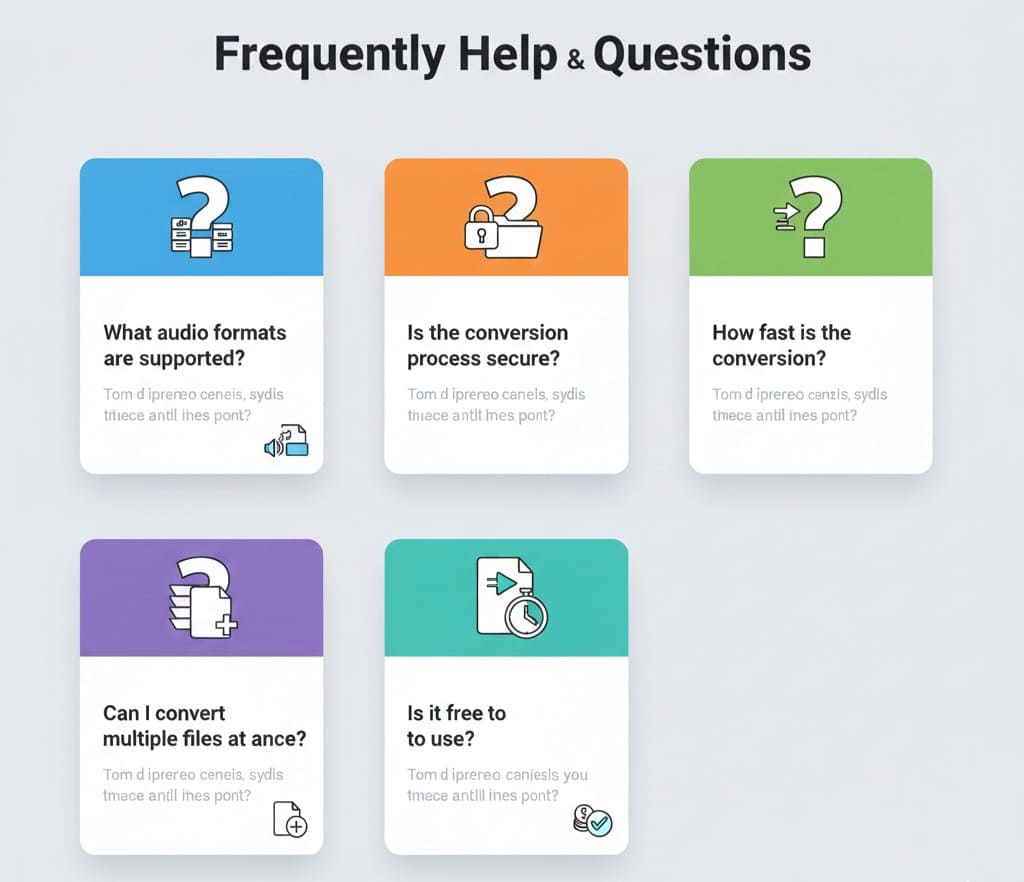
Q5: Is it free to convert MP3 to AAC online?
Yes, most online converters, including your AllFileTools MP3 to AAC Converter, offer free services.
Q6: Are my files safe and private?
Yes. Online converters ensure privacy by deleting uploaded files after conversion.
Q7: How long does the conversion take?
Most conversions complete in seconds, depending on file size and your internet speed.
Q8: Can I convert multiple files at once?
Yes, many converters support batch conversion, allowing you to process several MP3 files into AAC simultaneously.
Q9: Which bitrate should I choose?
For music, use 256–320 kbps. For spoken content like podcasts, 128–192 kbps works well.
Q10: Can I play AAC files on all devices?
AAC is widely supported on iOS devices, Android phones, Windows and Mac players, and most modern media applications.
Final Thoughts
Converting MP3 to AAC has never been easier. With your online MP3 to AAC converter, you get high-quality audio, fast conversions, and full compatibility, all from your browser. Whether you’re a musician, podcaster, content creator, or student, this tool saves time, ensures professional-grade audio, and protects your privacy.
Stop worrying about downloads or complex software. Convert your MP3 files to AAC online today and experience better audio quality and seamless compatibility across all your devices. Start converting now!
Leave a Comment
No comments yet. Be the first to comment!