
Converting audio files can sometimes feel like navigating a maze. You have a favorite MP3 file, perhaps a voice recording, a podcast snippet, or even a song you love, and now you need it in a different format — specifically AMR. But why AMR? And how do you do it without downloading complicated software or spending hours figuring it out? That’s exactly where an online MP3 to AMR converter comes into play.
In this guide, we’ll explore everything you need to know about MP3 to AMR conversion, why AMR is still relevant, step-by-step conversion instructions, and tips for getting the best quality. By the end, you’ll not only be able to convert your files seamlessly but also understand why this conversion is useful in different contexts.
What is MP3?
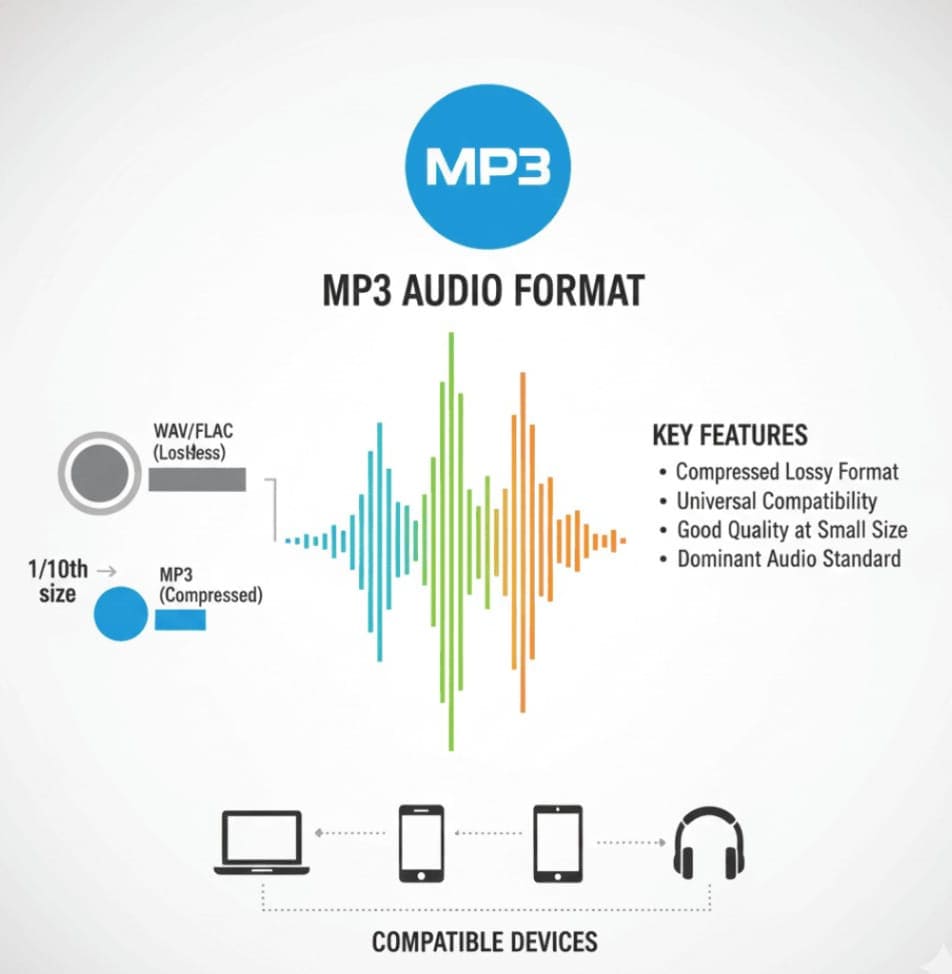
Before we dive into the conversion process, let’s take a moment to understand the source format: MP3.
MP3, officially known as MPEG-1 Audio Layer III, is the most widely recognized audio format in the world. It’s been the go-to for music enthusiasts, podcasters, and content creators for decades. MP3 files use lossy compression, which means they shrink the file size without drastically compromising audio quality. This makes MP3s ideal for music, podcasts, and general audio sharing.
Some key characteristics of MP3:
-
Compatible with almost every device
-
Compressed, smaller file size for easy storage
-
Supports high-quality audio up to 320 kbps
-
Ideal for music, voice recordings, and podcasts
Despite its popularity, there are scenarios where MP3 may not be the best choice. For example, mobile voice messages or GSM network transmissions often require a different format: AMR.
What is AMR?
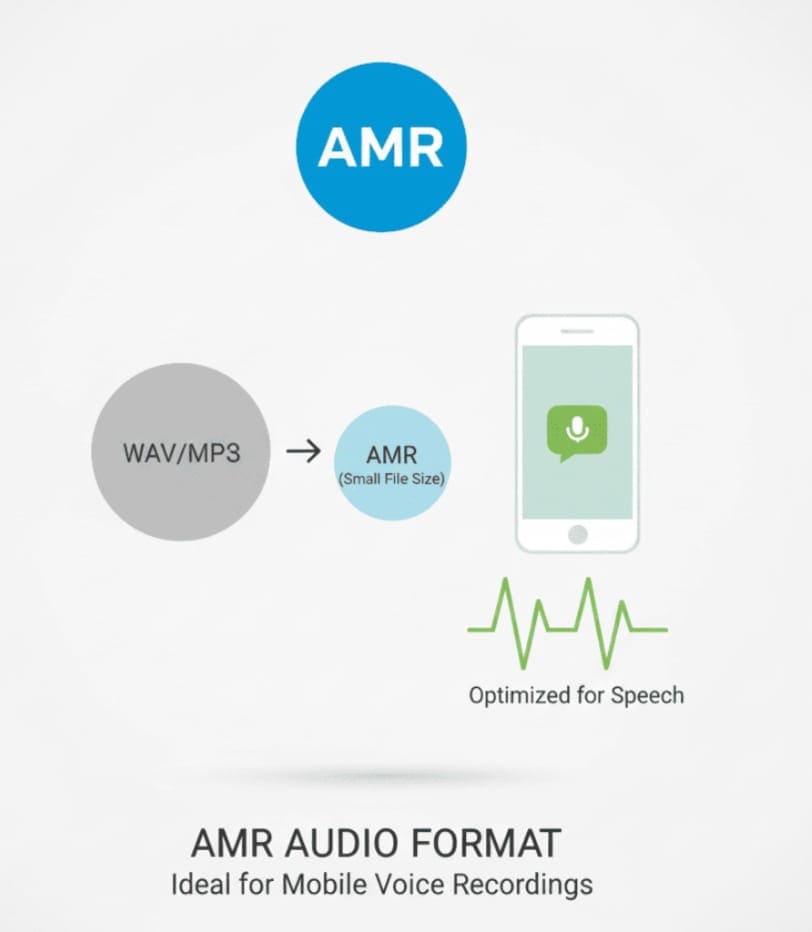
AMR stands for Adaptive Multi-Rate. Unlike MP3, which is designed for general audio, AMR is a narrowband speech codec optimized for voice recordings. It’s widely used in mobile phones for voice messages, voicemail, and other speech-based transmissions.
AMR’s key features:
-
Optimized for voice clarity at low bitrates
-
Extremely small file size, perfect for mobile devices
-
Supports GSM and UMTS networks
-
Often used in mobile messaging, IVR systems, and audio recording apps
In simple words, if your MP3 contains spoken content like lectures, voice notes, or interviews, converting it to AMR makes it more mobile-friendly and reduces storage requirements without losing voice clarity.
Why Convert MP3 to AMR?
You might wonder, why not just stick with MP3? Here are some practical reasons:
-
Mobile Messaging – AMR is often required for sending voice messages through older mobile networks.
-
Storage Efficiency – AMR files are smaller, so you can store hundreds of voice recordings without consuming much space.
-
Compatibility with Devices – Some older phones or telecommunication systems may only support AMR.
-
Optimized Voice Quality – AMR preserves speech intelligibility even at low bitrates, making it ideal for voice content.
-
Professional Use – Freelancers, content creators, or audio editors might need AMR for podcast snippets, transcriptions, or client delivery.
Whether you are a student recording lectures, a content creator repurposing audio, or a mobile user compressing voice messages, MP3 to AMR conversion can save time, space, and effort.
How to Convert MP3 to AMR Online Free
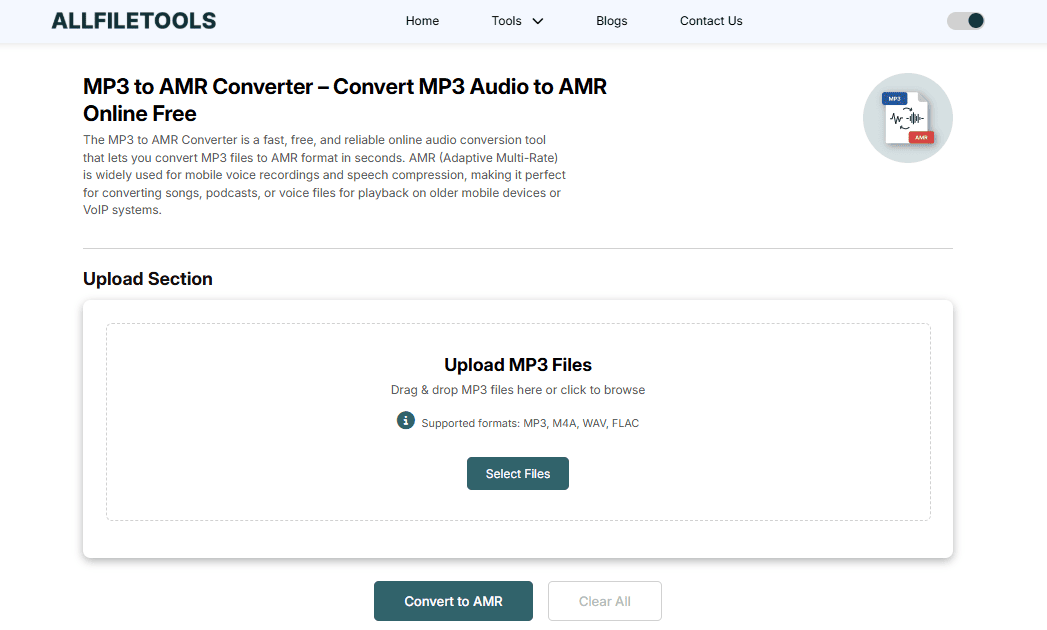
Here’s where technology steps in to make life easier. Using an online MP3 to AMR converter, you don’t need to download software, sign up for accounts, or worry about complicated settings. You can convert files directly from your browser.
Step 1: Choose Your File
Start by uploading your MP3 file. Most converters allow you to drag and drop your file or select it from your computer, Google Drive, or Dropbox.
Step 2: Select AMR as Output Format
Once your file is uploaded, choose AMR as the output format. Some advanced converters even let you choose bitrate, audio channels, or sample rate for customized output. For general voice recordings, default settings are usually sufficient.
Step 3: Convert and Download
Click the convert button. Within seconds (depending on file size), your MP3 will be converted to AMR. Then, download the file to your device.
Pro Tip: Use a trusted online tool like AllFileTools MP3 to AMR Converter to ensure fast, secure, and high-quality conversion. Your files remain private, and there’s no software installation needed.
Key Features of an Online MP3 to AMR Converter
A high-quality converter tool should offer the following:
-
No Installation Required – Everything runs in your browser.
-
Free of Charge – No hidden fees or premium limitations.
-
Fast Conversion – Large files converted in seconds.
-
Secure and Private – Your files are never stored or shared.
-
Mobile-Friendly – Works on smartphones, tablets, and PCs.
-
Batch Conversion – Convert multiple files at once.
-
Customizable Settings – Adjust bitrate or audio channels if needed.
These features ensure you can handle audio conversion quickly and efficiently, whether you’re at home, in class, or on the go.
Use Cases for MP3 to AMR Conversion

Let’s make it real. Here are some scenarios where converting MP3 to AMR comes in handy:
-
Students – Recording lectures in MP3 and converting to AMR to save storage on mobile devices.
-
Content Creators – Repurposing podcast snippets or voiceovers for mobile delivery.
-
Mobile Users – Sending voice memos over networks that only accept AMR.
-
Developers – Preparing audio files for apps that require AMR input.
-
Freelancers – Delivering compressed audio to clients without compromising voice quality.
-
Audio Editors – Archiving speech-based recordings efficiently.
By converting MP3 to AMR, users ensure compatibility, efficiency, and high-quality voice clarity.
Tips for High-Quality Conversion
Even with the best tools, a few tips can help maintain the best possible quality:
-
Use high-quality MP3 sources. If your MP3 is low quality, AMR output will also degrade.
-
Avoid excessive compression if possible. AMR is optimized for voice, but extreme compression can reduce intelligibility.
-
Check the bitrate options — 12.2 kbps usually gives the best balance of quality and file size.
-
For batch conversions, verify each file after conversion to ensure no errors occurred.
With these tips, you’ll get AMR files that sound clear, professional, and ready for mobile use.
How Does AMR Compression Work?
AMR uses a speech-specific codec, meaning it is designed to capture the nuances of human voice while keeping the file size minimal. Unlike MP3, which preserves a broad range of audio frequencies for music, AMR focuses on frequencies most critical for speech.
Key points about AMR compression:
-
Reduces file size drastically, often 10–20% of original MP3 size
-
Maintains speech intelligibility
-
Allows variable bitrates for balancing size and quality
-
Compatible with GSM/UMTS networks and mobile devices
Understanding this helps you appreciate why AMR is still widely used for voice recordings.
Conclusion
Converting MP3 to AMR is simpler than ever with modern online tools. Whether you’re a student, content creator, developer, or casual mobile user, having your MP3 files in AMR format ensures compatibility, smaller file size, and clear voice quality. Tools like AllFileTools MP3 to AMR Converter make the process fast, secure, and free, eliminating the need for software or complex setups.
By following the steps outlined here, you can convert files with confidence, optimize them for mobile use, and ensure your audio content remains efficient and high-quality.
FAQs
1. What is the best online MP3 to AMR converter?
For fast, secure, and high-quality conversion, AllFileTools MP3 to AMR Converter is highly recommended. It works in your browser without installation or signup.
2. Is AMR better than MP3 for voice recordings?
Yes, AMR is optimized for speech and voice, resulting in smaller file sizes and clear audio quality for mobile devices. MP3 is better for music and full-spectrum audio.
3. Can I convert multiple MP3 files to AMR at once?
Many online tools support batch conversion, including AllFileTools, allowing you to convert multiple files quickly.
4. Will my converted AMR files lose quality?
AMR compression is optimized for speech. High-quality MP3 inputs generally convert to clear AMR files without significant loss in intelligibility.
5. Do I need to install software to convert MP3 to AMR?
No. Online tools like AllFileTools MP3 to AMR work directly in your browser. No installation is required.
6. Are online MP3 to AMR converters safe?
Trusted tools process files securely, often deleting uploaded files automatically. Always use reputable sites to protect your data.
7. Can I adjust settings like bitrate or channels during conversion?
Yes. Advanced converters allow customization of bitrate, sample rate, and audio channels to balance quality and file size.
Leave a Comment
No comments yet. Be the first to comment!