
Audio files are an essential part of our digital lives, whether it’s music, podcasts, audiobooks, or voice notes. Over time, different audio formats have evolved, each designed for a specific purpose. MP3 is perhaps the most popular audio format globally, known for its compression and compatibility. On the other hand, M4A, typically using the AAC codec, offers higher audio quality at smaller file sizes, making it ideal for Apple devices and modern audio platforms.
If you’re looking to convert MP3 to M4A online, a reliable, fast, and free converter is essential. This is where tools like AllFileTools MP3 to M4A Converter come in handy. In this guide, we’ll walk you through everything you need to know: from understanding file formats to step-by-step conversion, benefits, and expert tips.
What is MP3 and Why is it Still Popular?
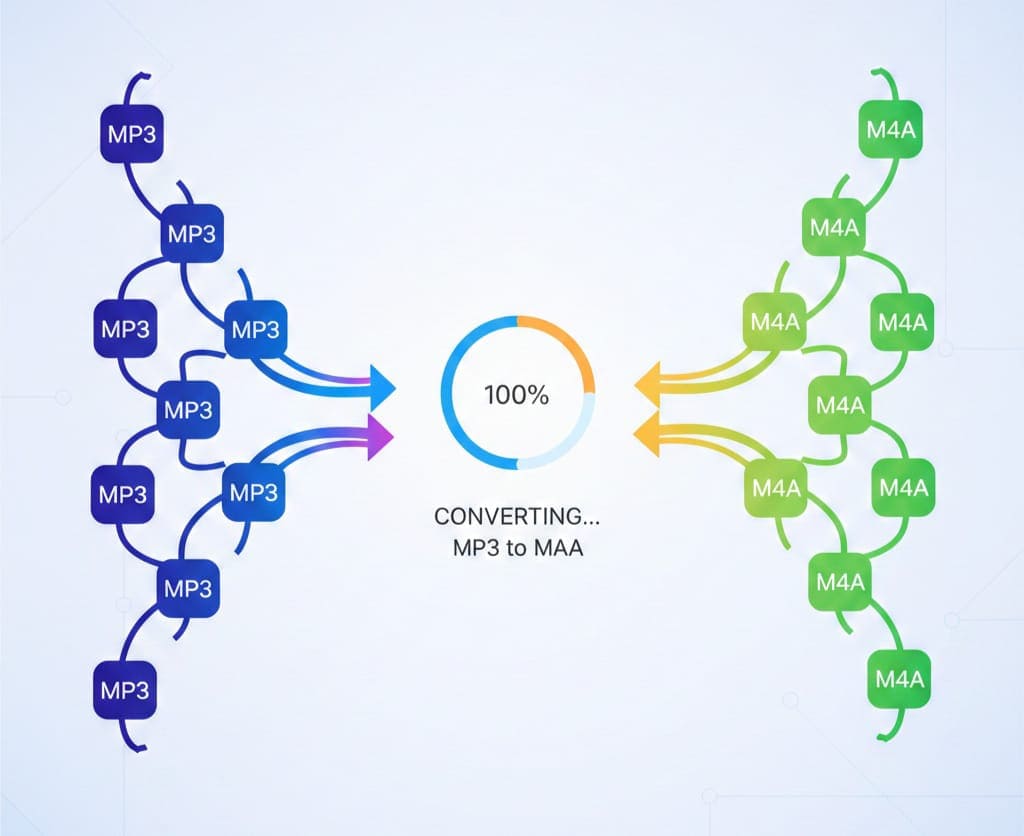
MP3 (MPEG-1 Audio Layer 3) is a digital audio format that compresses audio data efficiently, reducing file size without drastically compromising sound quality. This made it the global standard for music downloads, streaming, and portable audio players.
Key Features of MP3:
-
High compatibility with almost all devices and platforms
-
Smaller file sizes compared to WAV or AIFF
-
Ideal for music streaming and portable devices
-
Lossy compression reduces file size but may slightly impact audio quality
Despite the rise of newer formats like M4A and FLAC, MP3 remains widely used due to its universal support and ease of sharing. However, for higher quality audio with smaller files, M4A often becomes the preferred choice.
What is M4A and Its Advantages
M4A is a file extension for audio files encoded with the AAC (Advanced Audio Coding) codec. Unlike MP3, M4A is designed to offer higher audio quality while maintaining smaller file sizes. It’s the default format for Apple’s iTunes and is commonly used for music purchases, podcasts, and audio streaming.
Advantages of M4A over MP3:
-
Better audio quality at the same file size
-
Optimized for Apple devices and modern audio players
-
Supports metadata such as album artwork, artist info, and lyrics
-
Smaller file size for high-quality audio
-
Ideal for podcasts, music libraries, and streaming
Switching from MP3 to M4A is especially beneficial if you want crisp, clear audio with reduced storage requirements, or if you are using Apple devices like iPhone, iPad, or Mac.
Why Convert MP3 to M4A?
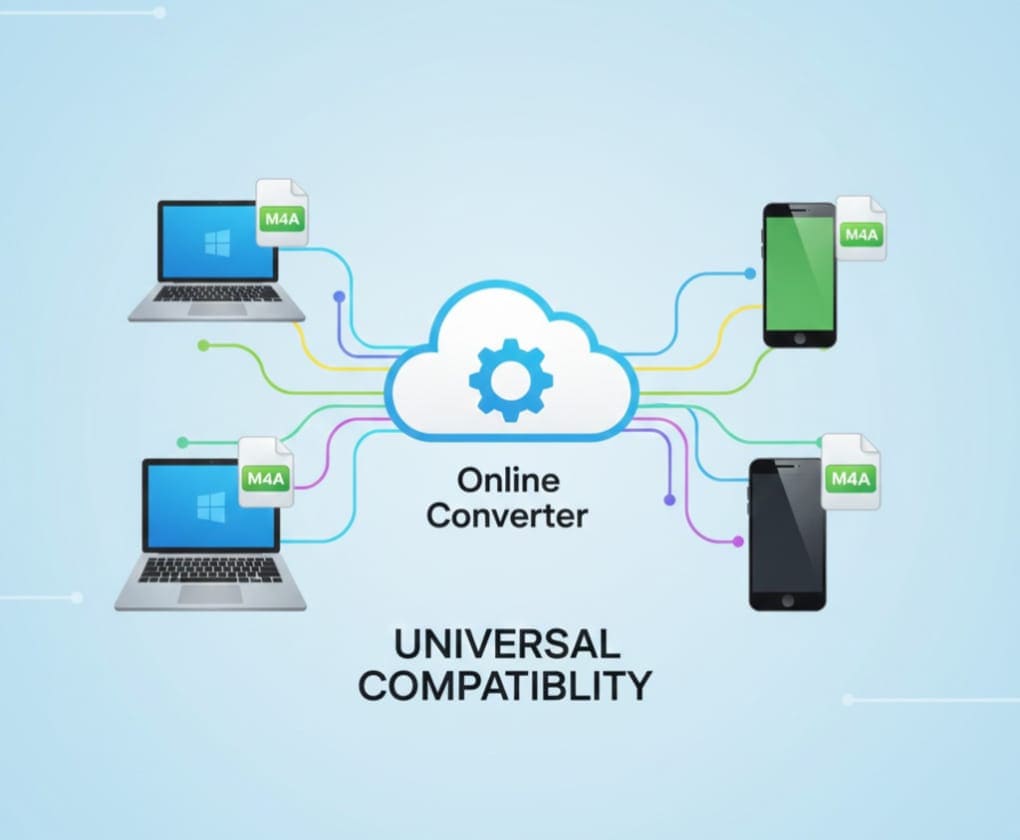
Converting MP3 to M4A is more than just a format change. There are several reasons why you might consider it:
-
Improved Audio Quality: M4A files often sound clearer and more detailed, especially at the same bitrate.
-
Smaller File Size: Efficient compression reduces storage space, making it ideal for mobile devices.
-
Better Metadata Support: M4A allows album art, track info, and lyrics to be embedded easily.
-
Device Compatibility: While MP3 is universal, M4A is preferred for Apple products and streaming platforms.
-
Professional Use: Podcasters, musicians, and audio editors often prefer M4A for high-quality distribution.
By using a fast, online MP3 to M4A converter, you can instantly enjoy these benefits without downloading software or paying for premium tools.
Top Benefits of Using an Online MP3 to M4A Converter
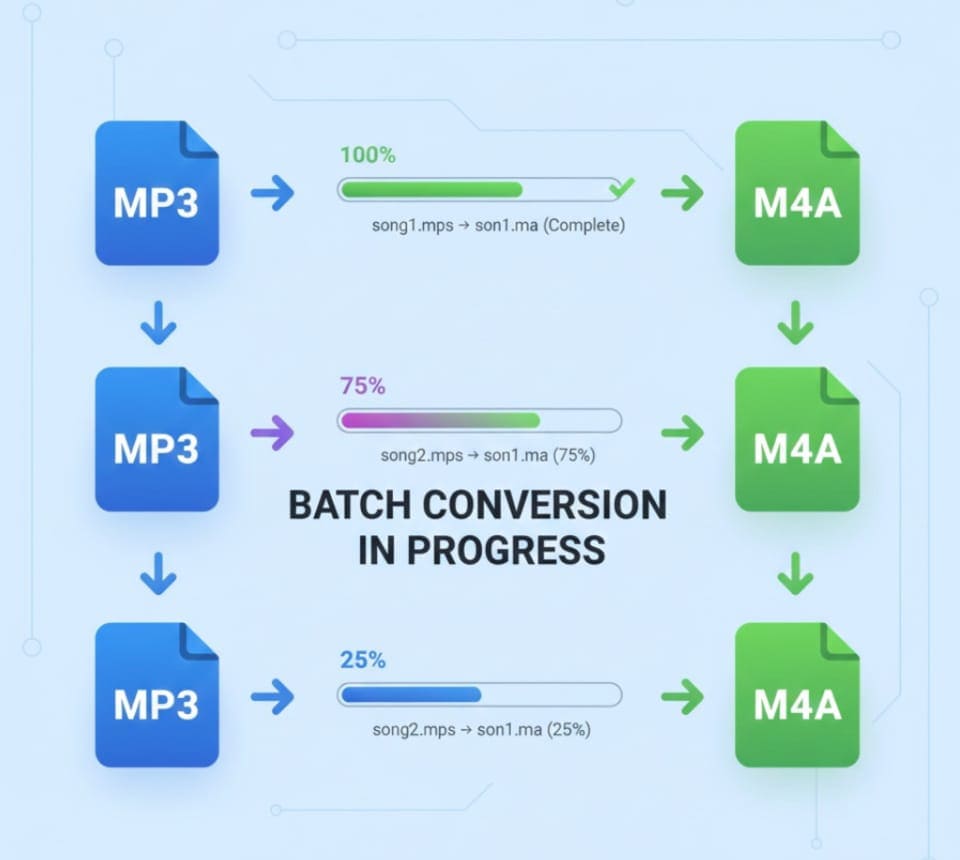
When choosing a converter, it’s important to consider the features and advantages. Here’s why AllFileTools MP3 to M4A Converter stands out:
-
Fast & Free: Convert your audio files within seconds without any cost.
-
No Installation Required: Fully browser-based, so no software downloads or installation hassles.
-
Secure Conversion: All files are processed securely, ensuring your data privacy.
-
Supports Multiple Devices: Works on Windows, Mac, Android, iPhone, and tablets.
-
Batch Conversion: Convert multiple MP3 files to M4A simultaneously.
-
High-Quality Output: Maintain audio quality with minimal loss.
-
Easy User Interface: Beginners can convert audio in a few clicks.
These benefits make online tools convenient, safe, and efficient for both personal and professional use.
Step-by-Step Guide: How to Convert MP3 to M4A Online
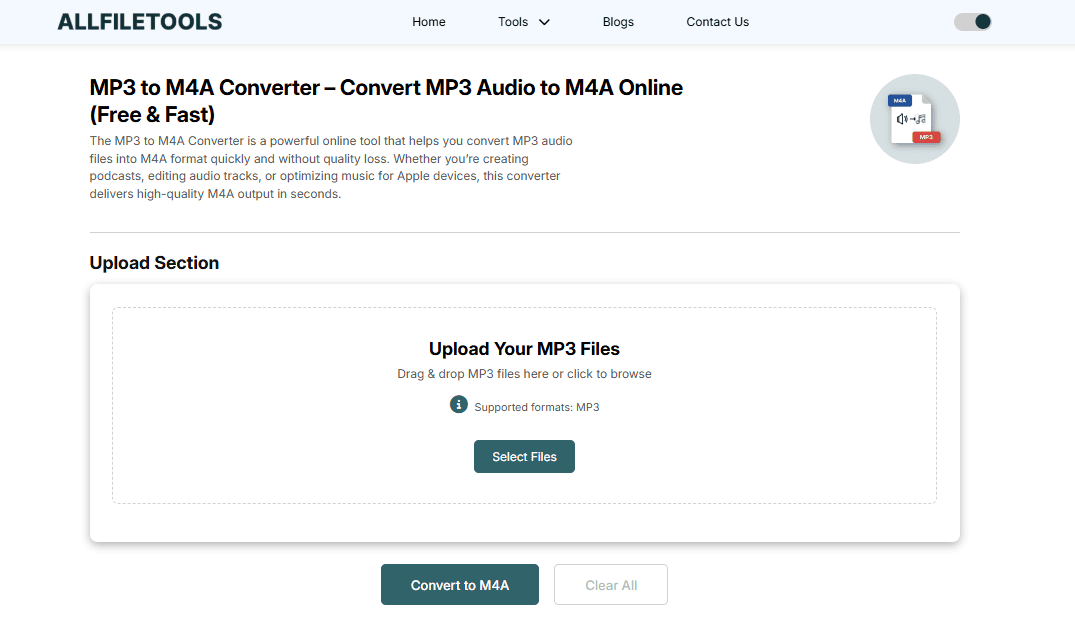
Follow these simple steps to convert MP3 files to M4A using AllFileTools MP3 to M4A Converter:
Step 1: Upload Your MP3 File
-
Visit the online converter page
-
Drag and drop your MP3 file or click Upload to select it from your device
Step 2: Select M4A as Output Format
-
Choose M4A from the list of available output formats
-
Optional: adjust audio settings such as bitrate or channels if available
Step 3: Start Conversion
-
Click Convert
-
The tool processes the file quickly, usually in a few seconds depending on file size
Step 4: Download the M4A File
-
Once conversion is complete, click Download
-
Save the M4A file to your device, ready to play or share
Pro Tip: For multiple files, upload them all together and use batch conversion to save time.
MP3 vs M4A: Format Comparison
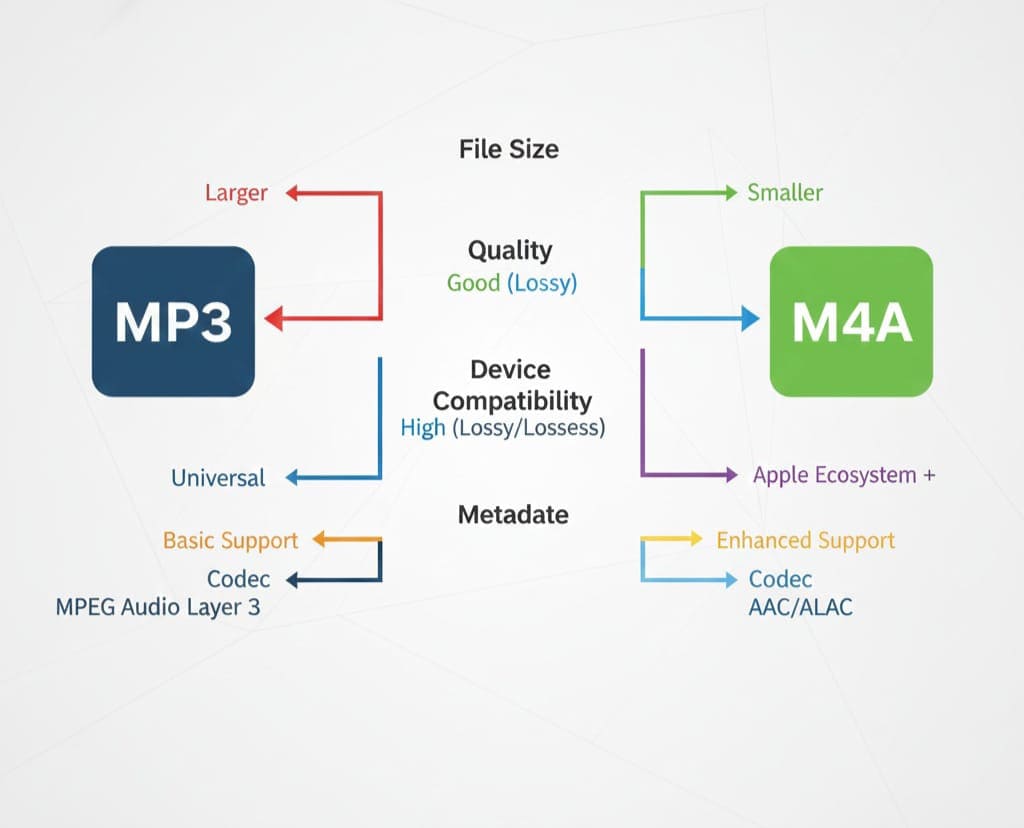
| Feature | MP3 | M4A |
|---|---|---|
| Codec | MP3 (MPEG-1 Layer 3) | AAC / ALAC |
| File Size | Larger for same quality | Smaller for same quality |
| Audio Quality | Good | Better at same bitrate |
| Metadata | Limited | Supports artwork, lyrics, album info |
| Device Compatibility | Almost universal | Best for Apple devices, compatible elsewhere |
| Usage | Music streaming, podcasts | iTunes, Apple Music, high-quality streaming |
Observation: If you’re focused on audio quality, storage efficiency, and metadata support, M4A is the superior choice. MP3 is still useful for universal compatibility.
How This Tool Helps Different Users
-
General Users: Easily convert songs for offline listening or storage.
-
Podcasters: Convert recorded audio to high-quality M4A for publishing.
-
Music Editors: Quickly prepare files for production or distribution.
-
Developers: Prepare audio assets in M4A format for apps or websites.
-
Students: Convert lectures or audio notes to smaller, quality files for devices.
The tool is versatile, fast, and beginner-friendly, making it suitable for all skill levels.
Tips for Optimal MP3 to M4A Conversion
-
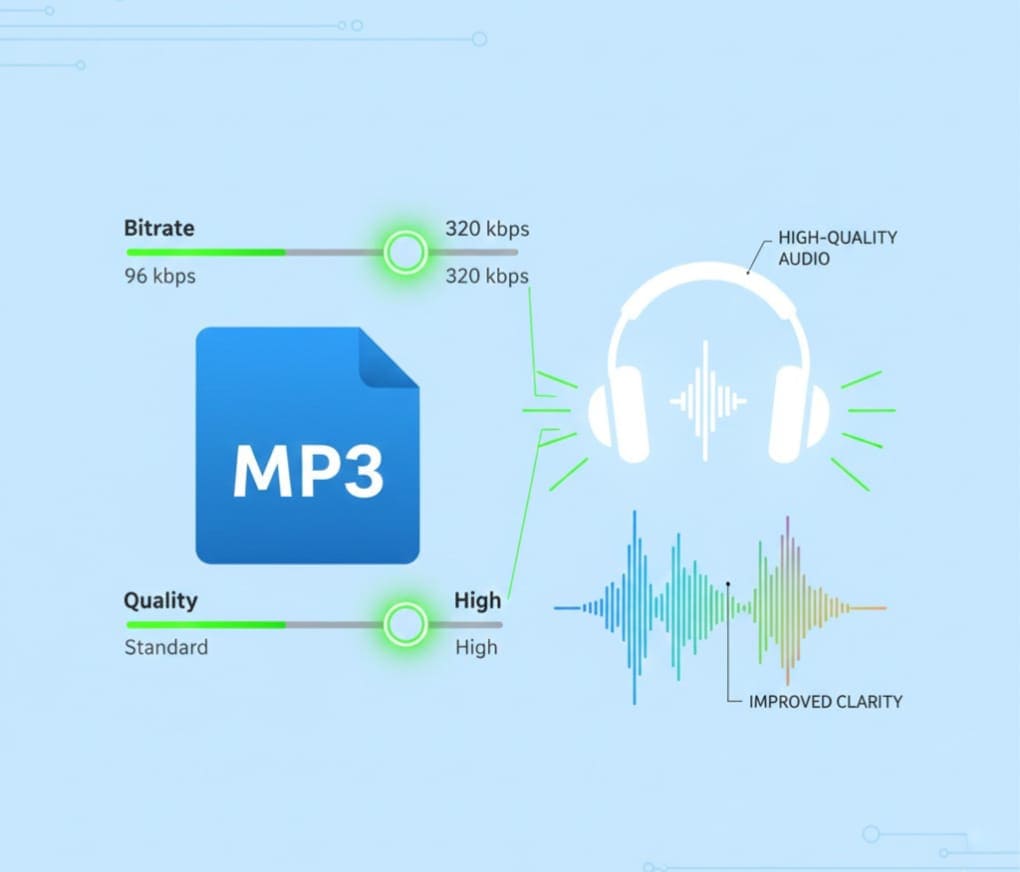
Maintain Bitrate: Choose the same or higher bitrate to avoid quality loss.
-
Use Batch Conversion: Saves time when dealing with multiple files.
-
Check Metadata: Ensure artist info, track titles, and album art are correctly preserved.
-
Device Testing: After conversion, test files on your intended device to ensure compatibility.
-
Avoid Very Large Files: Extremely large MP3 files may take longer; split if necessary.
By following these tips, your converted M4A files will be ready for high-quality playback on any device.
Conclusion
Converting MP3 to M4A is not just about changing a file extension. It’s about improving audio quality, reducing file size, and ensuring your audio works seamlessly across modern devices, especially Apple products. With AllFileTools MP3 to M4A Converter, the process is simple, secure, and free. Whether you’re a casual listener, a podcaster, or a music editor, this tool offers fast, high-quality conversions without the need for software installation.
By understanding the differences between MP3 and M4A, and using a reliable online converter, you can optimize your audio files for storage, playback, and distribution — all in just a few clicks.
Frequently Asked Questions (FAQs)
1. Is it free to convert MP3 to M4A online?
Yes, the AllFileTools MP3 to M4A Converter is completely free to use without any hidden charges.
2. Can I convert multiple MP3 files to M4A at once?
Yes, the tool supports batch conversion, allowing you to convert multiple files simultaneously.
3. Do I need to install any software?
No installation is required. The converter works directly in your browser.
4. Will the audio quality be affected during conversion?
No, the tool maintains high-quality audio output, ensuring minimal or no loss in quality.
5. Can I use this converter on mobile devices?
Absolutely! The converter is compatible with Windows, Mac, Android, and iOS devices.
6. How long does it take to convert a file?
Conversion usually takes just a few seconds, depending on the size of your MP3 file.
7. Is my data safe while converting files online?
Yes, the tool ensures secure processing of your files, and your data privacy is protected.
Leave a Comment
No comments yet. Be the first to comment!