
In today’s digital world, video content dominates every platform. YouTubers, marketers, students, editors, and developers all need their videos in different formats to ensure compatibility across devices and software.
If you’ve ever tried converting MP4 videos to AVI, you know that traditional software can be bulky and time-consuming. That’s why online MP4 to AVI converters are becoming so popular.
In this blog, we’ll provide a step-by-step guide on how to convert your MP4 files to AVI fast, free, and in high quality. You’ll learn how to use our tool, understand its benefits, discover practical use cases, and get answers to common questions.
By the end, you’ll be able to easily convert your MP4 videos to high-quality AVI files ready for editing, sharing, or uploading.
Understanding MP4 and AVI Formats
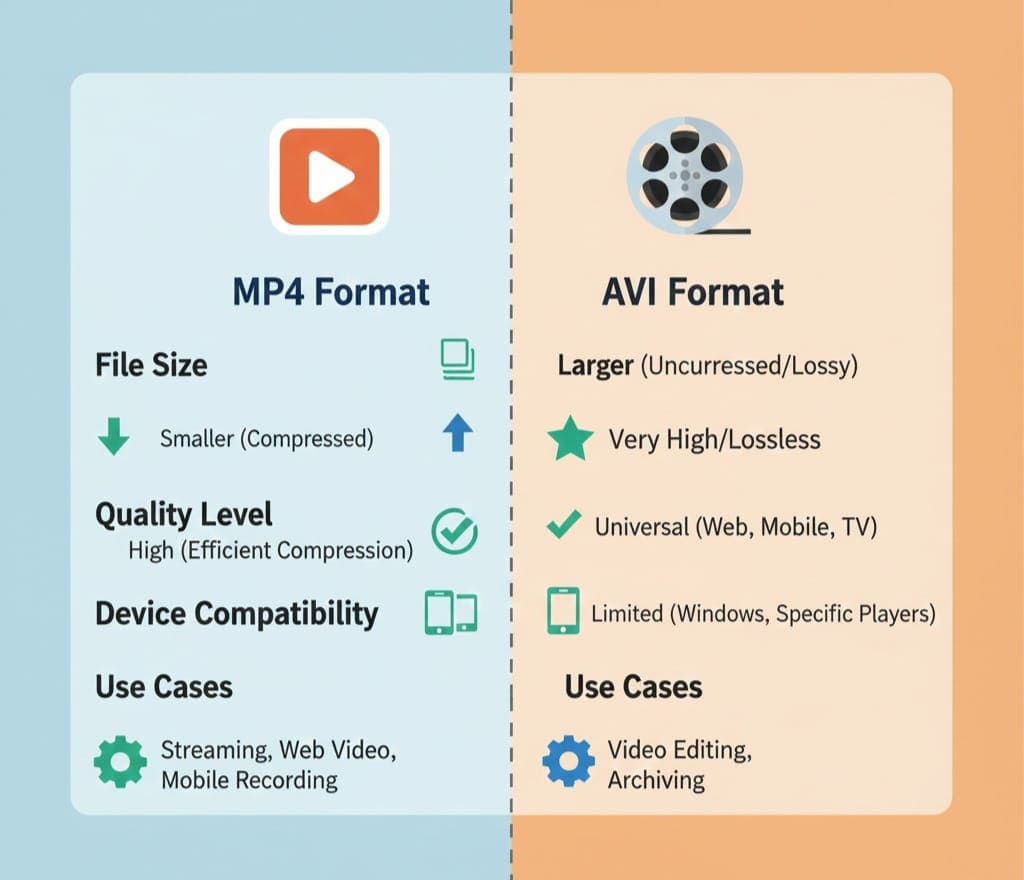
What is MP4?
MP4, or MPEG-4 Part 14, is a widely used video format that compresses video and audio efficiently. This makes it ideal for YouTube, social media, and devices.
Key Features:
-
High-quality video with small file size
-
Supported by almost all media players
-
Works on mobile devices, PCs, and smart TVs
What is AVI?
AVI (Audio Video Interleave) is an older but highly compatible format. It’s commonly used for professional editing and offers better control over video quality.
Key Features:
-
High-quality video output
-
Compatible with editing software like Adobe Premiere and Final Cut Pro
-
Larger file sizes compared to MP4
Why Convert MP4 to AVI?
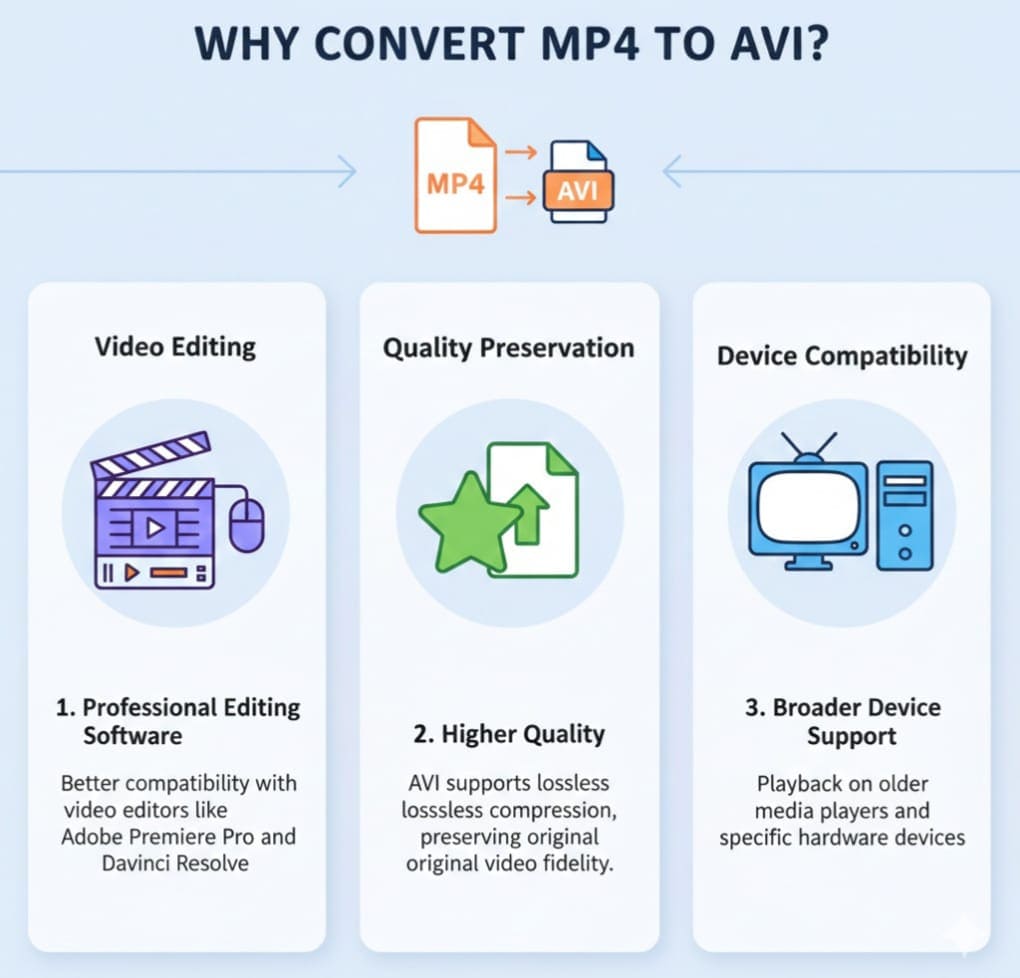
There are several reasons why converting MP4 to AVI is useful:
-
Editing Compatibility – Many professional video editors prefer AVI.
-
Better Quality Control – AVI files have less compression, preserving video quality.
-
Cross-Device Sharing – Older devices and media players handle AVI better.
-
Customization – AVI allows easy adjustment of frame rate, resolution, and bitrate.
Introducing Our MP4 to AVI Converter Tool
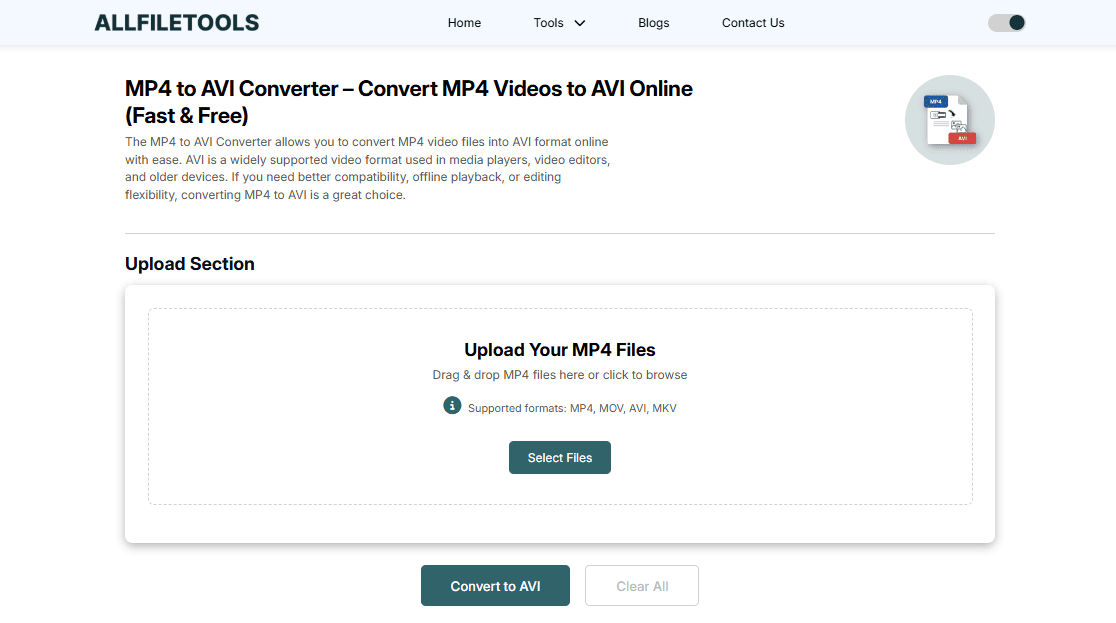
For a fast, free, and easy solution, our online tool MP4 to AVI Converter is the perfect choice.
Tool Features
-
Fast Conversion: Convert large MP4 files in seconds
-
High-Quality Output: Preserve original video quality
-
No Software Required: Fully online, zero installation
-
User-Friendly Interface: Easy for beginners
-
Secure & Private: Files are not saved on servers
-
Cross-Platform: Works on Windows, Mac, Linux, and mobile browsers
How to Use the Tool
Follow these steps:
-
Visit MP4 to AVI Converter
-
Drag and drop your MP4 file or click to upload
-
Select AVI as the output format
-
Click Convert
-
Download the converted AVI file once complete
This simple process ensures your conversion is fast, safe, and hassle-free.
Benefits of Using an Online MP4 to AVI Converter
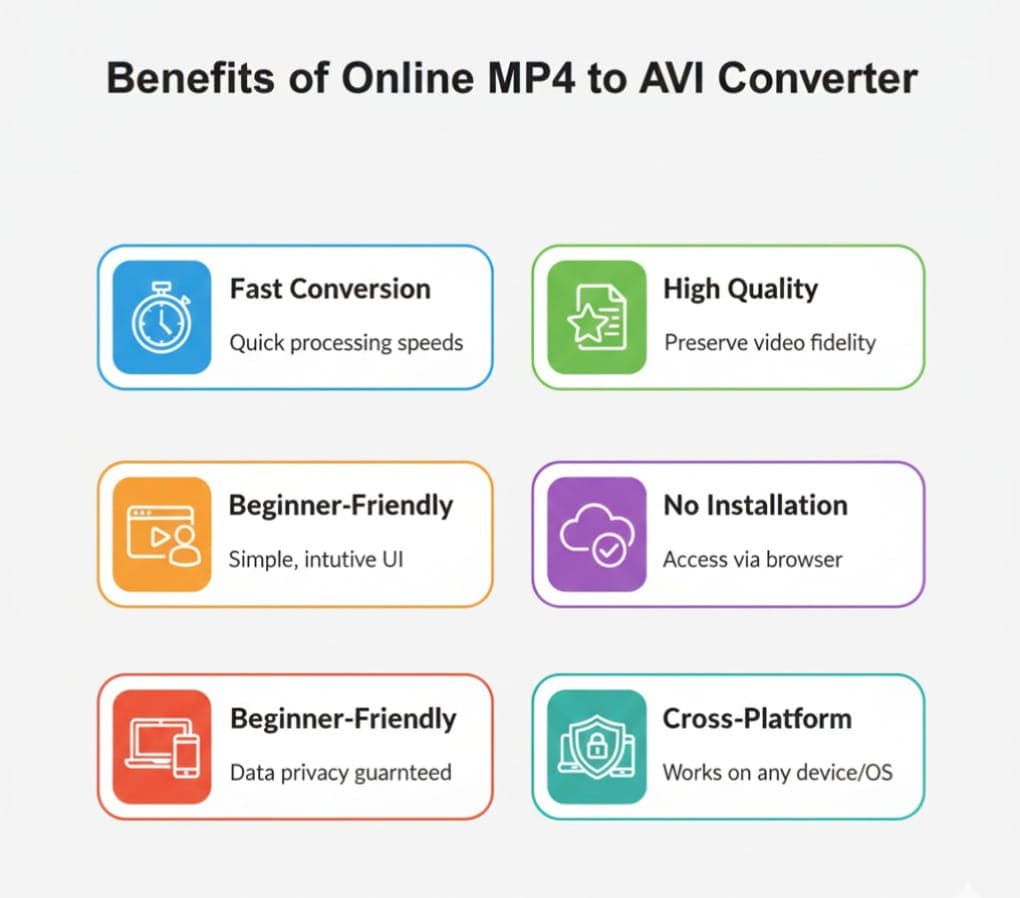
1. No Installation Needed
Unlike traditional software, there’s no installation, saving time and storage space.
2. Time-Saving
With a high-speed conversion engine, your videos are ready in seconds.
3. High-Quality Output
The tool ensures that original video quality is maintained, even for HD and Full HD videos.
4. Accessibility & Convenience
The converter works on any device — Windows, Mac, Linux, or mobile.
5. Beginner-Friendly
A simple interface and drag-and-drop functionality make it easy for anyone to use, even beginners.
Use Cases for MP4 to AVI Converter
For Video Editors
-
AVI is ideal for professional editing
-
Adjust frame rate and bitrate with ease
For YouTubers
-
Prepare high-quality AVI files for uploading
-
Avoid compression and compatibility issues
For Students & Educators
-
Convert videos for online assignments or presentations
-
Easy to share and playback
For Developers & Marketers
-
Optimize videos for tutorials, demos, and marketing campaigns
-
Easily embed videos into websites or apps
Step-by-Step Conversion Process
-
Select MP4 File – Upload your video
-
Choose AVI Format – Select AVI as output
-
Start Conversion – Click Convert for fast processing
-
Download File – Save the converted AVI
-
Verify Quality – Check resolution, audio, and frame rate
Tips:
-
Use a stable internet connection for large files
-
Always preview video before sharing
-
For multiple videos, repeat the steps
Common Mistakes to Avoid
-
Uploading corrupted MP4 files
-
Selecting wrong resolution or frame rate
-
Ignoring file size limits
-
Using outdated browsers
Pro Tip: Always use an updated browser and avoid multiple tabs for smooth conversion.
Conclusion
Converting MP4 to AVI online has never been easier. With our tool MP4 to AVI Converter, you can convert your videos fast, free, and in high quality.
Whether you’re a YouTuber, student, editor, or general user, this tool provides a seamless solution for all your video conversion needs. Enjoy high-speed, high-quality conversion with a beginner-friendly interface and make your videos ready for editing, sharing, or presentation in no time.
FAQs
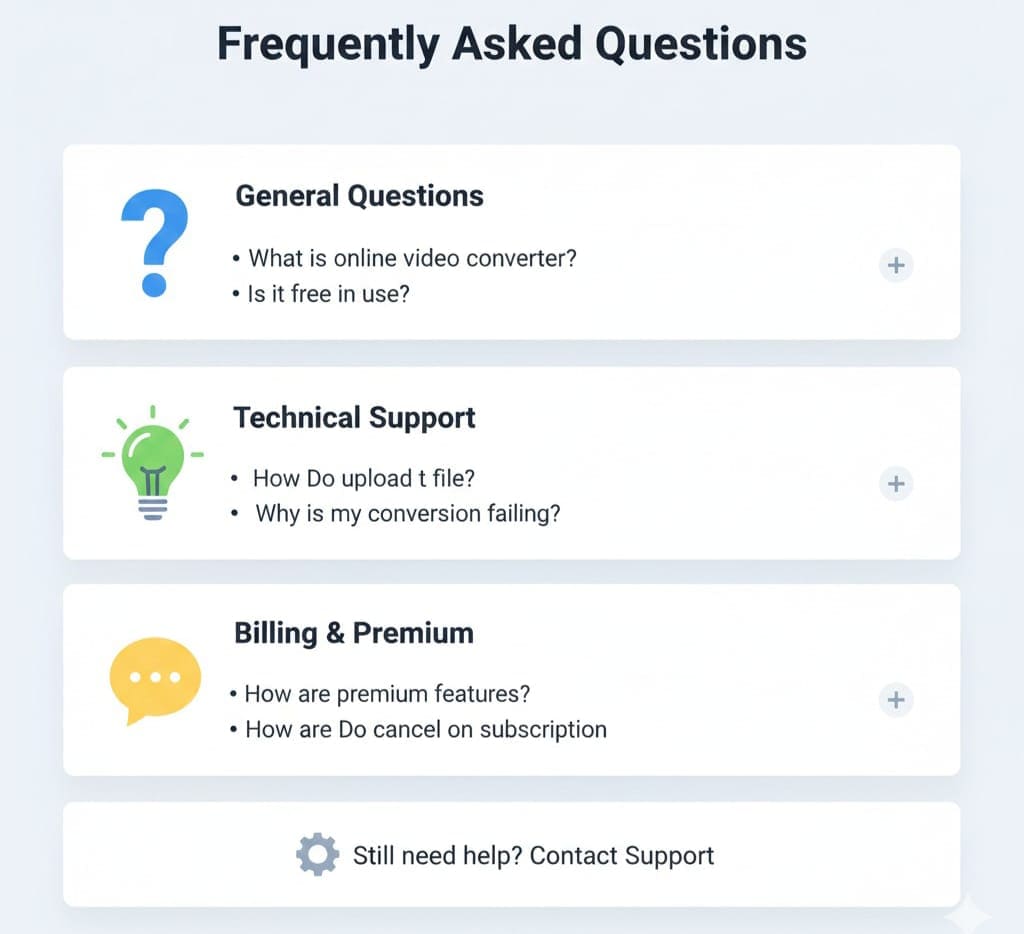
Q1: What is the difference between MP4 and AVI?
MP4 is a modern, compressed format, while AVI is older but preferred for editing and high-quality output.
Q2: Is the tool free?
Yes, it’s completely free and online — no installation required.
Q3: Will the video quality be lost after conversion?
No, the tool maintains the original video quality.
Q4: Can I convert large MP4 files?
Yes, the tool supports large files — just ensure a stable internet connection.
Q5: Can I convert multiple videos?
Yes, you can convert videos one by one using the same process.
Q6: Does it work on mobile browsers?
Absolutely. The tool is cross-platform compatible, including mobile and tablet browsers.
Q7: Where can I use AVI files?
AVI files can be used in editing software, presentations, social media sharing, and older devices.
Leave a Comment
No comments yet. Be the first to comment!