OGG audio files are widely used for their open-source nature and efficient compression, but they aren't as universally compatible as MP3. Most devices, media players, and editing software support MP3 as the standard audio format. That’s why converting OGG to MP3 is essential for developers, content creators, musicians, podcasters, and general users.
Whether you need OGG files for streaming, podcasting, editing videos, or listening on your favorite devices, having a reliable online converter is a must. This blog will guide you through everything about converting OGG to MP3, including features, technical details, steps, benefits, and FAQs, using AllFileTools OGG to MP3 Converter.
By the end of this guide, you'll understand why this tool is fast, free, and high-quality, and how it caters to all your audio conversion needs.
What is an OGG File?
OGG is an open-source audio format that is often associated with the Ogg Vorbis codec. It’s widely used in streaming, games, and apps because it provides good audio quality at smaller file sizes. However, OGG is not natively supported on all devices, which can make playback difficult on MP3 players, mobile phones, or certain software programs.
Key characteristics of OGG files:
-
Open-source and free to use
-
Compressed with lossy compression (similar to MP3)
-
Smaller file size compared to WAV or FLAC
-
Supports metadata like title, artist, and album information
Despite these benefits, the lack of universal compatibility drives the need to convert OGG files into MP3, which is globally accepted across devices.
Why Convert OGG to MP3?
1. Universal Compatibility
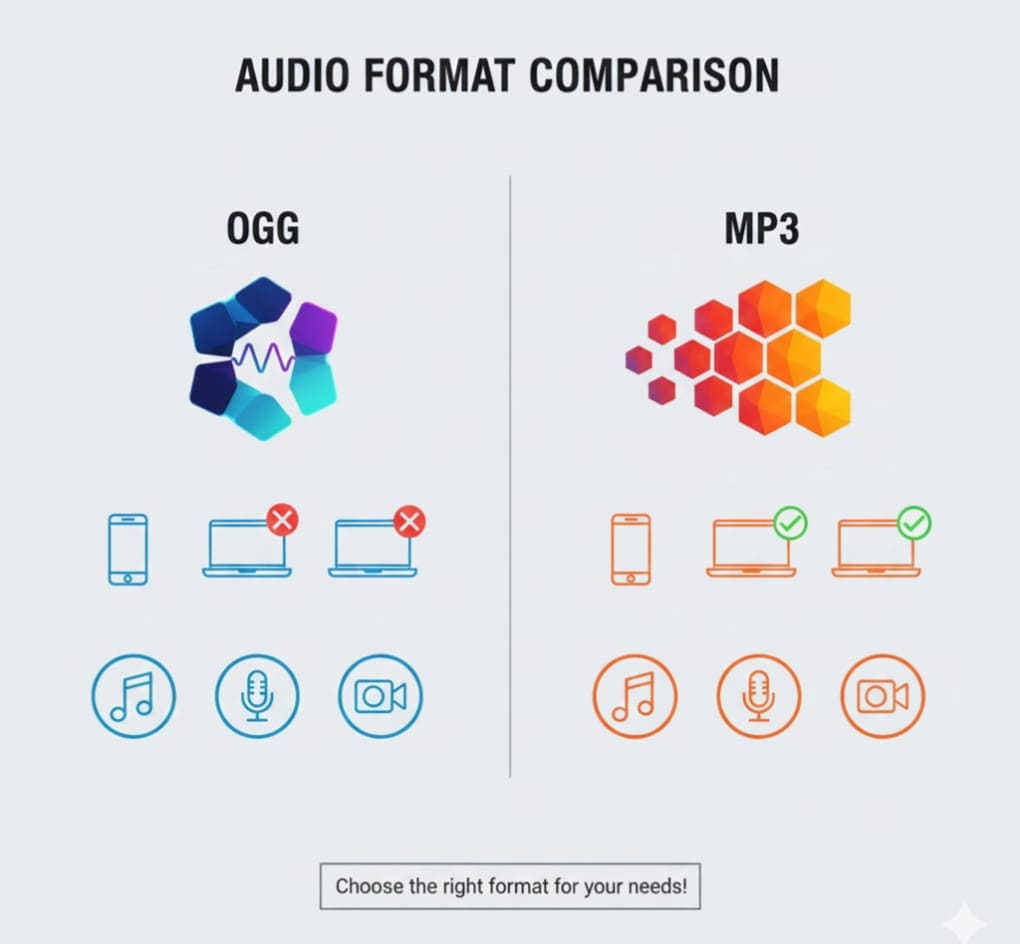
MP3 is the most widely supported audio format across devices and platforms. Converting your OGG files ensures you can play your audio on computers, smartphones, tablets, and media players without issues.
2. Easy Editing
Many video editors, music production software, and podcast platforms prefer MP3 for seamless editing. By converting OGG to MP3, you can integrate audio into your projects without format conflicts.
3. Streaming & Uploading
MP3 is the standard for streaming platforms and social media. If you want to share music, podcasts, or voice recordings online, converting OGG files to MP3 is essential.
4. Storage Efficiency
While OGG files are small, MP3 files are universally optimized, and you can choose bitrate settings to balance quality and storage space.
Features of AllFileTools OGG to MP3 Converter
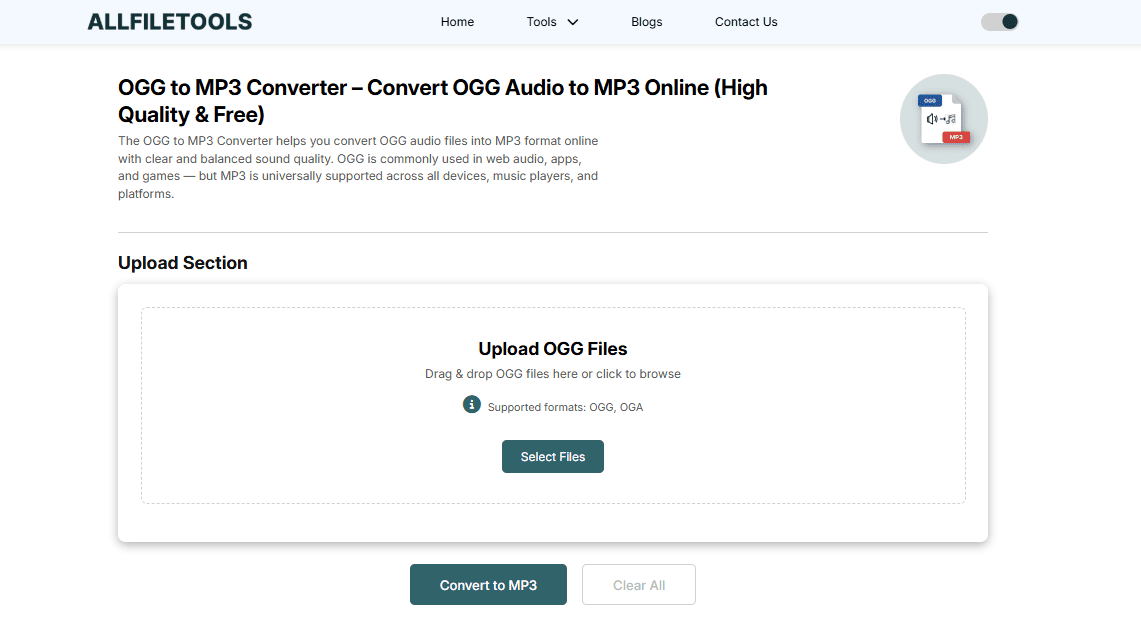
AllFileTools OGG to MP3 Converter comes packed with features tailored for both casual users and professionals:
1. Free & Online
No downloads or software installations are required. The tool is entirely web-based and free to use.
2. No Signup Required
Start converting your OGG files immediately without creating an account.
3. High-Quality Conversion
Preserve your audio quality with customizable bitrate settings to match your needs.
4. Batch Conversion
Convert multiple OGG files to MP3 simultaneously, saving time and effort.
5. Metadata Preservation
Retains important metadata like title, artist, and album during conversion.
6. Secure & Private
Files are processed online securely, and any temporary files are deleted automatically to protect privacy.
7. Cross-Device Compatibility
Works on Windows, Mac, Linux, Android, and iOS devices, making it convenient for everyone.
Step-by-Step Guide to Convert OGG to MP3
Here’s how you can convert OGG files to MP3 using AllFileTools OGG to MP3 Converter:
Step 1: Upload Your OGG File
-
Open the tool in your browser.
-
Click Upload and select your OGG file from your computer, Google Drive, or Dropbox.
Step 2: Select MP3 as Output Format
-
Choose MP3 as the output format.
-
Adjust settings like bitrate (128 kbps, 192 kbps, 320 kbps) and sample rate if needed.
Step 3: Convert & Download
-
Click Convert to start the process.
-
Once conversion is complete, click Download to save your MP3 file.
Step 4: Optional Features
-
Batch conversion: upload multiple files.
-
Preserve metadata: ensure artist/title info stays intact.
-
Choose advanced bitrate settings for podcasts, music, or videos.
Benefits of Using AllFileTools OGG to MP3 Converter
1. Speed & Efficiency
Conversion happens in seconds, and batch processing ensures productivity.
2. No Quality Loss
High-quality MP3 output keeps your audio crisp and clear.
3. Accessibility & Convenience
As a browser-based tool, it works on all devices, anytime, anywhere.
4. Safe & Private
Your files remain secure, and there’s no need to worry about data leaks.
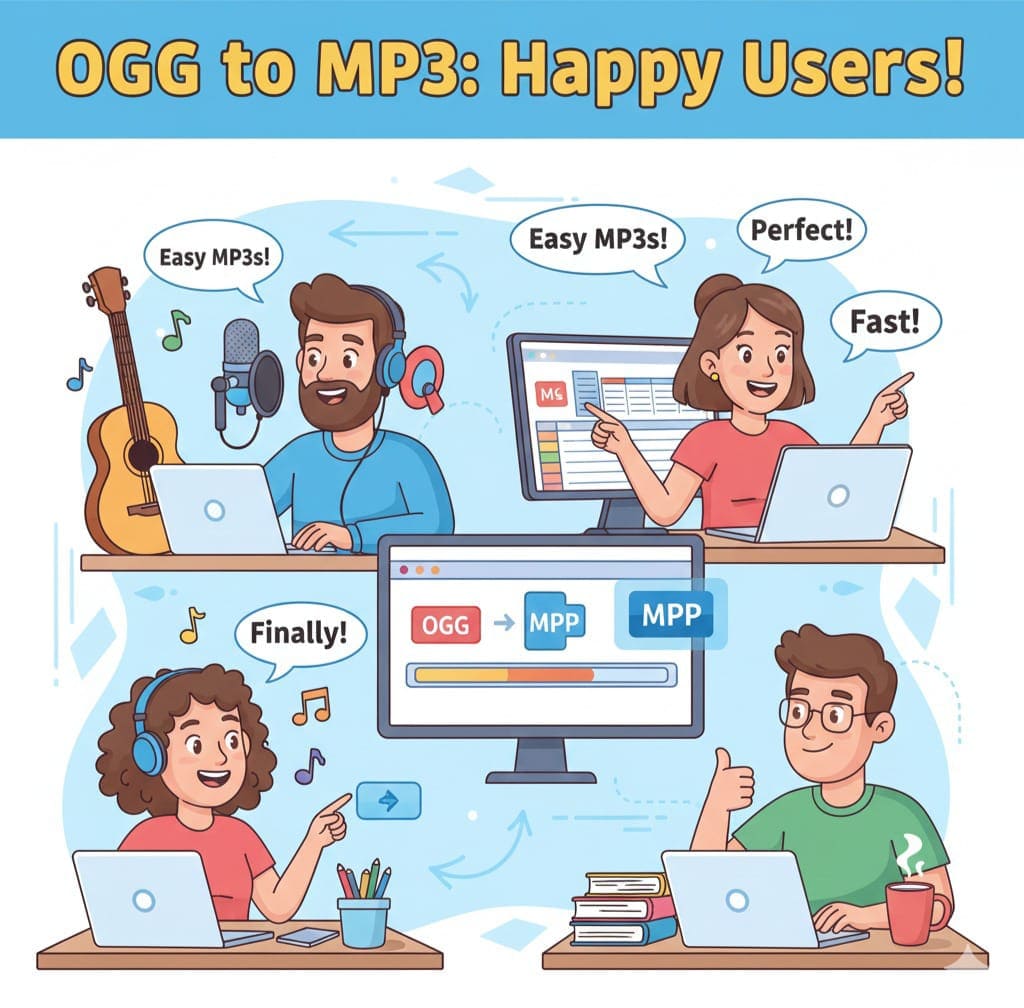
5. Perfect for Various Users
-
Musicians: Convert raw recordings to MP3 for distribution.
-
Podcasters: Make audio files compatible with all platforms.
-
Video Editors: Extract and convert OGG audio from clips.
-
Students: Convert lecture notes or online course audio.
-
Developers: Quick conversion for app or web projects.
Tips for Optimal OGG to MP3 Conversion
-
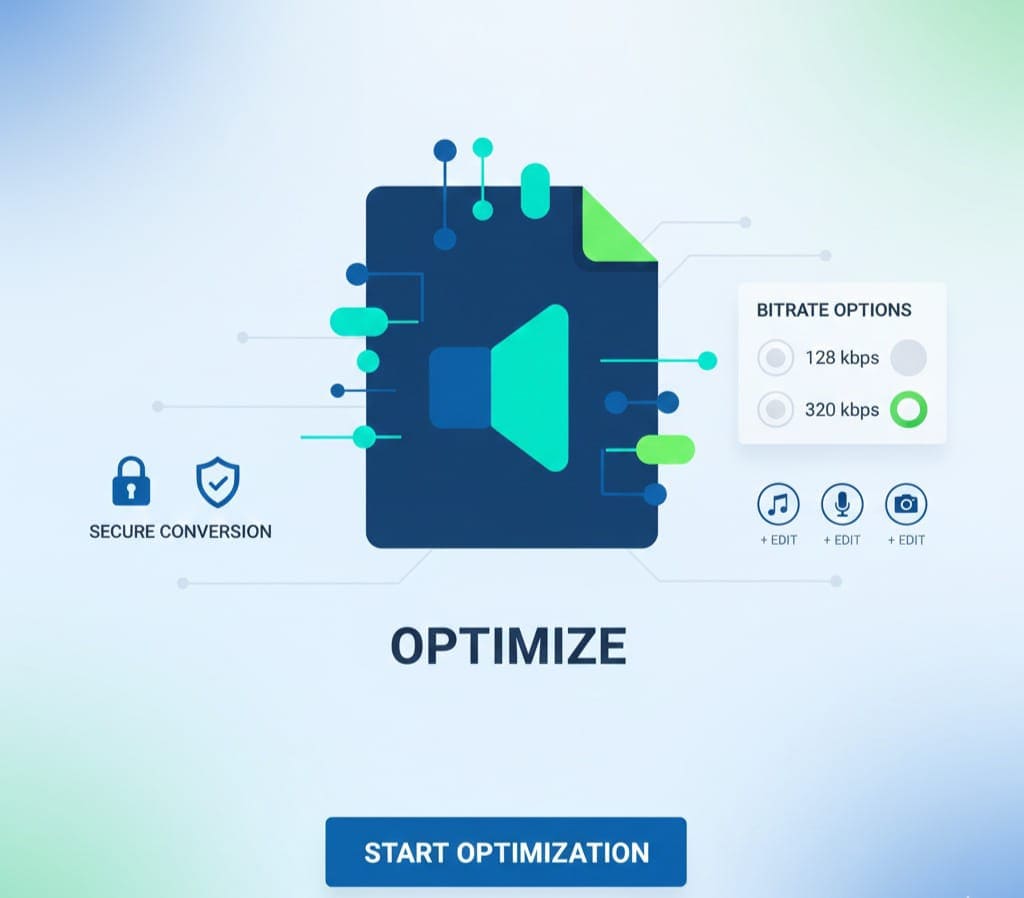
Choose the right bitrate: 128 kbps for podcasts, 192–256 kbps for music, 320 kbps for professional audio.
-
Check metadata before conversion: Save time with accurate artist/title info.
-
Batch convert large files: Use batch mode to handle multiple files efficiently.
-
Use secure connections: Always ensure SSL-secured websites to protect your files.
Conclusion
Converting your OGG audio files to MP3 has never been easier! With AllFileTools OGG to MP3 Converter, you can instantly transform your files without losing quality. Whether you are a musician, podcaster, video editor, student, or developer, this online tool allows high-quality conversion directly in your browser — no software installation, no signup, and no hassle. Enjoy batch conversion, select your preferred bitrate, and preserve metadata effortlessly. This converter ensures that your audio files are compatible with all devices and media players, saving you time and enhancing productivity. Start converting today and experience the perfect blend of speed, security, and quality.
FAQs
1. Is the OGG to MP3 conversion free?
Yes! AllFileTools OGG to MP3 Converter is completely free to use.
2. Do I need to install software or create an account?
No, it’s a browser-based tool with no signup or installation required.
3. Will converting OGG to MP3 reduce audio quality?
No, the tool maintains high-quality audio. You can select bitrate settings to optimize quality.
4. Can I convert multiple OGG files at once?
Yes, batch conversion is supported. You can upload several files and convert them together.
5. Is my data secure during conversion?
Absolutely. Files are encrypted with SSL, and temporary files are deleted automatically.
6. Can I use this tool on mobile devices?
Yes, it works on Android, iOS, and all major browsers.
7. How long does it take to convert OGG files?
Typically, a few seconds per file, depending on size and internet speed.
Final Thoughts
Converting OGG to MP3 is now fast, easy, and reliable with AllFileTools OGG to MP3 Converter. Its combination of speed, quality, security, and convenience makes it the perfect choice for everyone from casual users to professionals. Whether you’re converting for podcasts, music, videos, or personal projects, this tool ensures your audio is ready for all devices and platforms without any hassle.
Start converting today and enjoy seamless audio compatibility!
Leave a Comment
No comments yet. Be the first to comment!