
The internet has become an essential part of everyday life. We use websites for online shopping, banking, education, freelancing, blogging, software downloads, and communication. However, not every website on the internet is safe. Many websites are infected with malware, involved in phishing scams, spreading deceptive content, or have already been blacklisted by search engines and security databases.
This is why checking website safety before visiting or sharing a link is more important than ever. A single unsafe website can compromise personal data, damage SEO performance, infect devices, or destroy user trust.
A Safe Browsing Checker Tool helps you instantly verify whether a website is safe, trusted, or blacklisted. Whether you are a general internet user, SEO professional, developer, website owner, or student, using a website safety checker should be a regular habit.
What Is Safe Browsing?
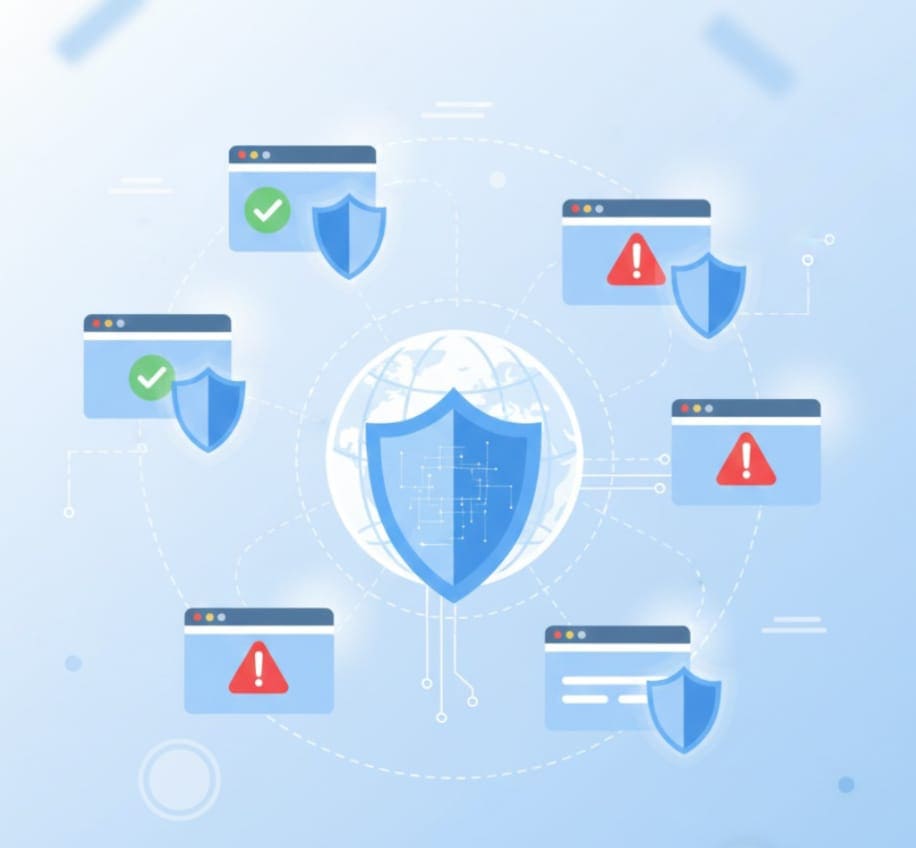
Safe browsing is a security mechanism designed to protect users from harmful and malicious websites. It helps identify websites that may contain malware, phishing attacks, deceptive content, or unsafe scripts before users interact with them.
Safe browsing systems rely on continuously updated databases maintained by search engines, cybersecurity companies, and threat-detection services. These databases track unsafe URLs reported for suspicious or malicious behavior.
When you use a safe browsing checker, the tool scans a website against these databases to determine whether it is safe to visit.
Websites flagged under safe browsing usually include:
-
Malware-infected websites
-
Phishing or fake login pages
-
Scam or fraud websites
-
Websites distributing harmful downloads
-
Hacked or compromised domains
What Does It Mean When a Website Is Blacklisted?
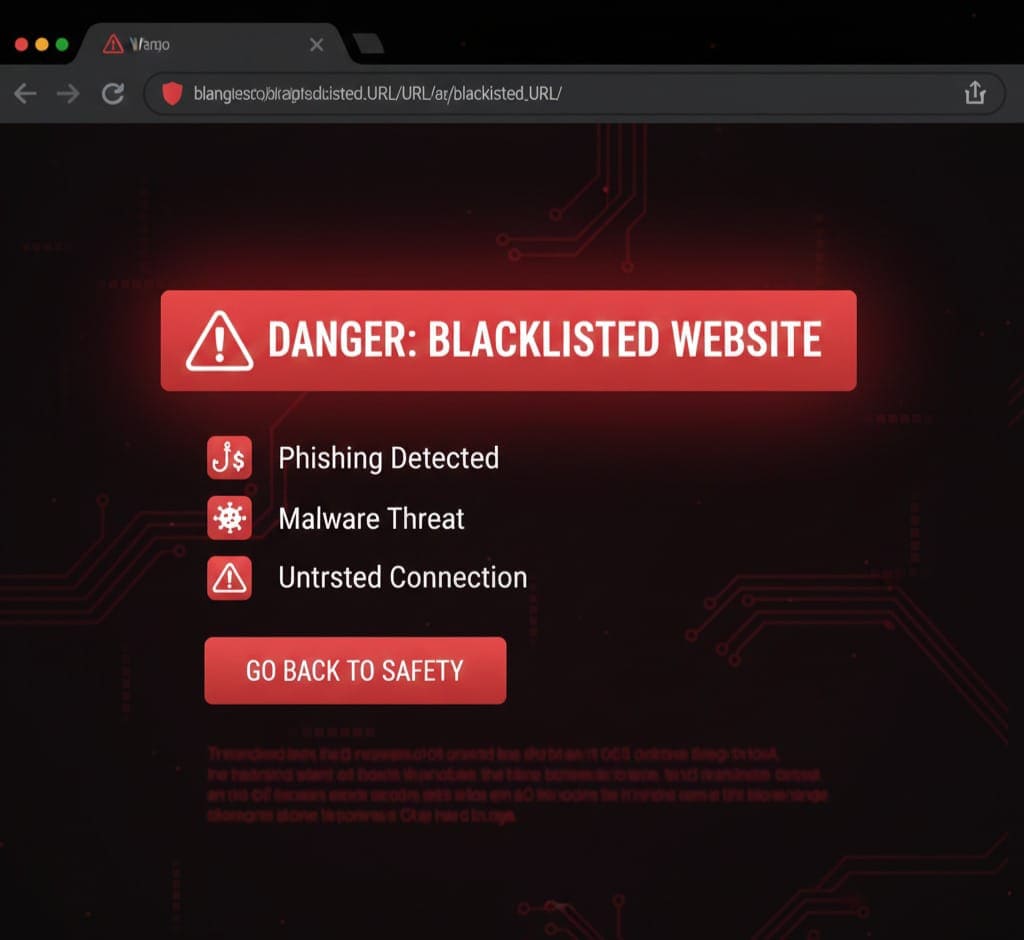
A blacklisted website is one that has been identified as unsafe by search engines, browsers, or security services. Once blacklisted, users may see warning messages before accessing the site.
Common warning messages include:
-
This site may harm your computer
-
Deceptive site ahead
-
Phishing warning
-
Unsafe website blocked
Common Reasons Websites Get Blacklisted
-
Malware infections
-
Phishing attacks
-
Spam activities
-
Suspicious redirects
-
Hacked website content
-
Injection of malicious scripts
A blacklisted website often suffers from:
-
Loss of search engine rankings
-
Sudden traffic drops
-
Browser access restrictions
-
Loss of user trust
-
SEO penalties
Why You Should Always Check If a Website Is Safe

For General Internet Users
-
Protect personal and financial data
-
Avoid online scams and fraud
-
Prevent malware infections
-
Browse with confidence
For SEO Professionals
-
Avoid toxic backlinks
-
Protect client websites from penalties
-
Ensure outbound link safety
-
Maintain domain authority
For Developers and Programmers
-
Verify third-party APIs and services
-
Validate external resources
-
Prevent malicious code injection
-
Maintain secure development workflows
For Website Owners and Bloggers
-
Monitor website reputation
-
Prevent blacklist penalties
-
Protect visitors
-
Improve trust and SEO health
For Students
-
Access safe learning resources
-
Avoid fake educational websites
-
Protect devices from malware
What Is a Safe Browsing Checker Tool?
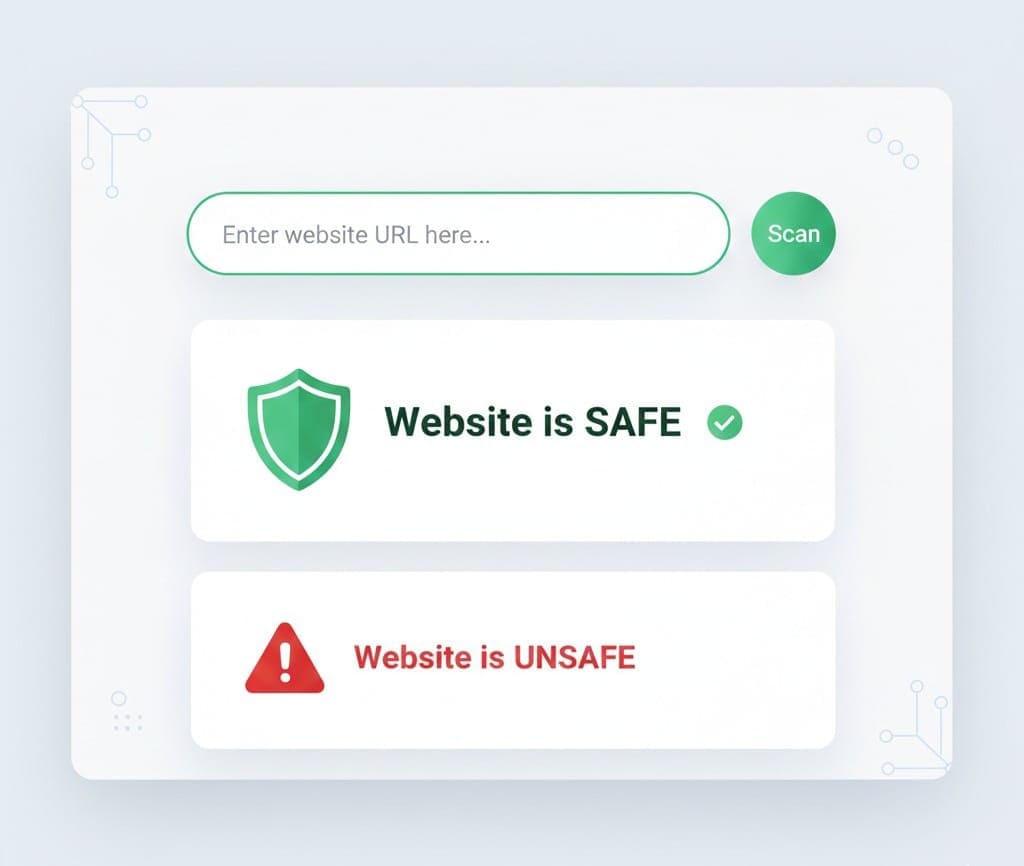
A Safe Browsing Checker Tool is an online website safety checker that analyzes a given URL and determines whether it is safe, risky, or blacklisted.
It helps users quickly check:
-
Website safety status
-
Malware or phishing risks
-
Blacklist presence
-
Browser and search engine warnings
These tools are automated, fast, and beginner-friendly, making them ideal for both technical and non-technical users.
Key Features of a Reliable Safe Browsing Checker Tool
A good website safety checker should offer:
-
Real-time website analysis
-
Blacklist detection
-
Malware and phishing checks
-
Google Safe Browsing compatibility
-
No account or login requirement
-
Free and fast access
-
Simple and clean interface
Introducing the AllFileTools Safe Browsing Checker Tool
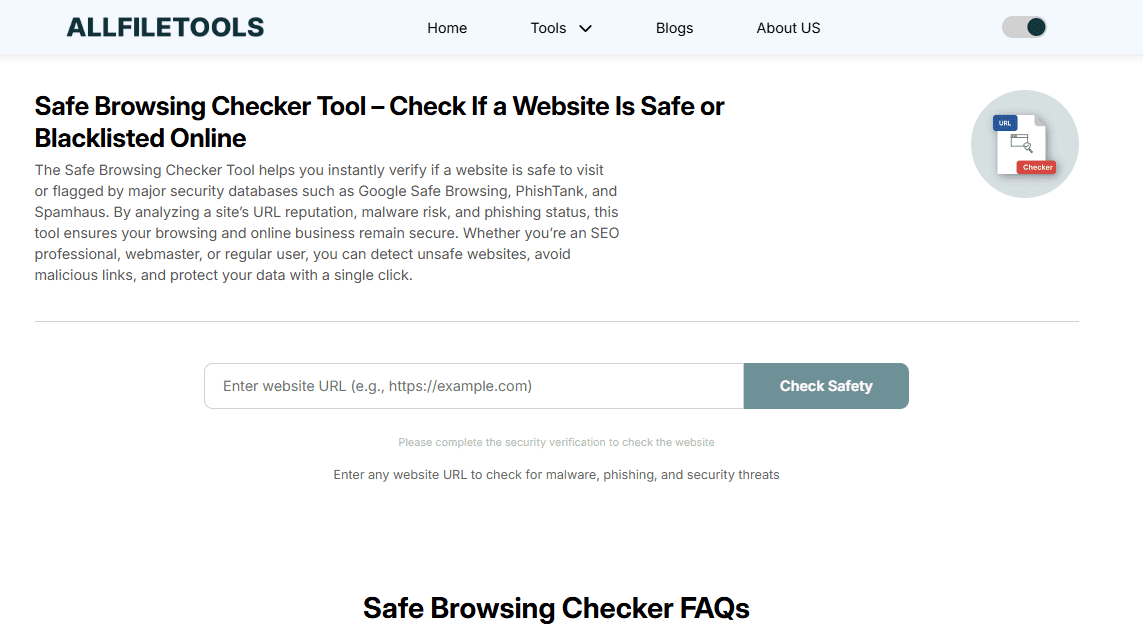
The AllFileTools Safe Browsing Checker Tool is a free, easy-to-use online tool that allows you to check whether a website is safe or blacklisted before visiting it.
👉 Access the tool here:
https://www.allfiletools.com/safe-browsing-checker/
This tool is designed for:
-
Beginners who want quick results
-
SEO experts performing link audits
-
Developers verifying external URLs
-
Website owners monitoring domain safety
-
Students and everyday users
How to Use the Safe Browsing Checker Tool (Step-by-Step)
Step 1: Open the Tool
Visit the Safe Browsing Checker Tool using the following link:
https://www.allfiletools.com/safe-browsing-checker/
Step 2: Enter the Website URL
Paste the complete website URL you want to check.
Examples:
-
https://unknown-site.net
Step 3: Start the Safety Check
Click the check or analyze button to begin the scan.
Step 4: Review the Results
The tool will instantly display:
-
Whether the website is safe or unsafe
-
Blacklist status
-
Potential security risks
How Safe Browsing Affects SEO Performance
Website security plays a major role in SEO. Search engines prioritize user safety, and unsafe websites are often penalized or removed from search results.
SEO Benefits of Using a Safe Browsing Checker
-
Avoids association with unsafe backlinks
-
Prevents SEO penalties
-
Improves trust and credibility
-
Reduces bounce rate
-
Protects domain reputation
Linking to or interacting with unsafe websites can negatively impact rankings, even if your own site is secure.
Common Signs That a Website May Be Unsafe
-
Browser warning messages
-
Automatic redirects
-
Excessive pop-ups or ads
-
Fake login pages
-
Suspicious downloads
-
Missing HTTPS security
If you notice any of these signs, running a website safety check is highly recommended.
Safe Browsing Checker vs Antivirus Software
| Feature | Safe Browsing Checker | Antivirus Software |
|---|---|---|
| Online URL analysis | Yes | Limited |
| Installation required | No | Yes |
| Real-time checks | Yes | Yes |
| Beginner friendly | Very | Moderate |
| Free access | Yes | Often paid |
Safe browsing checkers complement antivirus software by focusing specifically on website-level risks.
Real-World Use Cases of a Safe Browsing Checker Tool
-
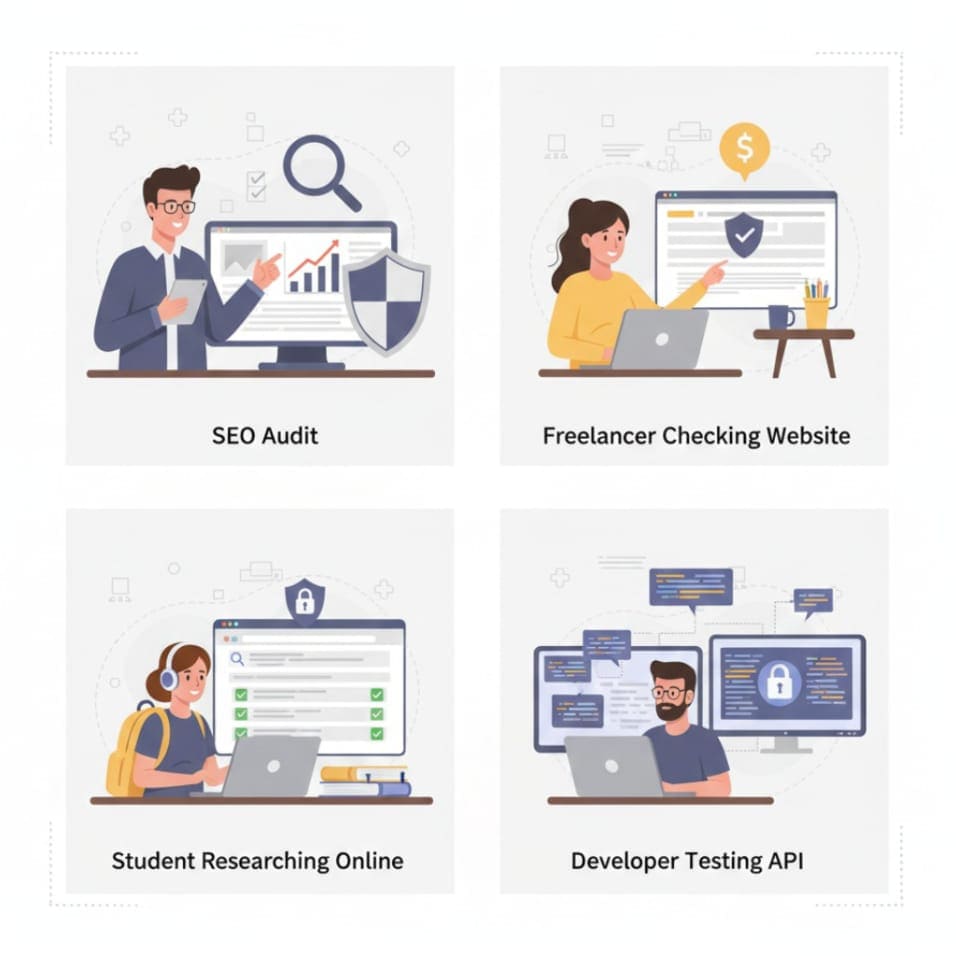
SEO audits and backlink verification
-
Guest posting website validation
-
Freelancer client website checks
-
Student research safety
-
Developer API and endpoint testing
-
Everyday safe browsing
Best Practices for Safe Browsing Online
-
Always verify unknown links
-
Avoid downloading files from untrusted sources
-
Keep browsers updated
-
Use HTTPS websites whenever possible
-
Regularly scan websites you interact with
Conclusion
The internet is powerful, but it also comes with risks. Trusting every website blindly can lead to serious security and privacy issues. A Safe Browsing Checker Tool provides a simple, fast, and reliable way to verify whether a website is safe or blacklisted before you interact with it.
Whether you are a general internet user, SEO professional, developer, student, or website owner, checking website safety should be a standard practice—not an afterthought.
👉 Check website safety now:
https://www.allfiletools.com/safe-browsing-checker/
FAQs
1. What is a Safe Browsing Checker Tool?
It is an online tool that checks whether a website is safe, blacklisted, or associated with malware or phishing threats.
2. Is the AllFileTools Safe Browsing Checker free?
Yes, the tool is completely free to use.
3. Does it use Google Safe Browsing data?
It relies on trusted security signals and databases, including safe browsing systems.
4. Is website safety important for SEO?
Yes, unsafe websites can cause SEO penalties and loss of rankings.
5. Can I check my own website with this tool?
Yes, you can check any website, including your own.
6. What happens if a website is blacklisted?
It may lose traffic, rankings, and user trust while showing browser warnings.
7. How often should I check website safety?
Regularly, especially before linking, visiting unknown sites, or running SEO audits.
Leave a Comment