
In today’s fast-paced financial world, understanding your income tax obligations is more important than ever. Whether you are a salaried employee, a freelancer, a business owner, or even a finance student, calculating your taxes accurately can save you time, money, and unnecessary stress. With the rise of online tools, calculating income tax has never been easier. In this comprehensive guide, we will explore how to use a Tax Calculator to determine your income tax, deductions, and take-home salary quickly and accurately.
For instant and accurate tax calculations, you can use the official tool here: Tax Calculator.
What is a Tax Calculator?

A Tax Calculator is an online tool designed to help individuals and businesses estimate their income tax liabilities. Unlike manual calculations, which require detailed knowledge of tax slabs, deductions, and exemptions, a tax calculator simplifies the process. By entering basic financial information such as your gross salary, deductions, and allowances, the tool computes your net taxable income and your take-home salary after taxes.
Key features of a tax calculator include:
-
Instant calculation of income tax
-
Consideration of all eligible deductions
-
Accurate take-home salary estimation
-
Easy-to-use interface for professionals and beginners alike
Why Use a Tax Calculator?

Using a tax calculator offers multiple benefits:
1. Accuracy and Speed
Manual tax calculations are prone to errors, especially if you are unfamiliar with tax laws. An online calculator ensures accurate results in seconds.
2. Time-Saving
Instead of spending hours reviewing tax slabs and deduction rules, you can get precise results with just a few clicks.
3. Financial Planning
Knowing your take-home salary helps in planning monthly expenses, savings, and investments effectively.
4. Awareness of Tax Deductions
Many people miss out on legal deductions that could lower their tax liability. A calculator highlights potential deductions and exemptions.
5. Easy for Multiple Users
Whether you are a salaried employee, freelancer, or business owner, a tax calculator accommodates all income types.
How Does a Tax Calculator Work?
Most tax calculators follow a simple step-by-step algorithm:
-
Input Gross Income
Enter your total income, including salary, freelance earnings, or business revenue. -
Select Tax Year & Region
Choose the current financial year and your country/region for accurate tax rates. -
Add Deductions and Allowances
Include eligible deductions such as retirement contributions, medical expenses, and educational allowances. -
Calculate Taxable Income
The calculator subtracts deductions from your gross income to determine taxable income. -
Apply Tax Slabs
Based on progressive tax rates or slabs applicable for your income bracket, the tool computes the tax owed. -
Compute Take-Home Salary
Finally, it deducts the calculated tax from your income and shows your net take-home salary.
Step-by-Step Guide to Using the Tax Calculator
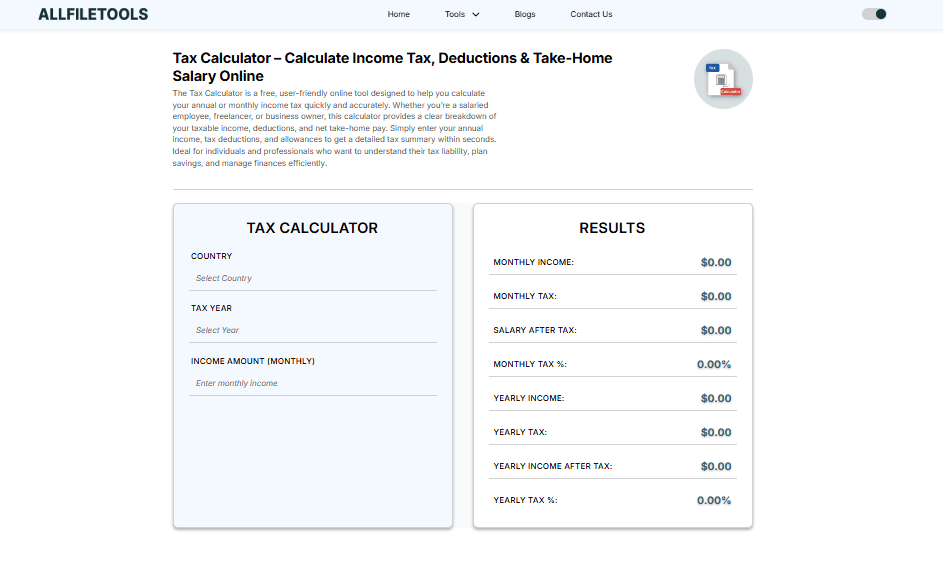
Here is a detailed guide to using the Tax Calculator:
Step 1: Visit the Tool
Open the Tax Calculator via the link above. The tool is mobile-friendly and works on all devices.
Step 2: Enter Your Income Details
Provide your gross salary, freelance income, or business earnings. Accuracy in input ensures precise results.
Step 3: Add Deductions
Enter deductions such as:
-
Retirement fund contributions
-
Health insurance
-
Educational allowances
-
Charitable donations
Step 4: Select Financial Year
Ensure that you select the correct fiscal year to account for updated tax slabs.
Step 5: Calculate
Click the calculate button. The tool will display:
-
Total tax payable
-
Net taxable income
-
Take-home salary after tax
Step 6: Review & Save
You can review the breakdown and even save or print the results for your records.
Key Features of Our Tax Calculator
-
Free & Online: No subscription or payment required.
-
Accurate & Updated: Reflects the latest tax slabs and rules.
-
User-Friendly Interface: Suitable for beginners and professionals alike.
-
Supports Multiple Income Types: Salaries, freelance income, business revenue.
-
Quick Results: Instant calculation with detailed breakdown.
Understanding Tax Slabs and Deductions
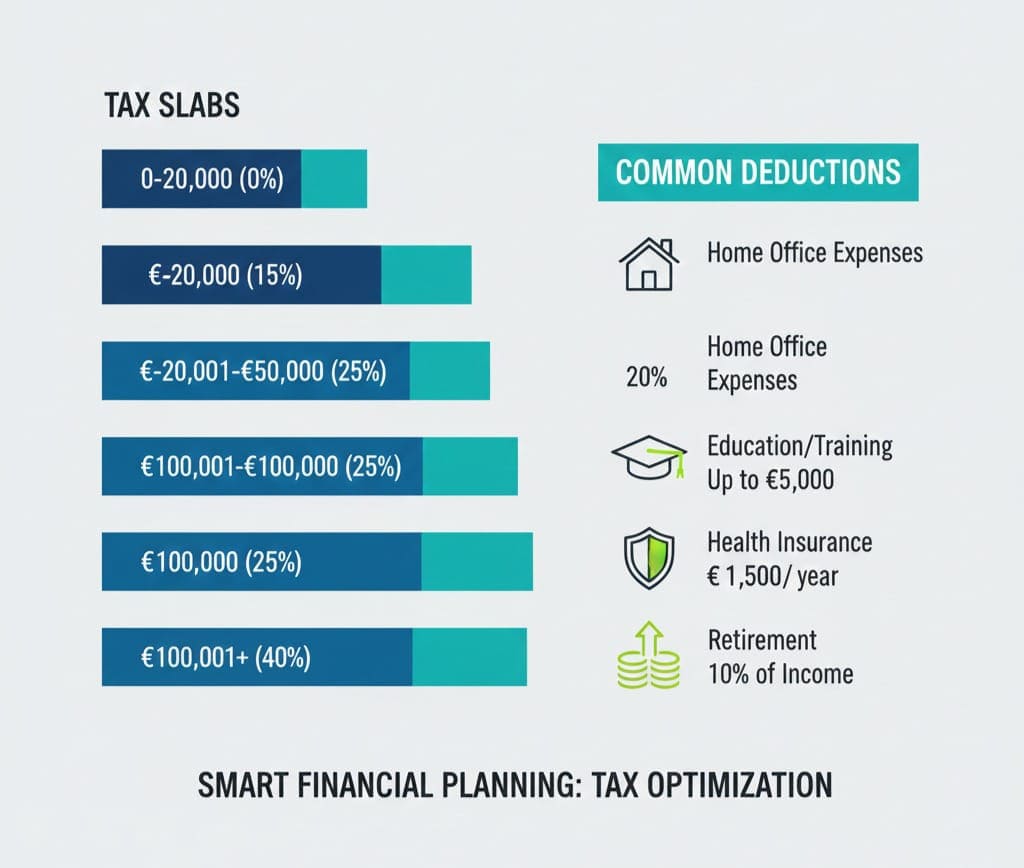
Tax slabs are a critical part of the calculation process. They define the rate at which different portions of your income are taxed. For example, lower-income brackets may be taxed at 5%, while higher incomes can be taxed at 25% or more.
Common deductions include:
-
Retirement Contributions: Contributions to retirement accounts reduce taxable income.
-
Medical Expenses: Eligible medical bills can be claimed as deductions.
-
Education Allowances: Tuition or education-related expenses may lower your tax liability.
-
Charitable Donations: Donations to registered charities often qualify for deductions.
By understanding these slabs and deductions, you can plan your finances better and maximize your take-home salary.
Benefits of Using a Tax Calculator for Different Audiences

Salaried Employees
-
Quickly determine net salary after tax
-
Plan monthly expenses and savings
-
Avoid underpayment or overpayment of taxes
Freelancers / Self-Employed
-
Account for variable monthly income
-
Include business-related deductions
-
Plan quarterly tax payments efficiently
Business Owners
-
Estimate corporate or business taxes
-
Optimize payroll and employee deductions
-
Maintain compliance with tax authorities
Accountants / Finance Students
-
Use the tool for accurate tax simulations
-
Teach or learn tax planning strategies
-
Analyze multiple scenarios for different clients
General Users
-
Easily understand tax obligations
-
Avoid manual calculation mistakes
-
Improve financial literacy
Common Mistakes to Avoid When Calculating Taxes
-
Ignoring Eligible Deductions – Missing deductions can increase taxable income unnecessarily.
-
Entering Incorrect Income Figures – Always double-check your gross salary or business revenue.
-
Using Outdated Tax Slabs – Ensure the financial year is current.
-
Ignoring Freelance or Business Income – Include all sources for accurate calculation.
-
Overlooking Allowances – Some allowances reduce taxable income and can save money.
By avoiding these mistakes, you can ensure the results from your Tax Calculator are precise.
How Tax Calculator Helps in Financial Planning
Using a Tax Calculator allows you to:
-
Forecast annual tax liabilities accurately
-
Understand monthly net salary for budgeting
-
Plan investments and savings efficiently
-
Ensure compliance with local tax authorities
-
Reduce stress during tax season
Tips to Maximize Take-Home Salary Using a Tax Calculator
-
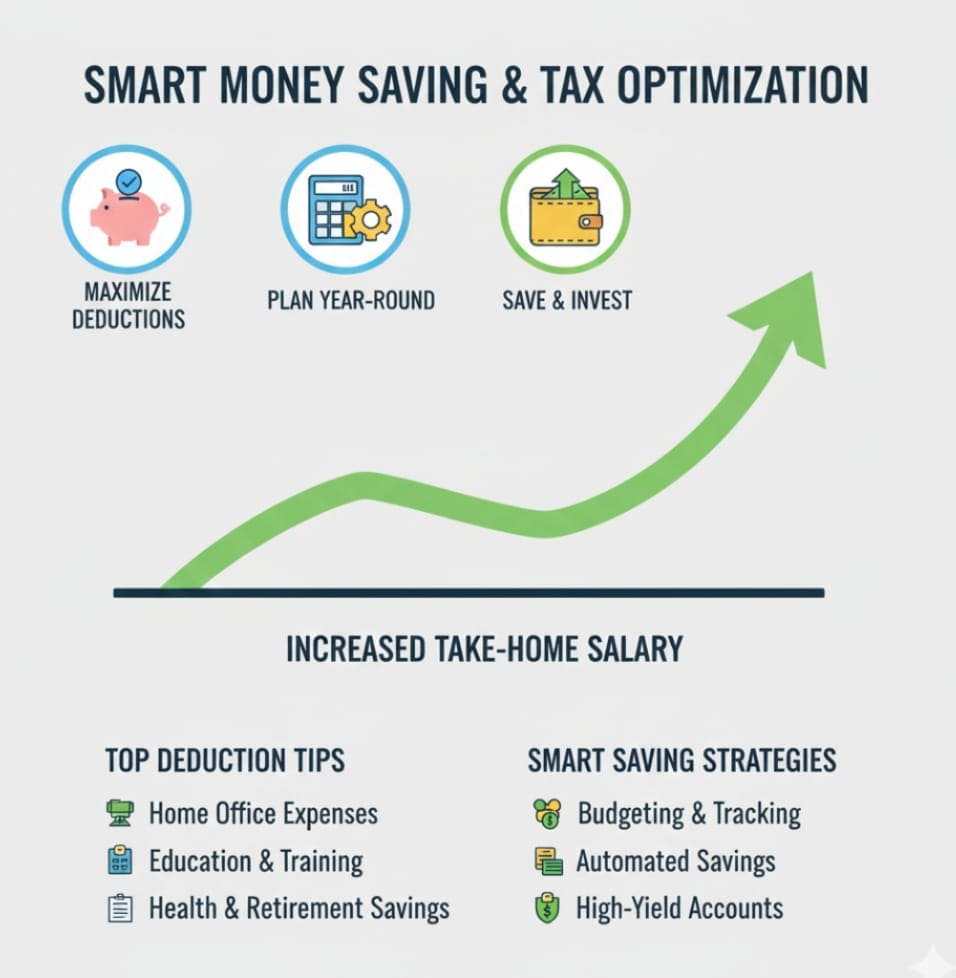
Use All Eligible Deductions – Enter retirement contributions, health insurance, and other deductions accurately.
-
Plan Tax Payments – For freelancers and business owners, plan quarterly payments to avoid penalties.
-
Compare Scenarios – Simulate different income or deduction scenarios to optimize salary.
-
Stay Updated – Ensure you are using updated tax slabs for your financial year.
Conclusion

A Tax Calculator is more than just a tool — it is an essential part of modern financial management. It allows individuals and businesses to accurately calculate income tax, deductions, and take-home salary in a matter of seconds. By using an online tax calculator, you not only save time but also ensure that your finances are compliant, optimized, and stress-free.
For quick and accurate calculations, try the official Tax Calculator today and take control of your financial planning.
Frequently Asked Questions (FAQs)
1. What is a Tax Calculator and how does it work?
A Tax Calculator is an online tool that computes your taxable income, tax liability, and take-home salary by using your income details, deductions, and applicable tax slabs.
2. Who can use the Tax Calculator?
Anyone including salaried employees, freelancers, business owners, accountants, and finance students can use it for accurate tax calculations.
3. Is the Tax Calculator free to use?
Yes, the Tax Calculator is completely free and provides instant results.
4. Can the Tax Calculator handle multiple income types?
Yes, it supports salary, freelance income, and business revenue. All deductions and allowances can be included for accurate calculations.
5. How often is the Tax Calculator updated?
The calculator is updated regularly to reflect the latest tax slabs and rules applicable for the current financial year.
6. Can I save or print my tax calculation results?
Yes, after calculation, you can review, save, or print the results for your records and financial planning.
7. How does using a Tax Calculator help with financial planning?
It helps forecast tax liabilities, understand monthly take-home salary, plan investments and savings, and ensure compliance with tax regulations.
Leave a Comment