
In today’s digital age, images play a crucial role in communication, marketing, and content creation. However, not all image formats are equally versatile. TIFF (Tagged Image File Format) is known for its high-quality images but is often large in size and less compatible with most web applications and devices. On the other hand, JPG (or JPEG) is widely used due to its smaller file size, faster loading, and compatibility across devices.
For designers, developers, students, and general users, converting TIFF to JPG becomes essential. Whether you need to reduce storage space, upload images to websites, or share photos easily, using a reliable TIFF to JPG Converter online ensures a seamless experience. In this guide, we’ll explore everything you need to know about converting TIFF files to JPG, including the best practices, features of online converters, step-by-step guides, and tips for optimal results.
What is a TIFF File? Understanding the Basics
TIFF (Tagged Image File Format) is a high-resolution image format widely used in professional photography, scanning, and publishing. Here are some key characteristics:
-
High quality: Stores images with minimal compression, preserving details
-
Large file size: Can take up significant storage space
-
Compatibility issues: Not supported by all web platforms or software
-
Professional use: Common in printing, design, and medical imaging
Example: A designer scanning artwork in TIFF retains every detail, but sharing that file online can be cumbersome due to its size.
What is a JPG File? Why It’s Preferred for Most Use Cases
JPG (Joint Photographic Experts Group) is one of the most popular image formats today. It compresses images to reduce file size without significantly compromising quality. Key features include:
-
Smaller file size: Ideal for websites, emails, and social media
-
High compatibility: Works across all devices and platforms
-
Good quality: Supports high-resolution images with minimal loss
-
Versatility: Used for photography, web design, blogging, and social sharing
Scenario: A student creating a presentation can convert a large TIFF image to JPG to save space and upload faster without losing essential details.
Why You Should Convert TIFF to JPG
Converting TIFF to JPG is essential for:
-
Faster loading times: Large TIFF files slow down websites
-
Compatibility: JPG works on nearly all platforms and devices
-
Reduced storage: Smaller files save disk space and improve file sharing
-
Web optimization: Perfect for blogs, portfolios, and online galleries
-
Ease of sharing: JPG is easier to send via email, social media, or cloud
By converting TIFF to JPG using an online tool, you can achieve these benefits without installing software or compromising image quality.
Key Features of a Good TIFF to JPG Converter Online
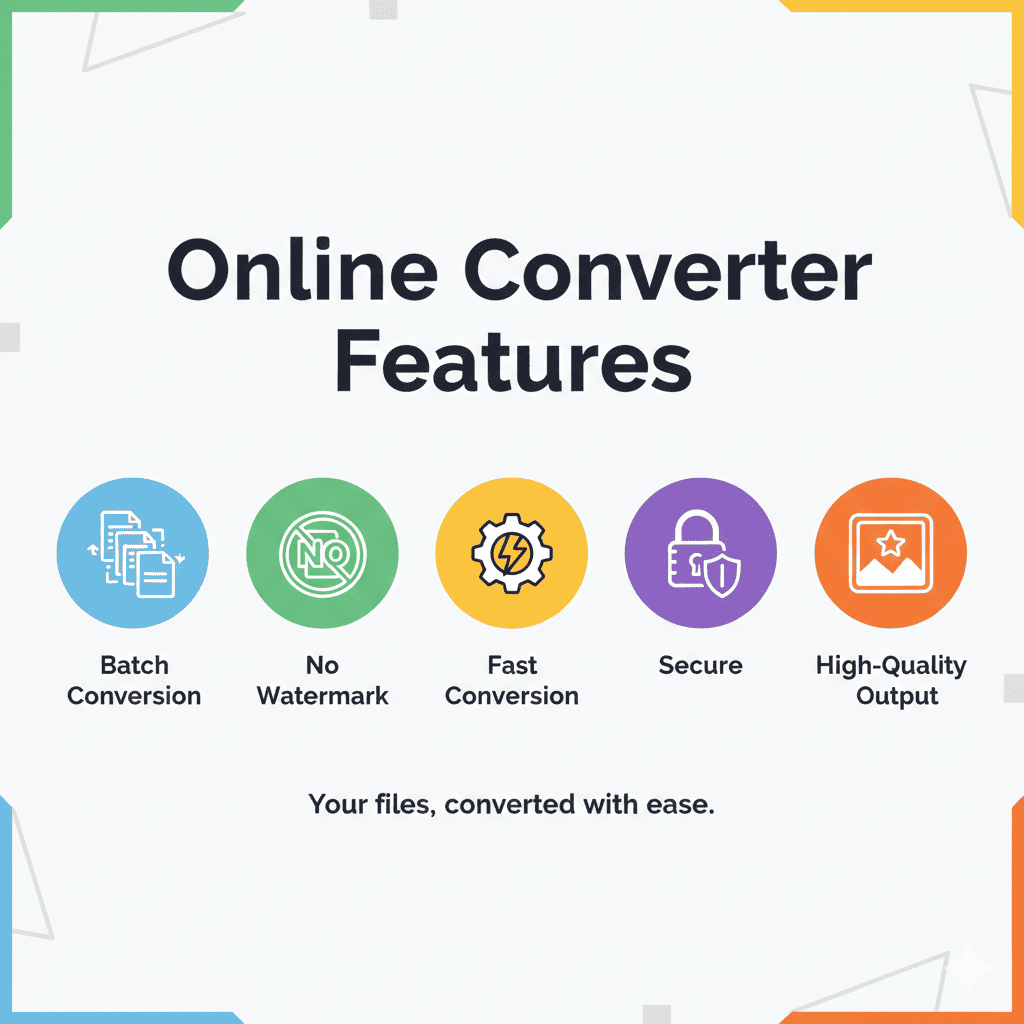
When choosing a TIFF to JPG converter, consider the following features:
-
Fast Conversion Speed: Upload and convert images quickly
-
High-Quality Output: Maintain resolution and details
-
Secure and Private: Files are processed securely without storing sensitive data
-
Batch Conversion: Convert multiple TIFF files at once
-
No Watermark: Output JPG files are free of watermarks
-
User-Friendly Interface: Easy for beginners and professionals alike
-
Cross-Platform Accessibility: Works on Windows, Mac, Linux, and mobile devices
Pro Tip: Always check if the online tool supports drag-and-drop functionality, as it saves time when working with multiple images.
Primary Keywords for SEO Integration
For this blog, high-volume and relevant keywords include:
Primary Keywords:
-
TIFF to JPG Converter
-
Convert TIFF to JPG
-
Online TIFF to JPG tool
-
Free TIFF to JPG converter
-
TIFF to JPG online
Secondary / Long-Tail Keywords:
-
How to convert TIFF files to JPG online
-
Best free TIFF to JPG converter
-
Convert multiple TIFF images to JPG
-
TIFF to JPG converter for designers
-
Secure TIFF to JPG converter online
-
High-quality TIFF to JPG conversion
Technical Terms:
-
Tagged Image File Format
-
Joint Photographic Experts Group
-
Image compression
-
File format conversion
-
Batch conversion
-
Resolution preservation
Feature-Related Keywords:
-
Fast image conversion
-
No watermark conversion
-
Drag-and-drop image converter
-
Free online image converter
-
Cross-platform image converter
Other Related Keywords:
-
TIFF file sharing
-
JPG optimization
-
Image format compatibility
-
Photo compression
-
Web image upload
These keywords will be naturally integrated throughout headings, body content, bullet points, and FAQs for optimal SEO.
Step-by-Step Guide to Convert TIFF to JPG Online
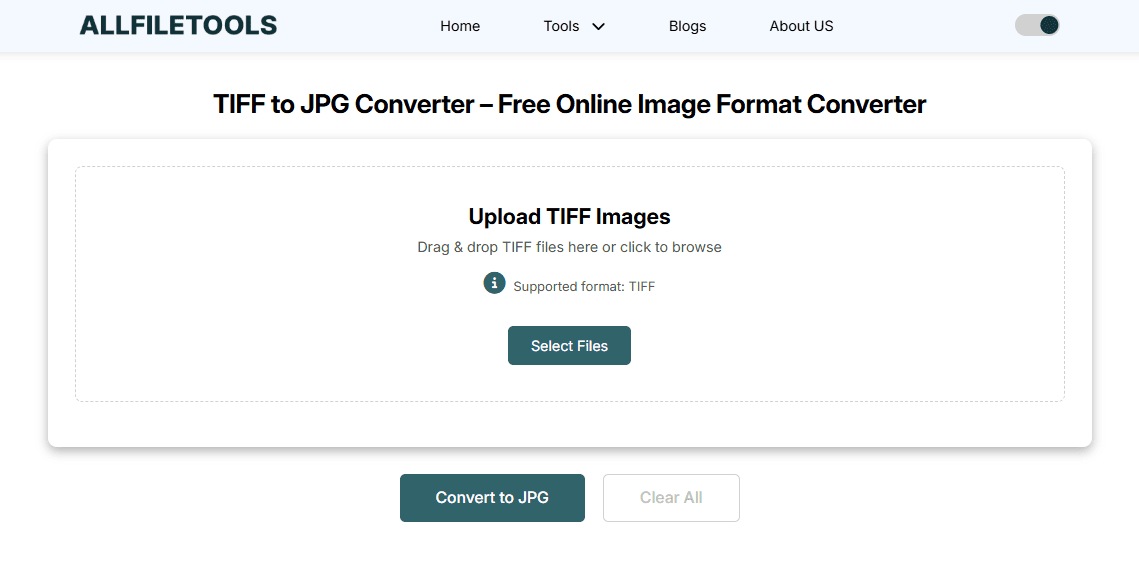
Follow these steps for a seamless conversion:
-
Visit the TIFF to JPG Converter
Open the online tool: https://www.allfiletools.com/tiff-to-jpg/ -
Upload Your TIFF File
-
Click “Upload” or drag-and-drop files
-
Supports multiple files for batch conversion
-
-
Choose JPG as Output Format
-
Select quality options if available
-
Some tools allow compression level adjustment
-
-
Convert and Download
-
Click “Convert”
-
Once conversion is done, download the JPG file
-
-
Check Quality
-
Verify that image resolution and clarity are maintained
-
Adjust settings if needed for optimal results
-
Tip: Designers and photographers should check color profiles and resolution before finalizing large batches.
Advantages of Using Online TIFF to JPG Converter
-
No Installation Needed: Works directly in the browser
-
Cost-Effective: Free tools save money compared to paid software
-
Secure File Handling: Many online converters ensure privacy
-
Multiple Formats Supported: Some tools allow TIFF to PNG, BMP, or WebP conversions as well
-
Accessibility: Works on desktops, laptops, tablets, and mobile phones
Example Use Cases:
-
Students: Convert large TIFF diagrams for presentations
-
Designers: Reduce file size for portfolios
-
Developers: Optimize images for website loading speed
-
General Users: Share high-quality images over email or cloud
TIFF vs JPG: Key Differences
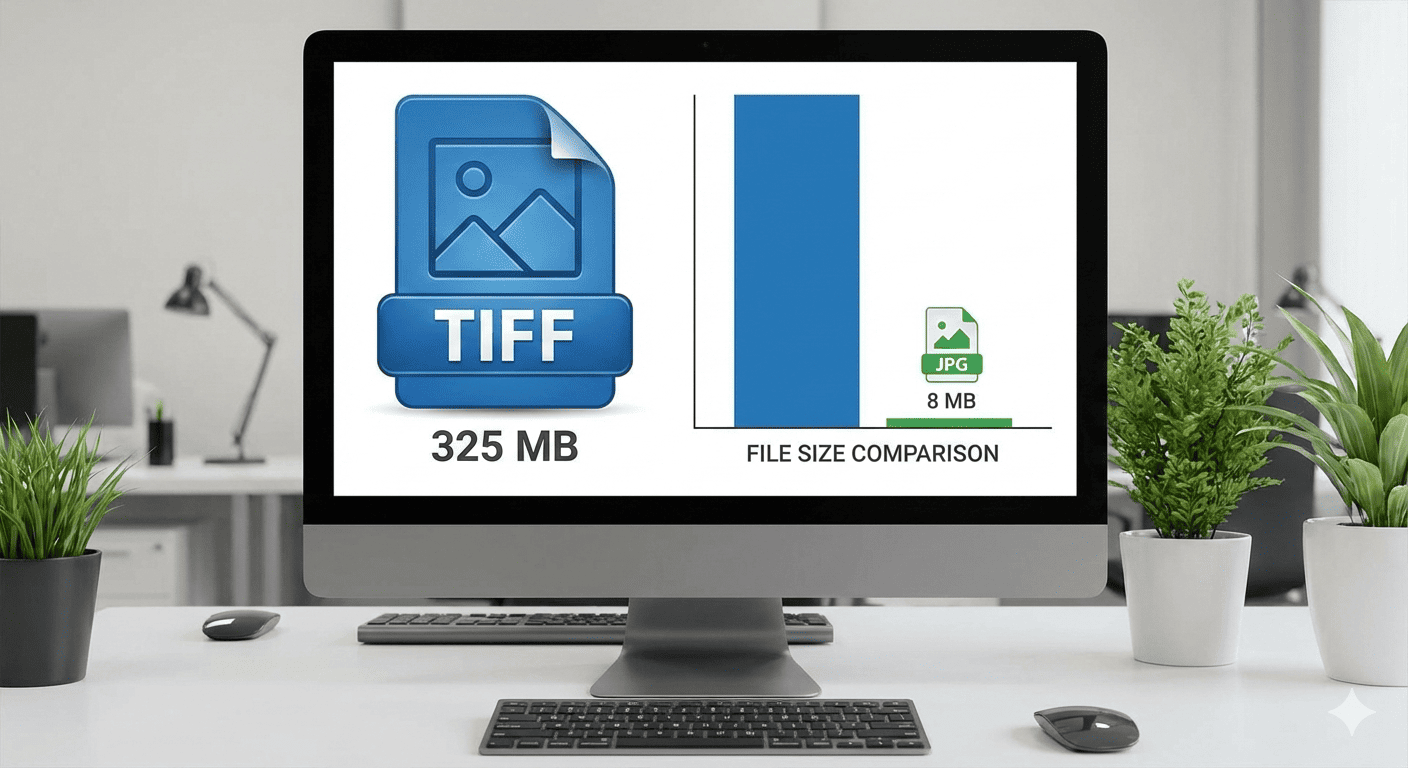
| Feature | TIFF | JPG |
|---|---|---|
| File Size | Large | Smaller |
| Compression | Lossless / Minimal | Lossy (reduces size) |
| Compatibility | Limited | Universal |
| Best For | Printing, Editing, Archiving | Web, Social Media, Sharing |
| Quality | High | Good (slight loss) |
Understanding these differences helps decide when to convert and why JPG is suitable for most online tasks.
Tips for Optimal TIFF to JPG Conversion
-
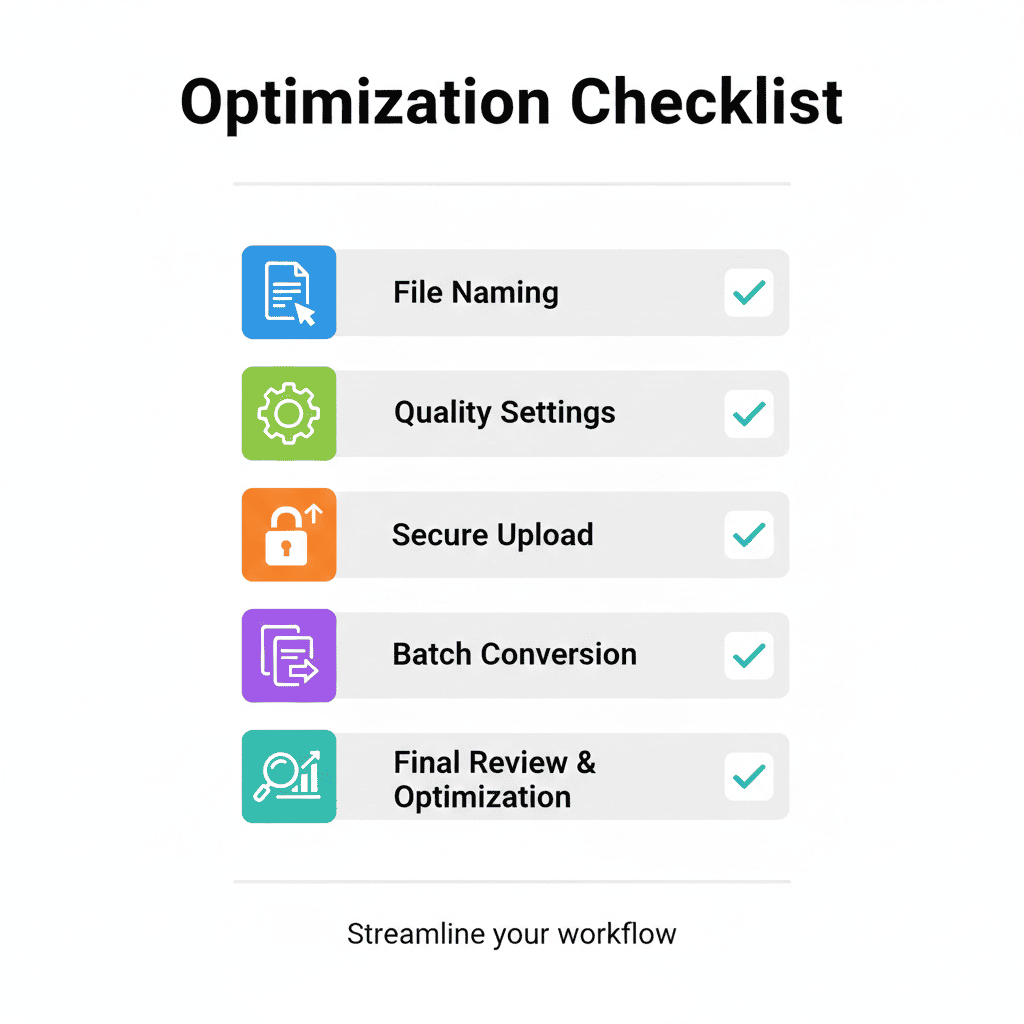
Batch Convert Smartly: Don’t overload the tool with huge files at once
-
Maintain Original Copies: Keep TIFF files safe for future high-quality needs
-
Check File Naming: Use descriptive names for better organization
-
Optimize Compression: Balance quality vs. size for web use
-
Use Secure Tools: Ensure privacy, especially for sensitive images
Common Mistakes to Avoid
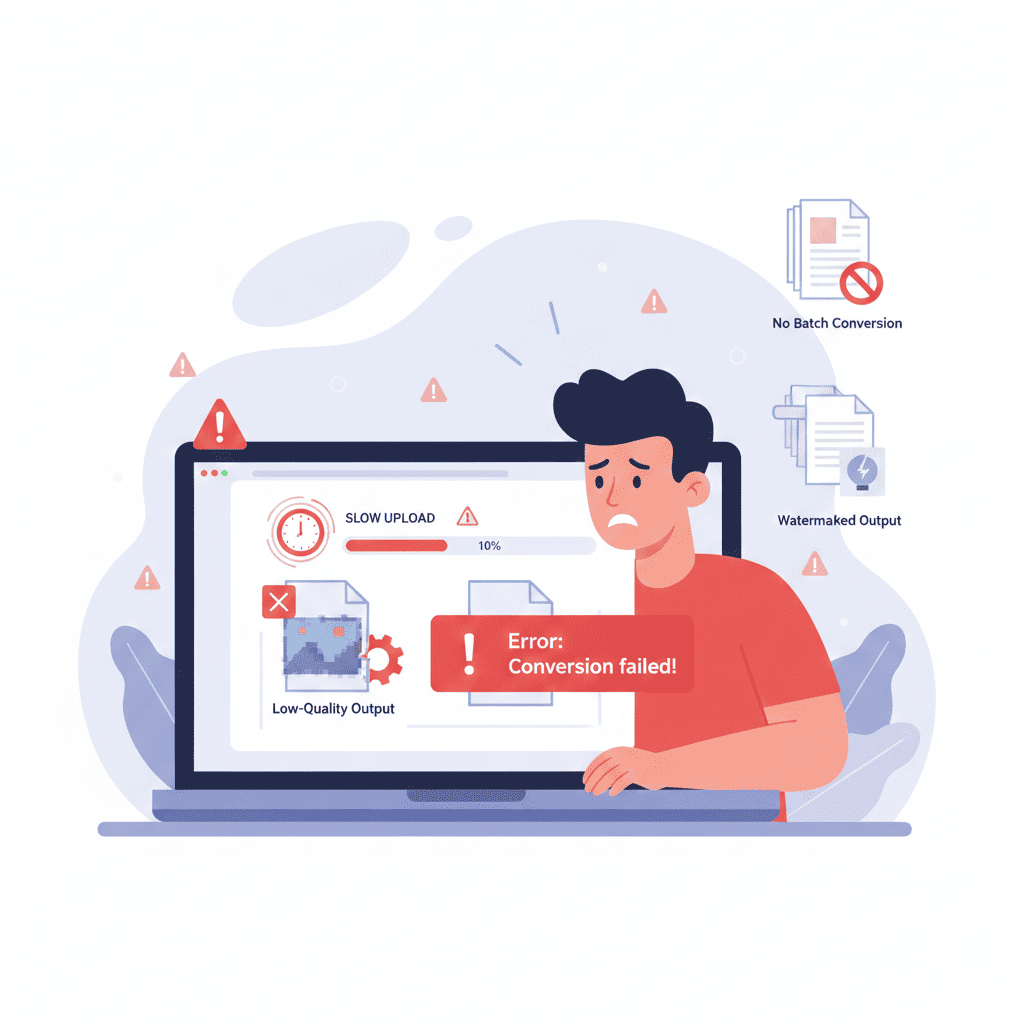
-
Skipping Quality Checks: Always verify output image quality
-
Using Random Tools: Avoid converters with watermarks or slow processing
-
Ignoring File Size: Large files may fail to upload if your internet is slow
-
Not Checking Compatibility: Ensure the converted JPG works with your target platform
Conclusion

Converting TIFF to JPG is essential for modern workflows across design, development, and education. By using a fast, secure, and free online TIFF to JPG converter, you can:
-
Save storage space
-
Ensure compatibility across devices
-
Maintain high-quality images
-
Improve file sharing and web optimization
Whether you are a designer, student, or general user, this tool simplifies your workflow and delivers professional results. Don’t struggle with large TIFF files — convert them to JPG easily and quickly online using this tool.
🔹 Explore more powerful file conversion and online utilities at AllFileTools –
🔹 For technical support, digital solutions, and expert services, visit LetDigitalFly IT Services –
🔹 Discover additional career and productivity resources at Resume Slip Builder –
FAQs
1. Can I convert multiple TIFF files to JPG at once?
Yes, most online TIFF to JPG converters support batch conversion. Simply upload all your TIFF files and convert them together.
2. Will converting TIFF to JPG reduce image quality?
JPG uses lossy compression, but a good converter preserves most details. For critical design work, check quality after conversion.
3. Do I need to install software to convert TIFF to JPG?
No, online converters work directly in your browser, saving time and storage space.
4. Is it safe to upload TIFF files online for conversion?
Reliable converters ensure file privacy and do not store files permanently. Always use secure, trusted websites.
5. Can I adjust JPG quality during conversion?
Many tools allow you to select compression levels or output quality before converting.
6. What devices can I use to convert TIFF to JPG?
Any device with internet access — Windows, Mac, Linux, tablets, and mobile phones.
7. Why should I convert TIFF to JPG for web use?
JPG files are smaller, load faster on websites, and are compatible across all devices and platforms.
Leave a Comment
No comments yet. Be the first to comment!