In the modern digital era, images are the heart of online content. From bloggers sharing stunning visuals to developers optimizing images for websites, the need for high-quality image formats is undeniable. Among these, TIFF and PNG stand out for their quality and versatility. If you’ve ever struggled with large TIFF files and wished for a seamless way to convert them to PNG, you’re in the right place. In this comprehensive guide, we’ll explore how to convert TIFF to PNG online, why it matters, and how to use a free online TIFF to PNG converter like AllFileTools to get the job done efficiently.
What is TIFF?
TIFF (Tagged Image File Format) is a high-quality image format widely used in photography, graphic design, and publishing. Its main advantages include:
-
Lossless compression – ensures image quality is preserved
-
Support for multiple pages – useful for scanned documents or multi-frame images
-
Rich color depth – perfect for professional image editing
TIFF is excellent for storing images without quality loss, but it’s not always ideal for online use because of large file sizes and limited browser compatibility. That’s where converting TIFF to PNG becomes essential.
Why Convert TIFF to PNG?
PNG (Portable Network Graphics) is a popular web-friendly image format. Unlike TIFF, PNG files are lighter, maintain transparency, and are widely supported across web platforms. Here’s why converting TIFF to PNG is beneficial:
-
Smaller file sizes for faster website loading
-
Transparency support for graphics and logos
-
Better compatibility with web, email, and social media
-
Preserves image quality with lossless compression
Whether you are a designer, developer, student, blogger, photographer, or website owner, converting TIFF to PNG makes sharing and using images online much easier.
Introducing the Free TIFF to PNG Converter
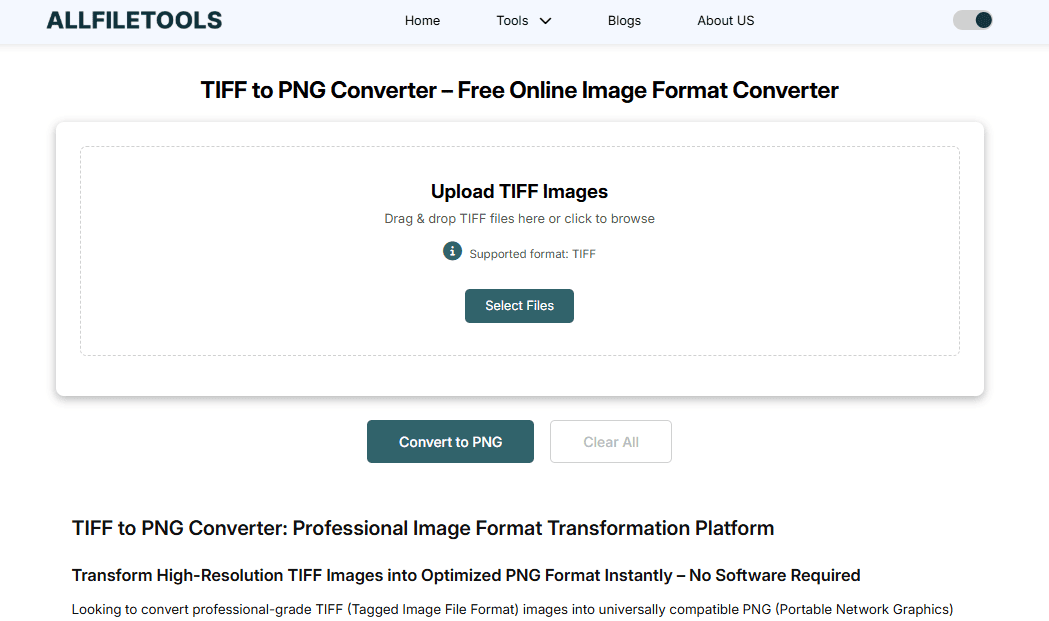
Using a browser-based TIFF to PNG converter is the easiest way to convert images without installing software. One highly recommended tool is AllFileTools TIFF to PNG Converter.
Key Features:
-
Fast Conversion: Instantly convert TIFF files to PNG
-
Secure & Private: Files are processed safely online
-
High-Quality Output: Maintains image clarity and detail
-
Batch Conversion: Convert multiple TIFF files simultaneously
-
No Watermark or Signup: Completely free with no hidden restrictions
This tool is perfect for SEO beginners, bloggers, photographers, and developers who want a seamless and fast image conversion solution.
How to Convert TIFF to PNG Online
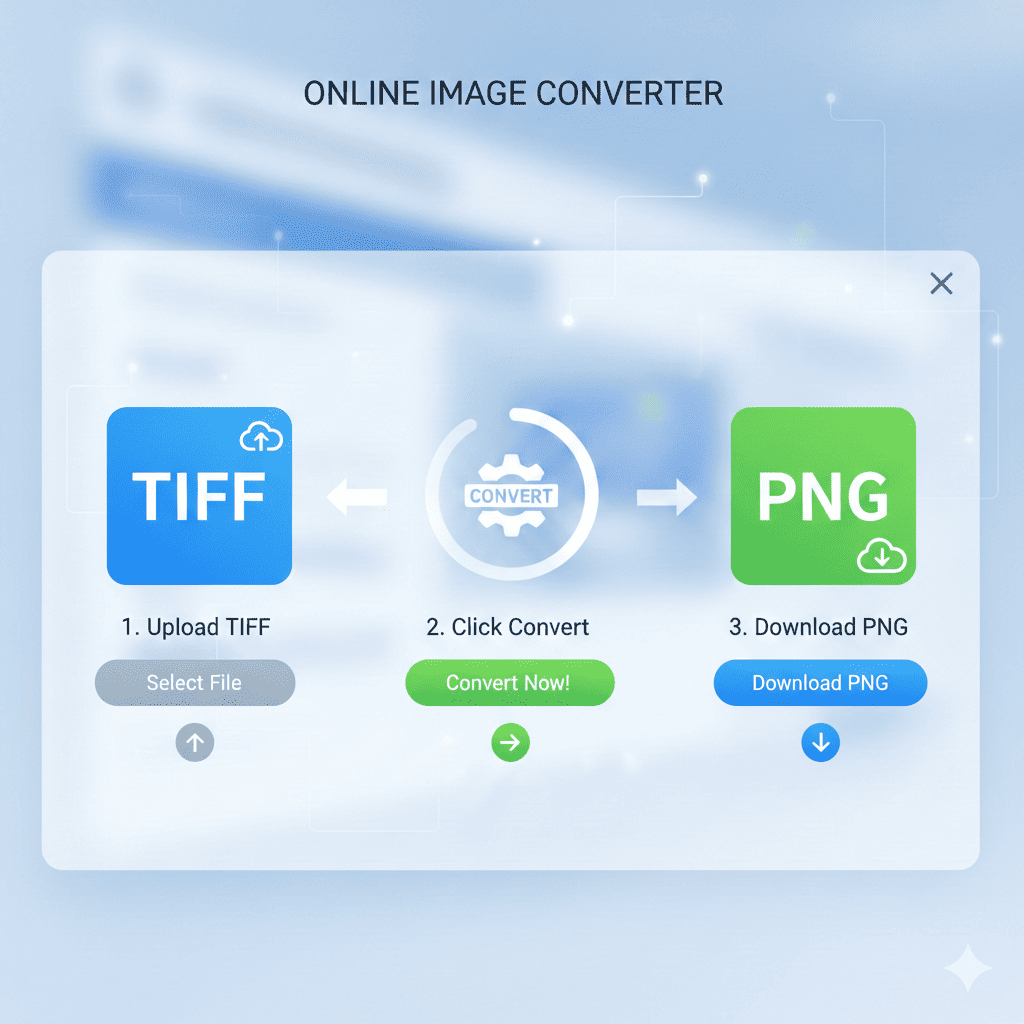
Converting TIFF files to PNG using a free online converter is simple. Here’s a step-by-step guide:
Step 1: Open the Tool
Visit the AllFileTools TIFF to PNG Converter in your browser. It’s completely online, so no downloads are required.
Step 2: Upload Your TIFF File
Click Upload and select the TIFF file(s) you want to convert. You can also drag and drop multiple files for batch processing. The tool supports large TIFF files, ensuring even high-resolution images can be converted efficiently.
Step 3: Customize Settings (Optional)
Some converters allow you to:
-
Adjust image quality
-
Preserve transparency
-
Convert specific pages of multi-page TIFF files
These settings ensure you get the exact output you need.
Step 4: Convert
Click Convert to start the process. The tool will quickly process your files and prepare them for download.
Step 5: Download PNG Files
After conversion, download your high-quality PNG files. You can now use these images for websites, blogs, social media, or digital projects without worrying about large file sizes or browser compatibility.
Benefits of Using a Free Online TIFF to PNG Converter
1. High-Quality Image Output
Unlike some software that compresses images excessively, online converters like AllFileTools ensure lossless conversion, keeping colors, transparency, and resolution intact.
2. Fast and Efficient
You don’t need to install heavy programs. Just upload, convert, and download in seconds, saving time and effort.
3. Security and Privacy
Files are processed securely in-browser or on encrypted servers, meaning your images remain private.
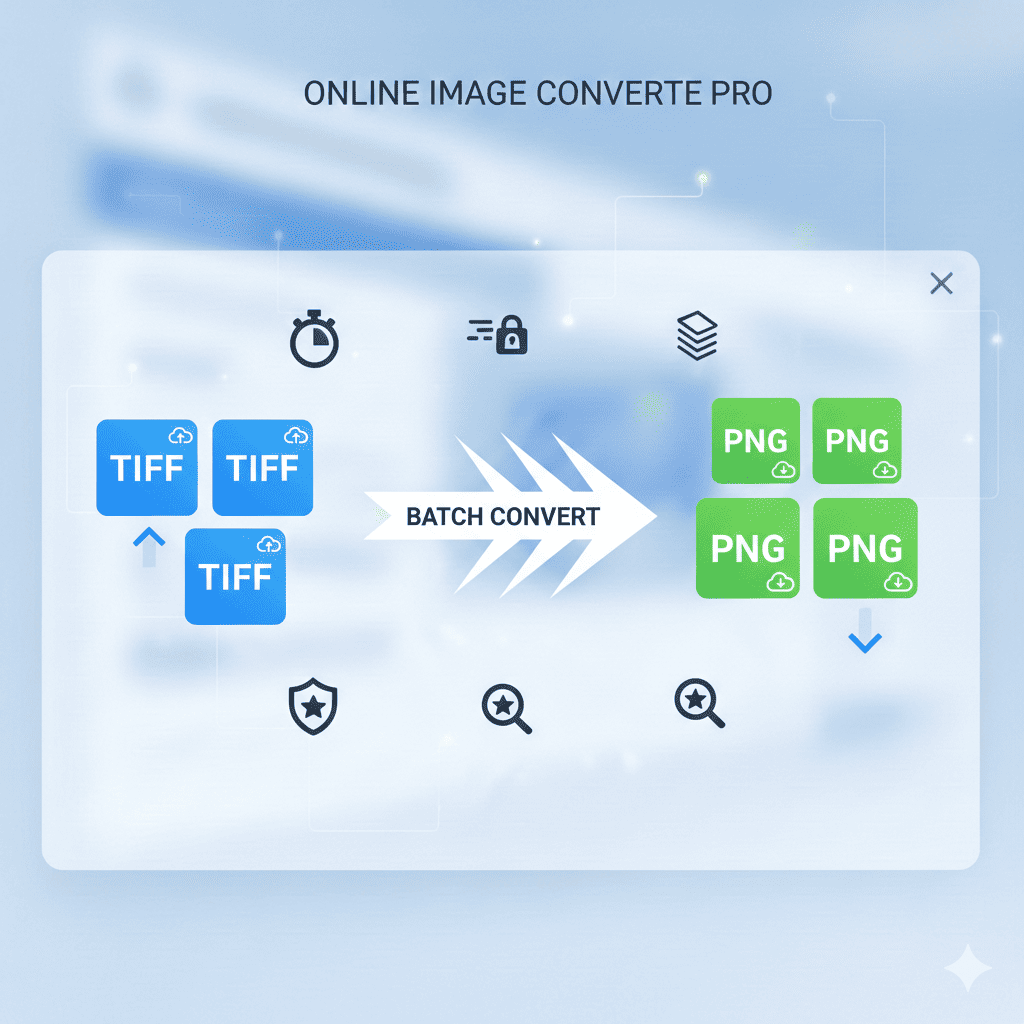
4. Batch Conversion
Convert multiple TIFF files simultaneously, which is a time-saver for photographers and designers dealing with large image libraries.
5. Accessibility
Works on any device with an internet connection — Windows, Mac, Linux, tablets, and even smartphones.
Step-By-Step Use Cases for Different Users
For Bloggers
Bloggers often need to optimize images for the web. Large TIFF files can slow down page speed. Converting TIFF to PNG ensures:
-
Faster page load times
-
Better SEO performance
-
Clear, high-quality visuals for posts
For Designers
Designers often receive TIFF files from clients or stock libraries. Converting TIFF to PNG allows:
-
Seamless integration with web design projects
-
Maintenance of transparency for overlays and icons
-
Easy sharing without losing quality
For Developers
Web developers need web-ready images. TIFF files are often too heavy for web pages. PNG files are:
-
Smaller in size
-
Supported across all browsers
-
Optimized for responsive designs
For Students
Students working on digital projects or presentations can convert TIFF images to PNG to:
-
Reduce file size for slideshows
-
Maintain image clarity in reports
-
Share images easily via email or cloud platforms
For Photographers
Photographers use TIFF for raw image storage. Converting to PNG helps:
-
Share portfolio images online
-
Preserve quality while making files web-friendly
-
Reduce storage overhead without losing details
For Website Owners
Website owners can optimize website performance by:
-
Using PNG images instead of heavy TIFFs
-
Improving SEO with fast-loading images
-
Enhancing user experience with high-quality visuals
Features That Make the Tool Stand Out
High-Speed Conversion
The tool processes files quickly, even for large TIFF images. No lag, no waiting, just instant conversion.
Lossless Compression
Your images retain their original quality. This is crucial for professional designers and photographers who need exact image fidelity.
Transparency Support
PNG files allow transparent backgrounds, perfect for logos, overlays, and digital designs.
Batch Conversion
Convert multiple images at once, saving hours of repetitive work.
Secure Processing
Files are deleted after conversion or processed locally in-browser to ensure complete privacy.
Tips for Optimizing TIFF to PNG Conversion
-
Check File Size: Large TIFF files can take longer to convert; batch processing helps.
-
Preserve Transparency: Enable transparency options if working with overlays.
-
Adjust Resolution: Keep web-resolution in mind to optimize page load speed.
-
Use a Reliable Tool: Always use a secure, free online tool like AllFileTools TIFF to PNG Converter.
-
Organize Converted Files: Rename PNG files for better SEO if uploading to websites.
Why Choose Online TIFF to PNG Conversion Over Software?
-
No installation required – saves computer storage
-
Cross-platform support – works on any device
-
No learning curve – user-friendly interface
-
Instant results – no waiting for software to render
Online converters combine efficiency, safety, and quality, making them ideal for all users from beginners to professionals.
Conclusion
Converting TIFF to PNG online is now simpler, faster, and more secure than ever. With a reliable tool like AllFileTools TIFF to PNG Converter, you can:
-
Maintain image quality
-
Convert multiple files in seconds
-
Enjoy web-friendly PNG images for blogs, websites, or presentations
No matter your profession—blogger, designer, developer, student, photographer, or website owner—this tool simplifies your workflow, improves productivity, and ensures high-quality output every time.
🔹 Explore more powerful file conversion and online utilities at AllFileTools –
🔹 For technical support, digital solutions, and expert services, visit LetDigitalFly IT Services –
🔹 Discover additional career and productivity resources at Resume Slip Builder –
Frequently Asked Questions (FAQs)
Q1: Is TIFF to PNG conversion free?
A1: Yes, the converter is completely free with no hidden fees.
Q2: Can I convert multiple TIFF files at once?
A2: Yes, the tool supports batch conversion.
Q3: Will I lose image quality after conversion?
A3: No, the tool uses lossless conversion to maintain quality.
Q4: Do I need to sign up to use the converter?
A4: No, signup is not required; it’s ready to use instantly.
Q5: Can I preserve transparency in PNG files?
A5: Yes, the converter retains transparency for logos and graphics.
Q6: Is this tool secure for private images?
A6: Yes, files are processed safely and deleted after conversion.
Q7: Can I use the converted PNG images for my website?
A7: Absolutely, PNG is optimized for web usage and fast loading.
Leave a Comment
No comments yet. Be the first to comment!