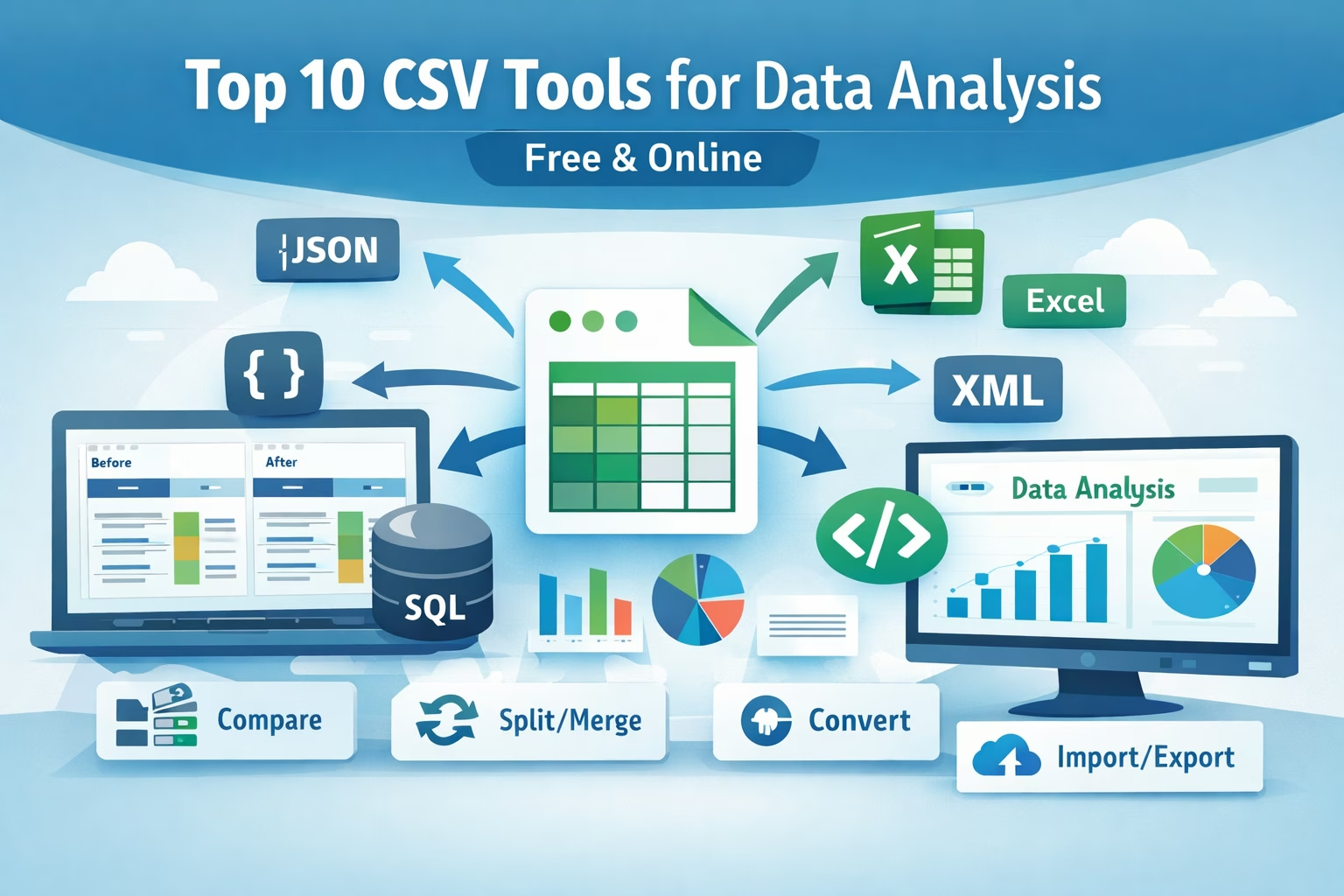
Comma Separated Values (CSV) files are everywhere — from data analytics and business reporting to software exports and machine learning. Whether you're a beginner or an expert, having the right CSV tools can supercharge your workflow.
In this post, we’ve hand-picked the top 10 CSV tools that make data analysis easier — from format conversion to comparison and transformation.
📊 1. CSV to JSON Converter
Convert CSV to JSON format in seconds — ideal for developers & apps that work with JSON data.
👉 Try it: https://www.allfiletools.com/csv-to-json/
Use case: APIs, JavaScript applications, NoSQL databases
🔁 2. JSON to CSV Converter
Convert JSON files back to editable CSV format for spreadsheets and analysis.
👉 Try it: https://www.allfiletools.com/json-to-csv/
Use case: Reporting, Excel imports, data wrangling
📥 3. CSV to Excel Converter
Turn your CSV into a fully formatted Excel spreadsheet (XLS or XLSX).
👉 Try it: https://www.allfiletools.com/csv-to-excel/
Use case: Charts, pivot tables, business reporting
📤 4. Excel to CSV Converter
Need to export Excel tables to CSV? This tool handles it with precision and without data loss.
👉 Try it: https://www.allfiletools.com/excel-to-csv/
Use case: Data export, ETL pipelines, CSV workflows
🔍 5. CSV Diff Tool
Compare two CSV files side-by-side and highlight differences instantly.
👉 Try it: https://www.allfiletools.com/csv-diff/
Use case: QA testing, data version tracking, sync checks
🗄️ 6. CSV to SQL Converter
Convert CSV data into SQL INSERT statements — perfect for database imports.
👉 Try it: https://www.allfiletools.com/csv-to-sql/
Use case: DB seeding, migration, backend workflows
📦 7. CSV to XML Converter
Transform your CSV into structured XML format without coding.
👉 Try it: https://www.allfiletools.com/csv-to-xml-converter/
Use case: Legacy systems, data interchange, config exports
🔄 8. XML to CSV Converter
Convert XML files into CSV for easier viewing and spreadsheet manipulation.
👉 Try it: https://www.allfiletools.com/xml-to-csv/
Use case: Analytics tools, Excel processing
Why These Tools Matter for Data Analysis
CSV is one of the most universal data formats. Analysts encounter it everywhere — dashboards, SQL, analytics tools, machine learning, reporting, and ETL processes. These tools help you:
✔ Clean and convert data fast
✔ Transform formats for the right tool
✔ Compare and validate datasets
✔ Import into databases and visualization tools
Tools Summary Table
| Tool | Best For |
|---|---|
| CSV to JSON Converter | Developers & APIs |
| JSON to CSV Converter | Data cleanup |
| CSV to Excel Converter | Business reporting |
| Excel to CSV Converter | Spreadsheet compatibility |
| CSV Diff Tool | Data comparison |
| CSV to SQL Converter | DB imports |
| CSV to XML Converter | Structured data systems |
| XML to CSV Converter | Analytics tools |
| CSV Splitter | Big datasets |
| CSV Merger | Combined insights |
Quick Tips for Working with CSV Files
✔ Always verify delimiters (, vs ;)
✔ Watch out for UTF-8 encoding issues
✔ Use tools to validate data before analysis
✔ Save backups before transforming files
Final Thoughts
CSV files are everywhere — and with the right tools, you don’t need to write any code to analyze and manipulate them. Whether you’re a student, developer, analyst, or business user, these tools can save hours of work.
👉 Try the complete suite of tools at AllFileTools.com

Leave a Comment
No comments yet. Be the first to comment!