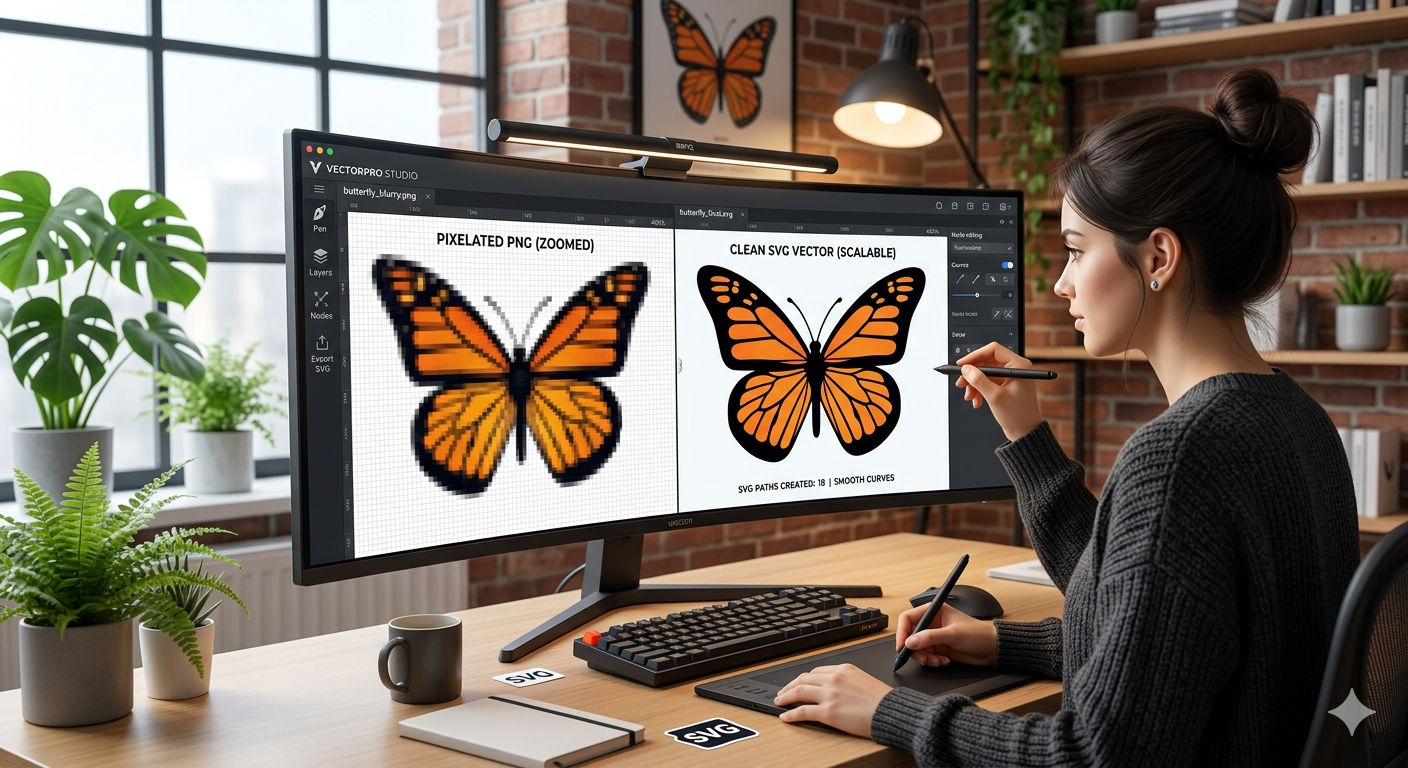
If you have ever tried to enlarge a small logo or icon for a high-quality print or a high-definition screen, you’ve likely run into the dreaded "pixelation" problem. Those blurry, jagged edges happen because standard images like PNGs are made of tiny squares called pixels. When you stretch them, the squares just get bigger.
The solution is converting those images into SVG (Scalable Vector Graphics). Unlike pixels, SVGs are built using mathematical paths, meaning they stay perfectly sharp whether they are on a tiny business card or a massive billboard.
Finding a tool that does this conversion quickly, without a messy signup process or hidden fees, can be a challenge. We have tested numerous platforms to find the most reliable options available today. Here are the top three PNG to SVG converters that are free, fast, and high-quality.
1. AllFileTools: The Best Overall for Speed and Simplicity
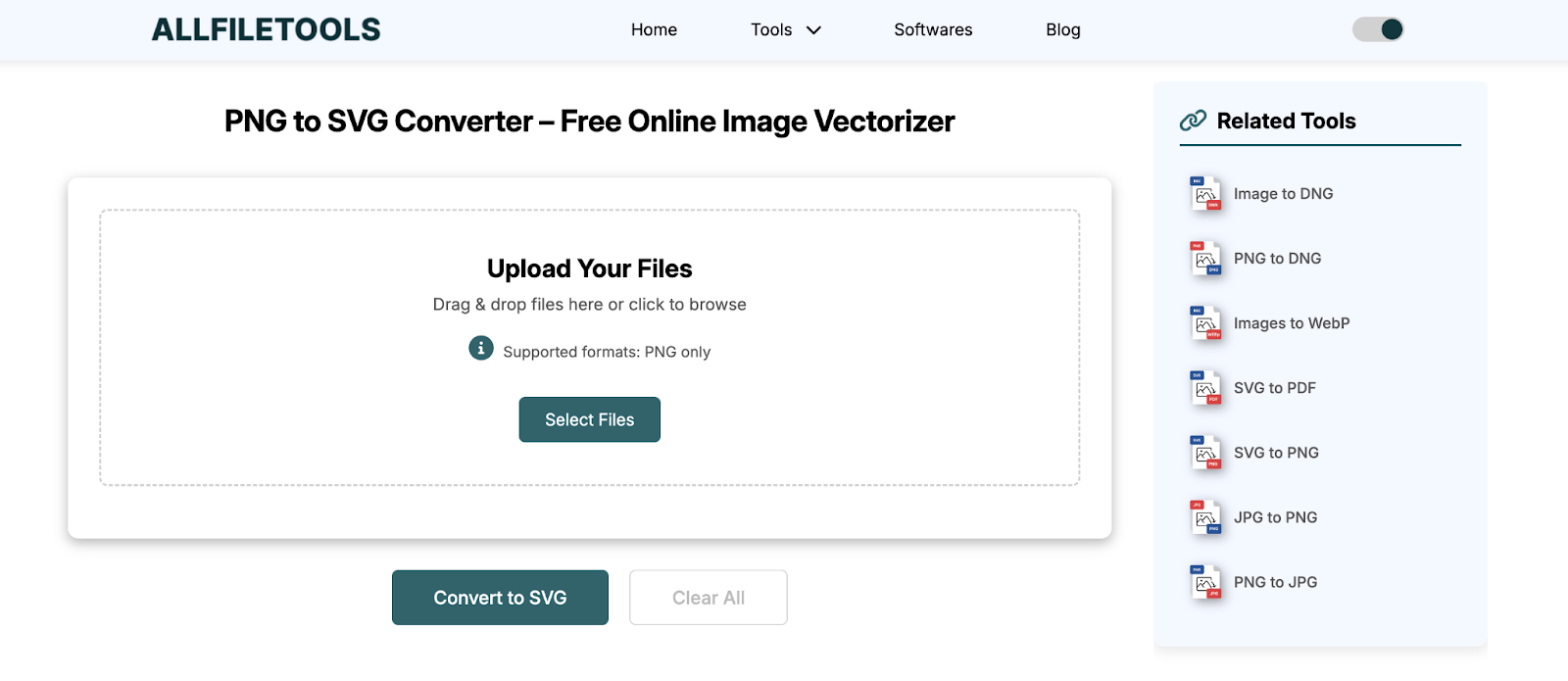
When it comes to a "no-nonsense" approach, AllFileTools takes the top spot. While many platforms try to upsell you on subscriptions or force you to create an account before you can download your file, this tool focuses entirely on the task at hand.
Why it ranks #1:
- True Zero-Cost: There are no "daily limits" that suddenly pop up after your second conversion. It is built for users who need to get work done without a credit card.
- Privacy-First: Your files are processed and then wiped from the servers shortly after, ensuring your designs remain your own.
- Lightning Fast Engine: The conversion happens almost instantly in the browser. You don't have to wait in a "processing queue" like you do on larger, bloated websites.
- Clean Vectorization: Some free tools produce "messy" SVGs with thousands of unnecessary points. AllFileTools uses an optimized algorithm that keeps the file size small and the lines clean, which is vital for web developers concerned about site speed.
How to Use It:
- Navigate to the PNG to SVG page.
- Drag your PNG file into the upload box.
- Click convert and download your sharp new vector file in seconds.
2. Adobe Express: The Professional's Choice
Adobe is the gold standard in the design world, and their free online converter brings a bit of that "Photoshop magic" to your browser. Adobe Express offers a very polished PNG to SVG tool that is excellent for logos.
Why it’s ranks #2:
- High Accuracy: Because it uses Adobe’s proprietary tracing technology, it handles complex edges better than most generic converters.
- Integrated Ecosystem: If you want to change the color of your SVG or add it to a social media post immediately after converting, you can do so within the same window.
- Reliability: You rarely encounter errors or broken files with Adobe’s infrastructure.
The Catch: While it is free, Adobe usually requires you to sign in with an email address to download your final file. If you are in a rush and don't want to manage another password, this might feel like an extra step compared to AllFileTools.
3. CloudConvert: The Power User’s Utility
If you have a batch of twenty images that all need converting at once, CloudConvert is the workhorse you need. It supports over 200 formats and has a dedicated module for vectorization.
Why it’s ranks #3:
- Customization Settings: CloudConvert allows you to adjust the "Scale," "Tolerances," and "Colors" before the conversion starts. This is perfect if you are trying to simplify a complex image into a minimalist icon.
- Cloud Integration: You can pull files directly from Google Drive or Dropbox and save the converted SVG back to the cloud.
- Batch Processing: You can upload multiple PNGs and convert them all in one go, which is a massive time-saver for large projects.
The Catch: CloudConvert operates on a "freemium" model. While it is fast and high-quality, free users are limited to 25 conversions per day. For most people, this is plenty, but it’s something to keep in mind for heavy workloads.
Why Convert to SVG?
To understand why these tools are so important, we have to look at the anatomy of an image. A PNG is like a mosaic; it's a collection of colored tiles. An SVG is like a set of instructions; it tells the computer to "draw a circle here with a radius of five and color it blue.
Because the SVG is just a set of mathematical instructions, the computer can recalculate those instructions at any size. This makes SVGs the preferred choice for:
- Web Design: They make websites load faster because the file sizes are often much smaller than high-res PNGs.
- Responsive Icons: An SVG icon will look perfect on both a low-end smartphone and a 5K retina display.
- Printing: If you need to print a logo on a t-shirt or a sign, printers require vector files to ensure the ink lines are crisp.
Final Thoughts
If you want the fastest, most private, and truly unlimited experience, AllFileTools is the clear winner for daily use. If you need to do heavy editing after the conversion, Adobe Express is a great companion. For those managing dozens of files through cloud storage, CloudConvert provides the technical depth required for the job.
No matter which you choose, you’ll never have to deal with a blurry, pixelated logo again. Simply upload, convert, and enjoy the infinite scalability of vectors.
Leave a Comment
No comments yet. Be the first to comment!