
In the digital era, content is king. Whether you’re a blogger, SEO writer, content marketer, student, or developer, the words you use matter, not just for engagement but also for SEO. Word count, character count, and content length are crucial metrics that can make or break your content’s performance. This is where a reliable online word count tool comes into play.
Today, we’ll dive deep into why every content creator needs a free online word & character counter, how it benefits your SEO writing, and step-by-step guidance on using AllFileTools Word Count Tool efficiently.
Why Word Count Matters for SEO Writers
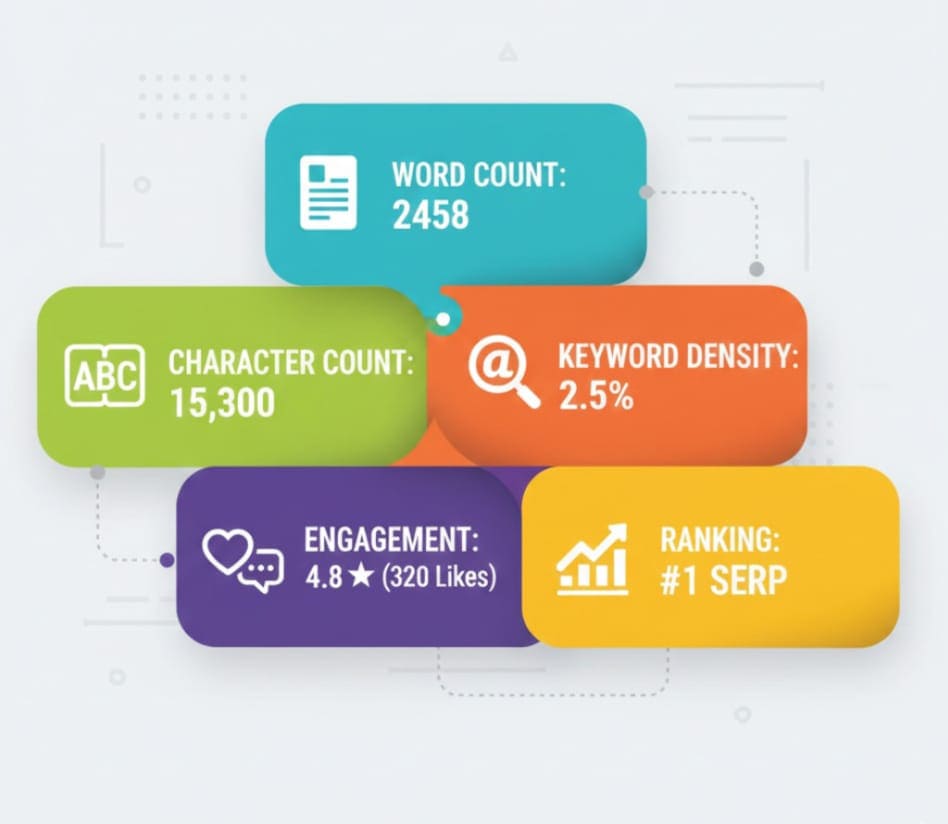
You might be wondering, “Why should I care about word count when writing content?” Here’s why:
-
SEO Optimization – Search engines like Google consider content length as one of the ranking factors. Long-form, well-structured content often ranks higher because it provides more comprehensive information.
-
Engagement – Readers prefer content that delivers value. Properly measured word count ensures your articles are neither too short nor too long.
-
Content Planning – Knowing the exact word count helps writers adhere to briefs, client requirements, or publication standards.
-
Keyword Integration – Accurate word count helps with keyword density management, preventing keyword stuffing while optimizing SEO.
-
Professionalism – For content marketers and writers, precision in word and character count reflects professionalism and attention to detail.
Pro Tip: Most SEO-friendly blogs aim for 1500–3000+ words, depending on the topic. With a word count tool, you can track your progress in real-time.
Who Can Benefit from a Word Count Tool?

The beauty of an online word & character counter is its versatility. It’s not just for SEO writers. Here’s a breakdown of who can benefit:
-
SEO Writers & Bloggers – Ensure posts meet SEO standards, manage keyword density, and optimize content length.
-
Content Marketers – Measure content size for social media posts, newsletters, or campaigns.
-
Students – Check essay, assignment, or report lengths before submission.
-
Developers & Tech Writers – Monitor documentation or code comments for readability.
-
General Users – Anyone drafting emails, reports, or online posts can measure text efficiently.
No matter your role, having a word count tool is a must for producing content that is both effective and professional.
Key Features of an Online Word & Character Counter
A high-quality word count tool like AllFileTools Word Count Tool comes with several features designed to help writers save time and maintain quality:
1. Instant Word & Character Count
Paste your content, and the tool instantly shows the total words, characters, sentences, and paragraphs. No manual counting, no guesswork.
2. Real-Time Updates
As you type or edit, the tool updates the counts in real-time, allowing you to track changes without refreshing or copying text multiple times.
3. Keyword Density Check
Some advanced counters provide keyword density analysis, helping SEO writers integrate keywords naturally without stuffing.
4. Copy & Export Options
Once your content is measured, you can copy the text or export it for CMS, email, or blog editors.
5. User-Friendly Interface
No sign-up, no complex settings. The interface is clean, responsive, and beginner-friendly.
Why Use AllFileTools Word Count Tool?
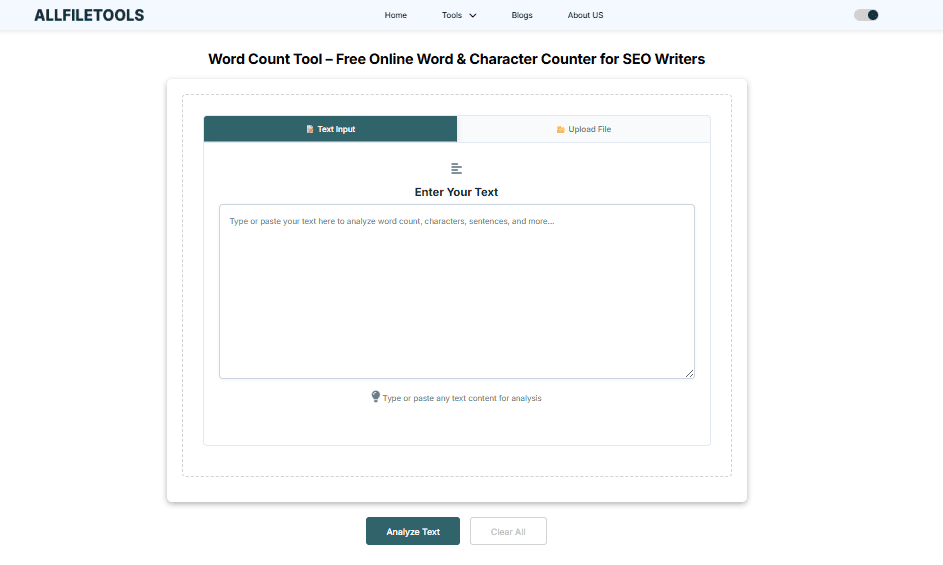
With countless tools available online, you might wonder why this one stands out. Here’s why:
-
Free & Fast – Completely free, no hidden charges, and results in seconds.
-
Reliable & Accurate – Provides precise word, character, and sentence counts.
-
No Registration Required – Use instantly without creating an account.
-
SEO Writer Friendly – Designed with SEO content in mind. Integrates keyword management, readability, and content length.
-
Cross-Platform Access – Works on desktop, tablet, and mobile browsers.
Writers who use this tool report saving hours of manual counting, allowing them to focus on quality writing instead.
Step-by-Step Guide to Using the Tool
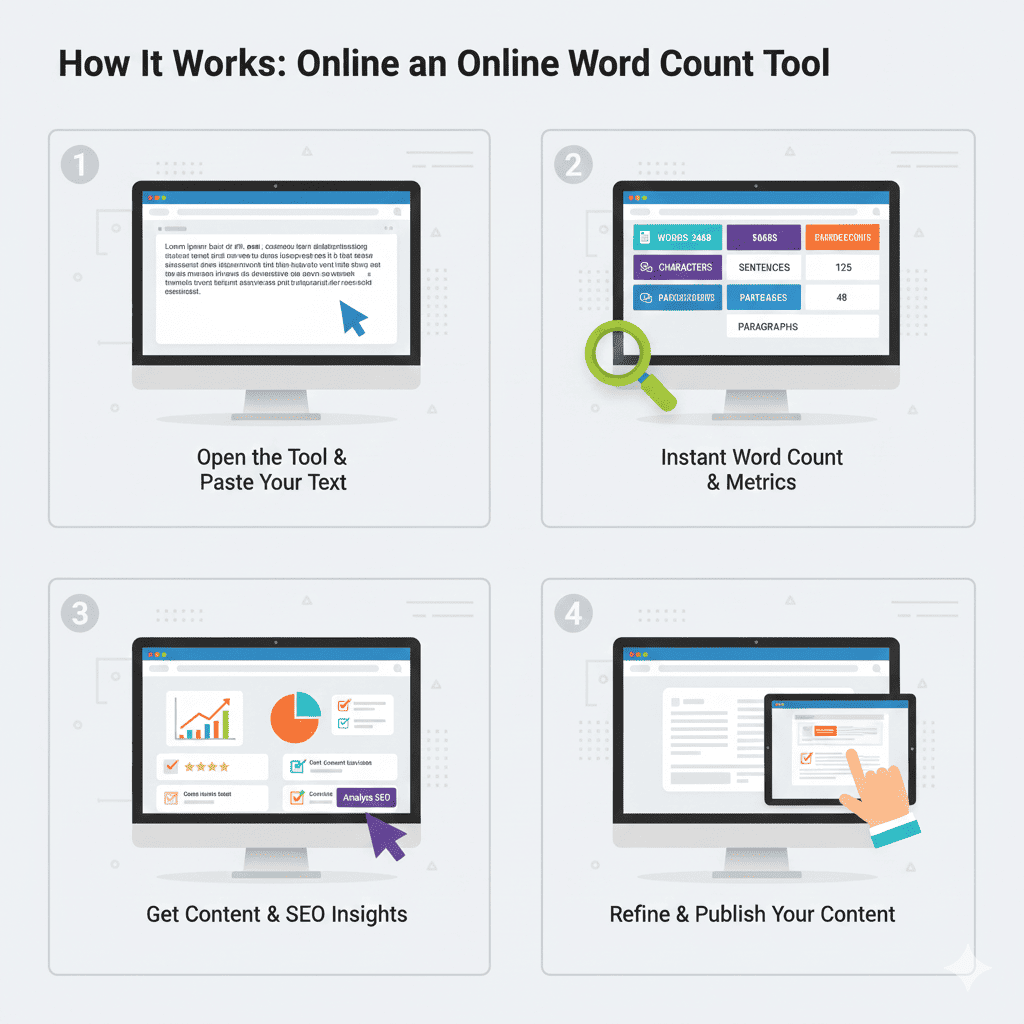
Using the AllFileTools Word Count Tool is simple and intuitive. Here’s a detailed step-by-step guide:
Step 1: Open the Tool
Go to https://www.allfiletools.com/word-count-tool/ in your browser. No download or sign-up required.
Step 2: Paste or Type Your Text
Copy your content from your editor or type directly into the text box provided. The tool accepts any text format.
Step 3: Instantly View Word & Character Count
As soon as your content appears, the tool displays:
-
Total words
-
Total characters (with and without spaces)
-
Number of sentences
-
Number of paragraphs
Step 4: Analyze Keyword Density (Optional)
For SEO writers, check how often your target keyword appears. This helps in maintaining optimal keyword density.
Step 5: Edit & Adjust Content
If your content exceeds or falls short of the required word count, make edits while observing real-time updates.
Step 6: Copy or Export
Once satisfied, copy your text for WordPress, Google Docs, or any CMS, or export it for further use.
Step 7: Repeat for Multiple Articles
Use the tool for all your blog posts, SEO content, assignments, or reports. Efficiency increases with repeated use.
Benefits of Using a Word Count Tool for SEO Writers

Let’s dive deeper into why this tool is a game-changer for SEO writers:
1. Ensures SEO-Friendly Content Length
Google loves comprehensive content. By tracking word count, you can make sure your articles meet ideal lengths for search rankings.
2. Helps Maintain Readability
Balancing word count and sentence length improves readability scores, keeping readers engaged.
3. Saves Time & Boosts Productivity
Manual counting is tedious. This tool provides instant results, freeing up time for content ideation and optimization.
4. Supports Multiple Content Types
Whether it’s blogs, articles, essays, or social media posts, the tool works across different content formats.
5. Prevents Keyword Stuffing
By monitoring keyword density in real-time, you can naturally integrate SEO keywords without penalization.
Tips for SEO Writers Using Word Count Tools
-
Set Target Word Counts – Define content length based on topic, search intent, and competition.
-
Track Keyword Density – Aim for 1–2% keyword density for main keywords.
-
Use Subheadings – Break content into H2/H3 sections for better readability.
-
Monitor Paragraph Length – Avoid long walls of text; use 2–4 sentences per paragraph.
-
Check Character Count for Meta Descriptions – Ideal meta descriptions are 150–160 characters.
-
Regularly Review Content – Track word count as you write to avoid overshooting or undershooting targets.
These tips, combined with a reliable word count tool, ensure high-quality SEO content every time.
Common Use Cases for the Word Count Tool
1. Blogging & SEO Content
Track blog word count to meet Google’s recommendation of 1500–3000+ words for long-form content.
2. Academic Writing
Students can check essay or assignment length to meet university or school requirements.
3. Technical Documentation
Developers and technical writers can ensure documents meet readability and length standards.
4. Social Media Posts & Marketing
Content marketers can check character limits for tweets, LinkedIn posts, or ad copy.
5. Editorial & Publishing
Editors can verify content length before publishing, ensuring consistency across articles.
Pro Tips to Maximize Your Tool Usage
-
Combine with Grammar Tools – Use alongside Grammarly or Hemingway for error-free content.
-
Use Templates – Draft content in a standard format and measure word count for efficient scaling.
-
Track Progress – Monitor how many words you write daily to improve productivity and consistency.
-
Optimize Headlines & Subheadings – Keep H2/H3 sections concise for better SEO performance.
Conclusion

In today’s competitive digital world, every word counts—literally. Whether you’re writing SEO blogs, academic papers, technical documentation, or marketing content, a reliable word count tool is essential for:
-
Ensuring SEO-friendly content length
-
Maintaining keyword density
-
Boosting productivity
-
Enhancing readability
-
Meeting professional standards
With AllFileTools Word Count Tool, you can track words, characters, sentences, and paragraphs instantly, saving time and effort while optimizing content for both readers and search engines.
Don’t leave your content quality to chance—check your word count every time and write smarter, not harder.
FAQs
1. What is a word count tool?
A word count tool is an online application that calculates the total number of words, characters, sentences, and paragraphs in a given text. It’s essential for writers to measure content length accurately.
2. How does a word count tool help SEO writers?
It ensures blog posts and articles meet SEO-friendly word counts, maintains keyword density, improves readability, and helps structure long-form content efficiently.
3. Is the AllFileTools Word Count Tool free?
Yes! It’s completely free and requires no registration. Writers can use it instantly in any browser.
4. Can I check character count along with words?
Absolutely. The tool provides both characters with and without spaces, sentences, and paragraph counts.
5. Can students use this tool?
Yes. Students can use it for essays, assignments, and reports to meet academic word count requirements.
6. Does it work on mobile devices?
Yes, it’s fully responsive, compatible with desktops, tablets, and smartphones.
7. Can I check multiple articles at once?
You can use it sequentially for multiple articles. Each text block can be analyzed individually for accurate word and character counts.
Leave a Comment
No comments yet. Be the first to comment!