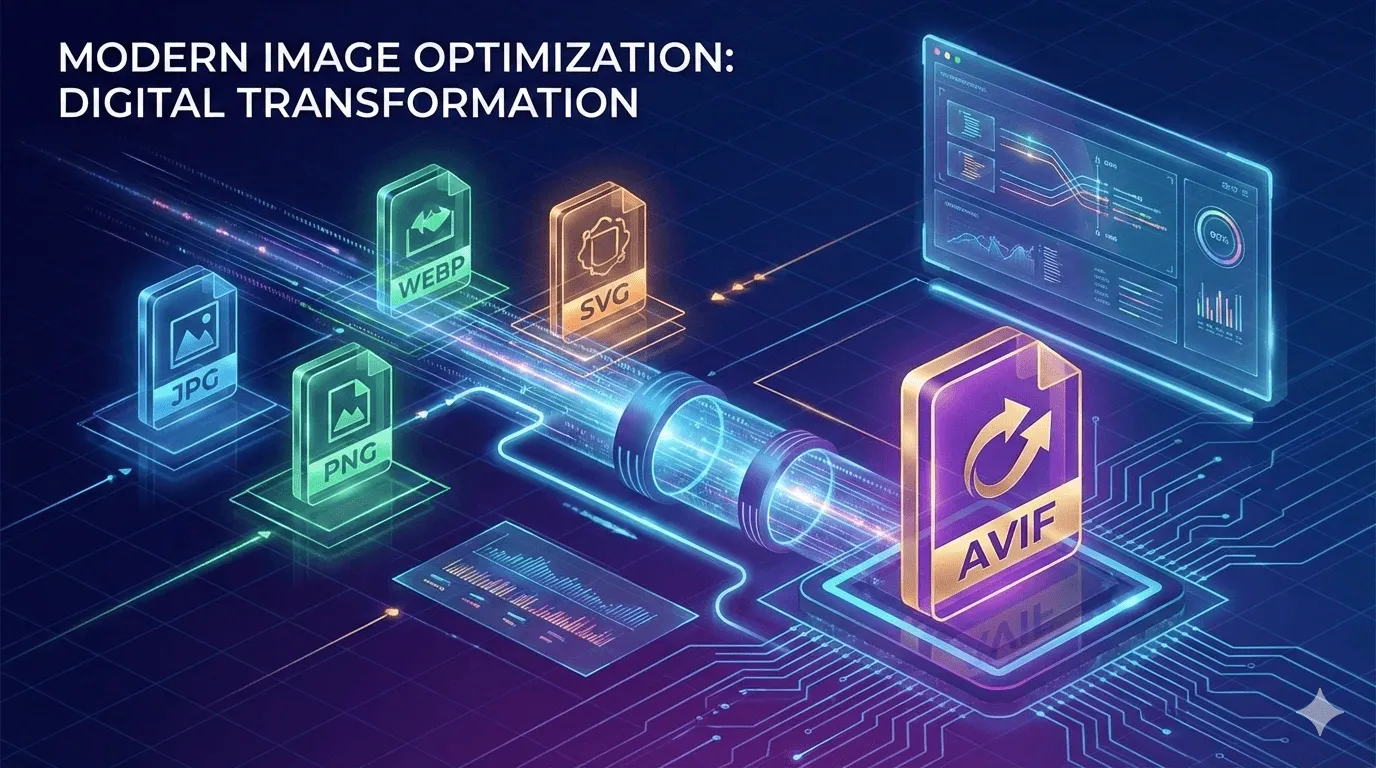
In today’s digital world, image optimization is a crucial factor for website performance, page loading speed, and overall user experience. With the growing demand for high-quality visuals, the AVIF image format has emerged as a revolutionary solution for web developers, designers, and content creators. AVIF (AV1 Image File Format) offers superior compression while maintaining exceptional image quality. If you are looking to convert your images to AVIF online, our Image to AVIF Converter is a free, fast, and reliable tool that supports JPG, PNG, WEBP, and SVG formats. In this comprehensive guide, we will explore everything you need to know about AVIF images, why you should use them, and how to efficiently convert your images online using our tool.
What is AVIF?
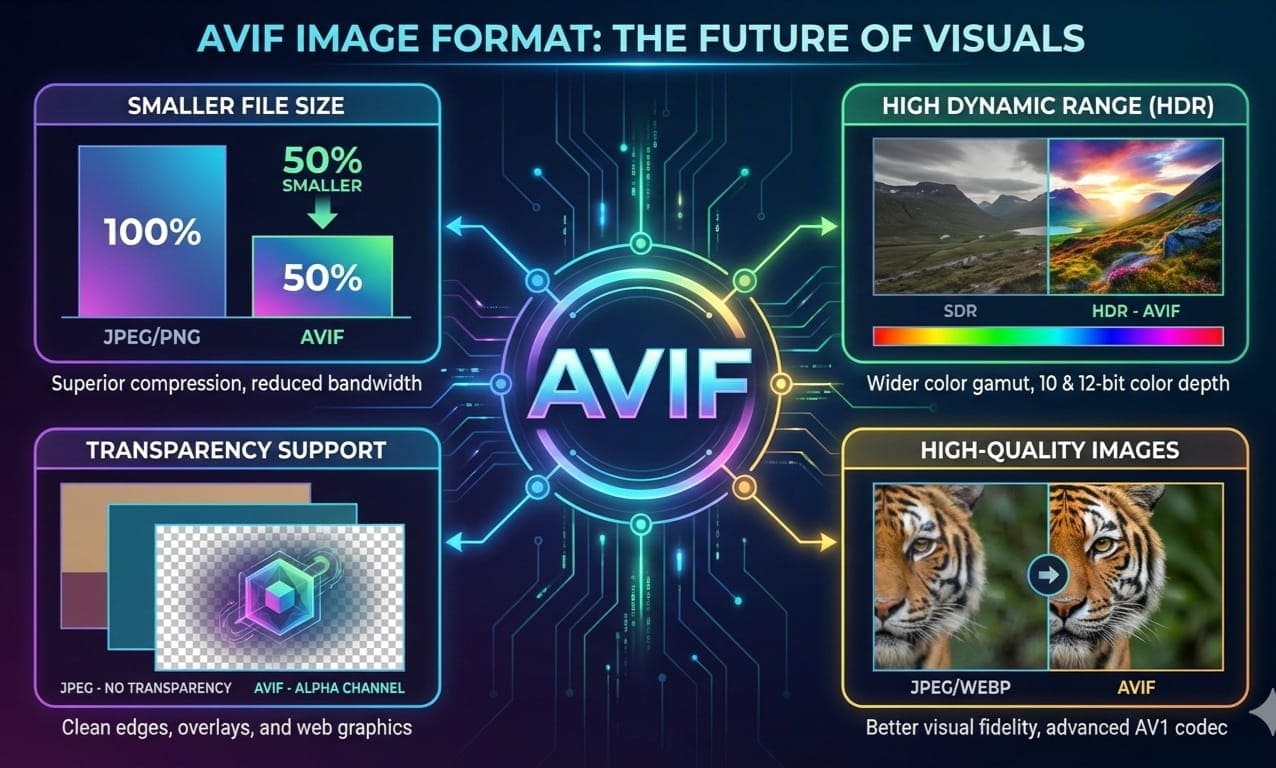
AVIF stands for AV1 Image File Format, a modern image format developed by the Alliance for Open Media. It uses AV1 compression technology, which enables smaller file sizes without compromising image quality. Unlike traditional formats like JPEG or PNG, AVIF provides:
-
Superior compression: Smaller file size with minimal quality loss
-
High dynamic range support: Better color reproduction
-
Transparency support: Similar to PNG for transparent images
-
HDR imaging: Supports High Dynamic Range for professional-grade images
AVIF is becoming increasingly popular among web developers, designers, and content creators because it improves website performance and reduces bandwidth consumption.
Why Convert Images to AVIF?
Converting images to AVIF offers several benefits for different users, including web developers, SEO professionals, bloggers, and business owners:
1. Faster Website Loading
Websites with smaller images load faster. AVIF images are 30–50% smaller than PNG or JPEG images, which drastically improves page speed — a critical factor for SEO and user retention.
2. High-Quality Images
Despite the smaller file size, AVIF retains sharpness, clarity, and color accuracy, making it ideal for professional photography, product images, and design mockups.
3. Reduced Bandwidth
Smaller image files mean less data transfer, which reduces hosting costs and improves accessibility for users on slower connections.
4. SEO Advantages
Google values websites that load faster. By using AVIF images, your website can rank higher in search engine results, enhancing visibility and user engagement.
5. Cross-Platform Compatibility
Modern browsers, including Chrome, Firefox, and Edge, support AVIF images. Converting your images ensures your content looks crisp and professional across all devices.
Supported Formats: JPG, PNG, WEBP & SVG
Our Image to AVIF Converter supports multiple input formats:
-
JPG/JPEG: Standard photos and graphics
-
PNG: Transparent or high-quality images
-
WEBP: Already compressed images needing AVIF conversion
-
SVG: Vector graphics for logos, icons, and illustrations
By supporting these formats, our tool ensures flexibility for developers, designers, and content creators.
Step-by-Step Guide to Using Image to AVIF Converter
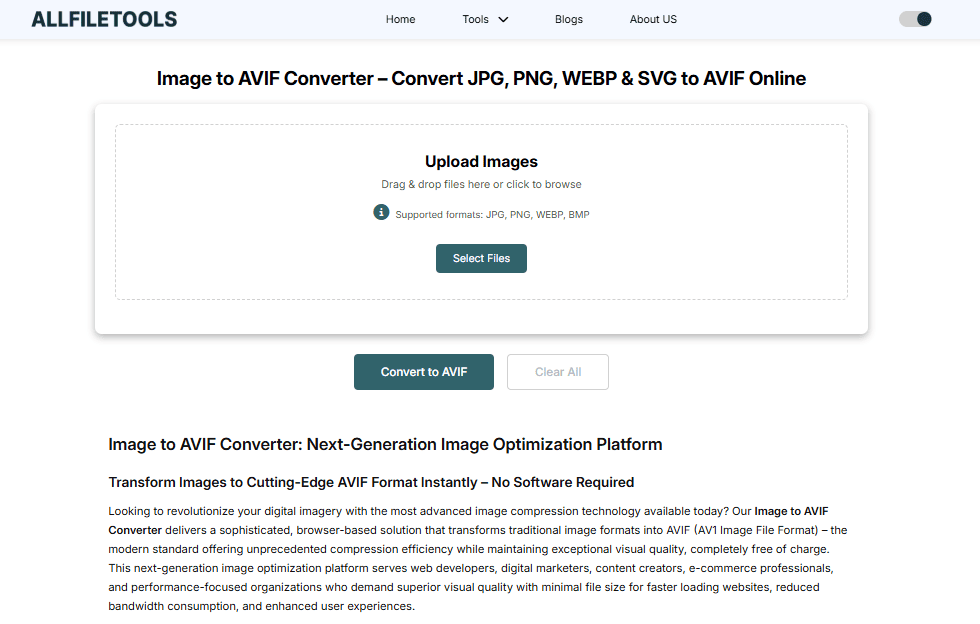
Using our online tool is simple, fast, and free. Here’s how you can convert your images:
Step 1: Upload Your Image
-
Visit Image to AVIF Converter
-
Click the Upload button or drag-and-drop your JPG, PNG, WEBP, or SVG file
Step 2: Select Conversion Settings
-
Choose your preferred image quality and compression level
-
You can optimize for web speed or high-quality output
Step 3: Convert Image
-
Click the Convert to AVIF button
-
The tool processes the image within seconds
Step 4: Download the AVIF Image
-
Once converted, click Download
-
Your AVIF image is ready for use on websites, blogs, or design projects
Benefits of Using Our Online AVIF Converter
-
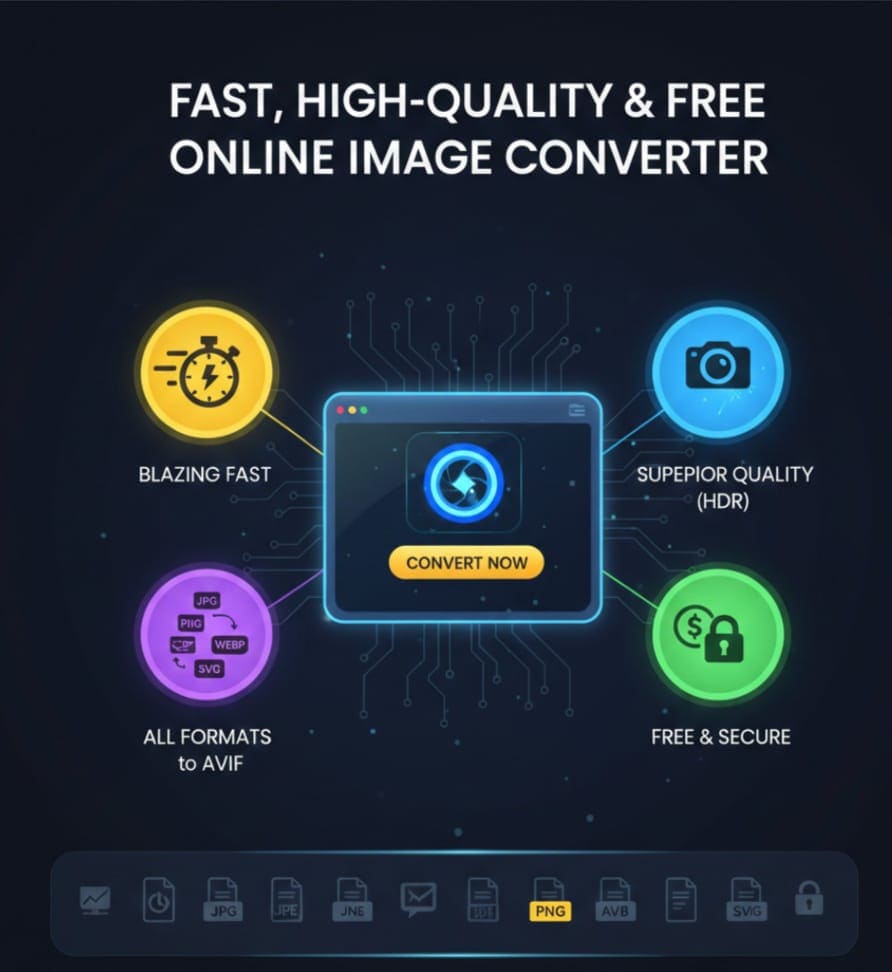
Free & Online: No installation required
-
Fast Processing: Convert images in seconds
-
High-Quality Output: Retains clarity and colors
-
Supports Multiple Formats: JPG, PNG, WEBP, SVG
-
Safe & Secure: Files are processed online without storing personal data
-
User-Friendly Interface: Easy for beginners and professionals alike
Comparison: AVIF vs JPEG vs PNG vs WEBP
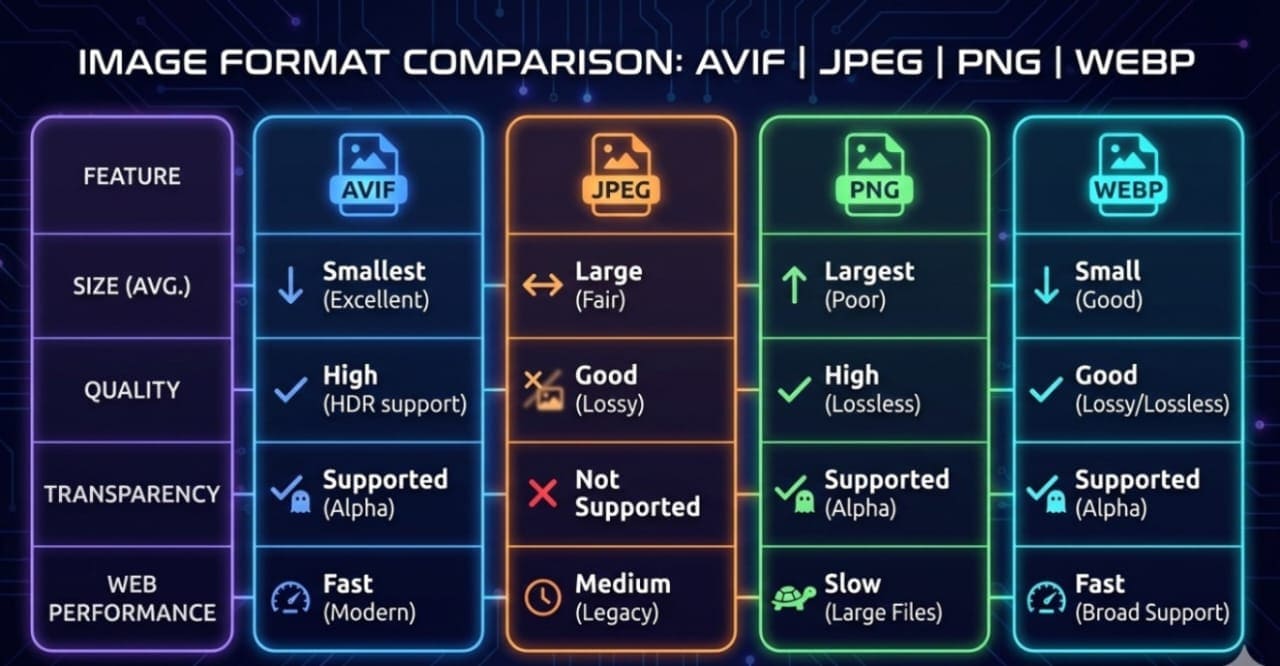
| Feature | AVIF | JPEG | PNG | WEBP |
|---|---|---|---|---|
| File Size | Smallest | Larger | Large | Medium |
| Quality | High | Medium | High | Medium-High |
| Transparency | Yes | No | Yes | Yes |
| HDR Support | Yes | No | No | Partial |
| Web Performance | Excellent | Moderate | Low | Good |
Observation: AVIF is the best choice for web optimization — faster, smaller, and high-quality.
Who Can Benefit from Image to AVIF Conversion?

1. Web Developers
-
Improve website speed
-
Optimize images for responsive design
-
Reduce server load and bandwidth
2. UI/UX Designers
-
Maintain image quality in prototypes
-
Use AVIF for app or web mockups
-
Ensure consistent visuals across devices
3. Bloggers & Content Creators
-
Faster blog loading speeds
-
Better Google ranking
-
Enhanced visual appeal for readers
4. SEO Professionals
-
Improve Core Web Vitals
-
Reduce page load time penalties
-
Optimize images for search engines
5. Business & Website Owners
-
Faster e-commerce sites
-
Better user experience
-
Reduced hosting and storage costs
6. Students & Beginners
-
Easy-to-use online tool
-
No software installation
-
Quick conversion for projects, portfolios, and presentations
7. General Internet Users
-
Convert personal images for blogs, websites, or social media
-
Optimize images for faster sharing and uploading
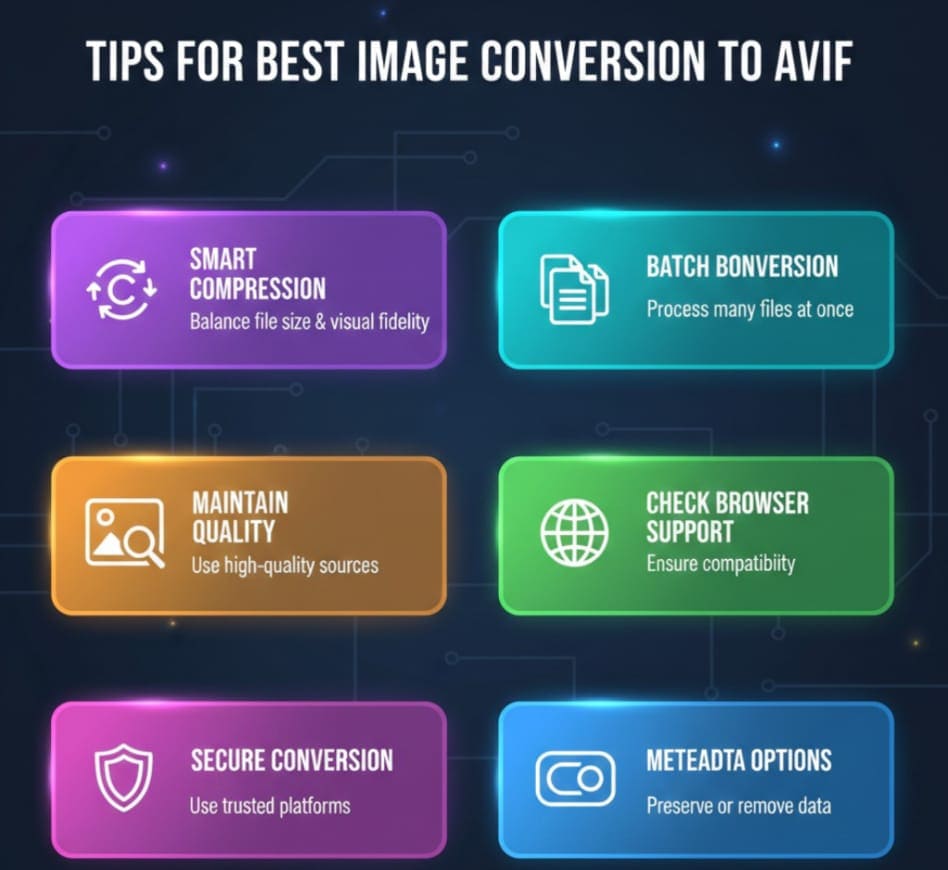
Tips for Best Results
-
Choose the Right Compression Level: Balance between quality and file size
-
Use AVIF for Web Images: Improves loading speed without compromising visuals
-
Keep Original Copies: Always save the original image in case edits are needed
-
Batch Conversion: Convert multiple images for efficiency
-
Check Browser Support: Ensure target audience browsers support AVIF
Conclusion
Using AVIF images is now essential for anyone who cares about website speed, SEO, and visual quality. Our Image to AVIF Converter provides a fast, free, and reliable way to convert JPG, PNG, WEBP, and SVG images to AVIF without losing quality.
Whether you are a web developer, designer, blogger, SEO professional, or business owner, converting your images to AVIF will improve website performance, reduce bandwidth costs, and enhance user experience. Start converting your images today and leverage the benefits of this modern image format for faster, smaller, and high-quality visuals.
🔹 Explore more powerful file conversion and online utilities at AllFileTools –
🔹 For technical support, digital solutions, and expert services, visit LetDigitalFly IT Services –
🔹 Discover additional career and productivity resources at Resume Slip Builder –
Frequently Asked Questions (FAQs)
1. What is the difference between AVIF and JPEG?
AVIF offers smaller file sizes and better image quality than JPEG, while supporting transparency and HDR imaging. JPEG is older, larger, and does not support HDR.
2. Can I convert multiple images at once?
Yes, our online tool supports batch conversion, allowing you to convert multiple images quickly and efficiently.
3. Is AVIF supported in all browsers?
Most modern browsers like Chrome, Firefox, Edge, and Opera support AVIF. Safari support is gradually being implemented.
4. Does conversion affect image quality?
Our tool uses advanced compression to retain high-quality images, so minimal quality loss occurs even after conversion.
5. Can I convert SVG files to AVIF?
Yes, our tool fully supports SVG conversion to AVIF, making it suitable for logos, icons, and vector graphics.
6. Is the tool free to use?
Yes, the Image to AVIF Converter is completely free, online, and does not require any registration.
7. How long does it take to convert an image?
Conversion is typically instant, taking only a few seconds depending on image size and format.
Leave a Comment
No comments yet. Be the first to comment!