In 2026, privacy is the top priority for anyone handling digital documents. Whether you are a lawyer protecting client confidentiality or a student removing a draft page from a thesis, you need a tool that won't leak your data.
While many tools claim to be free, most "sell" your data or keep your files on their servers for days. We have analyzed the market and curated the Top 10 Most Secure PDF Page Removers of 2026, focusing on encryption, server deletion policies, and user privacy.
How We Tested: Our Security-First Methodology
To provide a reliable ranking, our technical team evaluated over 25 PDF management tools based on four "Zero-Trust" security pillars. Every tool on this list was tested in a live environment to ensure it met the following standards:
- Encryption Protocols: We verified that all file transfers are protected by 256-bit SSL/TLS encryption to prevent "man-in-the-middle" attacks during upload.
- Data Retention Policy: We prioritized tools that offer "Instant Purge" or "Short-Window" deletion. We manually checked the Privacy Policies of each provider to confirm they do not sell user data to third parties.
- Zero-Footprint Access: We favored tools that do not require an account or email address for basic tasks, as this minimizes the user's digital footprint.
- Server Transparency: We evaluated whether the processing happens on secure, SOC2-compliant cloud servers or locally within the user's browser.
Transparency Note: AllFileTools is the developer of the #1 tool on this list. While we are proud of our security infrastructure, we have included nine other reputable alternatives to help you find the best fit for your specific workflow.
1. AllFileTools
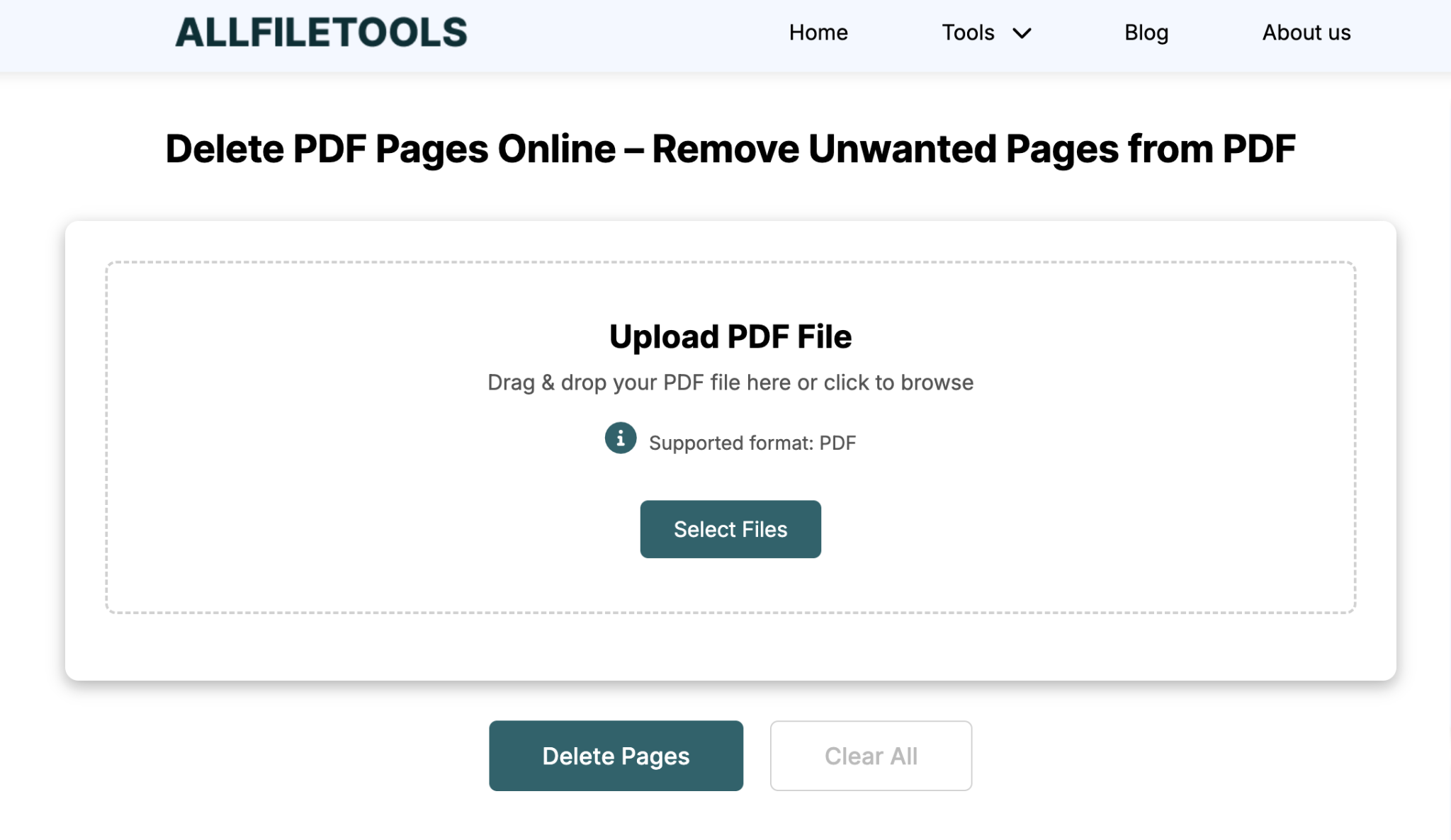
At AllFileTools.com, we believe your files should stay yours. Our Delete PDF Pages tool is built with an "Auto-Wipe" protocol. Unlike other sites that store files for 24 hours, we purge data from our encrypted servers almost immediately after your session ends.
- Best For: Sensitive business documents and private records.
- Security Highlight: 256-bit SSL encryption and instant server-side deletion.
2. Adobe Acrobat Online
The gold standard for document management. Adobe offers a highly secure cloud environment, though it often requires a sign-in for full features.
- Best For: Enterprise-level compliance.
- Security Highlight: Backed by Adobe’s Fortune-500 grade security infrastructure.
3. Smallpdf
Smallpdf is ISO/IEC 27001 certified. They use TLS encryption to ensure that your file transfers are protected from hackers.
- Best For: Quick, user-friendly edits with high-end certifications.
- Security Highlight: GDPR and CCPA compliant data handling.
4. PDF24 Tools
A favorite for privacy advocates. PDF24 offers a "Local" version of their tools so you can delete pages without the file ever leaving your computer.
- Best For: Users who want to work 100% offline.
- Security Highlight: Privacy-first design with a focus on local processing.
5. iLovePDF
While iLovePDF is known for speed, its security is also top-tier. They use end-to-end encryption for every file processed on their platform.
- Best For: Mobile users who need secure edits on the go.
- Security Highlight: Secure file deletion within a strict 2-hour window.
6. Nitro PDF (Online Edition)
Nitro is heavily used in the legal and financial sectors because of its detailed audit trails and secure document handling.
- Best For: Legal professionals.
- Security Highlight: SOC 2 Type II compliance.
7. Canva PDF Editor
Canva’s PDF tool is unique because it treats your PDF as a design. It’s perfect for visual thinkers who want to see exactly what they are deleting.
- Best For: Marketing materials and brochures.
- Security Highlight: High-level account protection and two-factor authentication.
8. Sejda PDF
Sejda is known for its "Privacy First" manifesto. They automatically delete all files after 2 hours and never share data with third parties.
- Best For: One-off, highly private tasks.
- Security Highlight: Transparent data-deletion timer.
9. PDF Candy
A powerful, all-in-one suite. PDF Candy is a solid choice for users who need to perform multiple secure edits (like deleting pages and then adding a password).
- Best For: Multi-step document workflows.
- Security Highlight: No registration required, minimizing your digital footprint.
10. Soda PDF
Soda PDF offers both online and offline versions. Their cloud security is designed specifically for small businesses that need to manage document permissions.
- Best For: Small business owners.
- Security Highlight: Advanced permission-based document control.
Conclusion: Which One Should You Choose?
While there are many great options, AllFileTools remains the top choice for users who want the fastest, most secure experience without the need to create an account or provide an email. By focusing on instant server-purging, we ensure that your private data never becomes a public liability.
Ready to clean up your document? Try the AllFileTools PDF Page Remover now.



Leave a Comment
No comments yet. Be the first to comment!