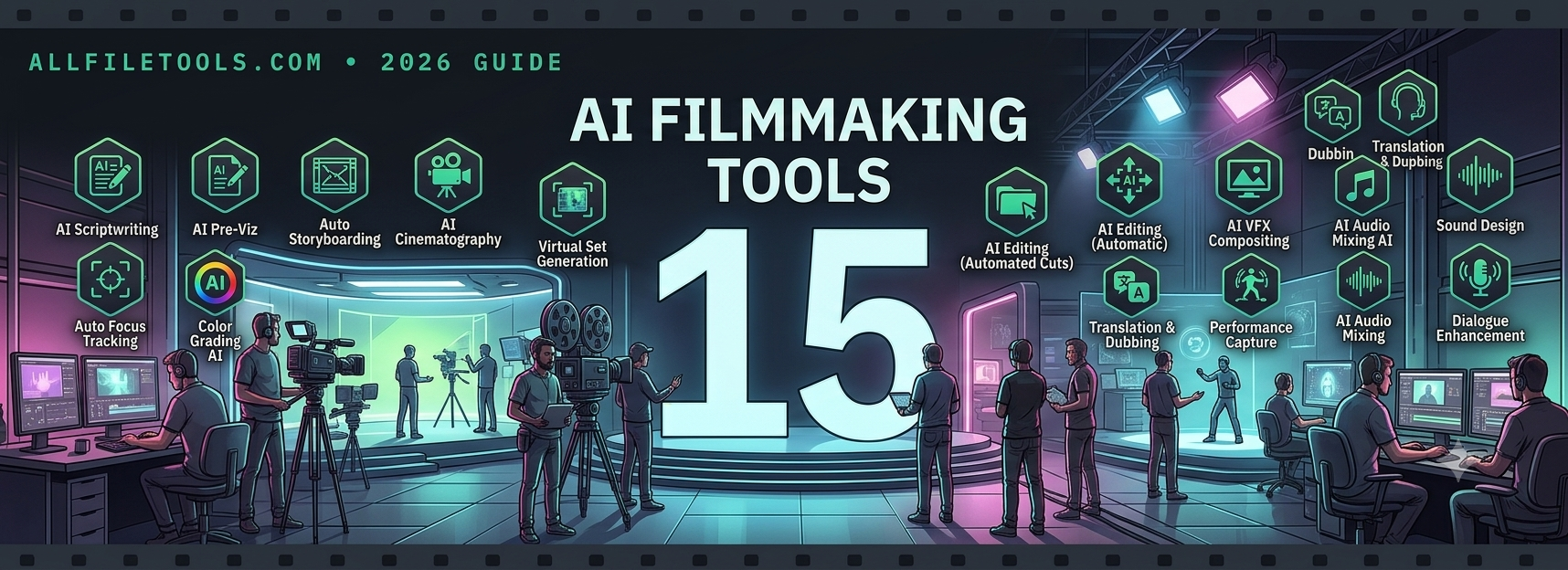
Filmmaking used to mean a script, a crew, a camera, and a budget large enough to cover all three. In 2026, a single creator with a laptop can plan a shoot, generate footage, clone a voice, capture motion without a suit, and edit the finished piece, often without ever touching a physical camera. The tools below cover every stage of that new pipeline: planning, generation, camera work, voice, motion capture, and character consistency, so whether you're producing a short film, a branded campaign, or a YouTube series, there's a starting point here for wherever your project actually is.
1. invideo agent
Invideo agent plans, generates, and edits a full video from a script or brief, automatically routing each shot to whichever of its 200+ integrated models fits that moment, including frontier options like Veo, Sora, Kling, and Seedance 2.0. A persistent context engine keeps characters, products, and style consistent across every scene in a project, and Camera Controls let a director apply a specific move, a dolly-in, an orbit, a crash zoom, as a deliberate choice rather than a gamble on wording. It's built for creators who want a full pipeline in one place rather than stitching together separate tools for planning, generation, and consistency.
Pricing starts at $17/month, with team and enterprise options available.
2. Katalist AI
Katalist reads a pasted or uploaded script, identifies scenes and characters automatically, and generates a full storyboard with a character consistency engine that locks an actor's appearance across every frame. From there, it can convert the finished storyboard directly into a rough produced video with voiceover and music, which makes it a fast way to go from script to a shareable rough cut. Pricing starts with a free tier, with paid plans from $19/month.
3. LTX Studio
LTX Studio automatically breaks a script into scenes and storyboard thumbnails, then treats characters, objects, and locations as reusable Elements that carry forward into every shot that references them. Its keyframe-based camera controls let a director plan movement per shot as part of the same pipeline, which reviewers describe as rivaling dedicated previsualization software. A free tier offers 800 one-time credits, with paid plans from $15/month.
4. Luma Dream Machine
Luma's Camera Motion SDK gives fine control over truck, dolly, pan, tilt, and roll moves, built on an architecture that blends diffusion transformers with 3D-space reasoning. That grounding is why its camera motion tends to look unusually physical rather than floaty, making it a strong pick for product visualization or any shot where believable camera movement matters more than raw speed. Plans start around $30/month with commercial-use rights.
5. Moonvalley (Marey model)
Moonvalley's Marey model is 3D-aware, meaning camera angle and background elements stay adjustable even after a clip is generated, rather than being locked into the first pass. Because it trains exclusively on licensed footage, it's positioned specifically for commercial work where legal clearance on training data matters, which is why agencies producing paid campaigns often reach for it. Pricing starts at $14.99/month for 100 credits.
6. ElevenLabs
ElevenLabs remains the benchmark for voice cloning quality, and its Professional Voice Cloning mode trains on longer samples specifically so a cloned voice holds up across extended narration rather than drifting on unusual phrasing. Cross-language cloning preserves the same speaker identity across 70+ languages, which matters for any project planning to localize. Plans start at $5/month, with Professional Voice Cloning requiring the $22/month Creator tier.
7. HeyGen
HeyGen builds a reusable avatar from a short webcam clip, then lets a creator generate that same presenter delivering any script, in any scenario, without filming again. Video translation with matched lip sync extends this across 175+ languages, which makes it a strong fit for training content, spokesperson campaigns, or any project built around a recurring on-camera presenter. A free plan is available, with the Creator plan starting at $29/month.
8. Descript
Descript's Overdub feature clones a creator's own voice so narration mistakes can be fixed by editing text rather than re-recording, keeping the voice consistent by construction since every correction comes from the same trained model. Its transcript-based editor also makes general video editing feel more like editing a document, which flattens the learning curve for creators without a traditional editing background. Plans start at $12/month billed annually.
9. Move.ai
Move.ai captures motion data from ordinary cameras, up to six tripod-mounted iPhones for its multi-camera mode, and produces skeletal data the company positions as comparable to commercial suit-based or optical systems. Its Dex technology adds precise hand and finger tracking from standard footage, and the platform can track more than 20 people simultaneously, which suits serious productions that need mocap quality without renting an optical stage. Pricing is pay-as-you-go from $0.012 per second.
10. DeepMotion (Animate 3D)
Upload a video of a person moving, and DeepMotion's Animate 3D tracks that movement with AI to automatically rig and animate a 3D character model from it, no suit or markers required. Physical simulation layered on top of the raw tracked motion gives captured performances believable weight rather than a floating, weightless look. Plans start at $9/month, with a free tier available for testing.
11. Leonardo AI
Leonardo's Character Reference tool locks a protagonist's face shape, proportions, and features across every still image in a project, which has made it popular for game studios building character concept sheets and marketing teams producing branded visual sets. It's a stills tool rather than a video generator, but it's a strong fit for the concept and pre-production stage of a project. A free tier is available, with paid plans starting at $12/month.
12. OpenArt AI
OpenArt's custom LoRA training lets a creator upload reference images of a character once, train a personalized model from them, and generate that character across unlimited future stills and short videos without rebuilding the asset each time. It's a heavier upfront step than a simple reference upload, but it holds up better at scale, which is why agencies managing recurring characters across many projects tend to use it. Plans start around $7/month.
13. Pika
Pika layers camera control at two levels: one-click presets cover pan, tilt, dolly, zoom, and orbit with adjustable speed and direction, while Regional Motion Painting lets a creator assign different motion to different parts of the same frame. That separation of camera motion from subject or background motion means a creator isn't stuck treating the whole frame as a single motion decision. A free plan includes 80 monthly credits, with paid plans starting around $8/month.
14. Vidu Q3
Rather than describing a camera move in words, Vidu's Motion Control feature lets a creator upload a reference clip and transfer that exact motion pattern onto a new generation, which tends to produce more predictable results than prompting the same effect from scratch. Its multi-reference system also holds character or product consistency across a series of illustrated or anime-style shots. Subscription plans start from roughly $10/month for 800 credits.
15. World Labs Marble
Marble takes a different technical approach entirely: instead of generating a 2D clip with camera motion baked in, it builds a persistent, explorable 3D world that a creator can navigate with genuinely precise camera control, since the camera moves through an actual 3D scene rather than a model guessing at plausible motion. That makes it a strong fit for VFX artists and filmmakers planning complex, repeatable camera paths through one consistent environment. A free tier includes 4 outputs, with paid plans starting at $20/month.
Putting it together
No single tool on this list covers every stage of a modern AI-assisted production, which is exactly why most working creators end up using several together: a script and storyboard tool for planning, a camera-focused model for the shots that need precise movement, a voice tool for narration, and a consistency system to hold characters and products together across the finished cut. Start with whichever stage of your own workflow is causing the most friction right now, and build outward from there.
Disclaimer: Pricing and features listed above are accurate as of the publish date and may change. Some links may be affiliate links, meaning we may earn a commission at no extra cost to you. We are not sponsored by or affiliated with the tools mentioned unless stated.