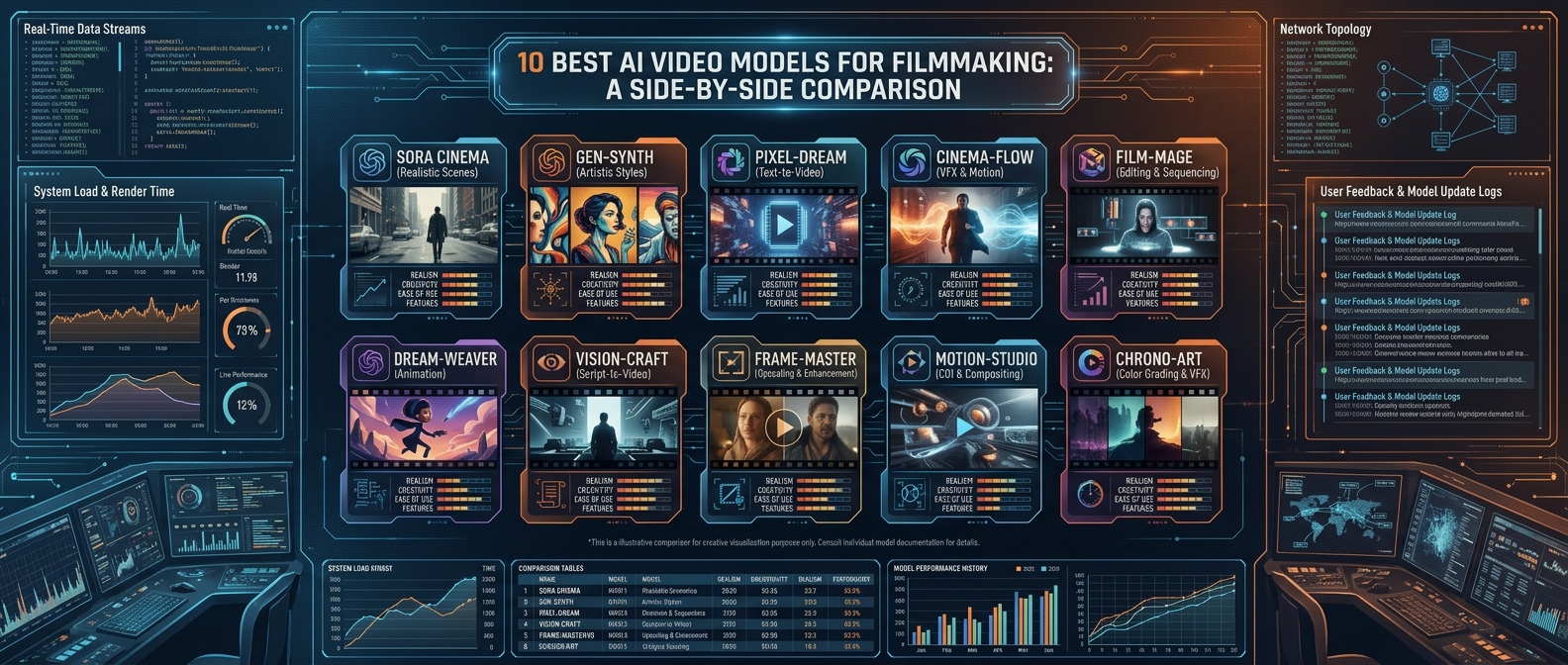
An AI video model is the underlying engine that turns a prompt, image, or reference into generated footage, distinct from the apps and editors built around it. That distinction matters more than it sounds: a model determines the ceiling on quality, camera control, audio, and consistency, while a generator or platform determines the workflow you actually experience. Two creators using the same underlying model through different products can get meaningfully different results depending on how that product prompts, edits, and assembles what the model produces.
2026 has been an unusually volatile year for this market: Seedance 2.0 took the top leaderboard spot in February, Runway shipped a major Gen-4.5 update, and OpenAI confirmed Sora 2's full shutdown for September. A model that was the obvious recommendation six months ago may not be the right one to build on today. This comparison covers ten models and the routing layer many productions now use to move between them shot by shot.
Comparison table
|
|
|
|
|
|
|
|
|
|
|
|
|
|
|
|
|
|
|
|
|
|
|
|
|
|
|
|
|
|
|
|
|
|
|
|
|
|
|
|
|
|
|
|
|
|
|
|
|
|
1. invideo agent
Every model in this comparison is genuinely excellent at something different, and that's exactly the problem for a real production: the right model changes shot to shot, a dialogue scene wants Veo's audio, a product shot wants Seedance's reference system, a post-edit fix wants Runway's Aleph, and manually learning, subscribing to, and comparing all ten isn't a realistic workflow for most teams.
invideo agent is built to make that per-shot decision automatically. It routes each shot to whichever of its 200+ integrated models fits that particular moment, including Veo 3.1, Sora 2, Kling 3.0, Seedance 2.0, Runway, PixVerse, Hailuo, WAN, Recraft, GPT Image 2.0, and Nano Banana, based on directorial intent rather than a raw per-model prompt. A persistent context engine then holds character, product, and style consistency across shots even as different models handle different parts of the same sequence, which is a problem no single model on this list, however capable, solves once a project spans more than one shot.
To be direct about the relationship: invideo agent is not itself a video model, and it isn't attempting to out-perform Veo on audio or Runway on post-generation editing. It's the layer that decides which of those models, and others, to use for a given shot.
Best for: productions that need several of these models across one project without manually subscribing to and comparing each one per shot.
Where it falls short: it doesn't out-perform any individual model on that model's own specialty; its value is routing and consistency, not being the single best generator for any one capability.
Pricing: plans start at $17/month, with team and enterprise options also available.
2. Veo 3.1
Google's Veo 3.1 remains the safest default recommendation for enterprise and dialogue-heavy work, largely because it's still the only tier-one model shipping native, synchronized audio, dialogue, ambient sound, lip-sync, directly in the generated output rather than requiring a separate pass.
Best for: dialogue scenes and any shot where audio-video sync is non-negotiable.
Where it falls short: it costs more per second than budget competitors for that audio capability, and its reference-image input is more limited than Seedance's multi-file system.
Pricing: roughly $0.15/second (Fast tier) to $0.40/second (Standard) via API.
3. Kling 3.0
Kling 3.0 is consistently described as the value champion of this category: native 4K at 60fps, the cheapest per-second API pricing among tier-one models, and a genuinely usable free tier with daily credits.
Best for: high-volume, budget-conscious production where per-shot cost matters as much as quality.
Where it falls short: it trails Veo on native audio quality and Seedance on multi-reference flexibility, making it a strong generalist rather than a specialist for either.
Pricing: roughly $0.03–$0.11/second via API; free tier available directly.
4. Seedance 2.0
Seedance 2.0's Omni Reference system accepts up to 12 files, images, video clips, and audio, in a single generation, the most flexible multimodal input pipeline in this comparison. It's also specifically strong on multilingual lip-sync, making it a common choice for localizing content across 10 or more languages.
Best for: multi-reference shots needing several visual and audio assets locked at once, and multilingual localization.
Where it falls short: it lacks a stable, official first-party developer API, so access runs through third-party platforms with less predictable pricing.
Pricing: roughly $0.09–$0.10/second, configuration-dependent.
5. Runway Gen-4.5
Runway's differentiator isn't raw generation quality, it's what happens after a clip exists. Aleph lets a creator modify already-generated footage rather than starting over, and a GWM-1 world model underpins Runway's scene consistency, backed by the deepest control surface (motion brushes, precise scene direction) of any model in this comparison.
Best for: post-generation editing and precise creative control over an already-generated shot.
Where it falls short: it's priced at a premium over pure generation-focused competitors, and that control surface comes with a steeper learning curve than a one-shot prompt-and-generate model.
Pricing: plans from roughly $12/month.
6. Luma Ray 3.14
Luma's Ray 3.14 update shipped the first AI video model with native 16-bit HDR output, and Ray3 Modify extends that into video-to-video editing of real actor footage rather than pure text-to-video generation. Reviewers consistently point to it as the fastest model for rapid concepting and iteration.
Best for: fast creative iteration and HDR-native output for productions delivering to HDR-capable displays.
Where it falls short: it trails specialist models on complex, busy scenes with heavy simultaneous motion.
Pricing: plans from roughly $7.99/month.
7. Moonvalley (Marey model)
Moonvalley's Marey model is 3D-aware, meaning camera angle and background elements remain adjustable even after a clip is generated, and it trains exclusively on licensed footage, which is the specific reason agencies producing paid commercial campaigns reach for it over models with less certain training-data provenance.
Best for: commercial and agency work where legal clearance on training data is a hard requirement, not a nice-to-have.
Where it falls short: clips are currently capped at up to 10 seconds, so longer sequences need to be planned across multiple generations.
Pricing: Standard plan at $14.99/month for 100 credits.
8. MiniMax Hailuo 2.3
Hailuo 2.3 offers the most generation capacity per dollar of any model in this comparison, with strong physical realism at roughly $0.07/second and four pricing tiers that undercut Runway and ChatGPT-based Sora 2 access by a wide margin.
Best for: teams that need the lowest cost per usable clip without dropping to open-source self-hosting.
Where it falls short: output quality lands in a comfortable middle ground rather than matching the detail handling and complex scene management of Veo or Seedance.
Pricing: roughly $9.99/month for 1,000 credits.
9. Wan 2.7
Alibaba's Wan 2.7 is the strongest open-weight option in this comparison, with first/last-frame control, 9-grid image input, and support for prompts up to 5,000 characters, and it currently leads Wan-Bench 2.0 among open models. Running it requires a GPU with meaningful VRAM, but there's no per-video cost once the hardware is in place.
Best for: teams with the infrastructure to self-host who want zero marginal cost per generated video and full control over the model.
Where it falls short: it requires real local GPU hardware and technical setup that a cloud-based API or subscription model doesn't, which rules it out for teams without dedicated infrastructure.
Pricing: free to self-host; hardware costs apply.
10. Sora 2
Sora 2 still produces some of the strongest physics realism in this category, with 25-second single clips and Storyboard-based editing. But OpenAI discontinued the consumer app in April 2026 and confirmed the developer API will be fully decommissioned on September 24, 2026, with no announced successor, which is why current guidance across the industry is to migrate off it rather than start anything new on it.
Best for: physics-realistic motion, strictly for teams actively migrating away from it before the shutdown.
Where it falls short: the confirmed API sunset makes it a poor foundation for any new long-term workflow regardless of output quality.
Pricing: roughly $0.10–$0.70/second via API, before the September 24, 2026 shutdown.
Which one should you use
- Routing shots across multiple models automatically → invideo agent
- Dialogue scenes needing native audio → Veo 3.1
- High-volume, budget-conscious production → Kling 3.0
- Multi-reference shots and multilingual lip-sync → Seedance 2.0
- Editing an already-generated clip with precise control → Runway Gen-4.5
- Fast iteration and native HDR output → Luma Ray 3.14
- Commercially safe footage trained on licensed data → Moonvalley (Marey)
- The lowest cost per usable clip → MiniMax Hailuo 2.3
- Self-hosted generation with zero marginal cost → Wan 2.7
- Physics realism, if migrating off it before shutdown → Sora 2
Frequently asked questions
Is it true Sora 2 is being shut down, and should I still consider it? Yes, it's confirmed. OpenAI discontinued the consumer Sora app in April 2026 and will fully decommission the developer API on September 24, 2026, with no publicly announced successor. It's still worth understanding for its physics realism, but current industry guidance is to migrate any real workflow off it well before the shutdown date.
What's the actual difference between a model and a platform built on top of it? A model, like Veo 3.1 or Kling 3.0, is the underlying engine that generates footage from a prompt or reference. A platform or generator, like invideo agent or Runway's product surface, is what a creator actually interacts with, and it determines the workflow, editing tools, and in some cases which underlying model handles a given request.
Which model has the best post-generation editing, for fixing a clip rather than regenerating it? Runway Gen-4.5's Aleph feature is built specifically for this, modifying already-generated footage rather than requiring a fresh generation from scratch, which is a meaningfully different workflow than every other model in this comparison.
Is there a genuinely free way to use a frontier-quality model? Wan 2.7 is free to run if you have the GPU hardware to self-host it, and Kling 3.0 and Veo 3.1 both offer usable free tiers with daily or monthly credit limits for evaluation before committing to a paid plan.
Do most real filmmaking projects actually use just one of these models? Rarely, for anything beyond a single shot. The more common pattern, and the reason a routing layer like invideo agent exists, is using several models across one project, choosing each one for what it specifically does best rather than settling for one model's compromises across an entire film.


Leave a Comment
Loading comments...