Introduction
If you've landed here searching for "Allen Bradley PLC Software Studio 5000 free download," you're not alone. Thousands of automation engineers, students, and PLC programmers search for this every day. The truth, however, is more nuanced than a simple download link — and understanding it can save you from legal trouble, malware risks, and wasted time.
In this comprehensive guide, we'll walk you through exactly what Studio 5000 is, why a completely free version doesn't officially exist, what legitimate options are available to you, and where to find the official download link from Rockwell Automation. Whether you're a seasoned industrial engineer or a student just starting out in PLC programming, this article has everything you need to know.
What Is Allen Bradley Studio 5000?
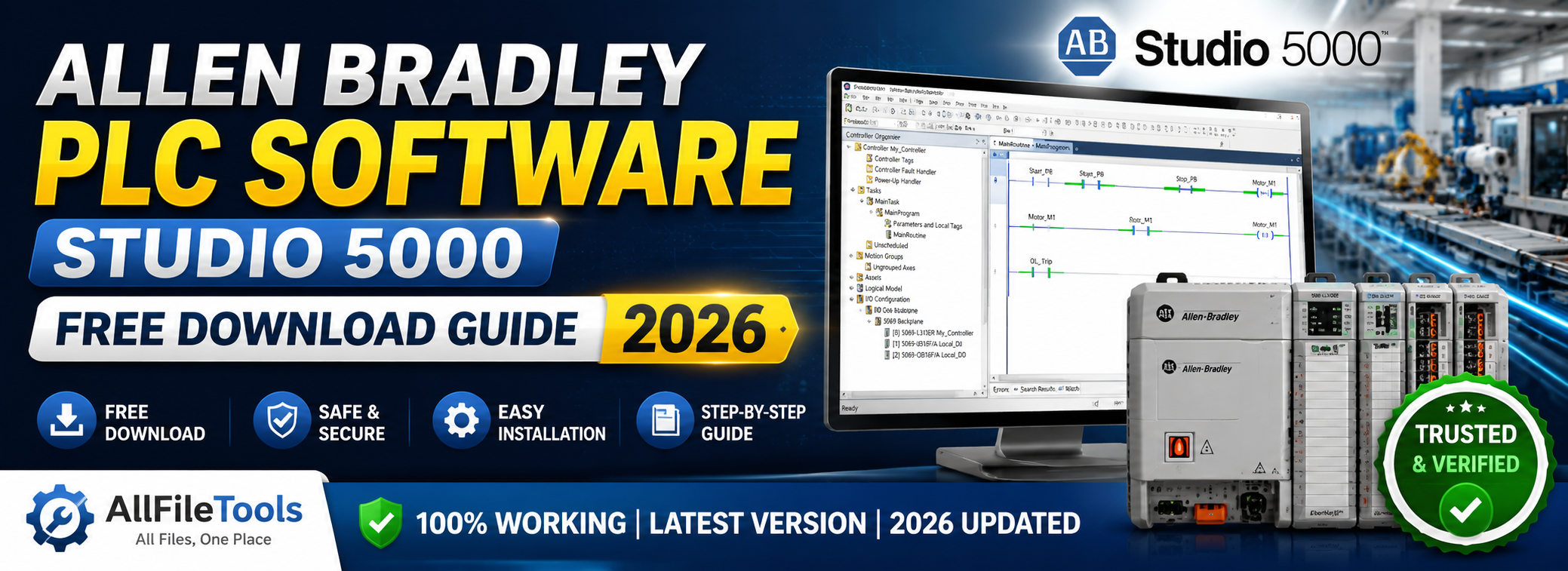
Studio 5000 Logix Designer is the official programming software developed by Rockwell Automation for programming the Allen-Bradley family of Logix 5000 controllers. These include the popular ControlLogix, CompactLogix, GuardLogix, and SoftLogix controller families — some of the most widely deployed PLCs (Programmable Logic Controllers) in industrial automation worldwide.
Originally released as RSLogix 5000, the software was rebranded to Studio 5000 Logix Designer starting with version 21, though the core functionality remained essentially the same. Today, Studio 5000 is the industry-standard environment used in manufacturing plants, food & beverage facilities, oil & gas operations, automotive assembly lines, and countless other industrial settings.
Key Features of Studio 5000 Logix Designer
- Unified programming environment — configure, program, and maintain Logix controllers from one place
- Multiple IEC 61131-3 programming languages — Ladder Diagram (LD), Function Block Diagram (FBD), Structured Text (ST), Sequential Function Chart (SFC)
- Seamless device integration — works natively with Rockwell Automation hardware and partner devices
- Add-On Instructions (AOIs) — reusable code blocks that increase programming efficiency
- Online editing capabilities — make changes to live programs without shutting down machinery
- Version control and collaboration — suitable for team-based industrial projects
Can You Download Studio 5000 for Free?
This is the most important question — and the most searched. Let's give you a straight, honest answer:
No, there is no fully free, legitimate version of Studio 5000 Logix Designer.
Rockwell Automation previously offered limited demo versions of RSLogix 5000 (Versions 15 and 17 included restricted trial licenses), but these programs were discontinued. According to Rockwell Automation's own policies and third-party sources close to the company, demo versions were eliminated due to widespread license circumvention and low conversion rates from trial to paid licenses.
⚠️ Warning About Unofficial "Free Downloads"
If you search online and find websites offering Studio 5000 as a "free cracked download" or "full version torrent," you should know the following:
- It is illegal. Using cracked or pirated Rockwell software violates their End User License Agreement (EULA) and constitutes copyright infringement.
- It is dangerous. Unofficial downloads are frequently bundled with malware, ransomware, or keyloggers — especially harmful in industrial environments where network security is critical.
- It is unsupported. Pirated versions cannot receive updates, patches, or official technical support.
- Rockwell actively enforces its rights. The company issues DMCA takedowns and monitors unauthorized distribution of its software.
We at allfiletools.com strongly advise against using any software obtained through unofficial or unauthorized channels.
Official Download Link: Where to Get Studio 5000
The only legitimate source for downloading Studio 5000 Logix Designer is through Rockwell Automation's official portals.
🔗 Official Download Sources
1. Rockwell Automation Product Compatibility & Download Center (PCDC) This is the primary official download portal for all Rockwell Automation software, including Studio 5000. You will need a valid Rockwell Automation account and a software license or serial number.
👉 Official Link: https://compatibility.rockwellautomation.com
2. Rockwell Automation Support Downloads Page
👉 Official Link: https://www.rockwellautomation.com/en-us/support/product/product-downloads.html
3. Studio 5000 Product Page For full product details, licensing information, and getting started guides:
👉 Official Link: https://www.rockwellautomation.com/en-us/products/software/factorytalk/designsuite/studio-5000/studio-5000-logix-designer.html
Note: An active Rockwell Automation account is required to access downloads. Registration is free at rockwellautomation.com.
Legitimate Ways to Access Studio 5000 at Low or No Cost
Even though there is no completely free version, there are several legitimate, legal options that can get you access to Studio 5000 with minimal or no upfront cost:
1. The 7-Day Grace Period (Built-In Trial)
After installation, Studio 5000 runs in grace period mode for approximately 7 days without requiring a license activation. This allows engineers to evaluate the software, open existing projects, or complete short-duration tasks before committing to a license. While limited, this is a fully legitimate and official option directly from Rockwell Automation.
2. Request a 30-Day Evaluation License from Your Distributor
Rockwell Automation's network of authorized distributors can issue 30-day evaluation licenses to potential customers. To access this:
- Contact your nearest authorized Rockwell distributor
- Provide a business justification or describe your project requirements
- The distributor will coordinate evaluation license issuance with Rockwell
Find authorized distributors here: https://www.rockwellautomation.com/en-us/sales-partners/find-a-sales-partner.html
3. Connected Components Workbench (CCW) — Genuinely Free
If you're a student or beginner wanting to learn PLC programming without spending money, Rockwell offers Connected Components Workbench (CCW) — a completely free programming environment for their Micro800 series PLCs. It supports Ladder Logic, Function Block Diagram, and Structured Text, making it an excellent learning tool.
👉 Free Download: https://www.rockwellautomation.com/en-us/products/software/connected-components-workbench.html
While CCW is not Studio 5000, it uses the same IEC 61131-3 programming standards and is a genuine entry point into Allen-Bradley PLC programming.
4. Studio 5000 Logix Emulate (Simulation)
For testing and validation without physical hardware, Logix Emulate allows you to simulate controller execution on a PC. This is ideal for developing and testing code without connecting to actual industrial equipment. It requires a separate license but is significantly more affordable than a full Studio 5000 production license.
5. Educational and University Licensing
Rockwell Automation has academic programs that provide discounted or sponsored access to Studio 5000 for educational institutions. If you are a student or instructor, contact your school's lab coordinator or Rockwell Automation's academic team to explore availability.
System Requirements for Studio 5000
Before downloading and installing Studio 5000, ensure your computer meets these requirements:
| Requirement | Specification |
|---|---|
| Operating System | Windows 10 / Windows 11 (64-bit) |
| Processor | Intel Core i5 or equivalent (i7 recommended) |
| RAM | 8 GB minimum (16 GB recommended) |
| Hard Disk | 20 GB free space minimum |
| Display | 1280 x 1024 resolution or higher |
| Network | Required for license activation |
Always check the official compatibility matrix on the PCDC portal, as requirements vary by Studio 5000 version.
How to Download Studio 5000 from the Official Portal (Step-by-Step)
- Create a Rockwell Automation Account — Visit rockwellautomation.com and register for a free account.
- Navigate to the PCDC — Go to compatibility.rockwellautomation.com and log in.
- Search for Studio 5000 — Use the search bar or browse by product family.
- Select Your Version — Choose the version compatible with your controller firmware.
- Enter Your Serial Number — A valid product serial number is required to initiate the download.
- Download and Install — Follow the on-screen installation instructions. Installation includes FactoryTalk Services Platform as a prerequisite.
- Activate Your License — Use the FactoryTalk Activation Manager to apply your license after installation.
Final Verdict: Is There a Free Download?
To summarize clearly for our readers:
- ✅ Official, legal access exists through Rockwell's PCDC portal — but requires a valid license
- ✅ 7-day grace period gives limited free usage post-installation
- ✅ 30-day evaluation licenses are available through authorized distributors
- ✅ Connected Components Workbench is 100% free and a great starting point
- ❌ No free full version of Studio 5000 Logix Designer exists officially
- ❌ Cracked or pirated versions are illegal, dangerous, and unsupported
Conclusion
Studio 5000 Logix Designer is a professional-grade industrial software suite, and like all premium tools, it comes with a cost. Rockwell Automation has made it clear that no free public download is available, and using unauthorized versions puts you, your systems, and your organization at significant risk.
The best approach is to use the official Rockwell Automation PCDC portal at compatibility.rockwellautomation.com, explore the 7-day grace period, request a 30-day evaluation license from your local distributor, or start your PLC learning journey with the completely free Connected Components Workbench.
We hope this guide has given you a clear, honest, and complete picture of what's available. If you found this article helpful, share it with your colleagues and bookmark allfiletools.com for more reliable software guides.
Disclaimer: allfiletools.com does not host, distribute, or provide any proprietary software files. All download links in this article point exclusively to official Rockwell Automation platforms. Always comply with software licensing agreements.

Leave a Comment
No comments yet. Be the first to comment!